The strongest monthly reports do more than list completed tasks. They explain what happened, show evidence, identify meaningful changes, discuss risks or obstacles, and establish what should happen next. A template is useful because it creates a consistent place for each of those elements without forcing every report to look unnecessarily complicated.
Microsoft Word is well suited to reporting that combines narrative, tables, headings, charts, comments, and printable pages. A reusable document can be saved as a template and used as the starting point for recurring work, allowing the structure to remain stable while the monthly content changes.
This guide explains how to choose, build, customize, and maintain a monthly report template for different situations, including business reporting, project management, research, marketing, financial reviews, and student progress. It also covers data collection, analysis, quality control, formatting, collaboration, and practical implementation.
The central principle is simple: the template should serve the reporting purpose. A report intended for executives should emphasize decisions and exceptions, while a student report should emphasize learning and progress. The right structure is therefore not the one with the most sections, but the one that helps its intended reader understand the month quickly and accurately.
Build the right structure first
A monthly report should begin with a clear identity block. Include the report title, organization, department, project, reporting month, author, reviewer, and date when those details are relevant. Consistent identification prevents confusion when multiple monthly reports are stored together.
The opening summary should give readers the most important information before they reach detailed tables. A useful summary explains the main result, the most significant change from the previous period, the most important issue, and the next action. Supporting evidence can then appear later.
Tables are valuable when the reader needs to compare values. A compact table might contain a metric, current-month result, previous-month result, target, variance, and explanation. The purpose is not to reproduce every available data point but to highlight information that supports understanding and decisions.
Charts should answer a specific question. A line chart can show movement over time, a bar chart can compare categories, and a small variance visualization can show the difference between actual and planned performance. A chart that does not make a comparison or pattern easier to see is usually unnecessary.
Keep the visual hierarchy consistent. Use a predictable heading structure, repeated table conventions, readable typography, and deliberate spacing. A restrained report is generally easier to scan than a heavily decorated document, particularly when readers need to locate numbers, risks, and actions quickly.
Source: Template.net
Core sections that make a report useful
A practical monthly report normally includes a title or cover area, executive summary, performance or activity review, data analysis, issues and risks, recommendations, next-month priorities, and supporting information. The exact combination should be adapted to the audience rather than copied mechanically.
The executive summary is usually the highest-value narrative section. Write it so a reader who has only a minute can understand the overall direction of the month. Include the most important outcomes rather than repeating the introduction or describing the process used to create the report.
A performance section should distinguish between activity and outcome. For example, the number of campaigns launched is an activity measure, while resulting conversions or revenue may be an outcome measure. Both can matter, but they answer different questions and should not be presented as interchangeable.
An issues section should focus on material exceptions. A long list of minor inconveniences can obscure the problems that genuinely require attention. Identify the issue, its effect, current status, owner when appropriate, and planned response.
The closing section should create continuity with the next month. Record important actions, upcoming milestones, unresolved questions, and measures that need monitoring. This makes the report a working management tool instead of a document that becomes irrelevant immediately after publication.
Source: Template.net
Design a reusable Word reporting system
Word templates work best when fixed information is separated from information that changes each month. Fixed content includes section headings, recurring definitions, standard labels, page structure, and branding. Changing content includes monthly figures, commentary, risks, decisions, and recommendations.
Styles are important because they control consistency. Instead of manually changing the size of every heading, use heading styles throughout the document. This makes it easier to maintain hierarchy and allows longer reports to support navigation and automatically generated tables of contents.
Tables should also be standardized. Decide how headings, numerical values, percentages, dates, and explanatory notes will appear. When each reporting cycle uses the same conventions, readers spend less time interpreting the presentation and more time understanding the information.
A reusable template should also contain clear placeholders. Labels such as reporting period, responsible person, key result, major issue, and next action are more useful than vague empty spaces. A good placeholder tells the writer what belongs there without dictating the eventual wording.
Save a clean master copy separately from working reports. Each month should start from the master or an approved copy, while the completed report should receive its own filename. This protects the original layout and reduces the risk of carrying old numbers into a new reporting period.
Source: Template.net
Plan data collection before month-end
Reliable monthly reporting begins before the reporting period closes. Define the measures, sources, owners, reporting deadline, and validation process in advance. Waiting until the final day to determine what information is needed creates avoidable pressure and increases the likelihood of incomplete records.
Create a collection process for recurring measures. Record each value with its source, capture date, unit, and any qualification that affects interpretation. Even a simple internal data log can make later questions much easier to resolve.
Validation should occur before interpretation. Check the reporting period, duplicate records, totals, units, percentage calculations, and source consistency. A polished document can still be inaccurate if one table uses a different definition from another.
Choose comparisons carefully. The previous month is often useful, but it may not be the best baseline for seasonal activity. Depending on the purpose, a report may need to compare the current period with a target, forecast, approved plan, prior year, project baseline, or another meaningful reference point.
Once the data is validated, write the explanation around it. Do not merely state that a value increased or decreased. Explain the direction of change, the evidence-supported drivers, the implications, and any action being considered. If the cause is uncertain, say so rather than presenting an assumption as fact.
Source: Template.net
Analyze trends, variance, and context
Monthly reporting becomes more useful when it moves beyond raw totals. Variance analysis shows how actual performance differs from a target, budget, forecast, or previous period. The report should explain material differences rather than leaving readers to calculate them mentally.
Trend analysis prevents overreaction to a single unusual month. A one-period spike may result from timing, a one-time event, a correction, or a data change. Reviewing several periods helps distinguish a sustained movement from temporary variation.
Ratios can make comparisons easier, but the denominator must be understood. A rate, percentage, or productivity measure without sufficient context can be misleading. The report should provide enough information for readers to understand what the calculation represents.
Segmentation can reveal patterns hidden in aggregate numbers. Depending on the report, useful segments might include product, customer group, region, channel, project phase, department, subject, or activity type. Only add segmentation when it helps explain an important difference.
Hypothetical examples should always be identifiable as examples. Real reporting should use verified source data and agreed definitions. Demonstration numbers are useful for showing how a template works, but they should never be presented as actual organizational findings.
Source: Template.net
Adapt the template for business reporting
A business monthly report should connect activities with business outcomes. Instead of listing meetings, campaigns, or completed tasks without context, explain how those activities affected revenue, cost, delivery, customers, productivity, risk, or strategic objectives.
A useful executive summary can follow four questions: what happened, why does it matter, what is at risk, and what happens next? This keeps the opening section decision-oriented and prevents it from becoming a generic description of the reporting process.
Financial information should use consistent period labels and terminology. Distinguish actual performance from budget or forecast values, and explain material movements. A favorable spending variance is not automatically positive if it results from delayed work or incomplete delivery.
Operational reporting should distinguish completed work from planned work. Status labels such as completed, in progress, delayed, blocked, and not started can be useful when their meanings are defined and applied consistently.
Recommendations should connect directly to findings. If one product category produced weaker results, a recommendation should address the evidence behind that category rather than simply saying to improve overall performance. Specific findings create specific actions.
Source: Template.net
Use a student-friendly reporting structure
A student monthly report serves a different purpose from a corporate report. It can document assignments completed, skills practiced, projects advanced, feedback received, obstacles encountered, and goals for the next reporting period.
Progress should not be reduced to grades alone. A student may demonstrate improvement through better research methods, stronger writing, more effective problem solving, improved project organization, or successful application of feedback even when a formal grade is not yet available.
For internships and work placements, the report can include completed responsibilities, new skills, supervisor feedback, problems encountered, and upcoming goals. Evidence such as completed deliverables or documented milestones can make the narrative more credible.
For research projects, include the research question, work completed, information collected, preliminary observations, limitations, and next steps. Early observations should be clearly distinguished from final conclusions, especially when the project is still collecting evidence.
A student-oriented template should leave enough space for reflection. Highly rigid forms can make meaningful explanation difficult, while a completely blank page can make reporting intimidating. A structured combination of tables and open narrative fields usually provides a practical balance.
Source: Template.net
Choosing free templates wisely
A free template can be a useful starting point, but price alone does not determine whether a template is appropriate. Check its actual editing capabilities, intended format, licensing terms, compatibility with your software, and suitability for the report’s audience.
Inspect the document before adopting it. Look for placeholder names, example figures, demonstration charts, unusual page breaks, unnecessary graphics, and sections that do not apply to your reporting process. Removing irrelevant structure is often easier than rebuilding a poorly designed document.
Keep a clean version after customization. If a free template becomes the basis for recurring reporting, treat the customized copy as the organization’s working master rather than downloading a different version every month.
Be cautious with unnecessary macros, embedded links, or unfamiliar components. A straightforward editable document is often easier to review, share, archive, and troubleshoot than a file that relies on features the team does not need.
The phrase word monthly report template free may describe a search need, but the practical question is whether the template saves time while producing a report that is accurate, readable, and appropriate for its audience. A simple free structure can be better than a visually impressive but difficult-to-edit design.
Source: Template.net
Handling downloads and final file delivery
A downloadable template is useful when reports must be edited offline, circulated for review, or archived as individual files. The downloaded file should be considered a starting point rather than evidence that its sample content applies to the user’s organization.
Replace every placeholder before distribution. Check names, dates, logos, contact details, sample figures, chart labels, and demonstration text. A realistic example can easily be mistaken for current information if it remains in the final document.
Use a consistent naming convention. A filename can include the report type, department or project, reporting month, and version. Consistent naming makes it easier to find the latest document and reduces confusion between drafts.
When the final audience does not need editing access, a PDF can preserve the appearance of the completed report. Keep the editable Word source separately if the structure will be reused in future months.
Searches for word monthly report template download often reflect a desire for a ready-made file, but a responsible workflow should distinguish between a preview, a genuinely downloadable resource, and an editable document that can actually be reused.
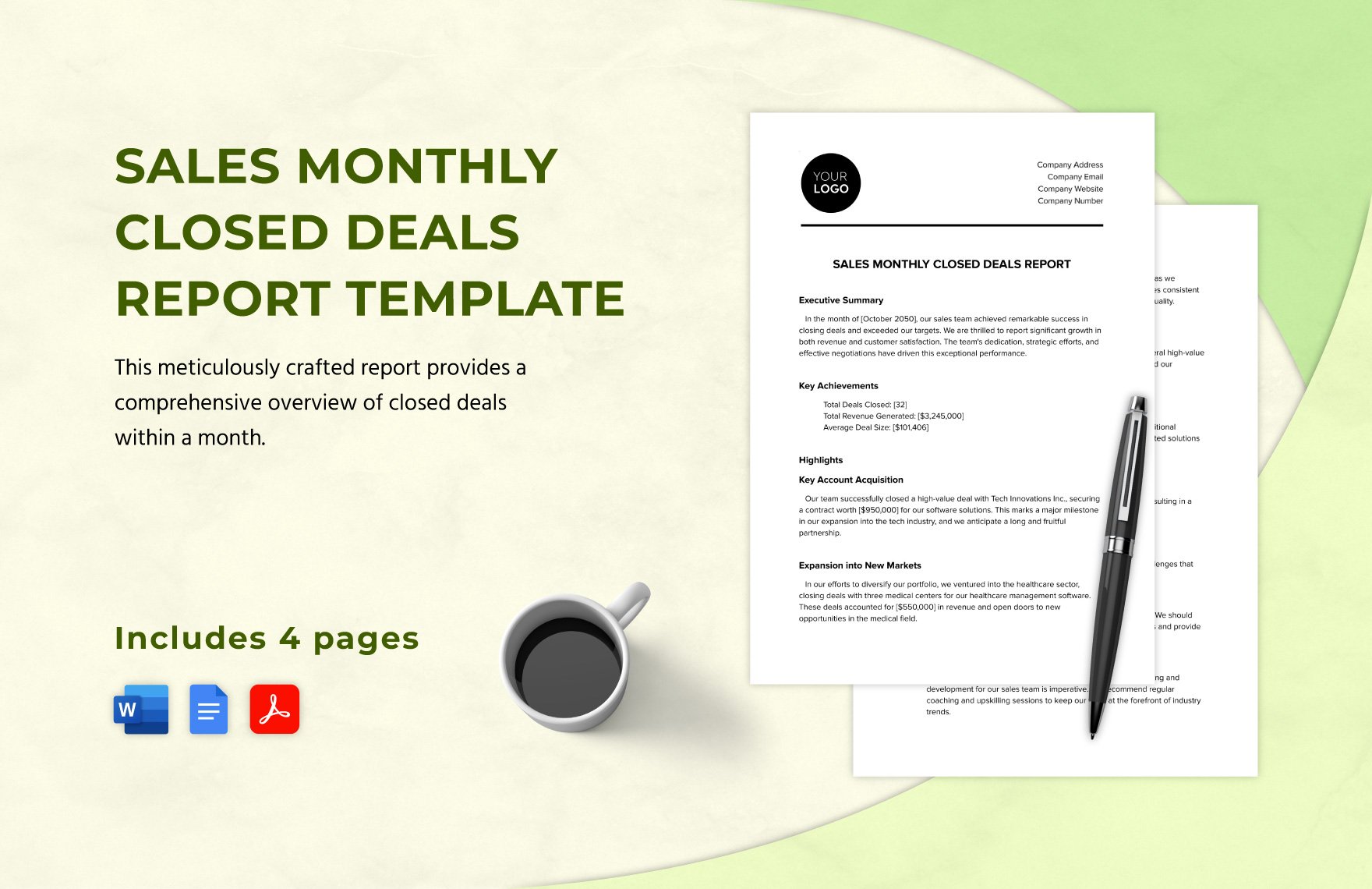
Source: Template.net
Using Word templates with Google Docs
Collaborative editors can be useful when several people need to contribute to a monthly report. A Word-oriented structure can often be adapted for collaborative work when the document relies on ordinary headings, tables, paragraphs, and stable images.
After moving a document between applications, inspect page breaks, fonts, tables, charts, headers, and footers. Conversion can affect spacing and layout, so visual review is important even when the text appears intact.
Establish ownership before collaboration begins. Decide who supplies data, who writes the narrative, who checks calculations, who approves the report, and when the reporting period is considered closed. Shared editing is useful only when responsibility remains clear.
If the final deliverable must be a Word document or PDF, decide that early. A collaborative document can be the working source while the reviewed Word or PDF file becomes the final archived version.
The phrase word monthly report template google docs reflects this need for cross-platform flexibility. The best approach is to keep the template structurally simple enough that its essential content survives the transition between tools.
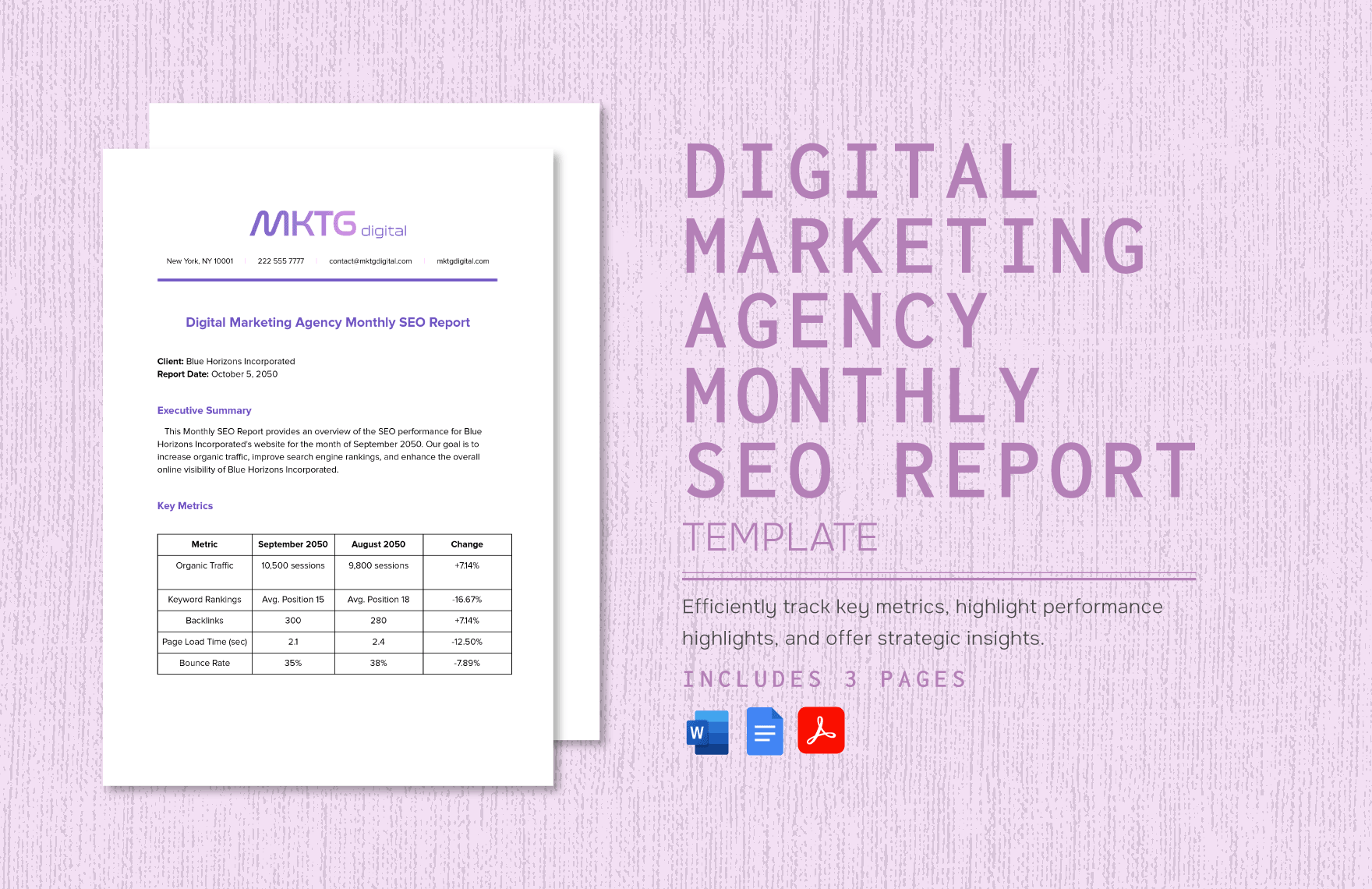
Source: Template.net
Common monthly reporting mistakes
A monthly report should not become a diary. Activity lists are useful only when they establish progress, workload, compliance, or another outcome relevant to the report. Readers generally need results and implications more than a chronological record of everything that happened.
Another mistake is including every available metric. A report can become less useful as more numbers are added if readers cannot tell which indicators matter. Select measures based on the decisions the audience needs to make.
Long paragraphs can also hide important information. Use concise sections, descriptive headings, compact tables, and selective charts to establish hierarchy. The objective is not to make the document visually busy but to make important information easy to locate.
Traffic-light status systems can create confusion when their meanings are not defined. If red, amber, and green statuses are used, explain the criteria behind them. Color should summarize an assessment rather than replace the explanation.
Finally, avoid mixing reporting periods without clear labels. Monthly, year-to-date, quarter-to-date, forecast, and annual figures answer different questions. A reader should never have to guess which period a number represents.
Source: Template.net
Professional formatting and accessibility
A professional template needs a clear visual hierarchy. The title should be distinct from section headings, headings from body text, and tables from surrounding narrative. Consistent spacing is often more valuable than elaborate graphics.
Choose typography that remains readable in digital and printed formats. Use a limited set of type sizes and avoid shrinking body text simply to force too much content onto one page. If the content does not fit, improve the structure instead.
Tables should be designed for comparison. Keep labels concise, align numerical values consistently, place units in headers where appropriate, and avoid unnecessary merged cells. The reader should understand the table’s logic immediately.
Page breaks should be reviewed manually before publication. Avoid leaving headings at the bottom of a page, separating a chart from its explanation, or creating nearly empty pages because of poorly controlled spacing.
Accessibility should be considered during design rather than added afterward. Meaningful headings, readable contrast, descriptive treatment of important visuals, and a logical reading order can make the report easier for a wider range of readers to understand.
Source: Template.net
Create a repeatable reporting workflow
A dependable monthly workflow can be organized into five stages: plan, collect, validate, interpret, and publish. Planning establishes scope and deadlines, collection gathers evidence, validation checks quality, interpretation creates findings, and publication prepares the final document.
Assign ownership for recurring metrics. Each important measure should have a source and a responsible person. Without ownership, the report writer may spend the final day chasing information that should have been available earlier.
Set a practical data cut-off. Without a defined close, numbers can change while the document is being reviewed. If late corrections are necessary, record what changed and why rather than silently replacing figures.
Build a review checklist into the process. Check dates, totals, units, calculations, names, chart labels, spelling, recommendations, and file naming. A second reviewer should focus especially on whether the story accurately reflects the evidence.
After publication, archive the final report and appropriate supporting materials according to normal organizational practices. The purpose is to make future comparisons easier and preserve enough context to explain important historical results.
Source: Template.net
Practical applications across teams
Management reporting benefits from a decision-oriented structure. Put important exceptions near the beginning, provide evidence, and identify the support or decision required. Readers should not need to search through several pages to discover that an issue needs attention.
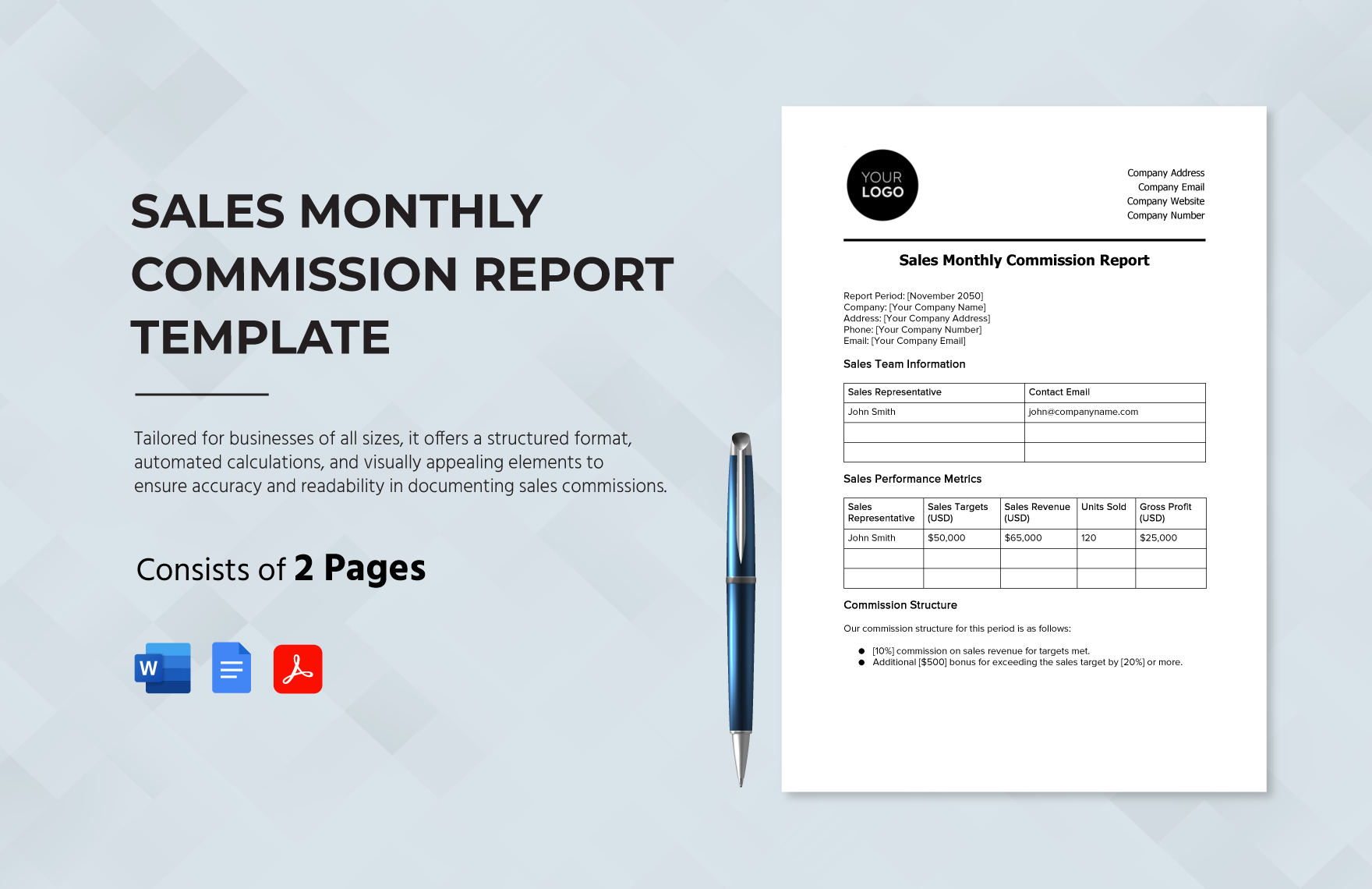
Project reporting often centers on milestones. A useful table can include planned date, actual or forecast date, status, owner, and explanation for material variance. The narrative should explain dependencies and corrective actions rather than merely repeating the dates.
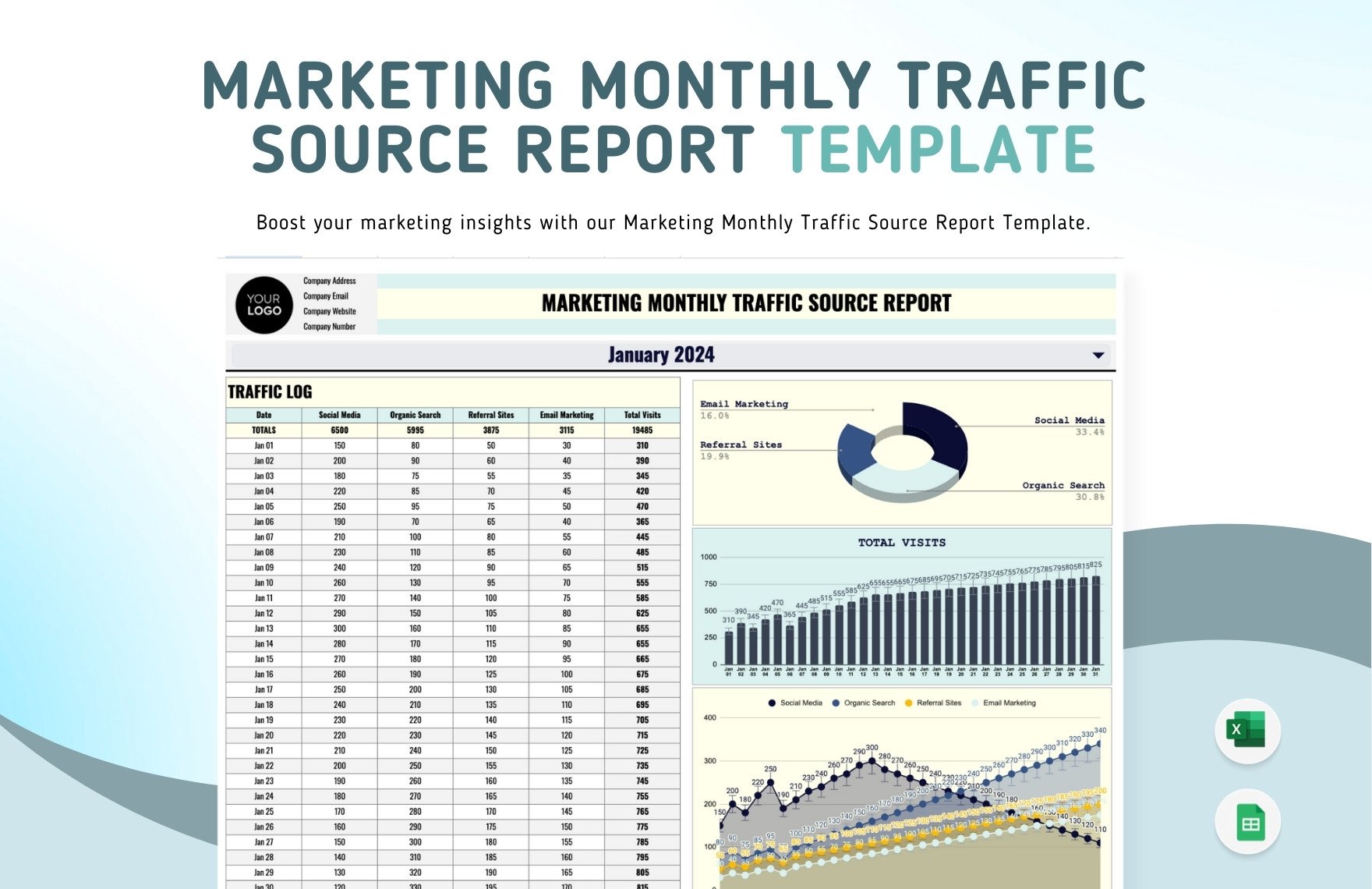
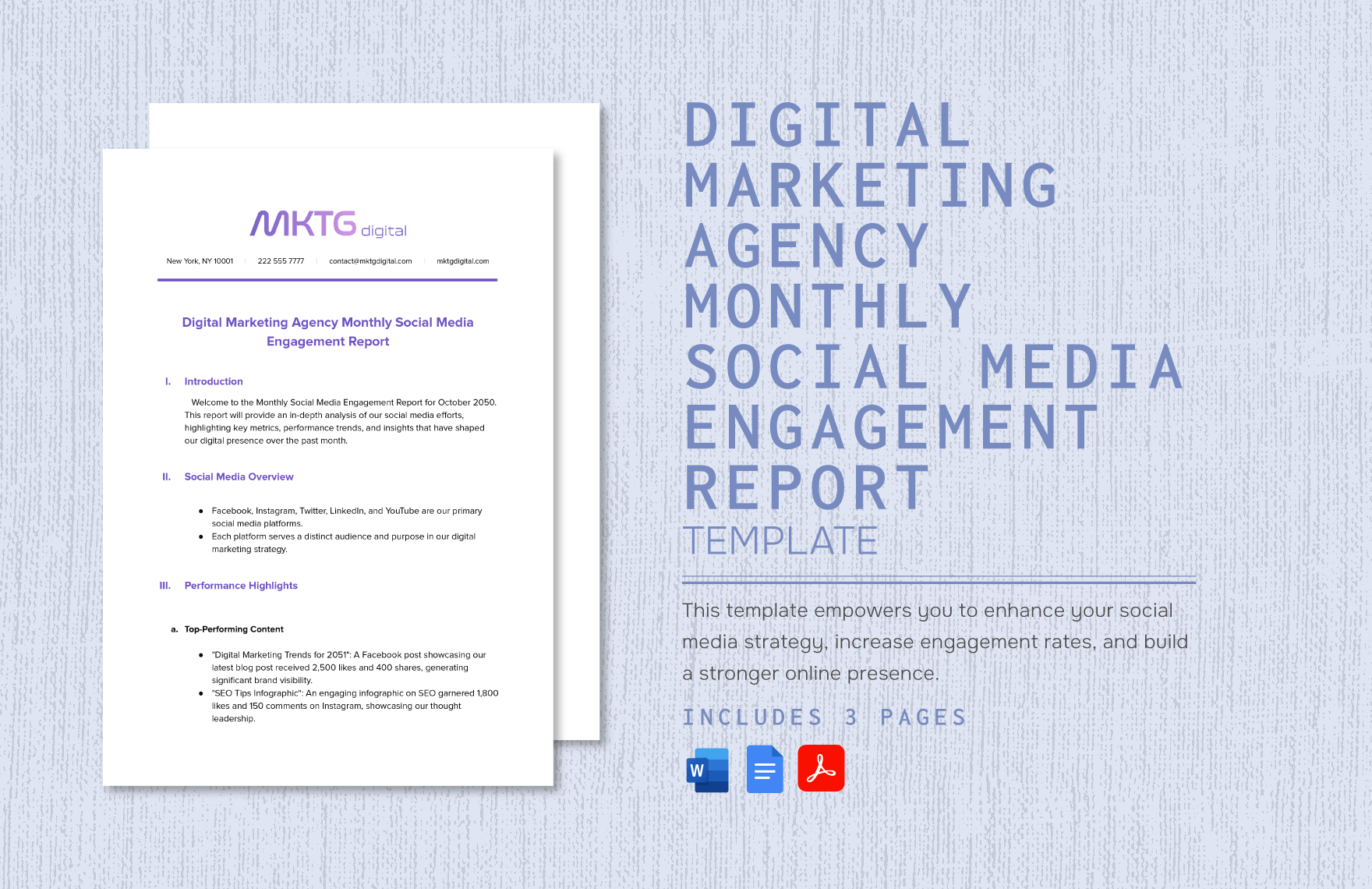
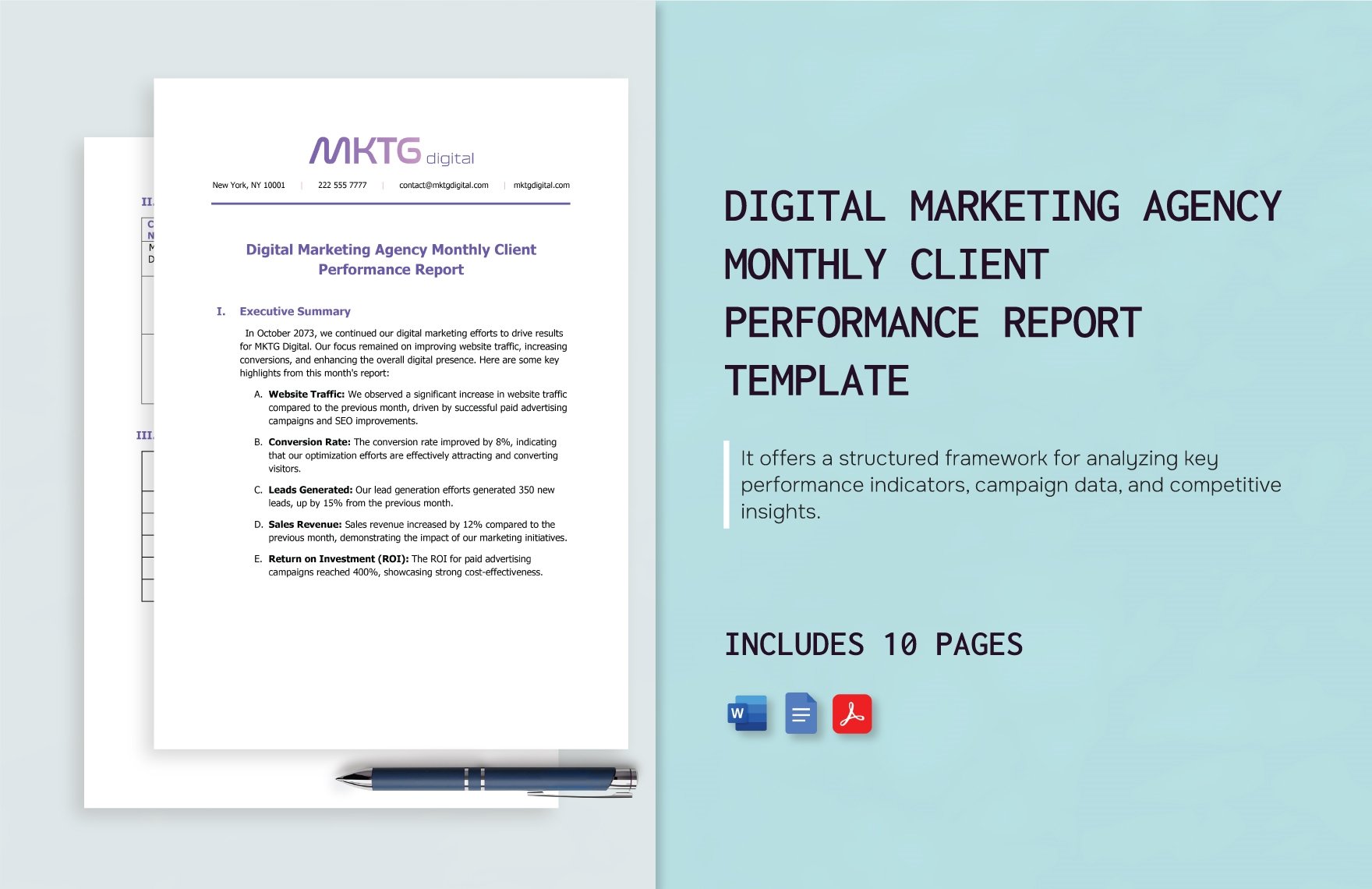
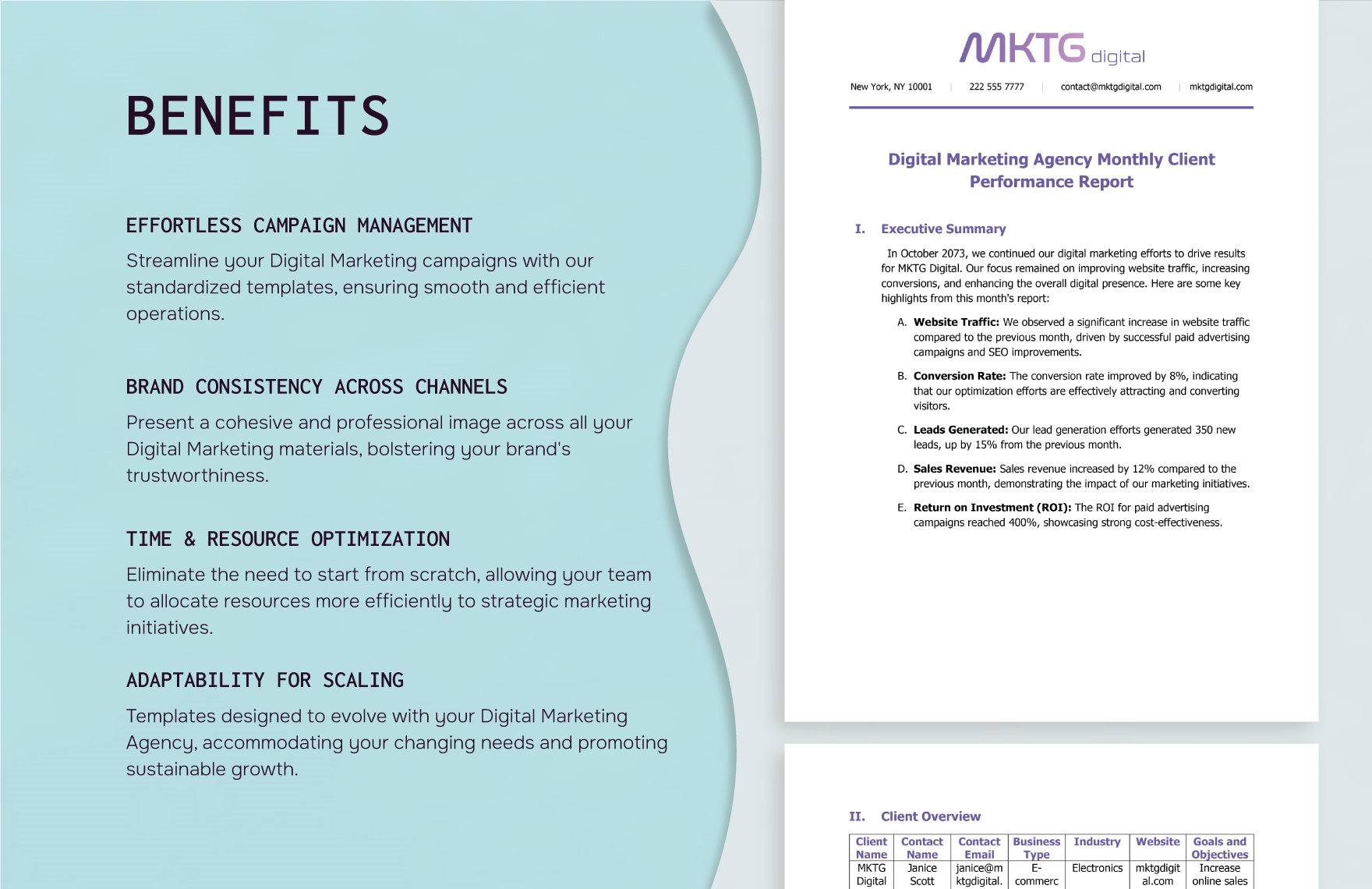
Marketing reporting should distinguish activity from outcomes. Visits, impressions, content volume, and engagement can describe reach or activity, while conversions or other agreed outcomes can help explain business impact. The correct measures depend on the organization’s goals.
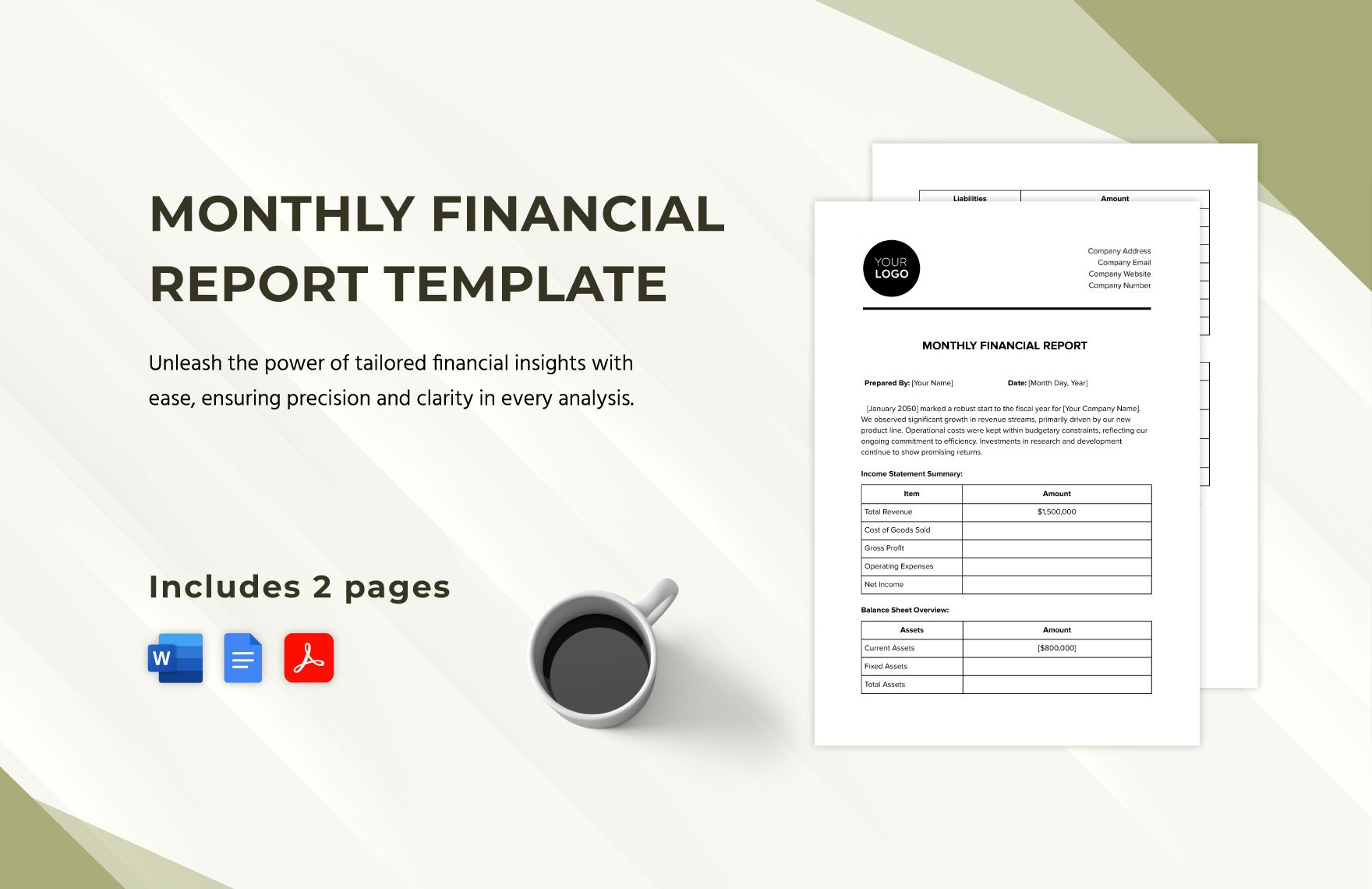
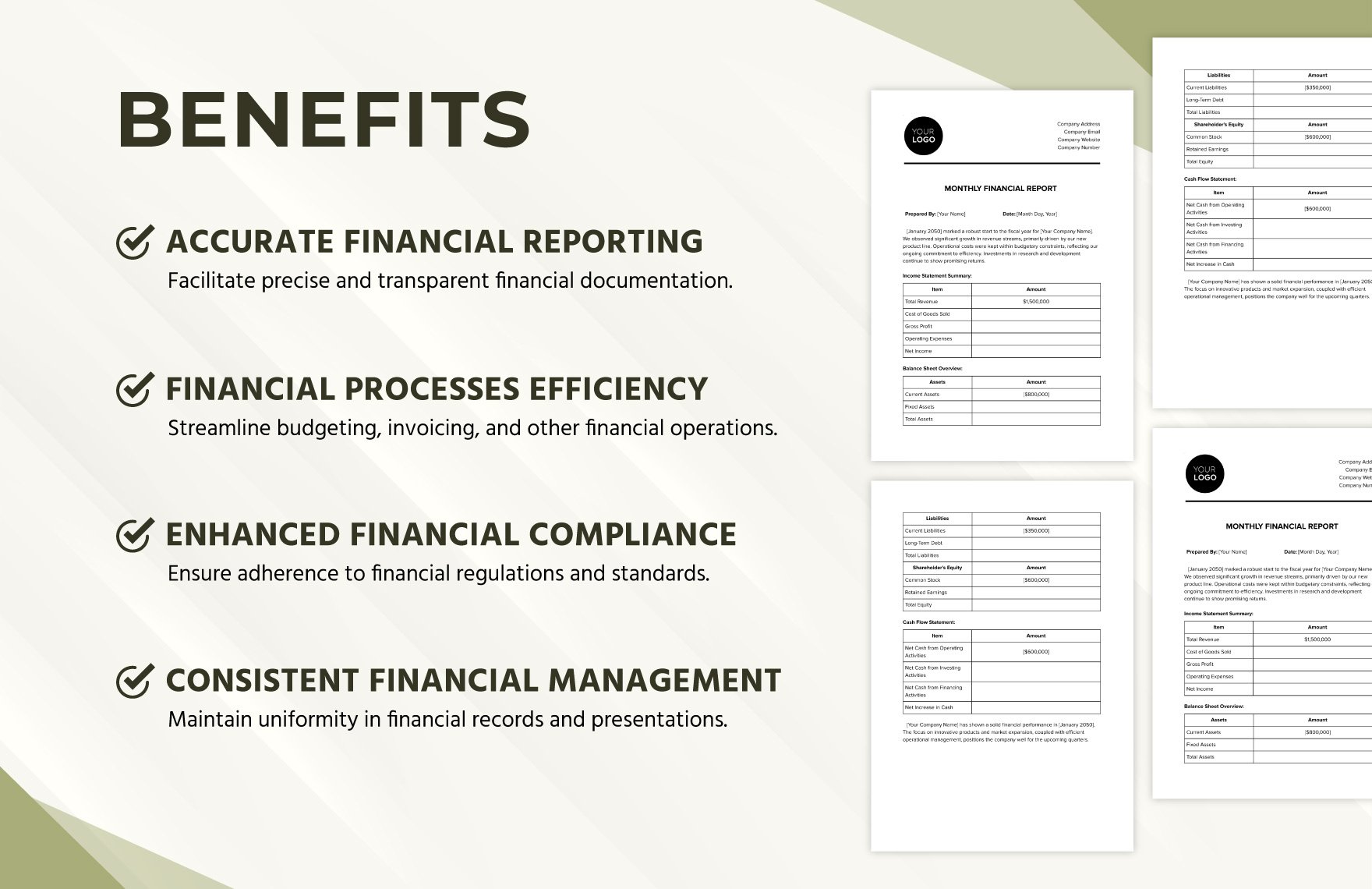
Financial reporting needs consistent definitions and periods. A general template can organize income, expenses, comparisons, and commentary, but it should not be presented as a replacement for professional accounting processes or organization-specific reporting requirements.
HR reporting should be especially careful with personal information. Where possible, aggregate information and include only what the intended audience needs. A good report supports management decisions without unnecessarily exposing individual details.
Source: Template.net
Improve evidence, sources, and recommendations
A trustworthy report distinguishes confirmed facts from interpretations. When evidence is incomplete, say so. This is especially important when a result has several possible explanations and the available data does not establish a single cause.
Source notes can make recurring reporting easier to audit. Record the system, file, extraction date, reporting owner, or calculation method where that information helps another person reproduce or verify an important measure.
Define recurring calculations once. If a completion rate, conversion rate, utilization percentage, or other metric appears every month, document its numerator and denominator. Small definition changes can otherwise create artificial trends.
Qualitative evidence can complement quantitative measures. Customer feedback, supervisor observations, research notes, or project retrospectives can help explain a numerical result, but individual comments should not automatically be presented as representative of an entire population.
Recommendations become more actionable when they have ownership and timing. Instead of saying to improve a process, identify the process, the responsible role, the proposed action, and the expected review point when those details are genuinely agreed.
Source: Template.net
Use monthly reporting for research
A monthly report can provide a useful research progress record. A research-oriented structure may include the question being investigated, work completed, data collected, preliminary findings, limitations, decisions, and planned work for the next period.
Separate observations from conclusions. Describe what was collected and how it was processed before explaining what the evidence may mean. If a sample is small, incomplete, or selected for convenience, disclose that limitation rather than implying broad representativeness.
Survey reporting should provide enough context to interpret percentages and counts. The question wording, collection period, number of responses, and relevant calculation method can be important when readers need to understand how a result was produced.
Charts should match the underlying measurement. Bars can be useful for categorical comparisons, while lines can show changes across ordered time periods. Decorative effects that obscure scale or exaggerate differences should be avoided.
A research report should create a bridge to the next cycle. End with unresolved questions, data gaps, methodological issues, and planned work. This makes the report an active research record rather than a static description of completed tasks.

Source: Template.net
Write findings and recommendations clearly
Writing the executive summary last is often effective because the writer then understands the evidence and the most important implications. The summary can reflect the completed analysis rather than becoming an introduction that fails to match the final findings.
Use precise language. Saying that a result was lower than planned because specific work moved into the following period is more useful than describing performance as challenging. Specific wording reduces ambiguity and makes follow-up easier.
Do not confuse correlation with causation. Two measures moving at the same time does not automatically mean that one caused the other. When evidence is limited, use language that accurately communicates uncertainty.
Recommendations should be proportional to the evidence. One unusual month may justify monitoring or investigation rather than a major process redesign. Repeated deterioration across several periods may support a stronger intervention.
Before release, read the document from the audience’s perspective. Ask whether the reporting period is obvious, whether the main result can be found quickly, whether important risks are visible, and whether the proposed actions can be understood without unnecessary specialist knowledge.
Source: Template.net
Improve the template after each cycle
A template should evolve through use. After several reporting cycles, identify which sections are routinely skipped, which tables require manual repair, which measures generate repeated questions, and which information readers consistently request after publication.
Remove fields that no longer support a decision. Templates often become unnecessarily long because new requirements are added without removing obsolete ones. A shorter document can be more useful when every remaining field has a purpose.
Standardize recurring definitions at the same time. If one team interprets a status label differently from another, comparisons become unreliable. A small data dictionary can define important terms, units, status categories, and calculations.
Use version control when the structure changes materially. A template version or effective date helps readers understand why a report looks different from earlier reports and can be especially valuable when definitions or metrics change.
Collect reader feedback. If managers repeatedly ask for a particular comparison, consider adding it. If a decorative page is ignored, remove it. The best template is not the one with the most features; it is the one that consistently improves reporting.
Source: Template.net
Run a final quality-control review
Begin the final review by checking the reporting period. Confirm that every figure belongs to the intended month and that current-month, previous-month, year-to-date, forecast, and annual values are clearly labeled.
Reconcile important totals. If a table contains components and a total, verify the relationship. If a chart is based on a table, make sure the values match. If a narrative cites a figure, compare it with the final source rather than an earlier draft.
Review the story as well as the numbers. Every major claim should have supporting evidence, while important exceptions should have an explanation or a clear statement that the cause remains under investigation.
Format only after the content is stable. Review page breaks, headings, tables, charts, headers, footers, and filenames after substantive changes are complete. This reduces repeated formatting work.
Finish by asking what the reader should do next. A useful monthly report identifies actions, decisions, monitoring requirements, or priorities for the next cycle. Even when no immediate action is needed, the next reporting milestone should be clear.
Source: Template.net
Keep reports concise without losing evidence
A concise report can be more effective than a long report because readers can identify important information quickly. Brevity should not mean removing evidence; it means placing decision-relevant evidence first and moving detailed support into appropriate sections.
An appendix is useful when detailed information may be needed but does not belong in the main narrative. Source tables, calculation notes, detailed survey results, and supporting logs can be placed there while the main report remains focused.
Do not rely on color alone to communicate status. Pair colors with words or explicit labels so meaning remains available when the report is printed, viewed in grayscale, or interpreted by someone with a color-vision difference.
Charts should contain enough context to stand on their own. Label the period, units, categories, and comparison where needed. If a chart requires a long explanation before anyone can understand it, simplify the visual or use a clearer table.
A template should be stable without becoming generic. The skeleton can remain consistent while each month’s report receives enough space to explain unusual events, important findings, and decisions that could not have been predicted when the template was designed.
Source: Template.net
Build a sustainable monthly reporting system
The practical goal is to make each reporting cycle faster, clearer, and more reliable than the previous one. Start by matching the template to the audience, then establish data sources, recurring measures, owners, validation rules, and deadlines.
A simple reporting cadence can include a data freeze, validation window, analysis period, drafting period, review stage, and publication date. The exact timing will vary, but separating these activities prevents data collection and final editing from becoming one rushed task.
Use early reporting cycles to find bottlenecks. If data arrives late, solve ownership or extraction problems. If analysis takes too long, standardize calculations. If readers misunderstand a chart, redesign it. If formatting consumes hours, improve the template instead of repeating manual corrections.
Keep examples in the template only when they explain how a field should be completed. Mark demonstration content clearly and remove unnecessary sample information from the working master so old data cannot accidentally appear in a new report.
The result should be more than a document. A successful reporting process combines a stable template with clear definitions, reliable sources, responsible owners, validation, review, and version control. Word is then the presentation layer of a repeatable reporting system.
Source: Template.net
Practical Solution
The most practical way to implement a monthly reporting system is to begin with a deliberately small template. Create a title area, reporting-period field, executive summary, KPI table, findings section, issues and risks section, recommendations, next-month priorities, and optional appendix. Add complexity only when recurring reporting needs justify it.
Next, create a reporting dictionary for the measures that appear every month. For each measure, record its definition, source, owner, unit, calculation, comparison basis, and expected delivery date. This prevents different writers from changing the meaning of a metric from one month to the next.
Then establish a monthly workflow. A few days before close, confirm outstanding data. At the reporting cut-off, freeze the agreed dataset. Validate totals and definitions, analyze the most important changes, draft the narrative, conduct a second-person review, and publish the approved version.
For teams that use both spreadsheets and Word, keep structured calculations in the spreadsheet and use Word for narrative, interpretation, recommendations, and final presentation. This division reduces manual calculations inside the report while preserving the readability of a document-based deliverable.
Finally, review the process after publication. Ask which information was difficult to collect, which section readers used most, which questions remained unanswered, and which formatting tasks consumed unnecessary time. Make controlled improvements to the master template rather than changing the structure unpredictably from month to month.
Reference Examples
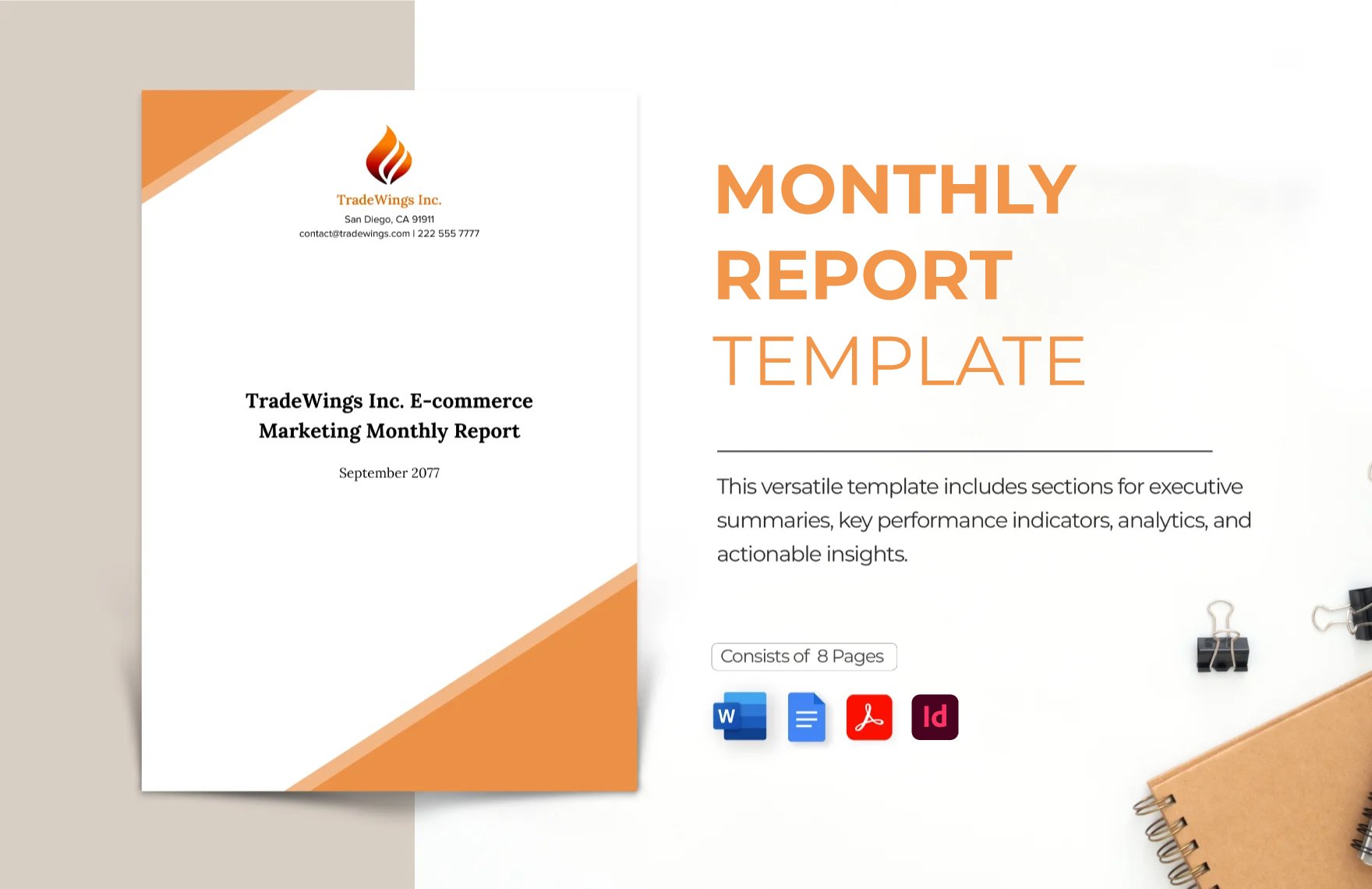
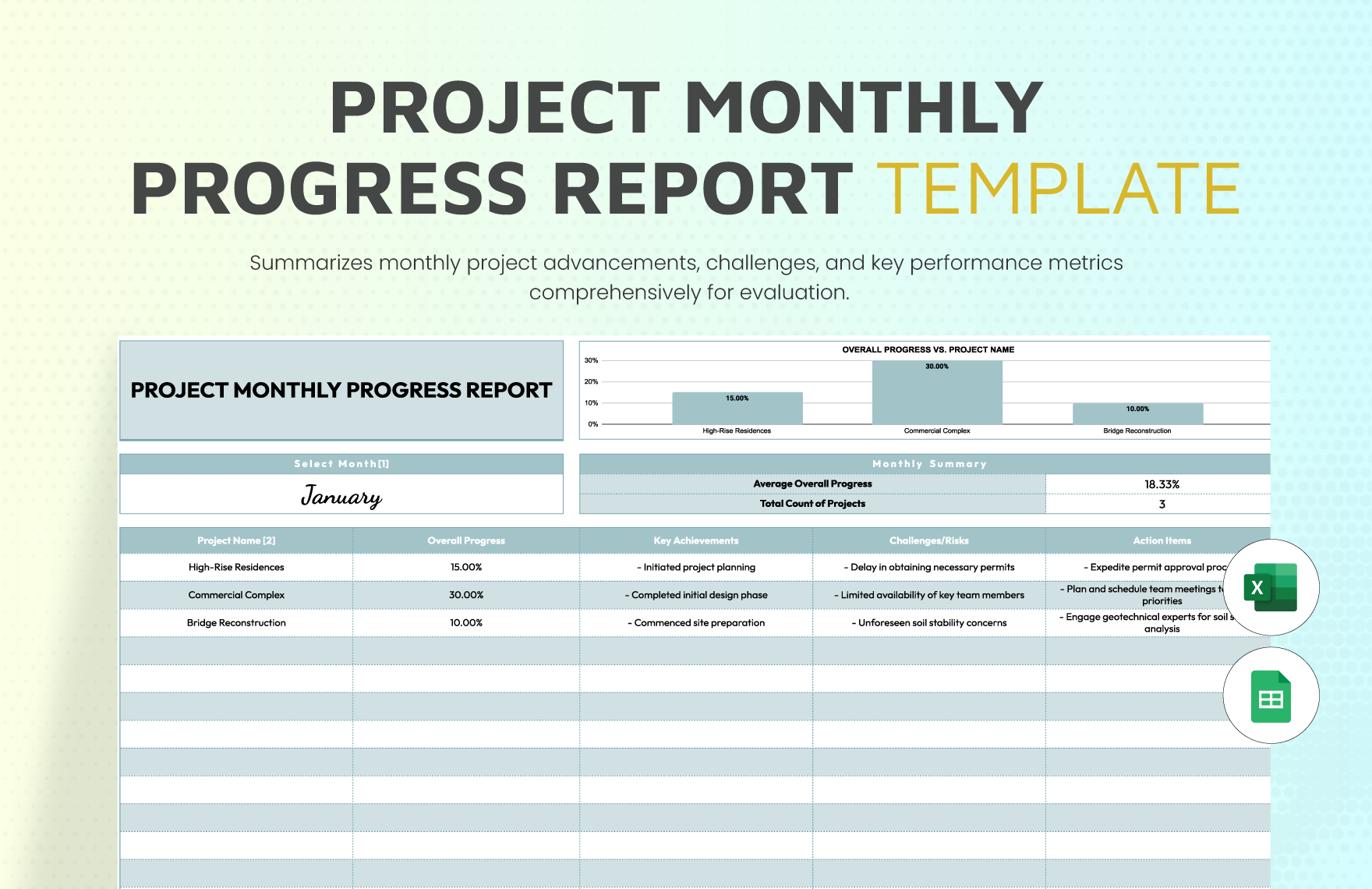
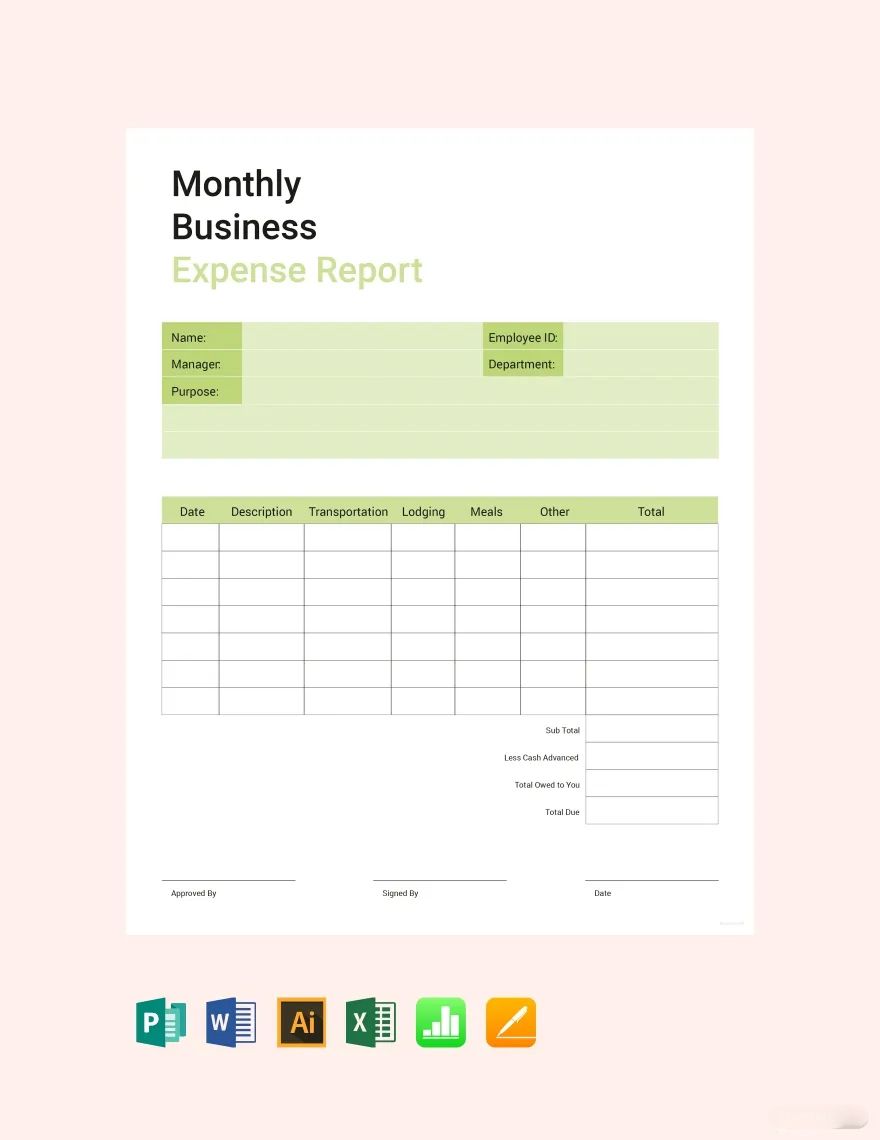
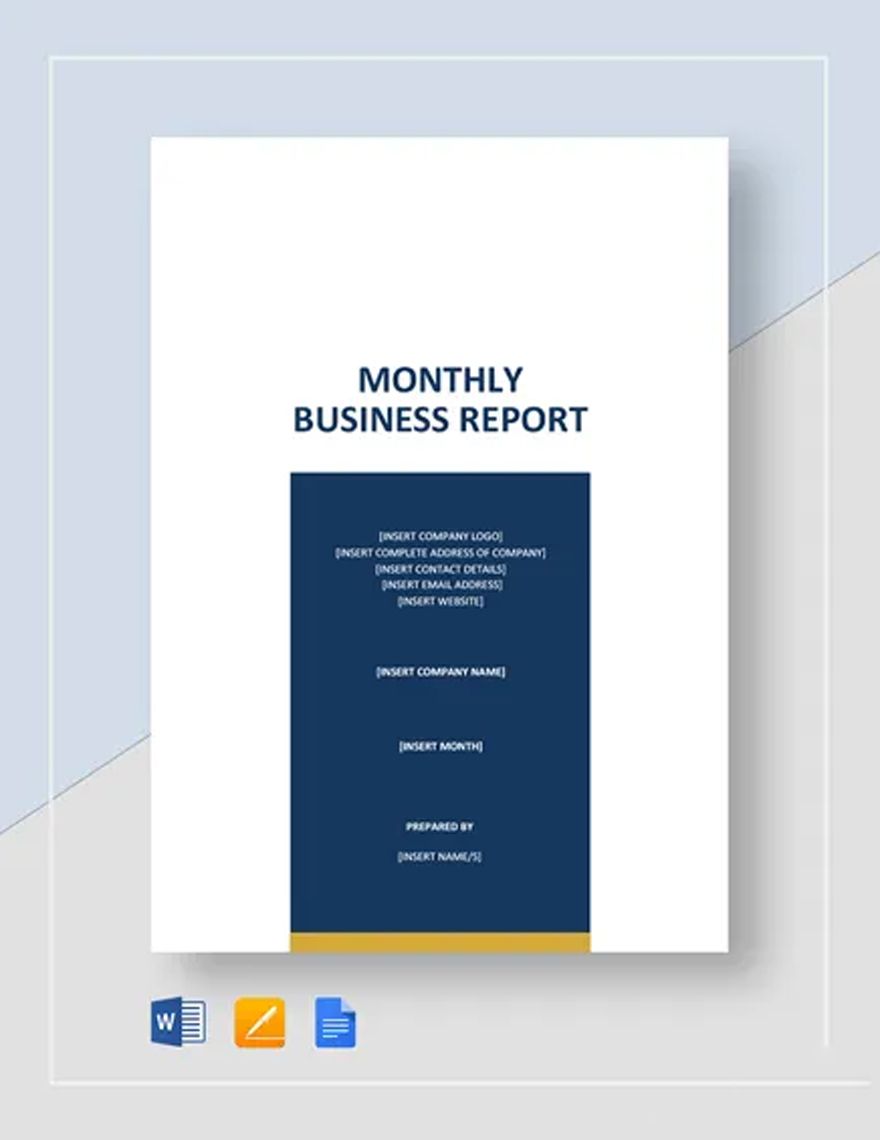
The following examples correspond to the requested template-related phrases in the same order and illustrate different reporting formats, audiences, and uses. They are visual references rather than claims that every displayed template is a free or universally available download.
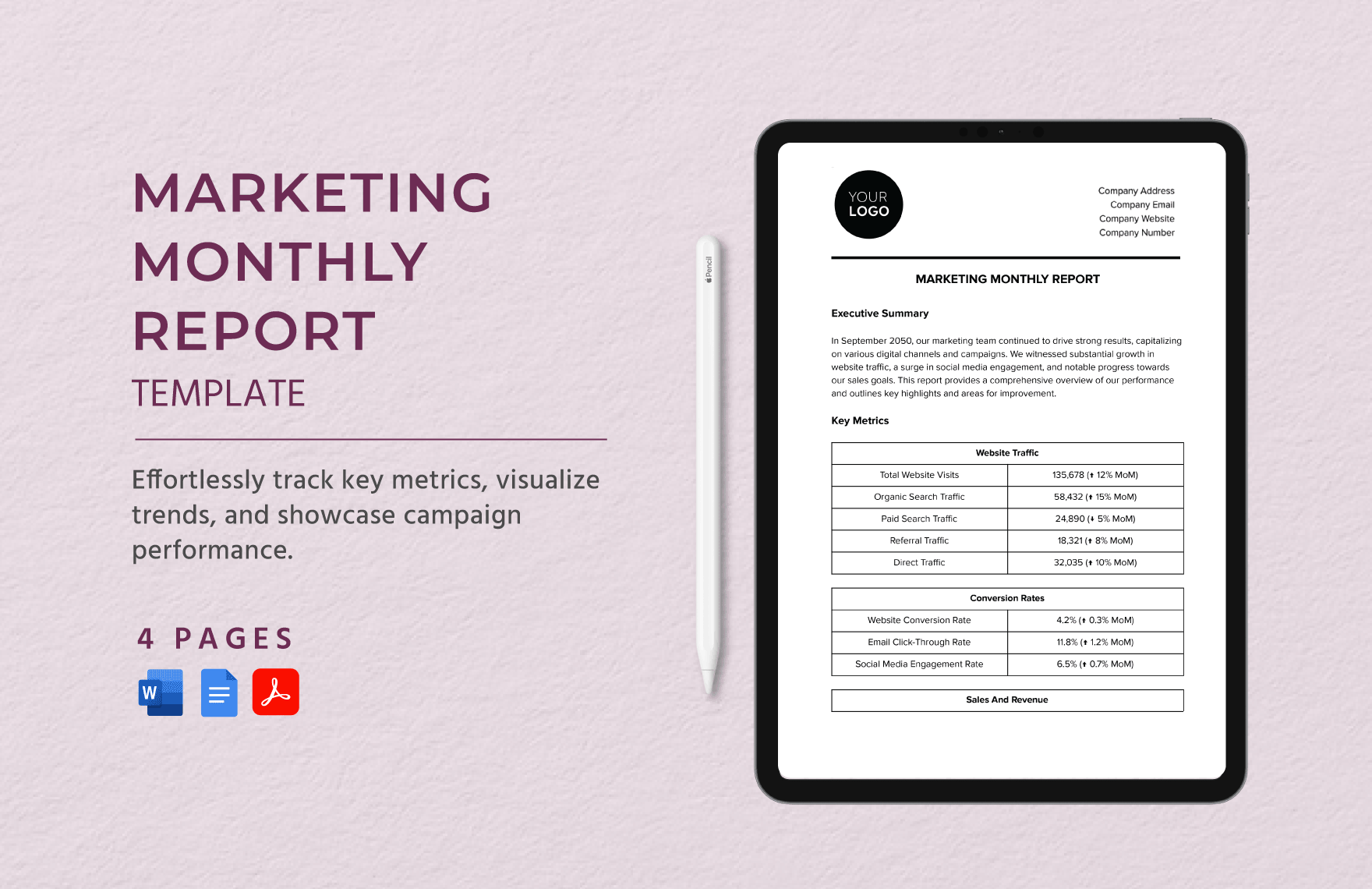
work monthly report template word
Source: Template.net
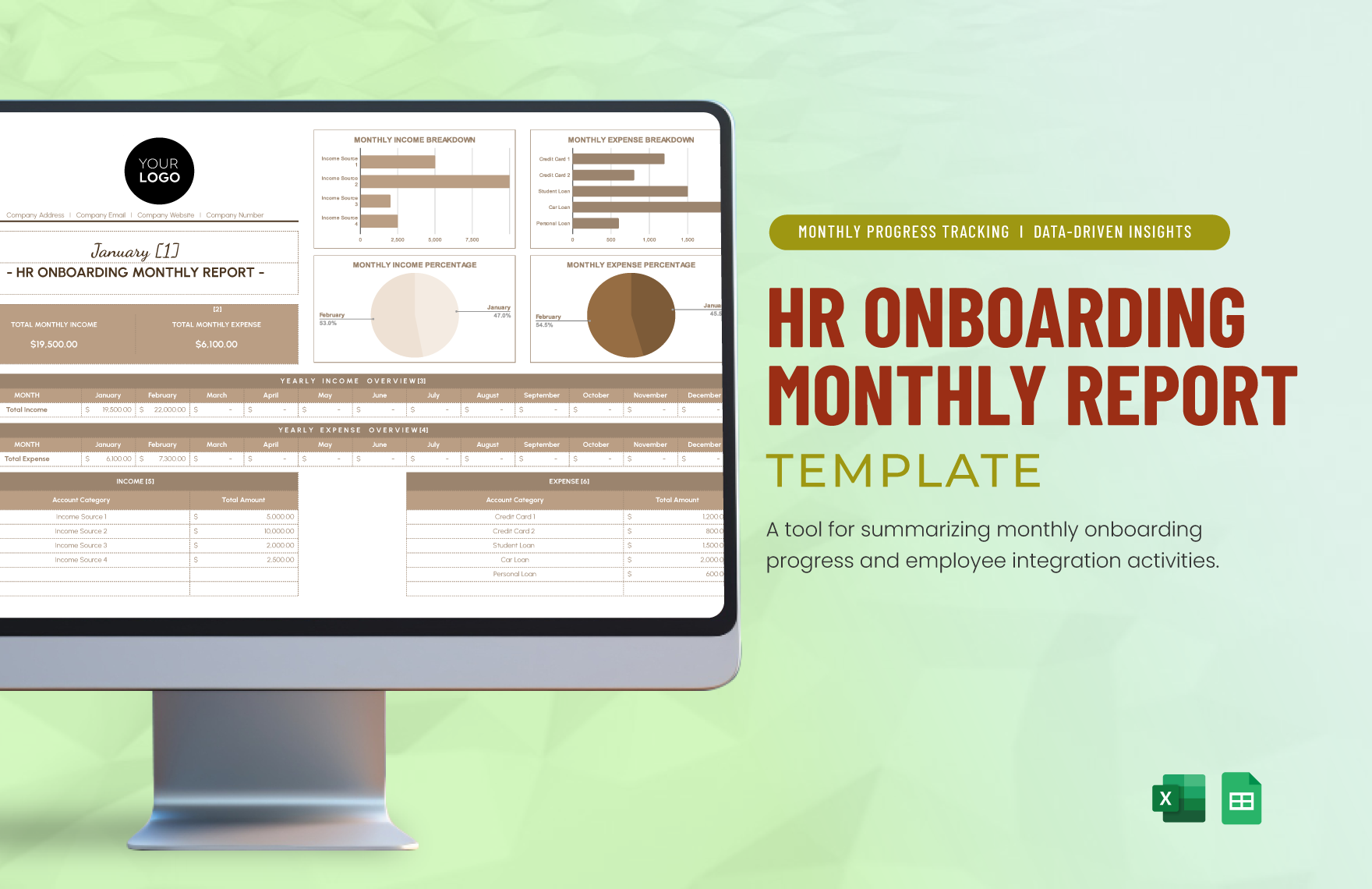
word monthly report template excel
Source: Template.net
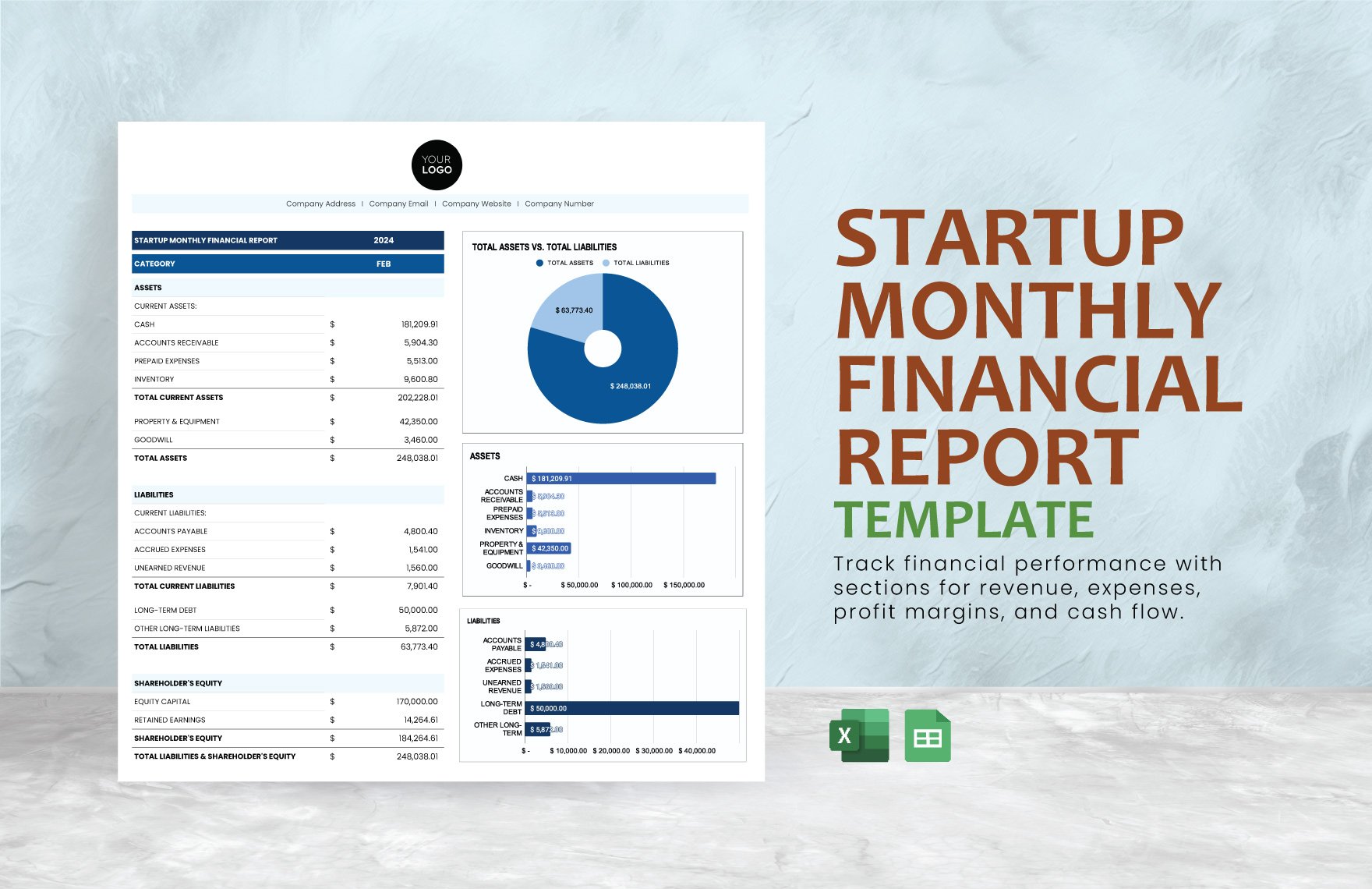
word monthly report template free
Source: Template.net
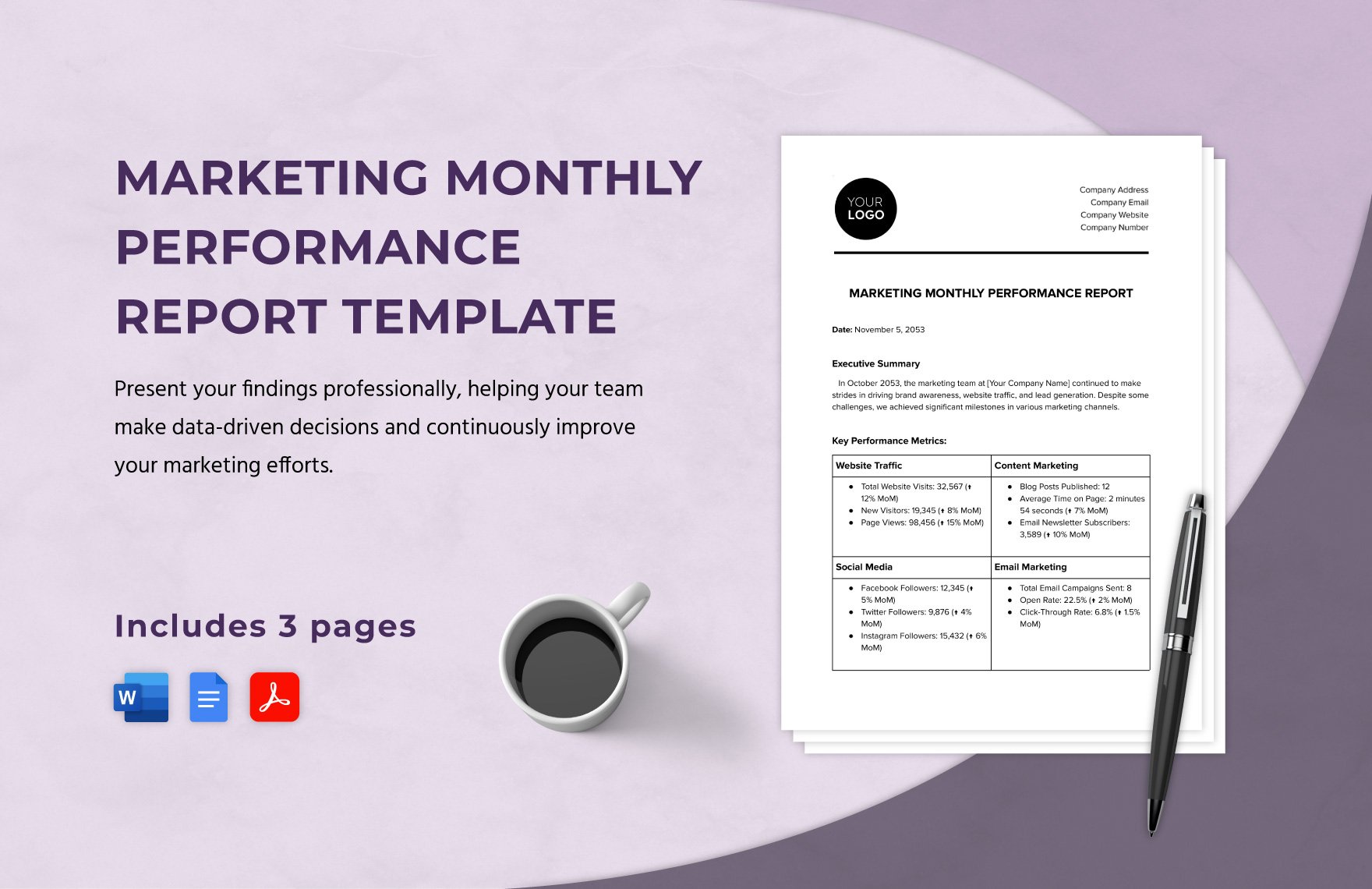
word monthly report template download
Source: Template.net
word monthly report template free download
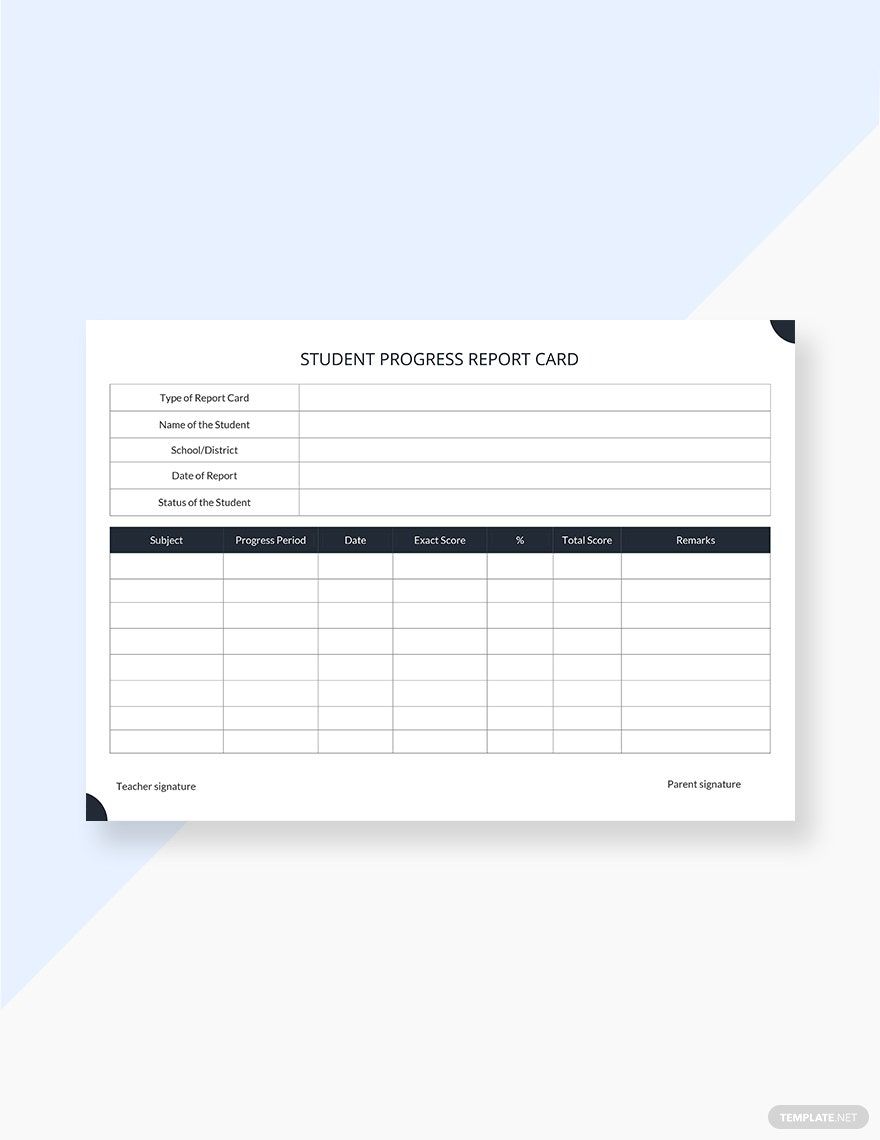
Source: Template.net
word monthly report template google docs
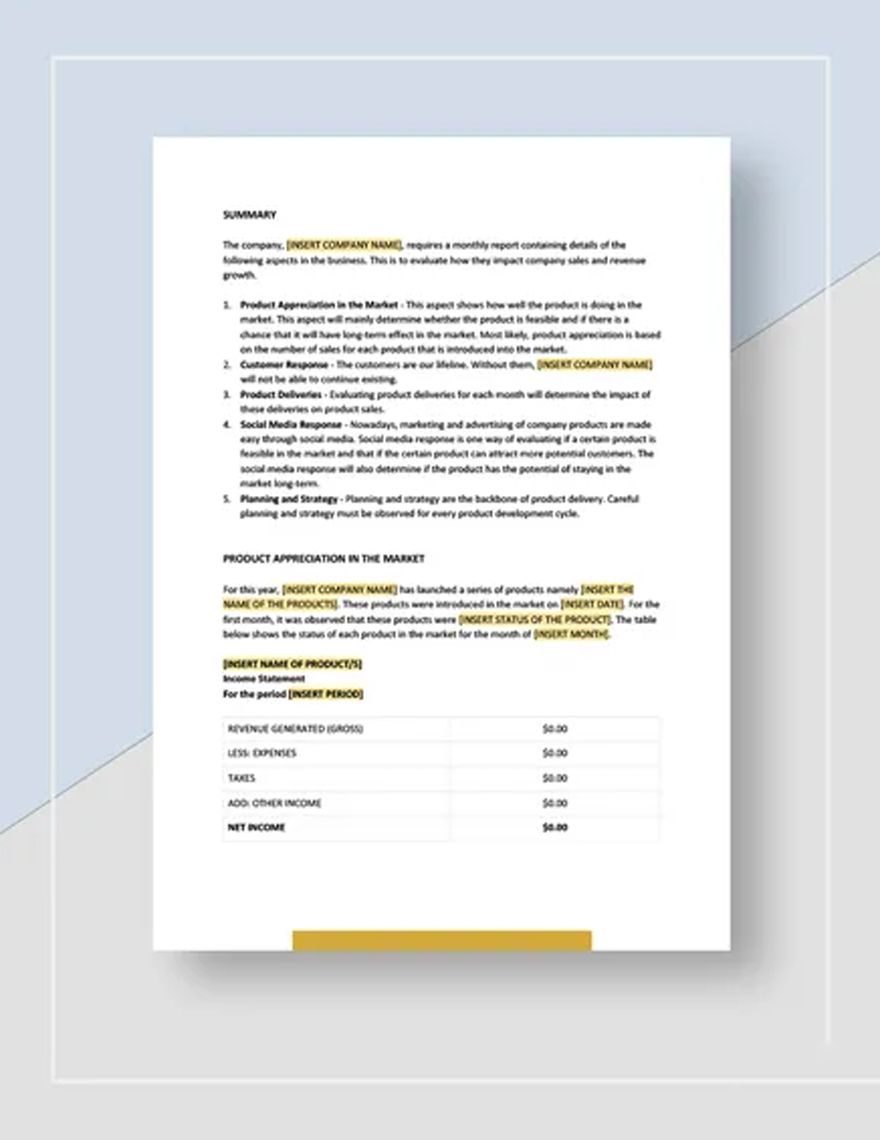
Source: Template.net
word monthly report template for students
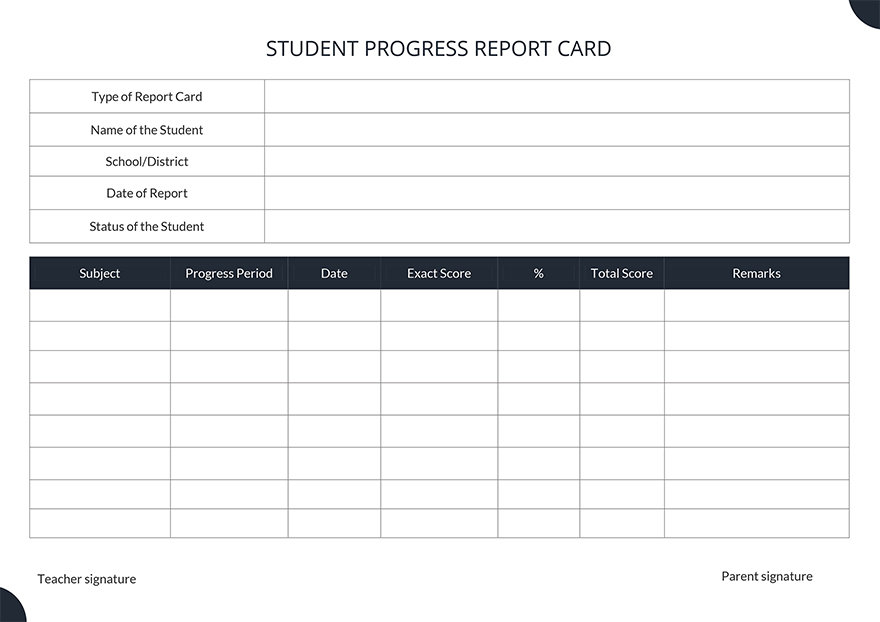
Source: Template.net
word monthly report template for business
Source: Template.net
monthly report template word
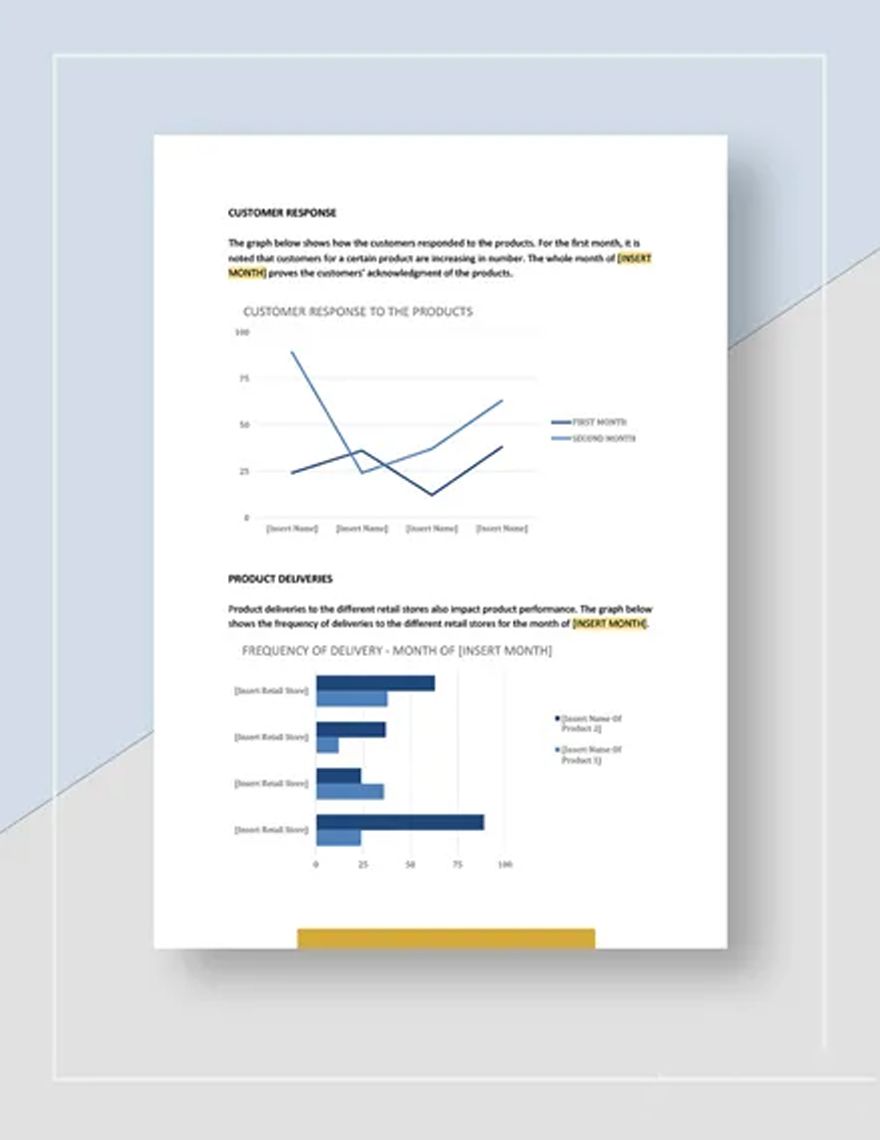
Source: Template.net
Frequently Asked Questions
What is a monthly report template in Word?
A monthly report template in Word is a reusable document structure containing predefined headings, tables, fields, formatting, and other elements used to prepare recurring reports. It provides a consistent starting point while allowing the actual monthly information to change.
What should a monthly report include?
A useful report commonly includes the reporting period, summary of results, key metrics, comparison with an appropriate baseline, findings, issues or risks, recommendations, and next-period priorities. The exact sections should reflect the audience and purpose.
How do I make a monthly report template in Word?
Start with the recurring information that never changes, then create heading styles, tables, placeholders, headers, footers, and page structure. Add only the metrics and sections that support the report’s purpose. Save a clean master and create a separate working document for each month.
Can I use a Word template for business and project reporting?
Yes. The same underlying framework can support business, project, operational, financial, marketing, or departmental reporting. The important difference is the content: each version should emphasize the measures, risks, decisions, and actions relevant to its audience.
Should monthly reports contain charts?
Charts are useful when they make a trend, comparison, or relationship easier to understand than a table. They are not mandatory. If a chart does not clarify an important finding, a well-designed table or short explanation may be more effective.
Is a free monthly report template always suitable?
No. A free template can still have an unsuitable structure, difficult formatting, restrictive licensing, or unnecessary features. Review the document before adopting it and confirm that its design, file format, and usage terms fit the intended purpose.
How often should a monthly report template be updated?
Review the template periodically and update it when reporting requirements, definitions, audience needs, or workflows change. Avoid changing it every month without control because excessive variation makes historical reports harder to compare.
What is the difference between a monthly report and a monthly dashboard?
A dashboard is usually optimized for quick monitoring through visual metrics, while a report can provide narrative explanation, context, findings, decisions, and recommendations. They can complement each other: a dashboard can surface changes while a report explains why those changes matter.
How can I make a monthly report easier to read?
Use descriptive headings, concise paragraphs, consistent tables, clear period labels, restrained formatting, and charts only when they add meaning. Put the most important findings near the beginning and move detailed supporting material into later sections or an appendix.
Conclusion
A strong word monthly report template is not simply a formatted page with a title and several empty tables. It is a repeatable framework for collecting evidence, explaining results, documenting issues, supporting decisions, and creating continuity from one reporting period to the next. The most effective approach is to keep the structure stable, keep the data definitions consistent, and let the content change according to what actually happened during the month.
