A strong starting point should therefore be judged by its editability, not just its appearance. Look for normal text rather than flattened graphics, consistent heading styles, editable tables, controllable page breaks, and a structure that can accommodate additional evidence. A polished cover is useful, but a beautiful first page cannot compensate for a template that becomes difficult to modify after the first revision.
The best choice also depends on the final destination. A student may need a conventional academic document, a research team may need collaborative editing, and a manager may want a concise report that later becomes a presentation. The underlying research can remain the same while the document design changes. Choosing the format early prevents unnecessary conversions that can disturb tables, spacing, or references.
Before downloading or adapting anything, define the report’s audience, purpose, required sections, approximate length, citation style, and submission format. Then compare those requirements with the template. This small planning step turns the search from “find a nice document” into “find a structure that supports the work,” which is a much more reliable way to begin an editable research report.

Template versus blank document: choosing the right starting point
A blank document offers maximum freedom, but that freedom can create avoidable formatting work. A template supplies decisions that would otherwise have to be made repeatedly: heading hierarchy, page margins, title placement, table styling, spacing, and the order of common sections. For a research report, that framework can be valuable because attention can stay on evidence and interpretation instead of page-by-page design.
A template should not be treated as a rulebook for every discipline. Research reports vary across subjects, departments, and assignment types. A science report may emphasize methods, results, and discussion, while a business or social research report may give more space to background, literature, analysis, and recommendations. The editable file should be treated as a starting architecture that can be adapted to the actual brief.
One useful test is to imagine a major revision. Suppose the methodology grows by three pages, the literature review gains a new subsection, or a results table becomes a figure. If the template can absorb those changes while keeping headings, numbering, and page navigation coherent, it is doing its job. If every change causes manual repairs, the template is too rigid for the project.
Another test is whether the template distinguishes content from decoration. Text should remain selectable and editable; tables should behave like tables; headings should behave like headings; and page numbers should update rather than being typed into every page. These characteristics matter much more than fashionable colors because they determine how reliably the document survives real editing.
For that reason, a research report template to edit is best evaluated through a short trial. Replace the title, change one heading, insert a paragraph, add a table, remove a section, and create a page break. If those actions are straightforward, the structure is probably useful. If basic edits produce broken layouts, hidden text, or inconsistent spacing, choose another starting point before investing time in it.
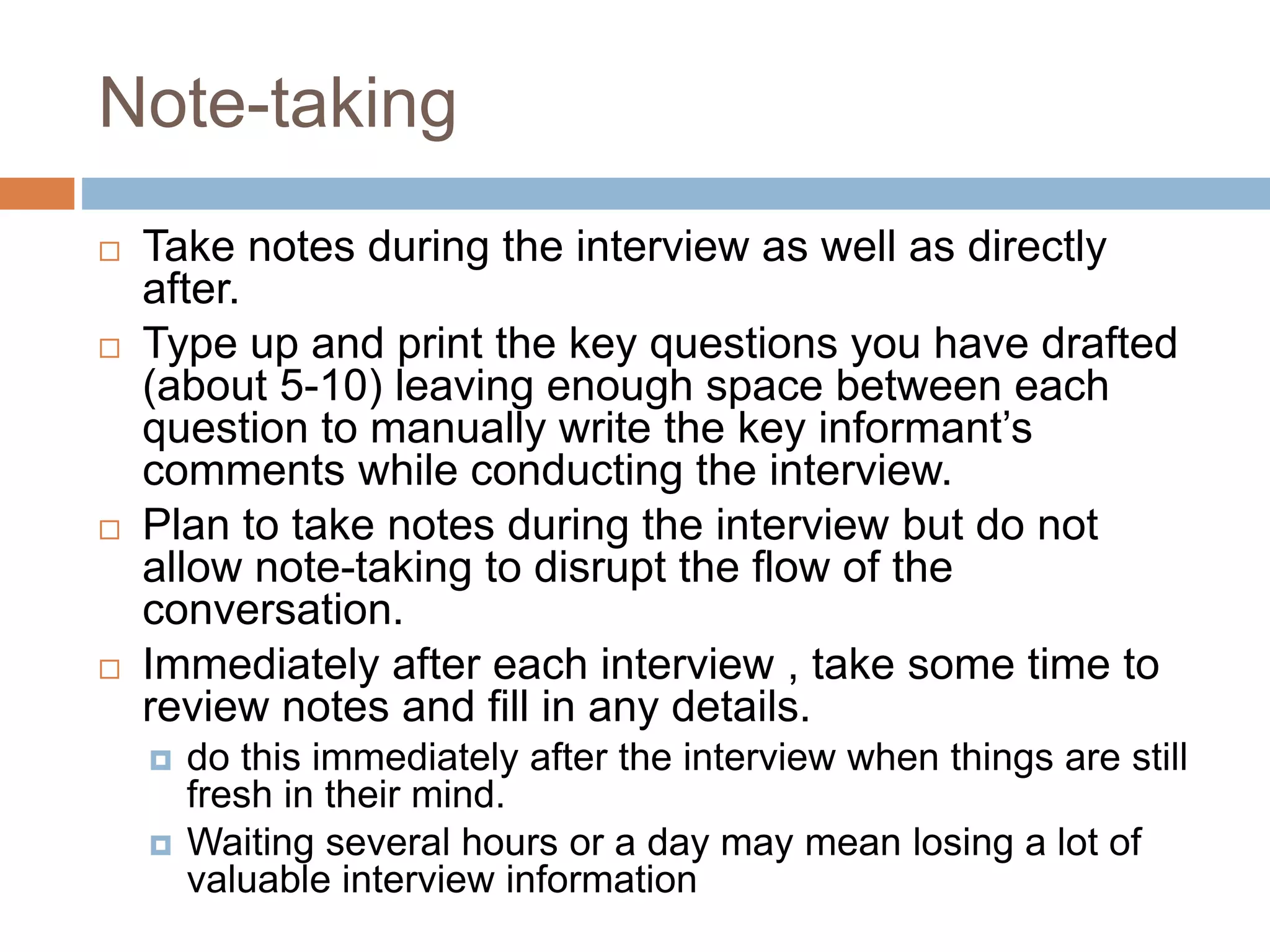
How to customize a research report template to edit in Word
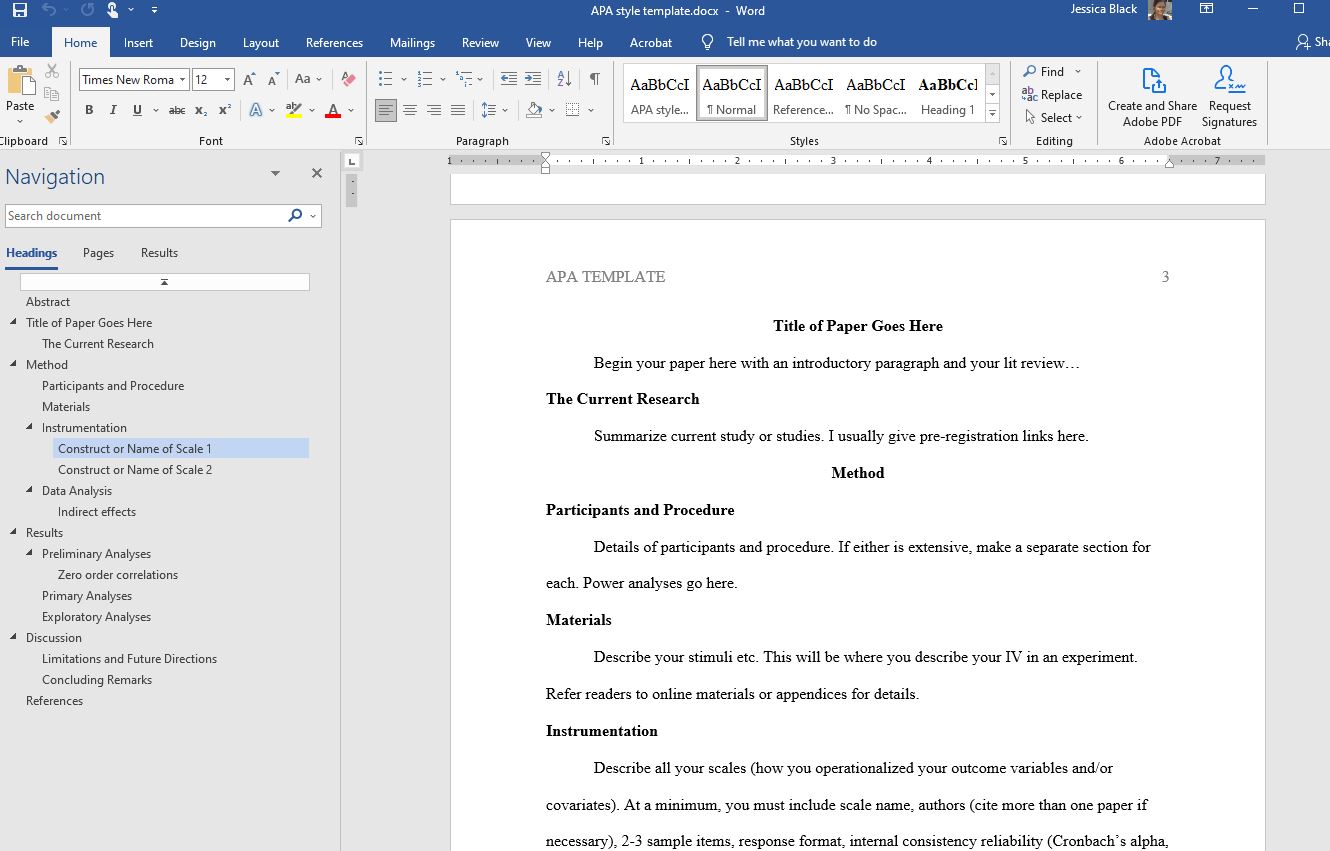
Microsoft Word is often a practical choice when a report needs detailed formatting control and a conventional academic workflow. Word supports structured headings, tables, page numbering, comments, revision tools, and document templates, making it suitable for reports that will go through several editing rounds. Its main advantage is not a particular visual style but the ability to keep document structure manageable as the report expands.
When working in Word, begin with styles instead of manually formatting each heading. A consistent Heading 1, Heading 2, and Heading 3 hierarchy makes the table of contents easier to maintain and lets the document respond more predictably when sections move. The same principle applies to captions, body text, quotations, and other recurring elements: define a pattern once and reuse it through the document.
Tables deserve special attention because research reports frequently depend on them. A good editable Word structure lets you add or remove rows, change column widths, split tables when necessary, and keep headings readable. Avoid turning a table into an image merely because it looks polished. An editable table can be corrected when data changes, which is exactly what a research document often requires.
Word is also useful for controlled review. Comments and revision features can help a supervisor, co-author, editor, or project lead identify changes without silently rewriting the document. When several people are involved, establish a simple versioning convention and decide who owns the master file. This prevents the common problem of having several slightly different copies with different edits and no clear final version.
A Word-based research report template to edit in word should therefore be selected for structure first and styling second. A clean heading system, editable tables, stable pagination, and predictable navigation are more valuable than decorative design. Once the research is complete, fonts, colors, spacing, and cover-page details can be refined without compromising the underlying document architecture.
Using PDF when the report needs stable pages and controlled edits
PDF is different because it is primarily designed to preserve a finished page layout rather than serve as the most flexible drafting environment. A PDF can be useful for distribution, review, annotation, and final submission, but the ease of editing depends heavily on how the file was created and what editing software is available. A template that is easy to edit in Word may not remain equally flexible after conversion.
When evaluating a research report template to edit pdf, first determine whether the PDF contains real text and objects or a scanned image of a page. Text-based PDFs may permit direct edits in suitable software, while scanned pages can require optical character recognition and additional cleanup. Even when text can be changed, complex tables, footnotes, and page elements may need careful inspection after editing.
PDF is particularly valuable as a final distribution format because it helps preserve the appearance of the report across devices. That makes it useful after the editable master has been reviewed, rather than necessarily being the best place to conduct every revision. A sensible workflow is to maintain a structured source document and export a PDF copy when the content and formatting are ready for sharing.
If a PDF must be edited, make a backup before changing it. Check headings, page numbers, references, tables, and line breaks after every substantial modification. A change that looks correct on one page can push a heading or figure onto another page. The goal is not merely to make text editable; it is to preserve the report’s logical reading order and visual integrity.
The most practical rule is simple: use PDF when preserving a stable presentation matters, and use a more fully editable source when the report is still evolving. A research report template to edit pdf can be useful for targeted corrections or annotation, but it should not be assumed to behave like a native word-processing file. Always test the actual file before committing to it.
Collaborating with a research report template in Google Docs
Google Docs is particularly useful when a research report will be edited by several people or accessed from different devices. A browser-based document can make sharing, comments, suggestions, and collaborative revision easier than exchanging multiple attachments. For a team project, the ability to keep one current document can reduce confusion over which version contains the latest edits.
A research report template to edit google docs is most useful when its structure survives collaborative editing. Headings should remain consistent, tables should be editable, and the document should be organized so contributors know where to add material. Establishing a naming convention and a short editorial protocol helps as much as the template itself. Collaboration becomes harder when everyone edits formatting in different ways.
Comments and suggestions can be used to separate content decisions from direct changes. One researcher might flag an unsupported claim, another might propose a clearer sentence, and a supervisor might request a different section order. Keeping these conversations near the relevant text makes revision more traceable. Before final submission, however, resolve outstanding comments and verify that suggested changes have been accepted or rejected intentionally.
Google Docs can also support an efficient review sequence. One person can check the argument, another can inspect evidence and citations, and a final reviewer can focus on consistency and presentation. This division reduces the chance that a single proofreader will have to evaluate every dimension at once. It also helps a team distinguish substantive research changes from cosmetic formatting adjustments.
The main consideration is control. If the report has strict formatting requirements, verify that the collaborative workflow can reproduce them before the final export. Test page breaks, tables, headings, references, and any required numbering. Google Docs can be a strong drafting environment, but the final document should still be checked in the format required by the course, client, publisher, or institution.

Adapting a template for university assignments and student research
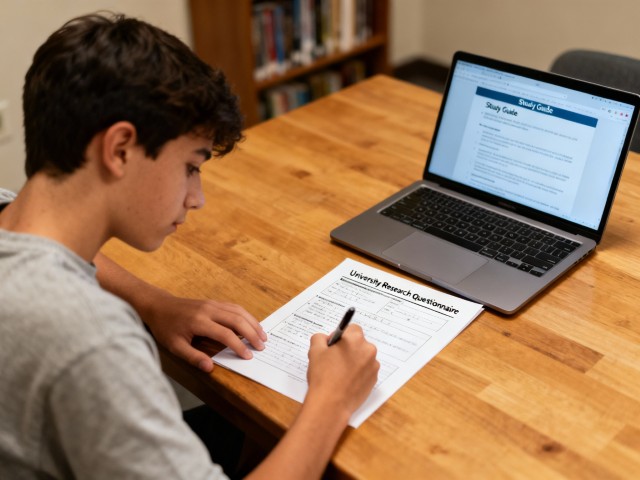
Students often need more than a generic document because assignments can include specific marking criteria, page limits, section requirements, or departmental conventions. A research report template to edit for students should make those expectations visible without pretending that every university uses one identical structure. The safest approach is to treat the template as a framework and then compare it with the actual assignment brief.
Start by identifying what the instructor has explicitly requested. Look for requirements about title pages, abstracts, literature reviews, methodology, results, discussion, references, appendices, word count, citation style, and file format. Some assignments may combine sections or omit them entirely. The template should follow the assessment task rather than the other way around.
Students also benefit from templates that contain prompts or placeholders that explain what belongs in each section. Those prompts can prevent a common problem: writing a long background section while leaving the research question, method, or interpretation underdeveloped. As you fill the document, replace instructional text rather than allowing template prompts to remain in the submitted report.
For group assignments, agree on the editing rules before writing. Decide who controls headings, who maintains the references, how tables are named, and how revisions are reviewed. A shared template can reduce formatting disputes because everyone begins from the same structure. It also makes it easier to combine contributions without rebuilding the document manually.
A student-friendly template should ultimately make academic expectations clearer, not hide them behind design. Use the editable structure to plan the argument, document the method, present evidence, and explain what the findings mean. Before submission, compare the completed report with the rubric or assignment instructions line by line. That final comparison is more important than whether the template looks impressive.
How to judge free templates and free-download claims
Free templates can be useful, but “free” can describe several different things. A site may provide a free preview, a free editable version with attribution, a free online editor, or a free download that requires registration. Before promising a reader a free resource, verify exactly what is available and whether the advertised format can actually be downloaded or edited.
A research report template to edit free download is most useful when the file can be saved locally and modified without losing the essential structure. Check the file type, licensing terms, required software, and whether the download contains editable text. A free resource is not automatically a good resource if it forces manual reconstruction or places essential content inside inaccessible graphics.
Free templates also vary in academic suitability. A visually impressive corporate report may contain sections that are irrelevant to a university research project, while a plain academic document may provide exactly the right structure. Evaluate the content architecture before the design. The question is whether the template reduces work on the actual report, not whether it contains the most visual elements.
If attribution is required, record that requirement before publishing or redistributing the completed document. Do not assume that an editable file can automatically be reused commercially or uploaded to another platform. Template licensing can apply to the design itself even when the text you add is entirely your own. When in doubt, use a clearly documented resource or create your own structure.
The strongest free option is often the simplest one: a clean, editable document with sensible headings, usable tables, and minimal decoration. You can add branding or visual polish later. Starting from a dependable basic structure usually creates fewer problems than downloading a heavily designed template whose internal layout is difficult to change.

Using Excel as the data layer behind a research report
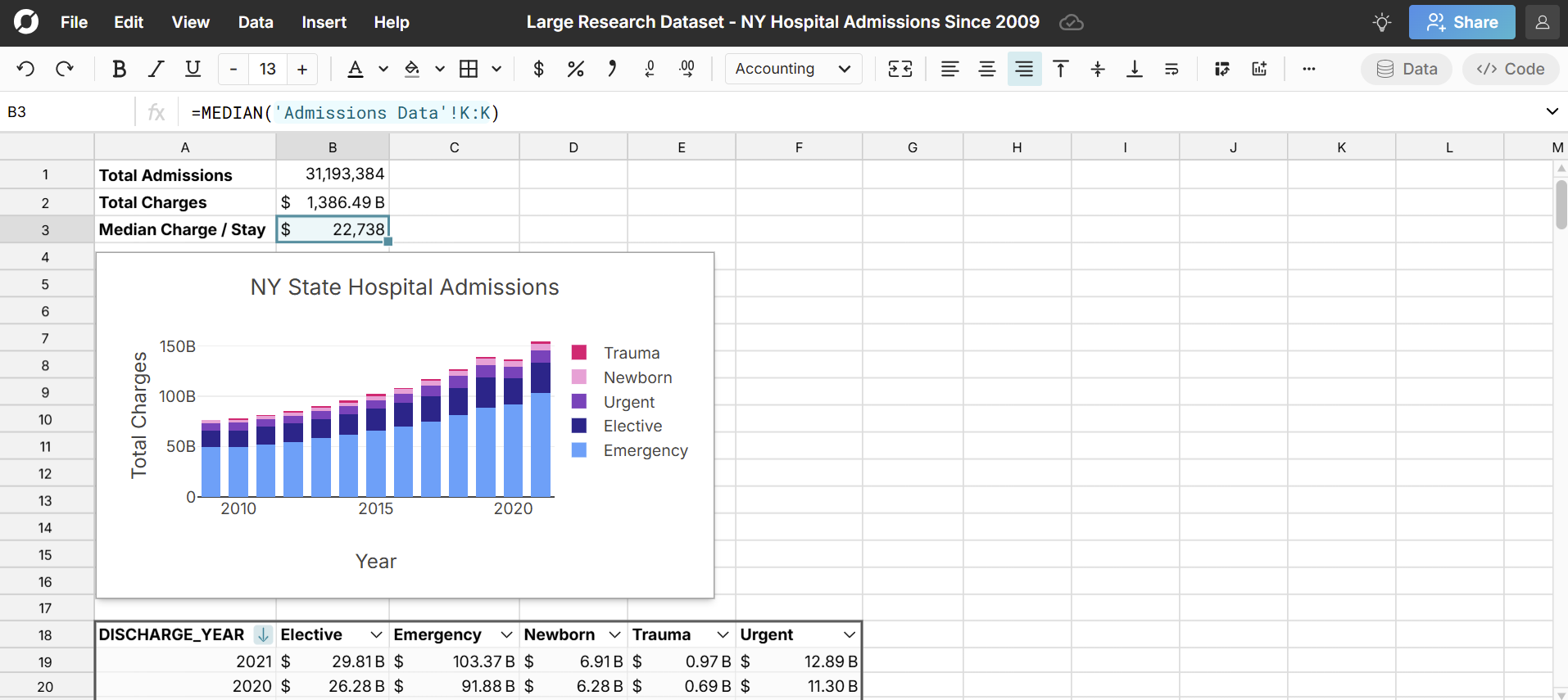
Excel is not normally the first choice for writing a long research narrative, but it can be extremely useful when the report depends on structured datasets, calculations, survey responses, or repeated tables. A research report template to edit in excel is most helpful when the research workflow needs a data layer alongside the written report rather than treating Excel as a substitute for the final narrative document.
In Excel, keep raw data separate from calculated fields and presentation tables. This separation makes it easier to audit formulas and update results when new observations are added. Use clear column names, consistent units, and documented assumptions. A report table should be a deliberate output of the analysis rather than a manually copied snapshot that can become stale.
Charts should answer a specific question. A bar chart may compare categories, a line chart may show change over time, and a scatter plot may help explore relationships. The best visualization depends on the evidence and the intended interpretation. Avoid adding charts merely because the template contains them; an unnecessary figure can distract readers from the research question.
When Excel feeds a written report, create a simple handoff process. Identify which cells or tables are authoritative, label the reporting period, and note any transformations applied to the data. Then transfer the final figures into the report with clear captions and references to the underlying analysis. This reduces the risk of presenting an outdated number after the spreadsheet has changed.
Excel works best as a supporting analytical environment. The written report should explain the question, method, evidence, interpretation, limitations, and implications, while the spreadsheet can handle calculations and structured data. Keeping those roles distinct produces a cleaner workflow and makes later revisions easier when the dataset or analysis changes.

Building a template for a research report around the study logic
A template for a research report should reflect the logic of the investigation. At minimum, the reader needs to understand what was studied, why it mattered, how the evidence was gathered, what was found, and what those findings mean. The exact headings can differ, but the sequence should help readers move from the research problem to evidence and then to interpretation.
A common structure includes a title page, abstract or executive summary, table of contents where appropriate, introduction, literature review, methodology, results, discussion, conclusion, references, and appendices. Not every project needs every component. The assignment, discipline, and research design determine which sections are necessary. Templates are most effective when they make those choices easy to adapt.
The introduction should establish the research problem and its context. The literature review should show how the study relates to existing knowledge. The methodology should explain how the investigation was conducted. Results should present what the analysis produced, while discussion should interpret the significance of those results. This division prevents the report from mixing raw findings with conclusions before the evidence has been presented.
The conclusion then brings the argument together. It should answer the research question in light of the evidence rather than introducing a new body of analysis. Recommendations may follow when the project has a practical purpose, while appendices can hold supporting material that is useful but too detailed for the main narrative. A well-designed template leaves room for those functions without forcing them into every project.
When adapting a template for research report use, remove sections that do not serve the project and add only those that the research requires. Then update the table of contents and heading hierarchy. A template becomes genuinely useful when the structure mirrors the research process closely enough that readers can predict where to find the information they need.
Choosing a research report format template for the audience
Research report format template choices are often driven by audience as much as by discipline. A lecturer may expect a conventional academic sequence, while a client may need a short executive summary followed by findings and recommendations. A research team may prioritize methods and reproducibility. Before changing the template, identify who will use the report and what decisions or evaluations the document must support.
Format also affects navigation. Long reports benefit from consistent headings, page numbers, a table of contents, and clearly labeled figures and tables. Short reports may need less front matter. The goal is not to make every report look identical; it is to make the document easy to scan and logically organized for its intended reader.
A useful template distinguishes major sections from supporting details. For example, the research question belongs in the main narrative, while a full questionnaire may belong in an appendix. A summary table can appear in the results section while extensive raw data remains in supporting material. These decisions keep the report readable without hiding evidence that a reviewer may need to inspect.
Formatting should also remain consistent across revisions. If one heading uses a different size, one figure uses another caption style, or one table uses different terminology, readers may interpret those differences as meaningful. A template can prevent such drift when its styles are applied systematically. Consistency is therefore a functional part of research communication, not merely a cosmetic preference.
Before finalizing the format, inspect the report at both document level and page level. At document level, verify section order, headings, references, and navigation. At page level, check orphaned headings, awkward page breaks, unreadable tables, figure placement, and excessive white space. This two-stage review catches problems that a simple spelling check will not detect.

Editing the title page, abstract, and navigation elements
The title page establishes the identity of the research report. It normally communicates the report title and may include the author, institution, course or department, supervisor, and submission date. Requirements vary, so the template should provide editable fields rather than hard-code details that belong to a different project or institution.
The abstract is different from the introduction. It gives a compact overview of the research purpose, approach, major findings, and conclusion so that a reader can decide whether the full report is relevant. Because it is often read independently, it should make sense without relying on unexplained references to later sections.
A table of contents becomes especially useful as the report grows. It should be generated from the document’s heading structure whenever the software supports that approach. Manually typed page numbers are fragile because revisions can move sections. An editable report should therefore use a structure that allows navigation elements to be updated after substantive changes.
Lists of tables and figures can be useful in longer projects. Their purpose is not decoration but retrieval: readers should be able to locate a particular chart, table, or diagram without scanning every page. Use concise, descriptive titles and consistent numbering. If the project is short, these lists may add more complexity than value, so follow the actual requirements.
A strong opening section makes later editing easier because the document’s identity and navigation are established before the main argument develops. When customizing the template, replace every placeholder on the title page, verify the abstract against the finished report, and regenerate navigation elements after the structure stabilizes.

Turning a literature review into a structured analytical section
The literature review is where the report shows how the research question sits within existing knowledge. It should not become a catalogue of everything the writer has read. Instead, sources should be organized around themes, debates, methods, findings, or gaps that are directly relevant to the study. The template should provide enough space for synthesis rather than encouraging disconnected source summaries.
Editing a literature review often means cutting repetition. Several sources may make similar points, and a report can become bloated when each source receives its own paragraph. A stronger structure groups related evidence and then explains where the sources agree, differ, or leave questions unanswered. The template should support those analytical transitions through meaningful subheadings.
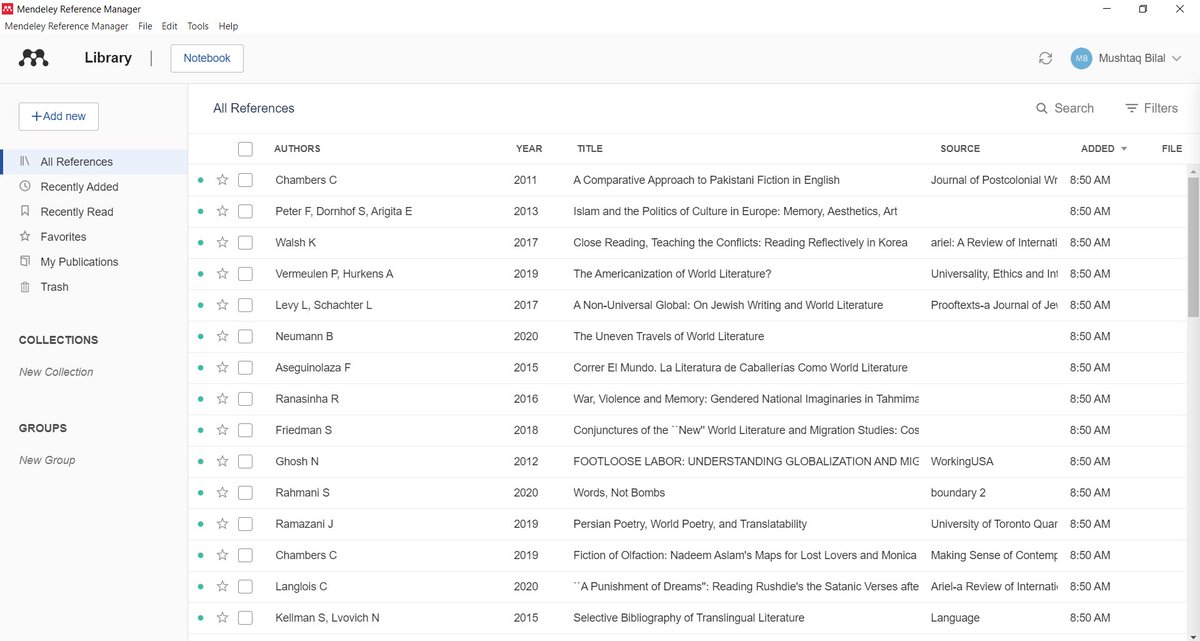
Source management is another reason editability matters. New references may change the order of citations, bibliography entries, or in-text references. A document that treats references as ordinary typed text can become difficult to maintain. Use the citation workflow required by the project and check that every source cited in the report appears in the reference list, and vice versa.
The literature review should also connect forward to methodology. If previous studies used particular measures, sampling strategies, or analytical approaches, explain why the current study adopts, adapts, or rejects them. That connection gives the report a coherent research logic. It also helps the reader understand that the method was chosen for a reason rather than inserted as an isolated technical section.
When editing this section, ask whether each paragraph advances the research problem. If a source is interesting but does not help define the question, justify the method, interpret the results, or establish a relevant gap, it may not belong. A template can organize the review, but only deliberate selection and synthesis make the section persuasive.
Customizing the methodology without overstating the research
Methodology explains how the investigation was carried out and gives readers enough information to understand the basis of the evidence. Depending on the study, this may include research design, participants or data sources, sampling, instruments, procedures, variables, analytical methods, and ethical considerations. The template should be flexible enough to reflect the actual design rather than forcing unrelated subsections.
One useful editing principle is to distinguish procedure from justification. Procedure describes what was done; justification explains why that approach was appropriate. For example, a report may describe how participants were selected and then explain why that sampling approach suited the research question. Keeping those functions visible makes the methodology easier to evaluate and revise.
Methodology sections also benefit from precise terminology. Define specialized terms when readers may interpret them differently, and keep labels consistent throughout the report. If a measure is called one name in the method, do not casually rename it in the results. Templates can reinforce consistency when headings and recurring labels are edited systematically rather than individually.
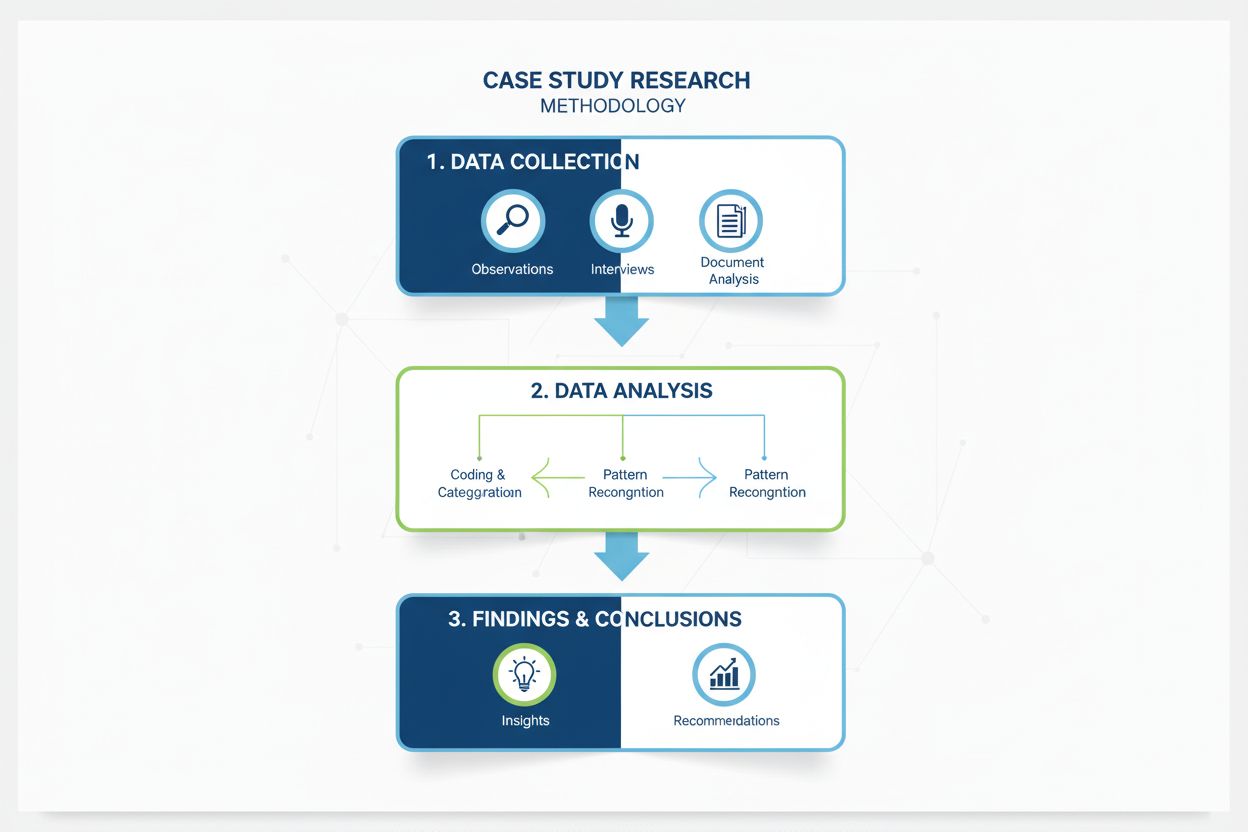
Diagrams and flowcharts can be useful when a research process contains several stages. A visual should simplify the sequence, not replace essential explanation. The surrounding text should still identify the key decisions, inputs, outputs, and constraints. When editing a template, ensure that any process graphic can be updated if the study design changes before final submission.
A finished methodology should allow a careful reader to understand how the evidence was produced. It should not claim procedures that were not actually performed. When adapting a template, delete sample methods, replace placeholder values, and verify every step against the research records. Accuracy is more important than filling every field the template happens to provide.

Presenting results with tables, figures, and analysis
Results sections should present the evidence in a way that matches the research question. Tables and figures can make patterns easier to inspect, but each visual needs a clear purpose and should be introduced in the text. A template that provides consistent figure and table formatting can save time, provided the writer remains responsible for deciding what deserves visual treatment.
Do not confuse presentation with interpretation. The results section can describe patterns, differences, or statistical outputs while the discussion explains what those findings mean in context. The exact division varies by discipline, but the principle remains useful: readers should be able to distinguish observed evidence from the author’s interpretation of that evidence.
Tables are often preferable when readers need exact values, while charts can help reveal comparisons or trends. If a figure does not reveal a meaningful pattern, it may be better to present the information in a compact table or sentence. The goal is clarity, not visual density. Every visual should earn its place by helping answer a research question.
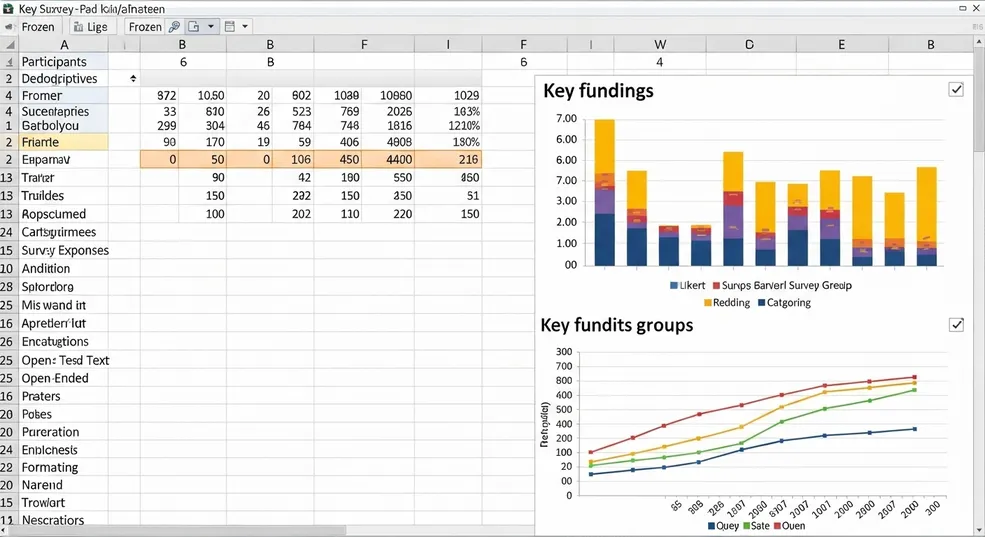
When editing results, verify units, labels, decimal precision, sample sizes, and terminology. A small inconsistency can undermine confidence in the entire report. Compare every reported number with the underlying analysis and check that figures and tables use the same definitions. This is especially important when data have been updated in a separate spreadsheet or statistical program.
A useful template makes it easy to insert, move, or remove visuals without destroying the surrounding text. Keep captions close to the corresponding figures or tables and make references to them consistent. After revisions, scan the results section from beginning to end and ask whether the order of evidence leads naturally toward the later discussion.

Editing discussion, limitations, conclusions, and recommendations
Discussion is where the report turns findings into meaning. It should reconnect results with the research question, relevant literature, theoretical expectations, practical implications, and limitations. A template can provide headings for these topics, but the writer must decide which relationships are actually supported by the evidence and which remain uncertain.
Avoid overstating conclusions. A study can identify an association without proving causation, and a limited sample may not justify broad generalization. Editing should therefore include a deliberate search for claims that sound stronger than the evidence. Replacing absolute language with precise statements can improve credibility without weakening the report’s central argument.
Limitations should be specific rather than ceremonial. Instead of saying that “all studies have limitations,” identify the particular constraint, explain how it may affect interpretation, and state what a future study could do differently. This makes the section useful. It also helps readers understand which conclusions are robust and which should be treated cautiously.
Recommendations should follow from the evidence and the audience’s needs. If the report is academic, recommendations may concern future research. If it is applied research, they may concern practice, policy, design, or implementation. Avoid adding generic advice that was not derived from the findings. The editable template should make the recommendation section easy to tailor to the actual purpose of the study.
The discussion and conclusion should not simply repeat the results paragraph by paragraph. Instead, they should answer the larger question: what has the research established, what remains uncertain, and why does that matter? A well-edited template helps make that distinction visible by giving interpretation its own space.
Managing references, appendices, and supporting evidence
References and appendices are often treated as finishing touches, but they are part of the report’s evidence trail. The reference list allows readers to identify cited sources, while appendices can preserve supporting material such as questionnaires, extended tables, coding schemes, calculations, or additional documentation. The template should make these components easy to locate and update.
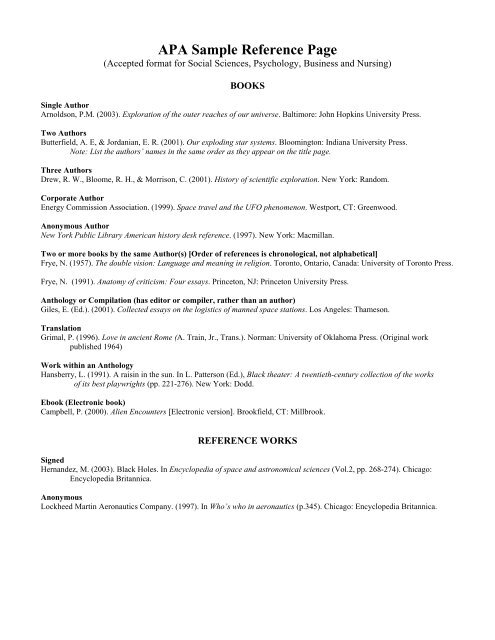
Reference formatting should follow the style required for the project rather than a generic preference. APA, Chicago, MLA, Vancouver, and other systems use different conventions. The important point is consistency. If the report template includes sample references, replace them rather than leaving them as accidental evidence of the template’s origin.
Appendices should contain material that supports the report without interrupting the main argument. A long questionnaire may be better placed in an appendix than reproduced in full inside the methodology. Likewise, detailed calculation tables can remain available for verification while the main text presents only the most relevant summary. Each appendix should be labeled and referenced from the body where appropriate.
Before submission, compare the citations and references in both directions. Every source cited in the report should be represented in the reference list, and every reference listed should have a reason to be there. Also check URLs, publication details, dates, author names, and formatting. Small reference errors are easy to overlook when attention has been focused on the main findings.
A flexible template makes these checks easier because the reference and appendix sections remain structurally separate from the main body. When editing, resist the temptation to remove supporting evidence simply to shorten the document. Instead, move appropriate detail into appendices and use the main report to explain the evidence that matters most to the research question.
Practical Solution
The practical solution is to treat the editable template as a controlled research workspace rather than a finished design. Begin by writing a short requirements sheet: audience, research question, required sections, citation style, approximate length, data sources, collaboration needs, and final submission format. Use those requirements to reject templates that look attractive but do not support the actual project.
Next, choose the master format and test it before writing deeply. For a research report template to edit in word, test styles, tables, page breaks, and navigation. For a research report template to edit pdf, test whether the actual text can be changed without damaging the layout. For a research report template to edit google docs, test sharing, comments, headings, and export. The test should take minutes, not hours.
Then adapt the structure. A research report template to edit for students may need course details, a supervisor field, a concise abstract, and sections aligned with an assignment rubric. A research report template to edit free download should be checked for its actual file type and usage terms. A research report template to edit free should be judged by whether it remains genuinely editable after download or copying.
Use the data workflow deliberately. If calculations are central, a research report template to edit in excel may work as a companion workbook rather than the final narrative. A template for a research report should still explain the research question, evidence, analysis, and conclusion in prose. Keep the spreadsheet as the analytical source and transfer only verified outputs into the written report.
Finally, build the delivery chain. A research report format template can be adapted for the required academic or professional structure, while a research report template word can remain the editable master. If the project needs a research report template university, compare it with the institution’s own instructions rather than assuming a generic structure is official. If findings will be presented visually, a research report template ppt can become a separate communication layer instead of replacing the detailed report.

Before delivery, run four checks: content, evidence, structure, and presentation. Content checks whether the research question is answered. Evidence checks whether claims match sources and data. Structure checks whether sections appear in a logical order. Presentation checks whether headings, tables, figures, references, page numbers, and exports remain consistent. This sequence gives the template a clear purpose: reducing avoidable formatting work while leaving research decisions under the author’s control.
Reference Examples
These examples illustrate the different editing environments and report uses represented by the required search phrases. Each item is shown in the same order as the supplied keyword set.
research report template to edit in word
Source: Jessica E. Black
research report template to edit pdf

Source: Cisdem
research report template to edit google docs
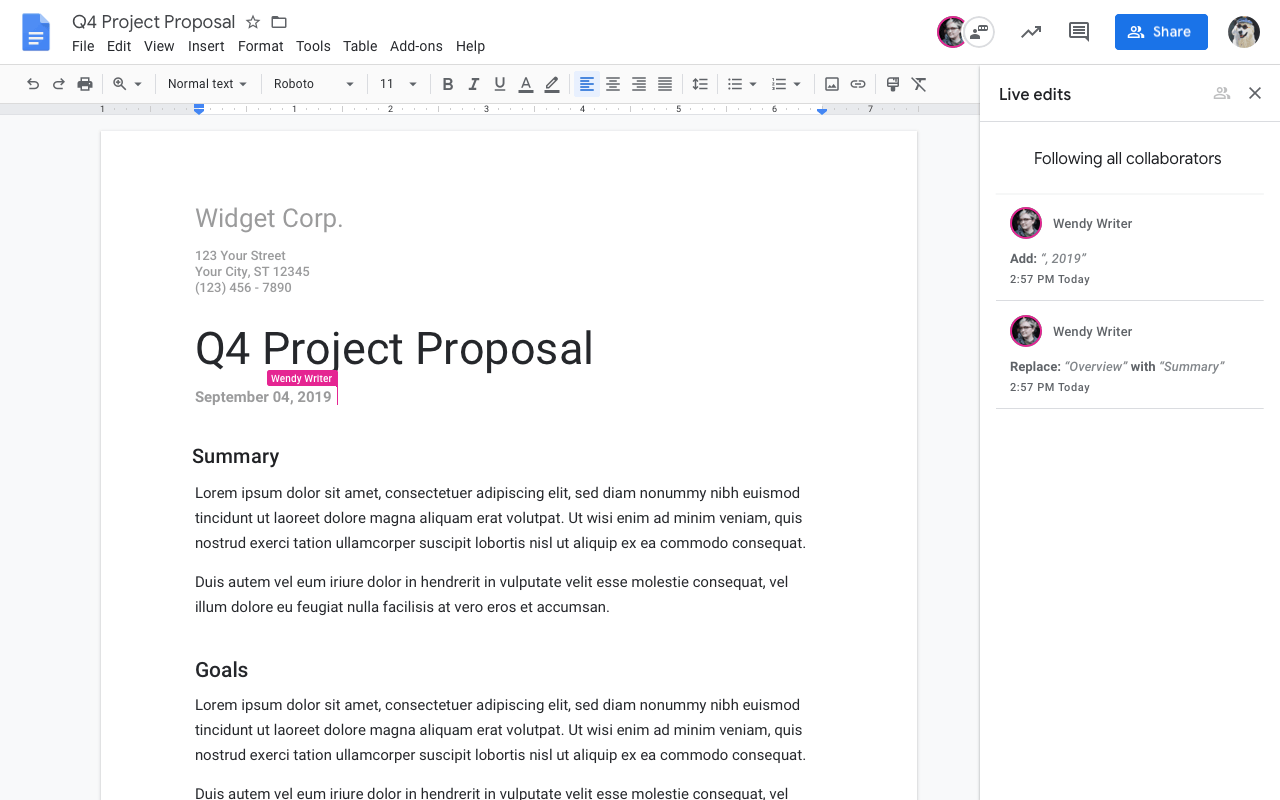
Source: Digital Information World
research report template to edit for students
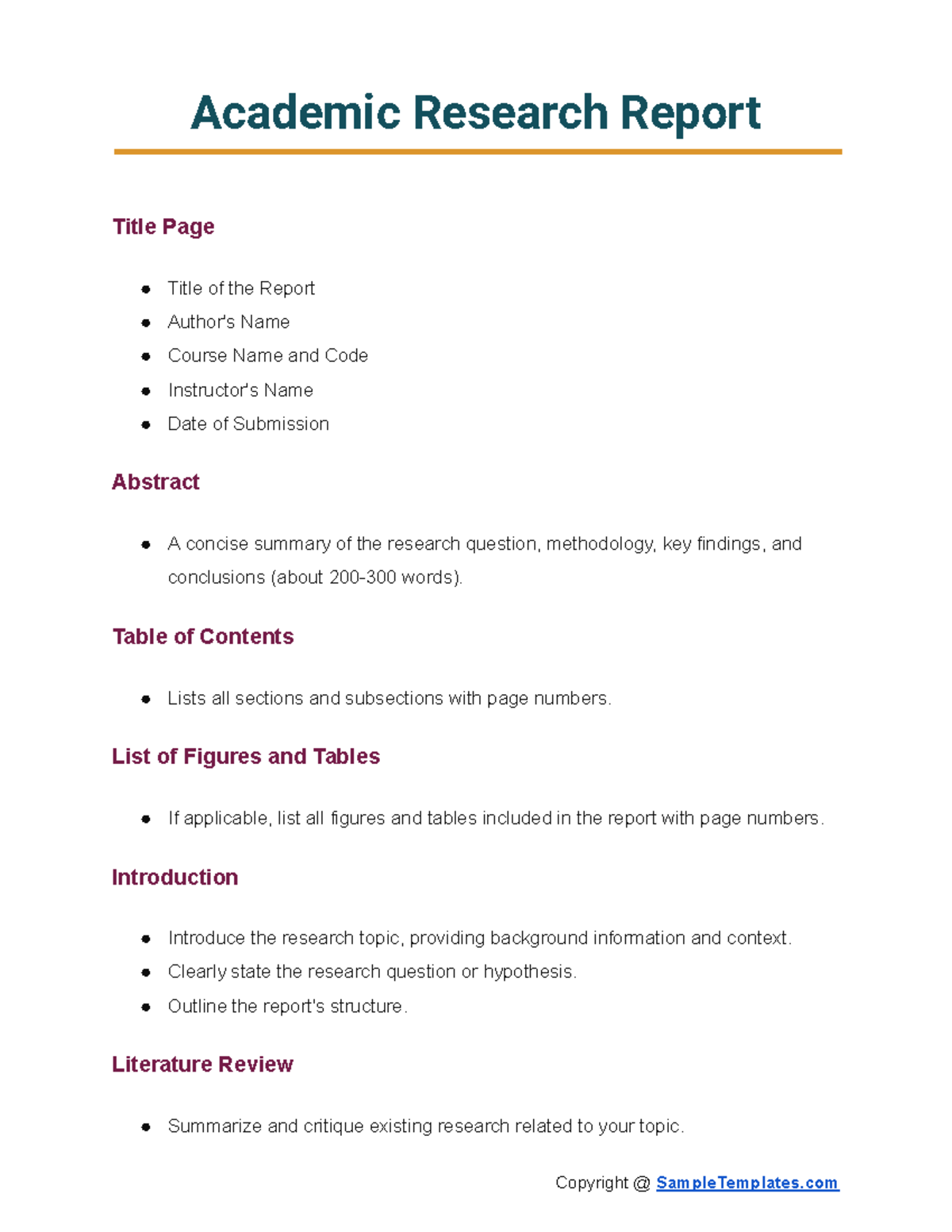
Source: Studocu
research report template to edit free download
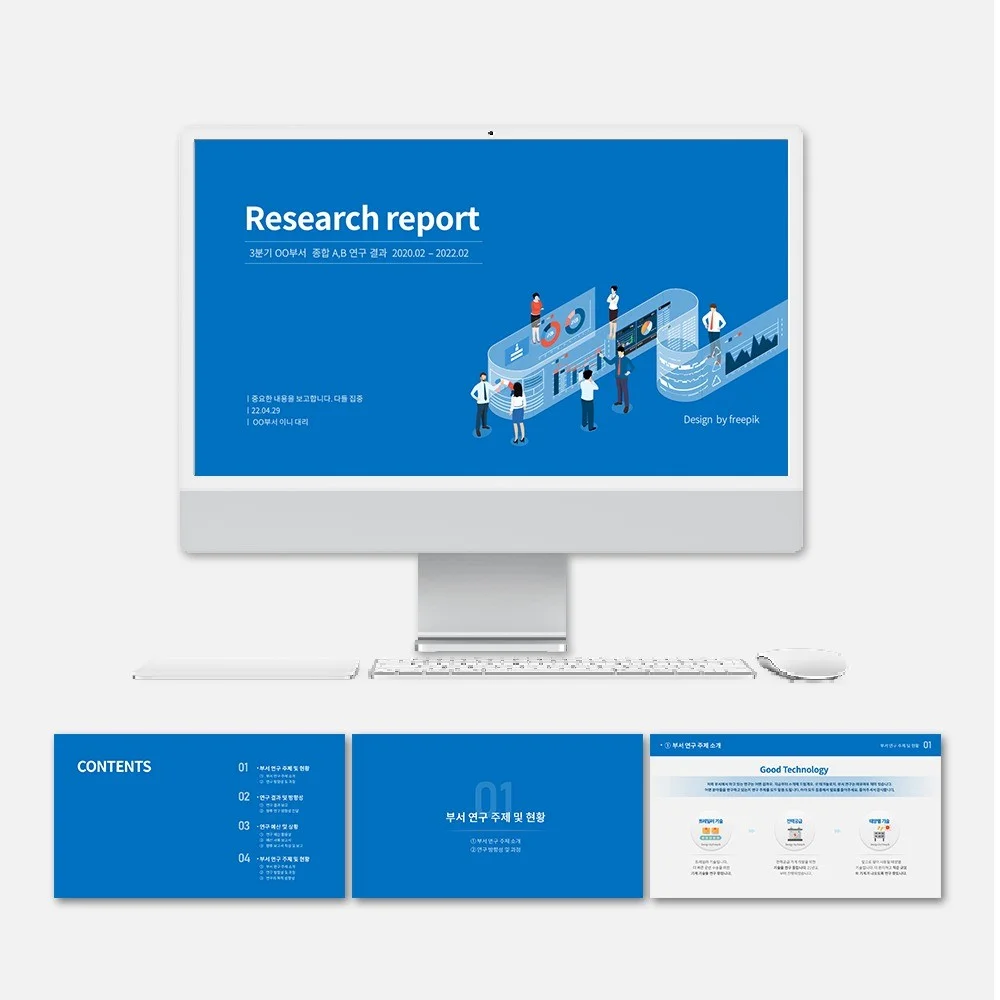
Source: Kmong portfolio
research report template to edit free
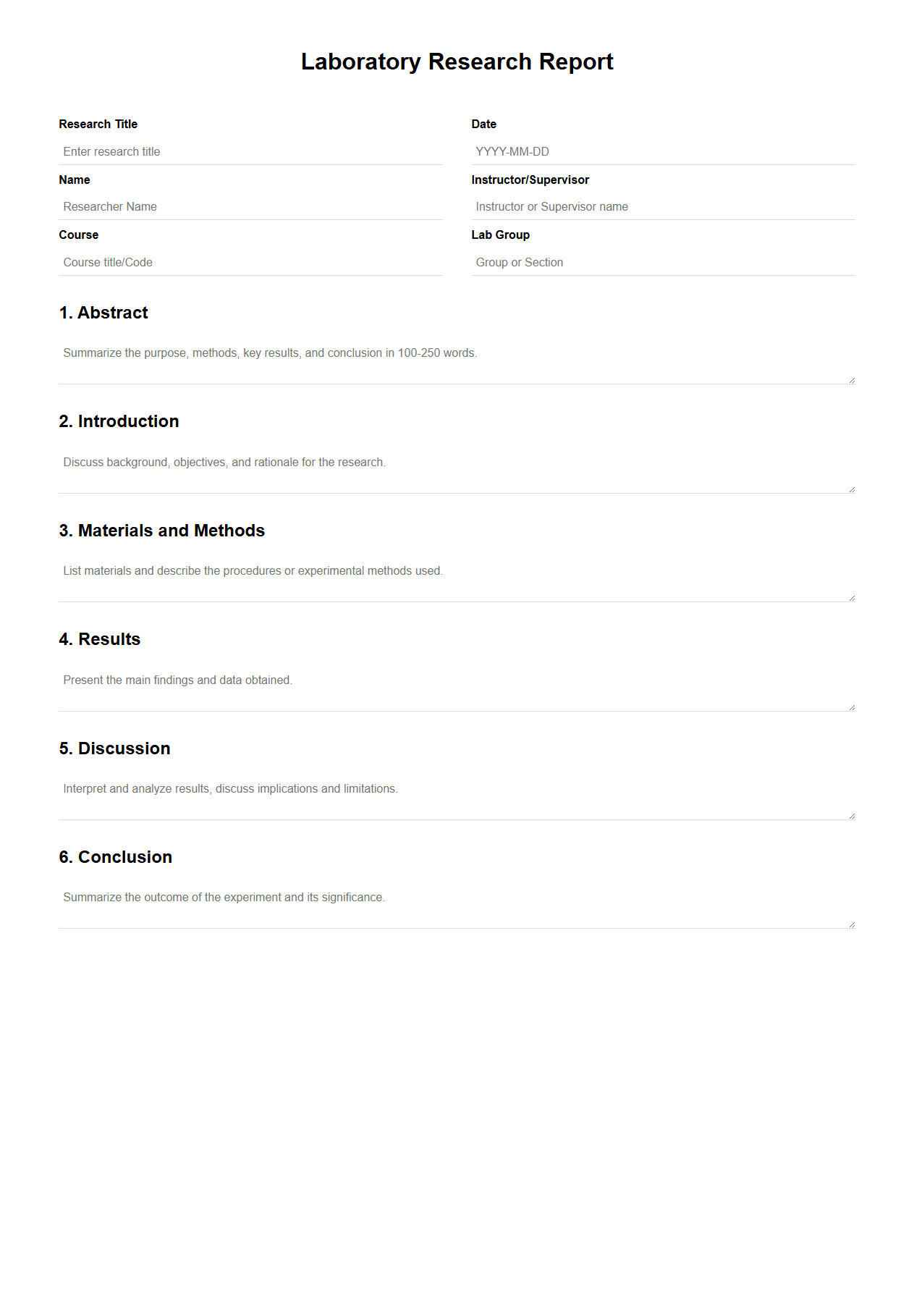
Source: documentof.com
research report template to edit in excel
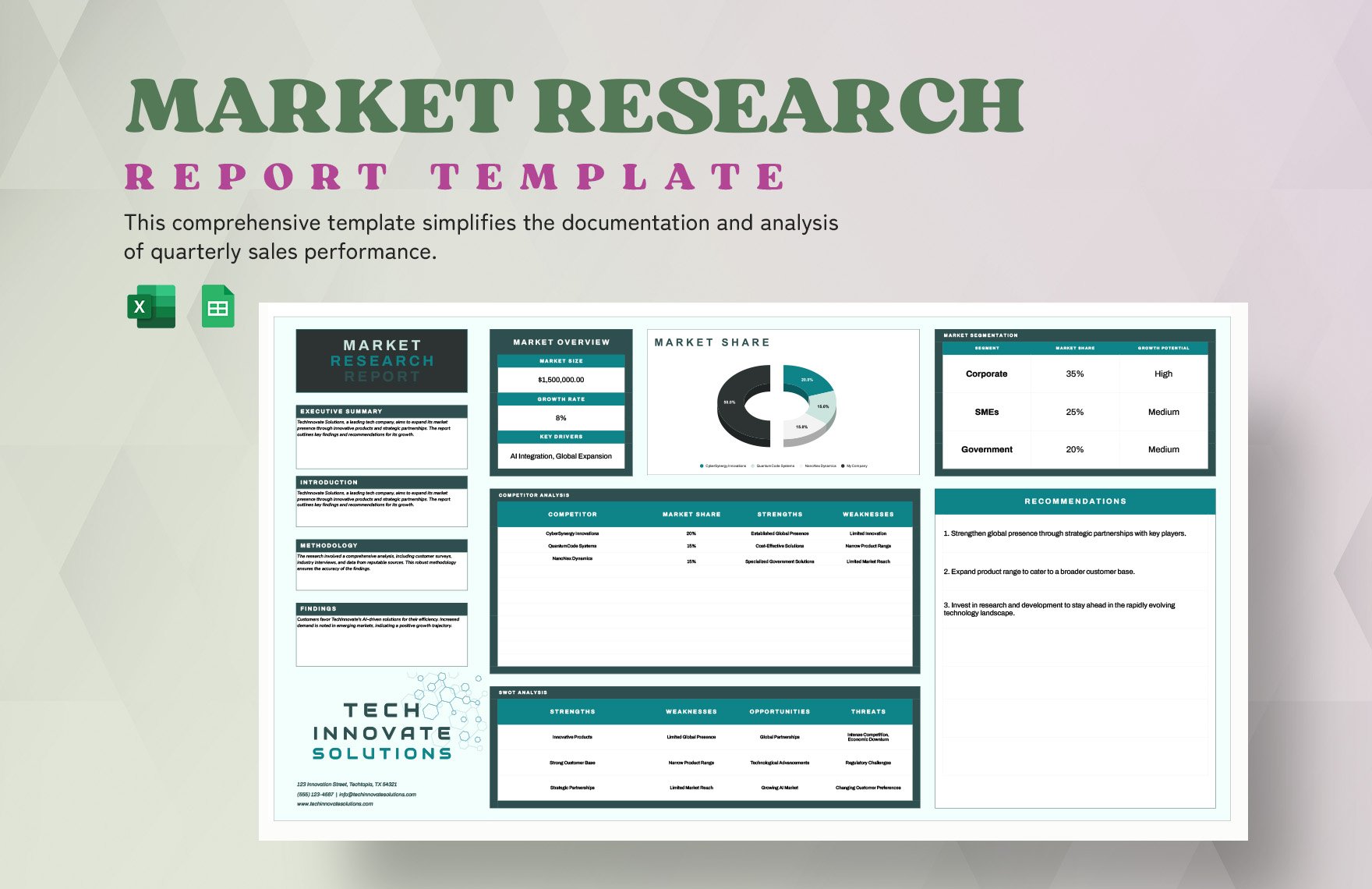
Source: Template.net
template for a research report
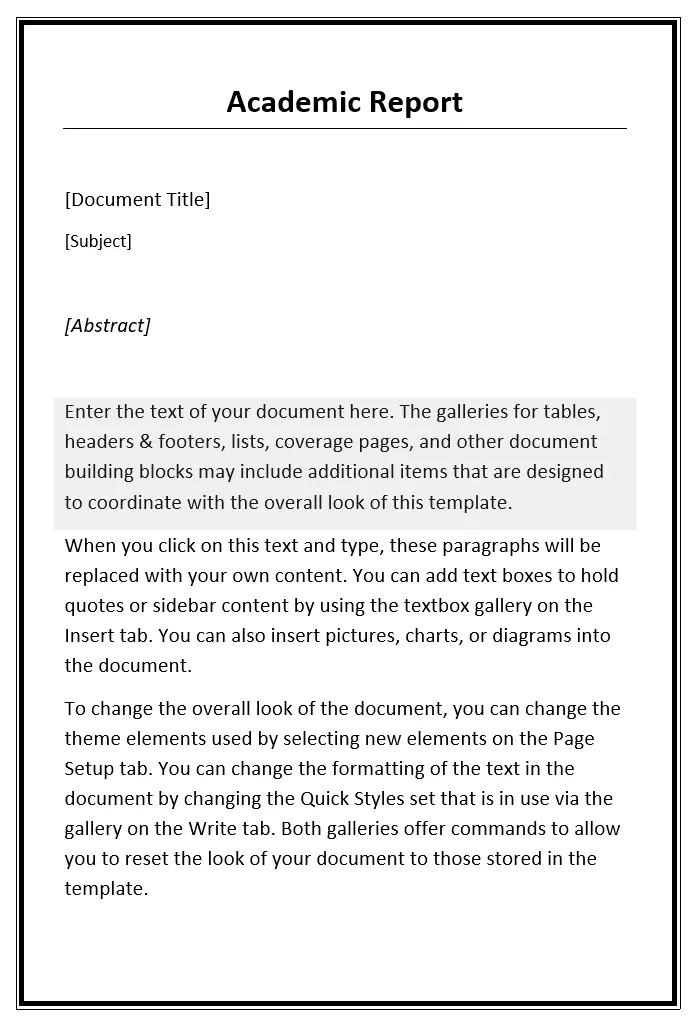
Source: Lexiconn
research report format template
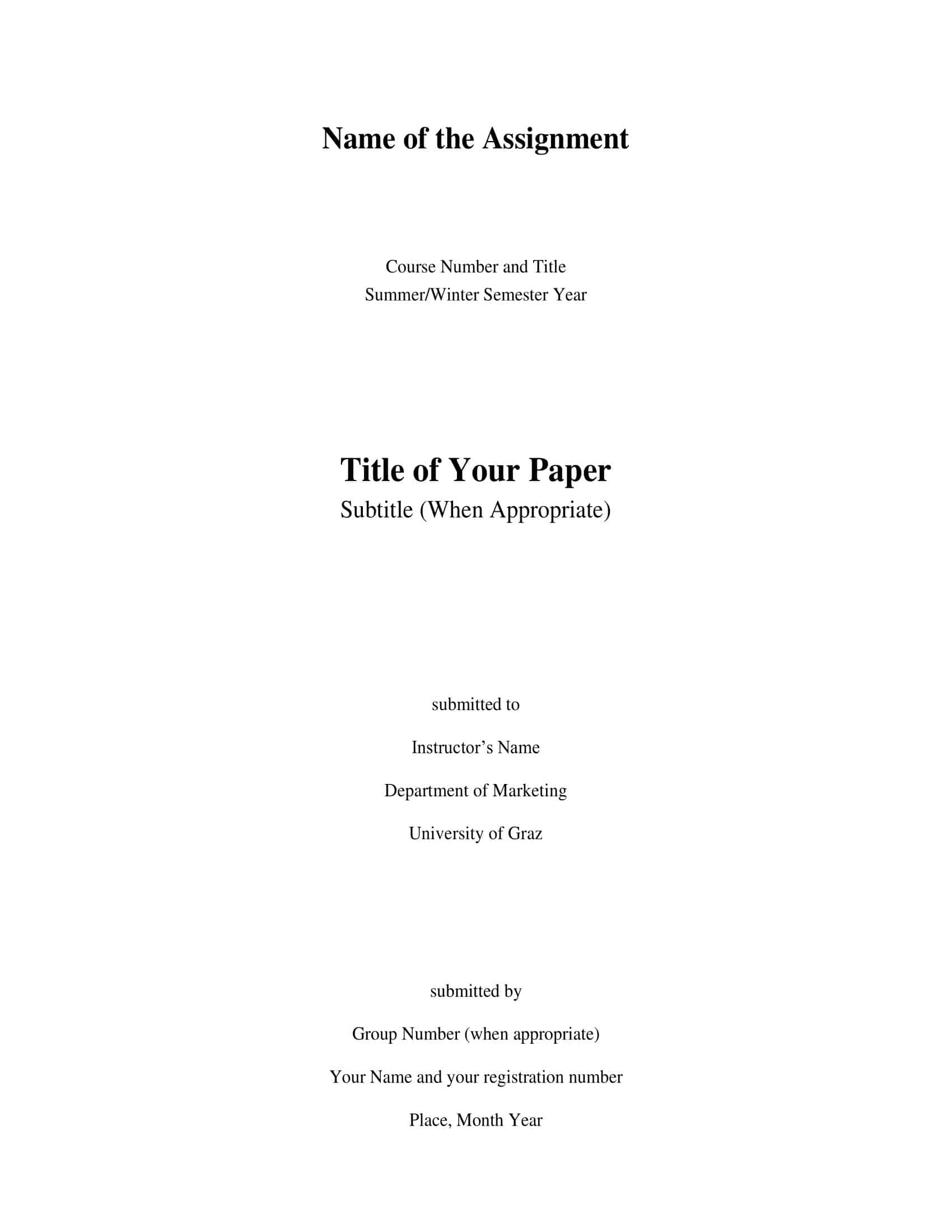
Source: TypeCalendar
research report template word

Source: Softwareg.com.au
research report template university

Source: Epic Essay
research report template ppt
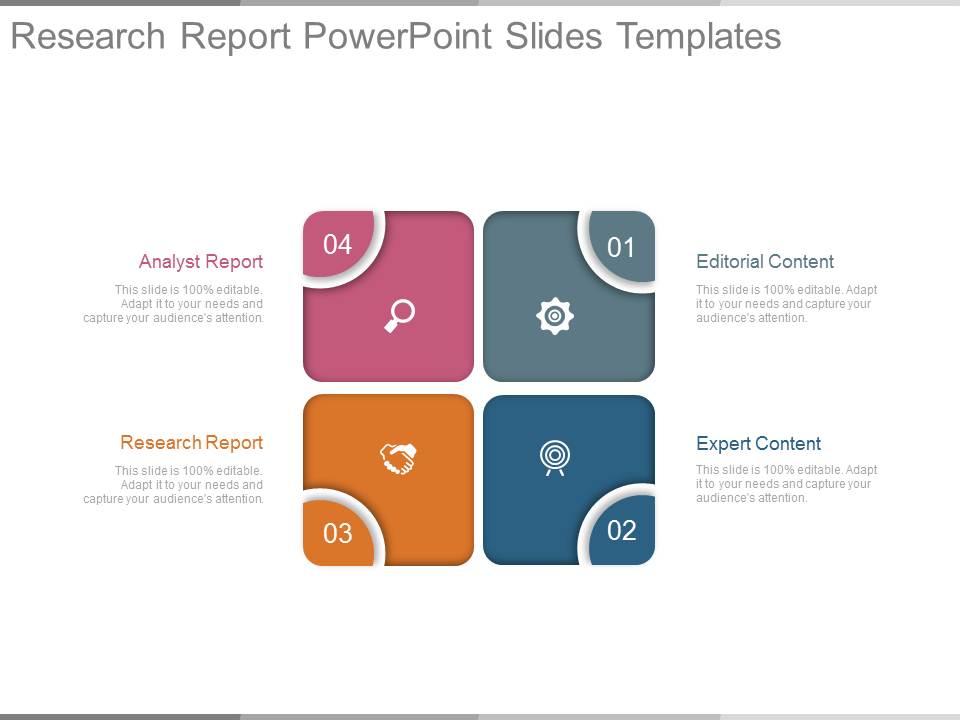
Source: SlideTeam
Frequently Asked Questions
What should I edit first in a research report template to edit?
Start with the structure: title, author details, headings, required sections, and placeholders. Establish the correct hierarchy before filling the report with substantial text, because later structural changes can affect the table of contents, numbering, page breaks, and figures.
Is Word better than Google Docs for an editable research report?
Neither is universally better. Word is often useful when detailed document control and complex formatting matter, while Google Docs is useful when several people need to collaborate in one browser-based document. Choose the environment that matches the editing workflow and the final submission requirements.
Can I edit a research report template in PDF?
Sometimes. Text-based PDFs can be editable with suitable software, but scanned or flattened PDFs may require different tools and more cleanup. For a report that is still changing substantially, keeping a structured source document and exporting a PDF for final distribution is usually easier.
Should students use a generic university research report template?
A generic template can be a useful starting point, but students should always compare it with their assignment brief, department guidance, rubric, and submission instructions. Institutional requirements can differ, so a common format should not be treated as an official university rule unless the university provides it.
Can Excel replace a written research report?
Usually not. Excel is well suited to structured data, calculations, and charts, while the written report explains the research question, method, findings, interpretation, limitations, and conclusions. A strong workflow often uses Excel as an analytical companion to the narrative report.
How do I know when the edited template is ready to submit?
Run a final audit in the required file format. Check the research question, evidence, references, headings, tables, figures, page numbers, appendices, placeholders, and visual layout. Open the final exported file independently rather than assuming it matches the editable master.
Conclusion
A research report template to edit is most useful when it removes routine formatting work without taking control away from the researcher. The right starting document gives the project a stable structure while leaving room for evidence, revision, and discipline-specific requirements.
The most important choice is therefore not the most decorative template. It is the template that remains easy to change when the research changes. Test headings, tables, figures, navigation, references, and exports before investing heavily in the file.
Word, Google Docs, PDF, Excel, and presentation tools can serve different parts of the same workflow. Keeping each tool in the role it handles best can make the report easier to build, review, update, and distribute.
Students and professionals should also verify the requirements that apply to their particular project. A generic format can guide drafting, but assignment instructions, institutional templates, client requirements, and documented style guides take priority when they differ.
Once the structure, evidence, and presentation have been checked, the template should disappear into the background. What remains visible should be a clear research question, credible evidence, thoughtful analysis, and a conclusion that follows from the work.

A well-chosen research report template to edit gives the researcher a dependable framework for changing content, checking evidence, collaborating with reviewers, and producing a clean final document. The template is successful when it supports the research rather than becoming another problem to solve.
