A payroll template printable is a structured document used to organize employee pay information in a consistent format that can be reviewed on screen or printed for physical records. Depending on the business, it may contain employee names, pay periods, regular hours, overtime, rates, gross earnings, deductions, taxes, benefits, net pay, approval fields, and notes. The best template is not necessarily the most complicated one; it is the one that captures the information needed for the payroll process without making review unnecessarily difficult.
For a small business, a printable payroll worksheet can provide a simple bridge between timekeeping and bookkeeping. For a larger organization, a template can serve as a review or reconciliation document even when payroll is processed through specialized software. The printable version is especially useful when a manager needs to sign off on hours, when records must be reviewed away from a computer, or when a paper filing system remains part of the organization’s workflow.
This guide explains how to choose the right format, what information belongs in a payroll record, how weekly and monthly schedules differ, when Excel is useful, how PDF printing fits into the workflow, and what California employers should consider when documenting wages. It also explains how to create a reliable process rather than treating the template as a substitute for payroll controls or professional tax advice.
Federal guidance does not prescribe one universal payroll-record form for every employer. The U.S. Department of Labor explains that covered employers must maintain accurate information about employees, hours, and wages, while employers may choose an appropriate timekeeping method. The IRS likewise emphasizes maintaining records that support employment-tax reporting. :contentReference[oaicite:0]{index=0}
That flexibility is important because payroll needs vary considerably. An hourly retail employee, a salaried office employee, a restaurant worker receiving tips, and a contractor are not necessarily documented in the same way. A useful payroll template therefore begins with the actual pay process and applicable requirements, rather than with a visually attractive spreadsheet.
What Is a Payroll Template Printable?
At its simplest, a payroll template is a repeatable layout for recording compensation information. The word “printable” means the layout is designed to remain readable when exported or printed, rather than existing only as an interactive spreadsheet with dozens of hidden calculations.
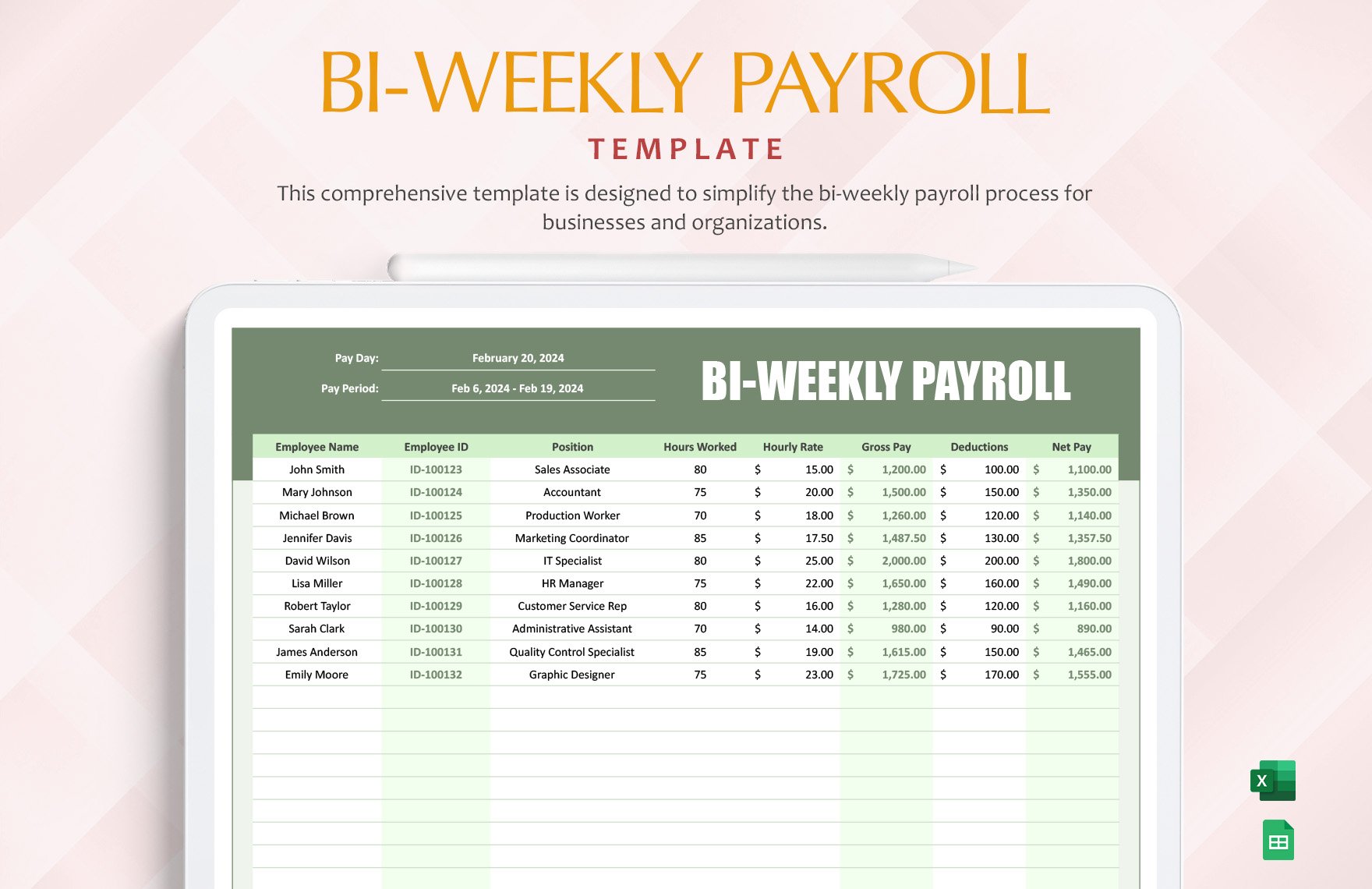
A good printable template normally separates identifying information from calculations. The header might contain the business name, payroll period, payment date, department, and preparer. The main table can then show employees and the wage components used to arrive at gross and net pay.
For hourly employees, the record may begin with hours worked and pay rates. For salaried employees, the template may instead focus on salary amounts, deductions, benefits, leave adjustments, and other items affecting the current pay period. The design should avoid forcing every employee into fields that do not apply.
Printable records are also useful for review because they create a fixed snapshot of a payroll run. A spreadsheet can change after someone edits a cell, while a reviewed printout can show what was presented for approval at a particular point in the process.
That does not make paper automatically superior to electronic records. A strong system can use both: an editable spreadsheet for calculations, a PDF or printout for review, and an organized electronic archive for the underlying supporting records. The important principle is consistency and traceability.
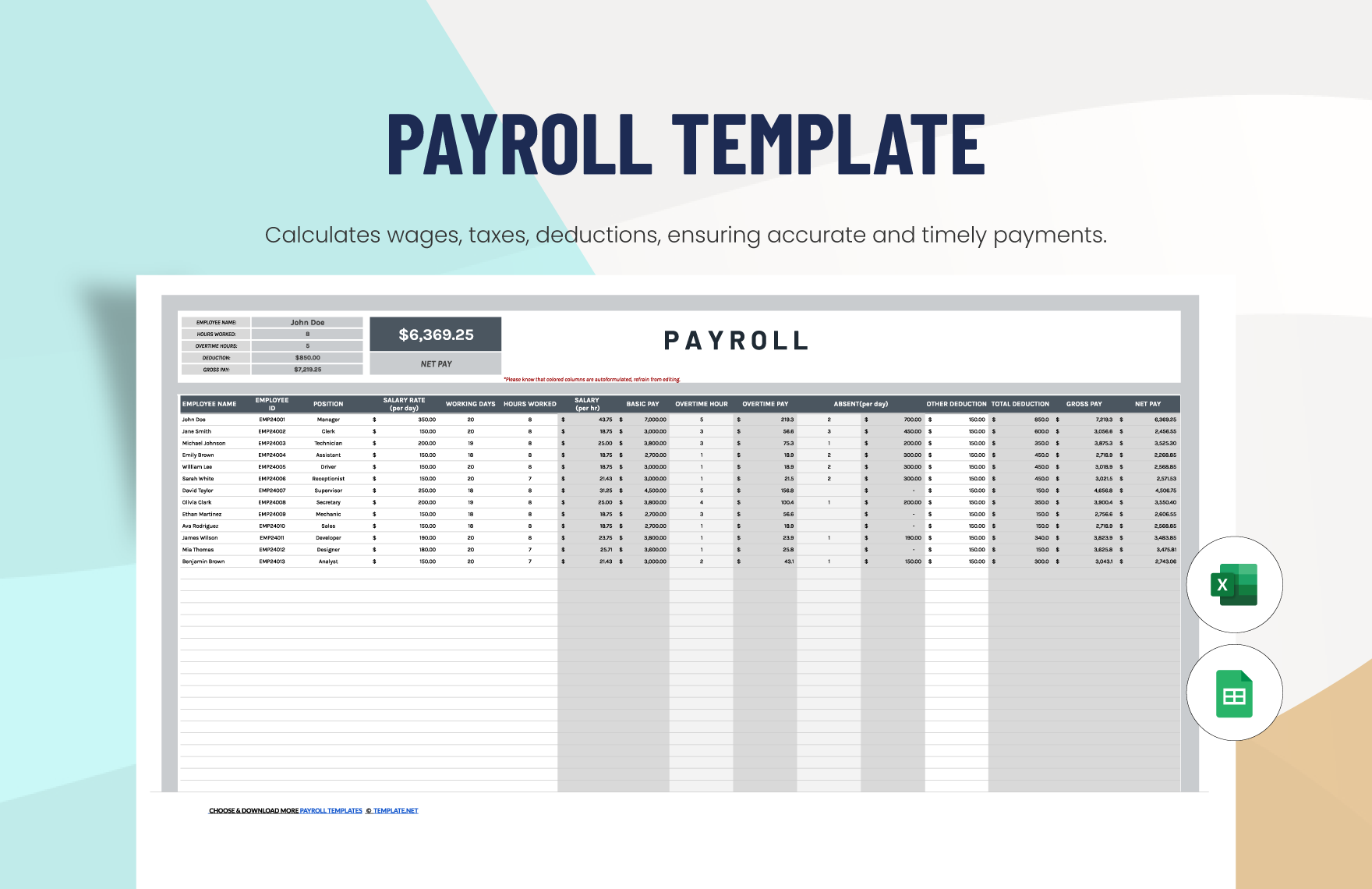
Why Businesses Use Printable Payroll Templates
Payroll templates reduce the amount of formatting work required each pay cycle. Once the columns, labels, formulas, and approval areas have been established, the person processing payroll can concentrate on entering and checking data rather than rebuilding the document from scratch.
They also create a common visual language. If every payroll period uses the same column order, reviewers quickly learn where to find regular hours, overtime, deductions, reimbursements, and net pay. That familiarity can make review faster and can make unusual values easier to spot.
A printable record can be particularly useful for small organizations without a dedicated payroll department. One person may prepare the worksheet, another may verify it, and an owner or manager may approve the final figures. The template gives each reviewer a common document to work from.
Templates can also help with reconciliation. For example, a payroll register can be compared against the bank payment total, the accounting entry, and the source time records. A discrepancy is easier to investigate when the payroll record clearly shows how the total was assembled.
The most important benefit, however, is disciplined repetition. A template should make the correct process easier to follow and the incorrect process harder to overlook. It should not encourage users to enter sensitive payroll information casually or assume that a formula is correct simply because it produces a number.
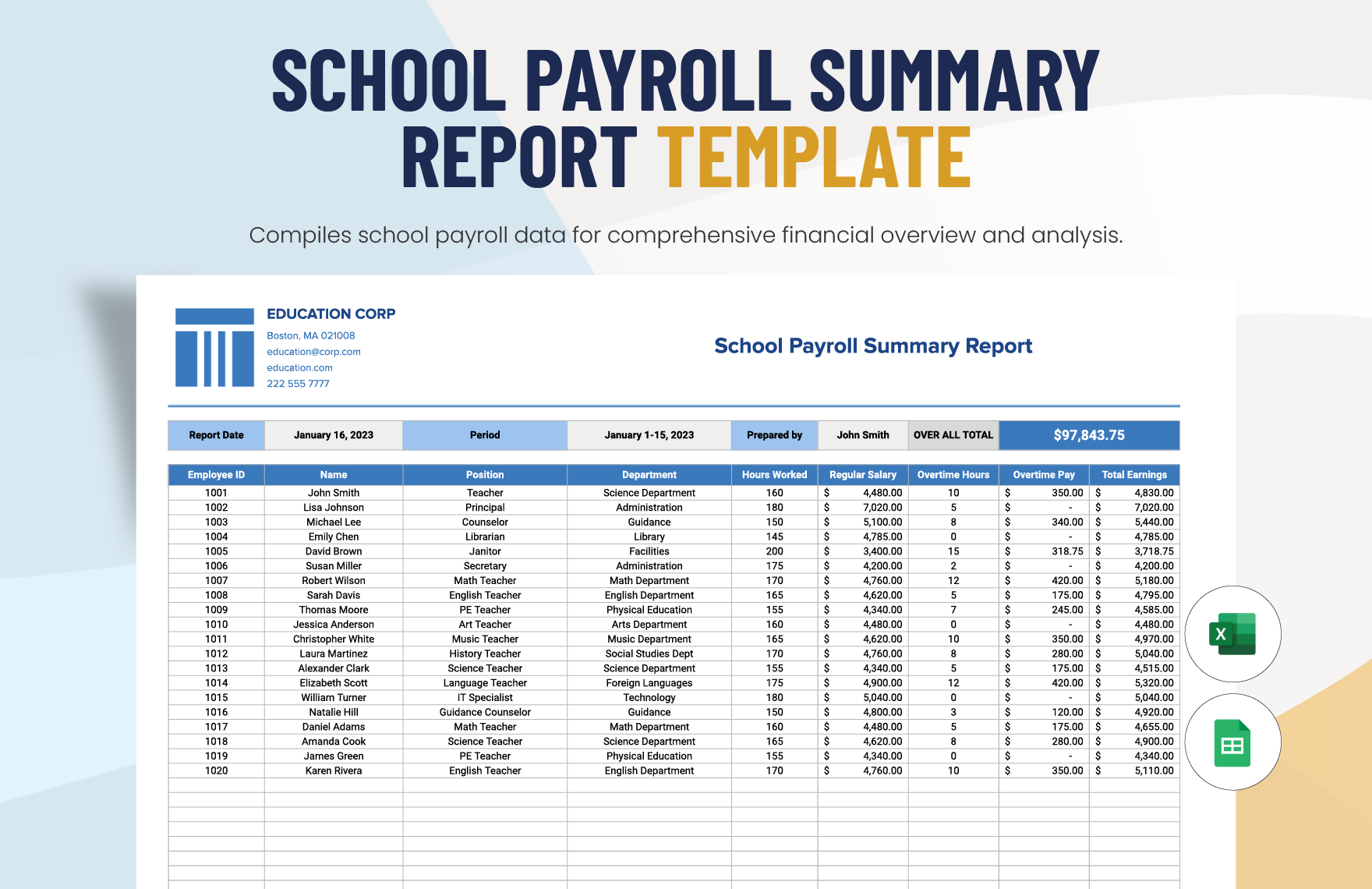
Key Components of a Payroll Template Printable
The employee information area usually includes the employee name and an internal identifier. Depending on the organization’s process, a department, job title, employment classification, or location may also be useful. Avoid placing unnecessary sensitive information in a general payroll worksheet when the information is not needed for the task.
The pay-period section should identify the beginning and ending dates covered by the record and, where appropriate, the actual payment date. These dates are easy to confuse, particularly when a work period ends several days before employees receive their wages.
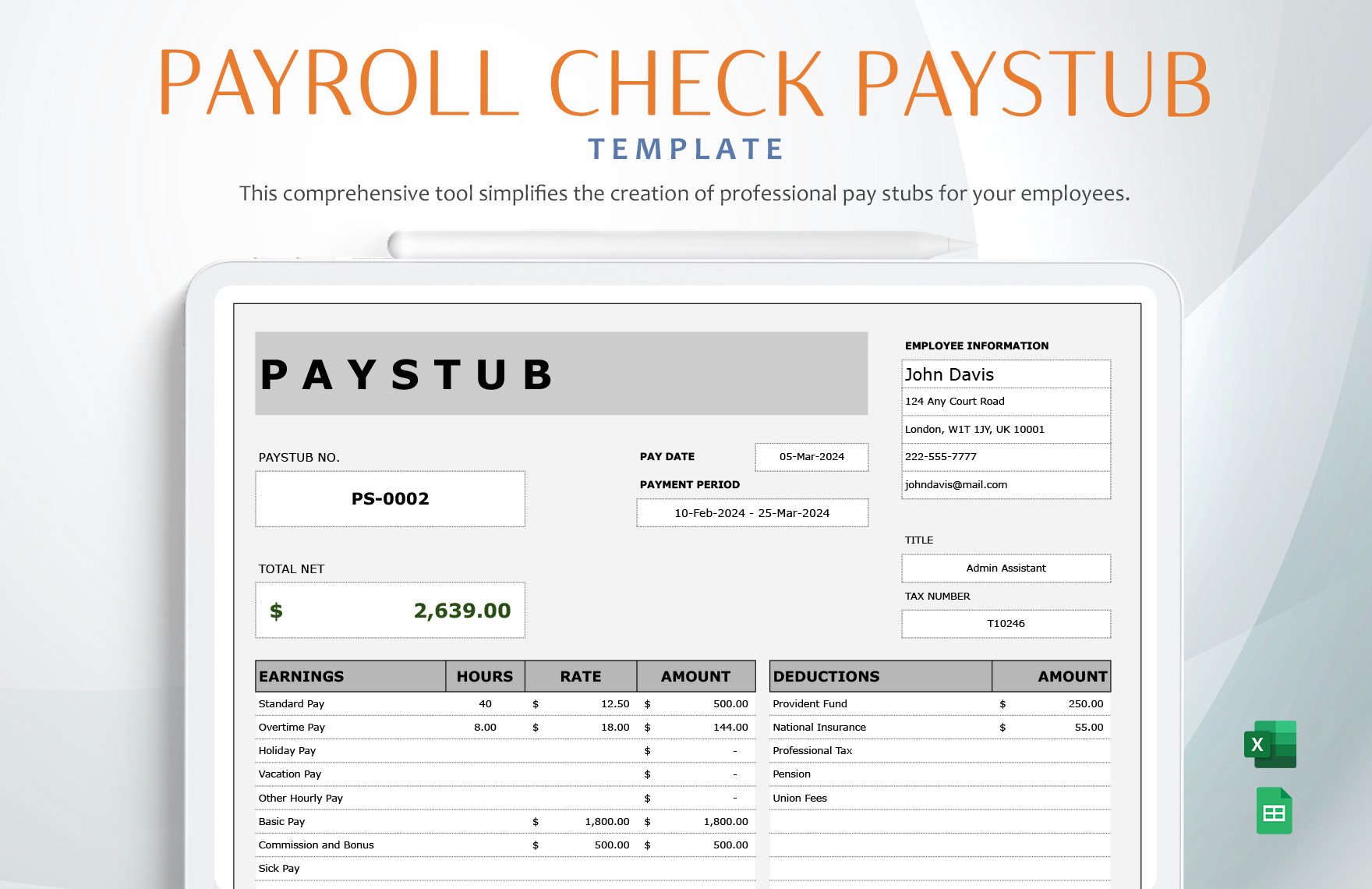
The earnings section should distinguish the components that contribute to gross pay. Common examples include regular wages, overtime, bonuses, commissions, paid leave, differentials, or other compensation. A template should make clear whether an amount represents hours, a rate, or a dollar value.
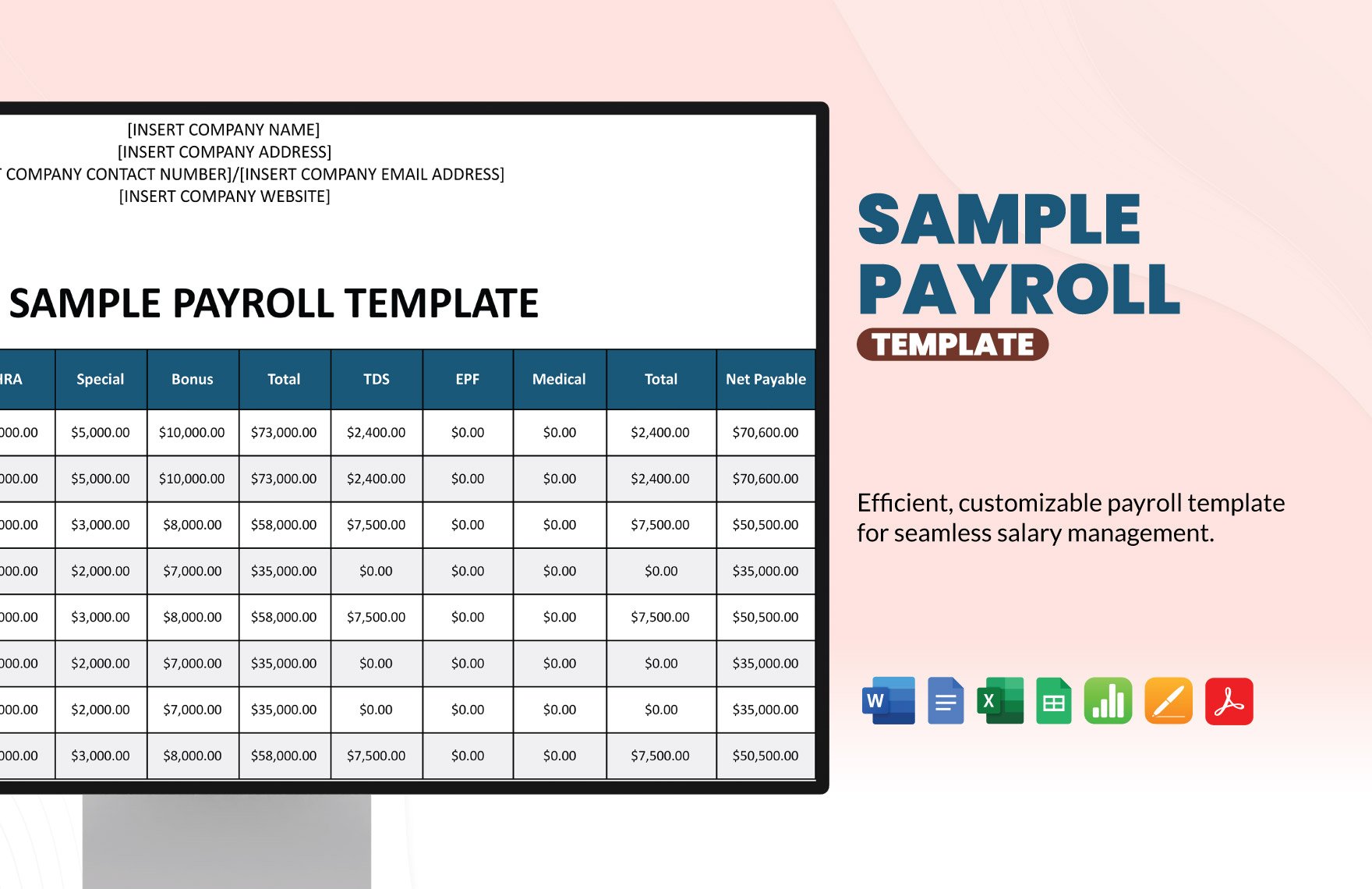
The deductions section should be equally clear. Taxes, benefits, retirement contributions, insurance premiums, garnishments, and other authorized deductions should not be collapsed into an unexplained total when the underlying details are important for review or employee documentation.
Finally, the template needs a clear calculation path from gross earnings to net pay. If a number is calculated automatically, the user should be able to understand which input fields drive it. If a number is entered manually, there should be a reason for doing so and, ideally, supporting documentation.
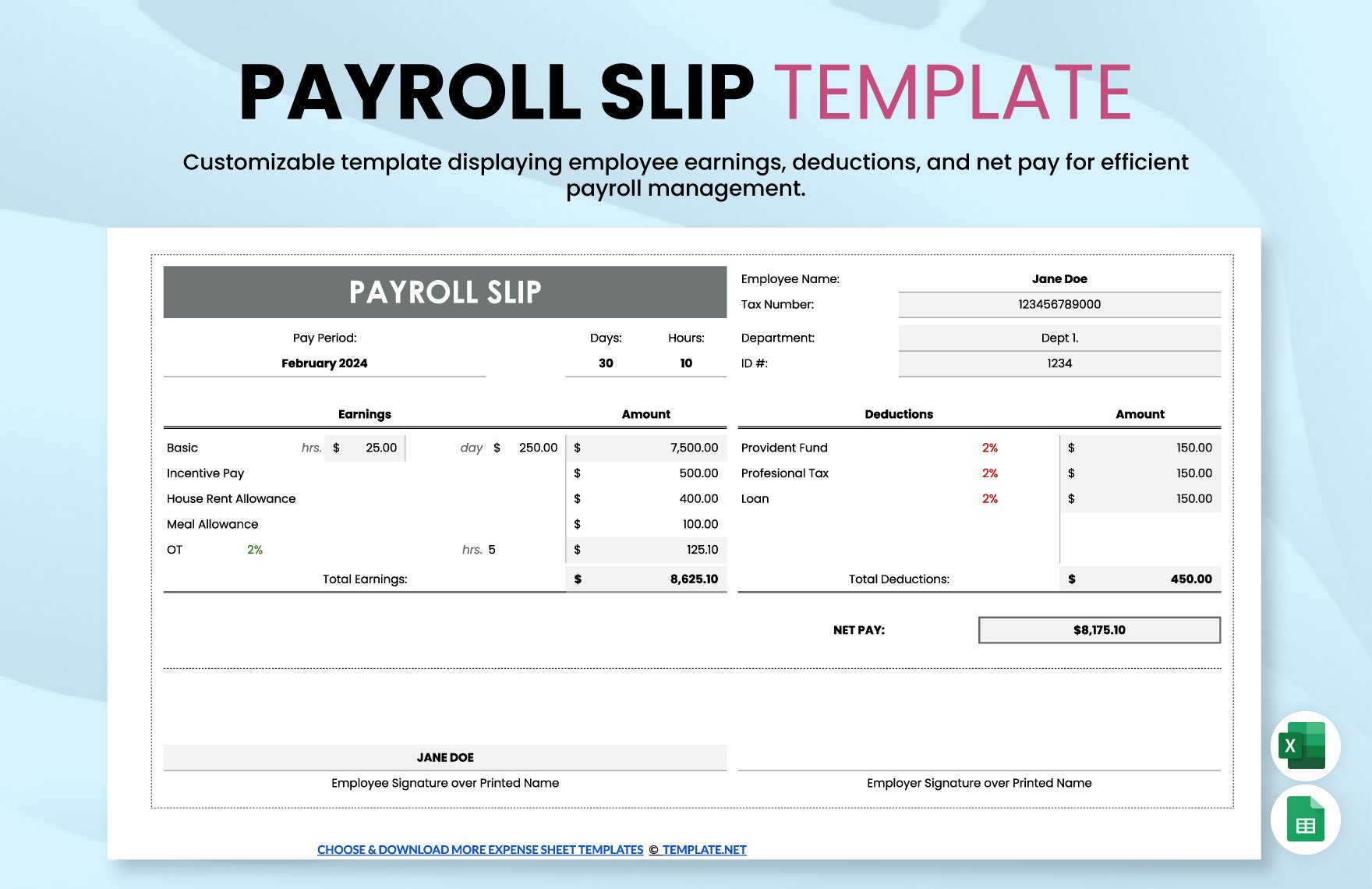
Choosing Between Paper, PDF, and Spreadsheet Formats
Paper is useful when signatures, handwritten notes, physical approvals, or filing cabinets are part of the payroll workflow. A paper form can also be convenient for managers who review time records on the floor, at a job site, or in a location where a computer is not readily available.
PDF is generally best treated as a fixed presentation format. It can preserve page layout, column headings, and the appearance of a completed record. It is useful when a completed payroll worksheet needs to be reviewed, printed, or archived without allowing accidental changes to the underlying calculations.
Excel or another spreadsheet application is better suited to calculations and structured data entry. Formulas can total hours, multiply hours by rates, calculate subtotals, and flag inconsistencies. Spreadsheet formulas should still be reviewed because a correct-looking formula can produce incorrect results when its assumptions or cell references are wrong.
A practical workflow can therefore use all three formats. The editable spreadsheet acts as the working file, a PDF acts as the review or archive copy, and paper is used only where a physical record or signature adds value.
Do not assume that printing a spreadsheet automatically produces a professional document. Before printing, check page orientation, margins, repeated header rows, column widths, scaling, page breaks, and whether totals are separated from the employee data. A technically correct worksheet can still be difficult to audit if the printed layout is poor.
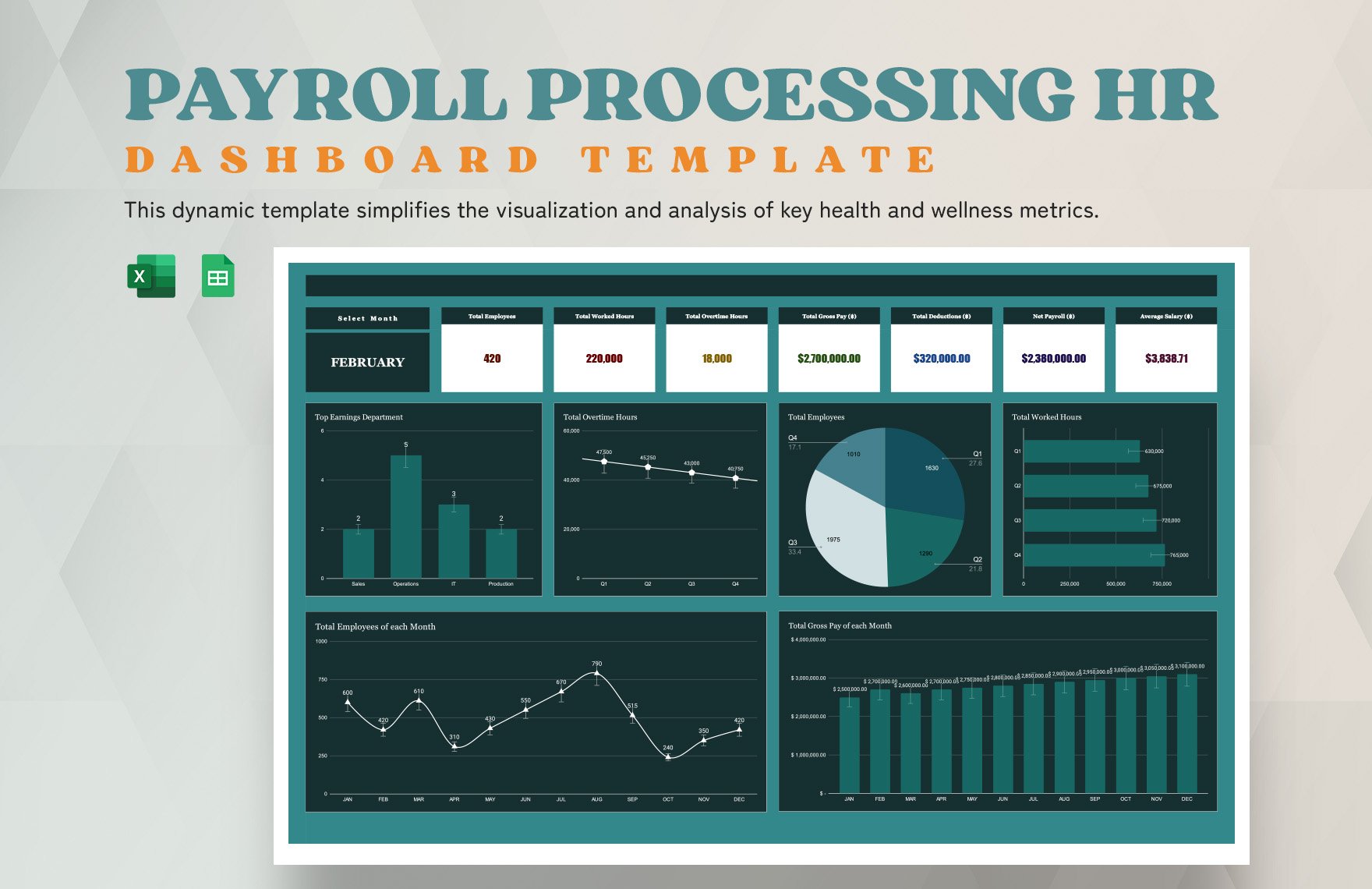
Payroll Template Printable PDF: When a Fixed Version Helps
A PDF is useful when the objective is to preserve the visual appearance of a completed payroll record. It can prevent the casual editing that is possible with a spreadsheet and can provide a consistent copy for a review folder or document-management system.
When preparing a PDF, verify that all columns fit on the page and that important numbers are not truncated. A payroll record with unreadable employee names or clipped deduction columns defeats much of the purpose of a printable format.
Consider whether the PDF should contain one pay period per page or multiple periods per document. For small payrolls, one period per page can be easier to review. For annual reporting, combining periods into a clearly bookmarked or organized document may be more convenient.
Security also matters. Payroll documents contain sensitive information. If a PDF includes personal or financial information, store and transmit it according to the organization’s security procedures. A printable format should never be treated as permission to distribute employee information broadly.
Most importantly, distinguish a printable PDF from an official government form. A business-created payroll worksheet can help organize records, but it does not become an official tax form merely because it is saved as a PDF.
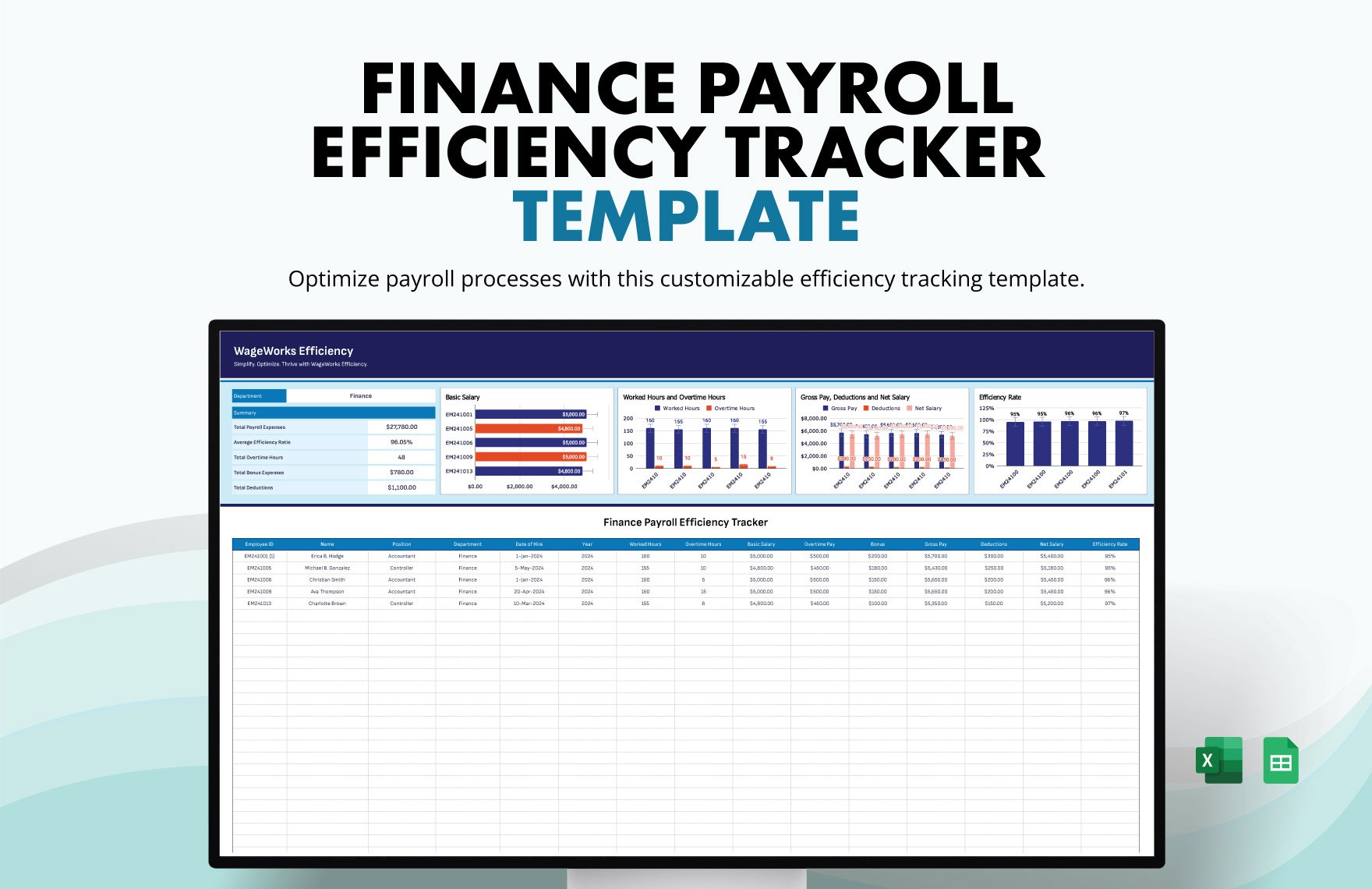
Payroll Template Printable Free: What to Look For
A free template can be perfectly adequate when the business has a straightforward payroll structure and the template captures the required information. Cost is not the main indicator of quality. A simple, accurate template is more useful than an expensive design filled with fields the organization never uses.
Before adopting a free template, inspect the formulas if formulas are included. Check whether overtime is calculated correctly for the relevant jurisdiction and pay arrangement. Also check whether deductions are entered as amounts, percentages, or both, and whether the design clearly identifies which approach is being used.
Look at the print preview before committing to a format. A template may look excellent on a screen but become unusable when printed because columns shrink, totals move to another page, or employee rows become too small to read.
Check whether the template can accommodate changes. A growing company may add employees, departments, pay rates, benefits, or multiple locations. A free template that works for five employees may become difficult to maintain when the payroll grows to fifty.
Finally, verify the source and licensing terms for any template you adopt. “Free” can mean free for personal use, free for certain business uses, or simply free to view. Do not assume that every downloadable template can be redistributed, branded, or embedded into a commercial product.
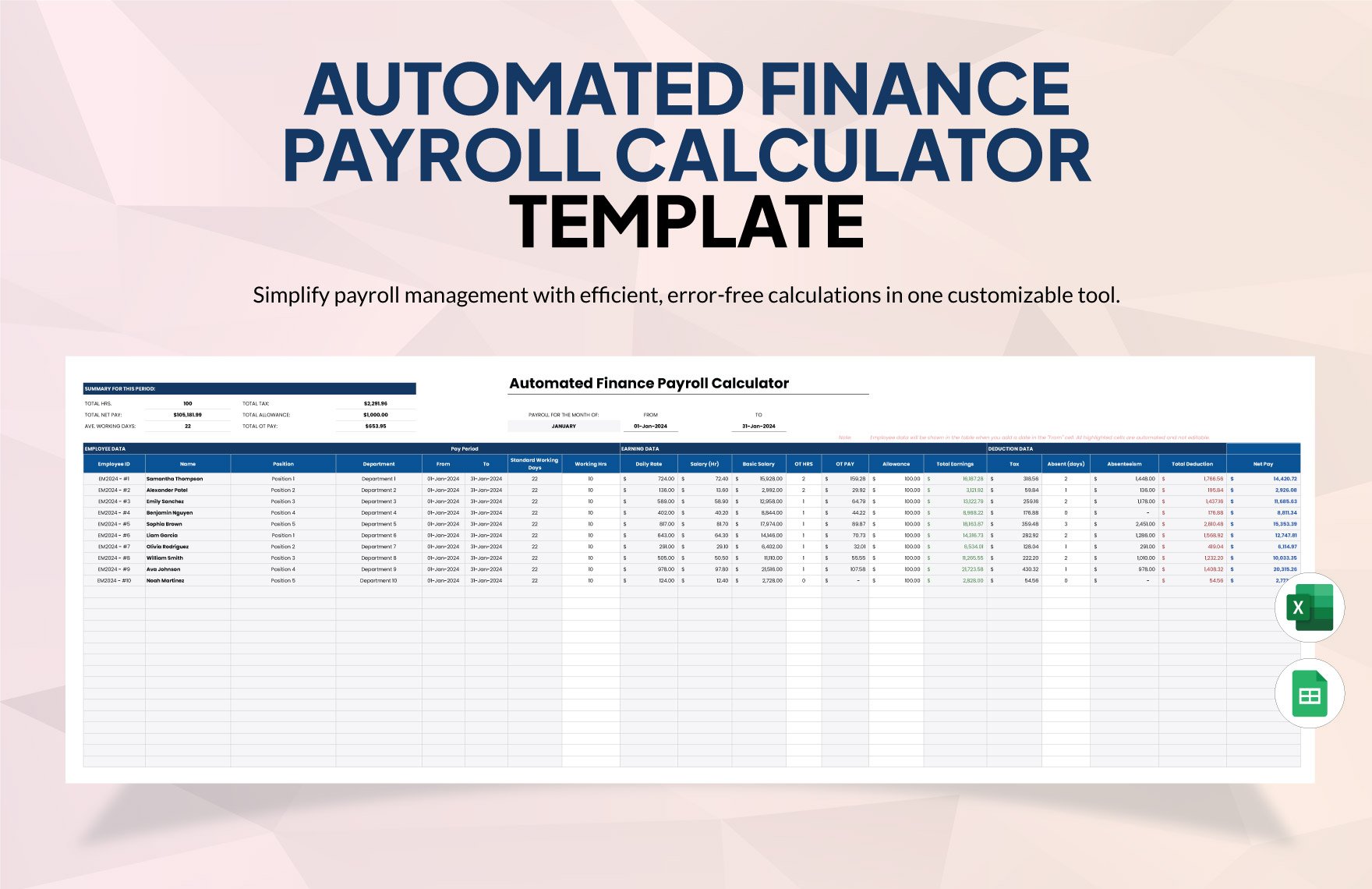
How to Build a Payroll Template From Scratch
Start by mapping the payroll process rather than drawing the spreadsheet. List the information that arrives from employees or managers, the calculations performed by payroll, the deductions applied, the approvals required, and the reports produced afterward.
Next, separate inputs from calculated outputs. Inputs might include employee ID, pay-period dates, hours, rate, bonus amount, and approved deductions. Outputs might include regular pay, overtime pay, gross pay, total deductions, and net pay.
Use consistent labels and number formats. Hours should look like hours, rates should look like rates, and currency values should use an appropriate currency format. Avoid ambiguous columns such as “Amount” when the user cannot tell whether the value is hours, a rate, or money.
Then add validation checks. A useful worksheet might flag missing employee IDs, negative hours, unusually large hour totals, missing pay rates, or a net amount that does not reconcile with gross pay less deductions.
Finally, test the template with several hypothetical employees before using it with real payroll data. Include a salaried employee, an hourly employee, an employee with overtime, and an employee with deductions. Testing edge cases is often where spreadsheet design problems become visible.
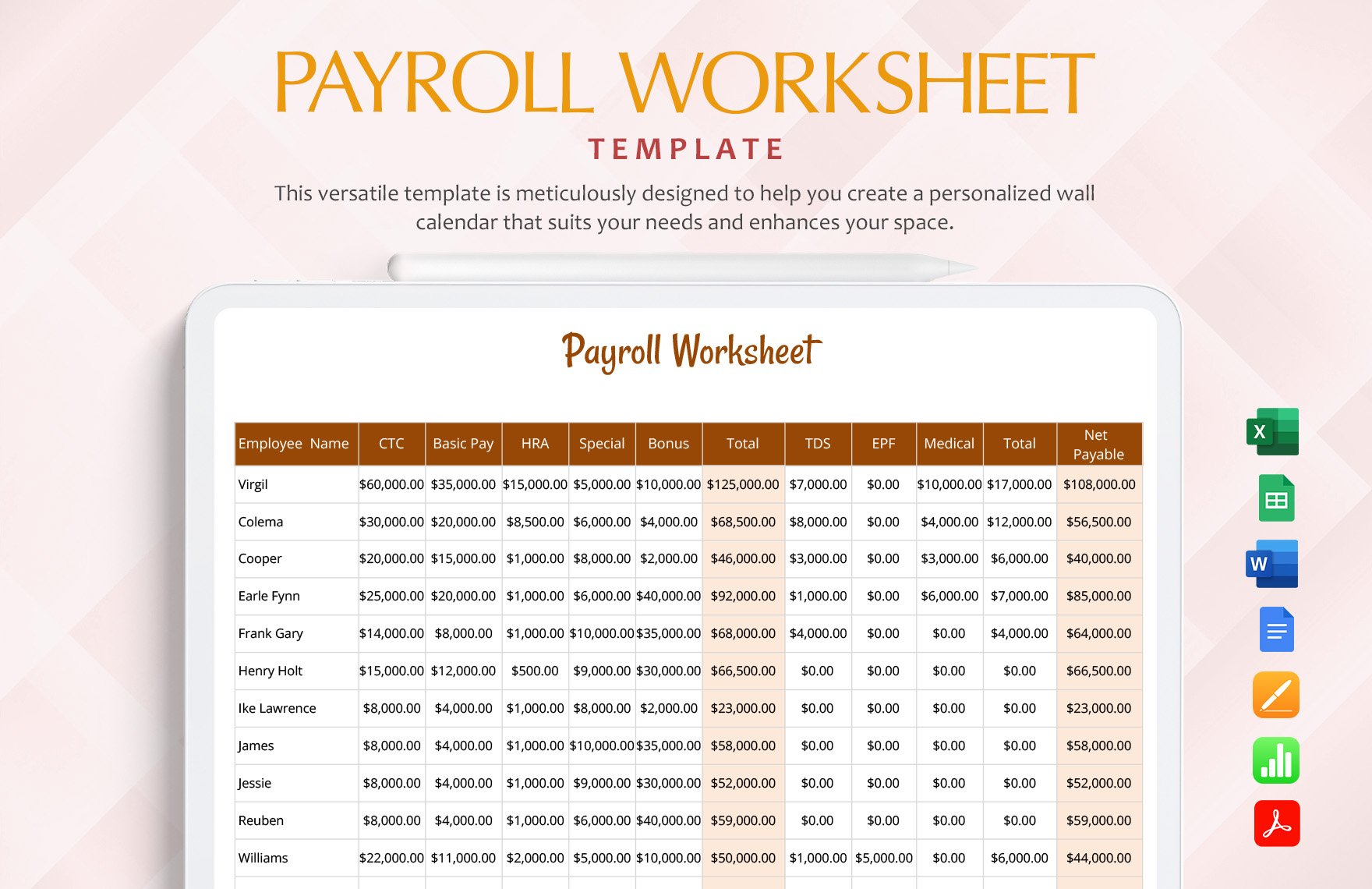
Payroll Template Printable Excel: Why Spreadsheets Remain Useful
Excel is popular for payroll templates because it combines tables, formulas, formatting, filtering, printing, and basic data analysis in one environment. It can be particularly practical for small businesses that need more structure than a handwritten sheet but do not need a complex payroll platform.
A well-designed Excel payroll worksheet should keep formulas consistent from row to row. Copying formulas manually can create hidden errors if one row references a different range or uses a different calculation rule.
Freeze or repeat important headers when a worksheet spans multiple pages. Employees reviewing a printed document should not have to guess which column they are reading halfway down the page.
Use separate tabs when necessary. One tab can hold employee information, another can contain time entries, another can calculate payroll, and another can provide a printable report. This is often cleaner than forcing every purpose into one extremely wide worksheet.
Protect formula cells where appropriate, but do not use protection as a substitute for process control. Someone should still review the logic periodically, especially after changes to pay rates, benefits, tax treatment, overtime rules, or company policy.
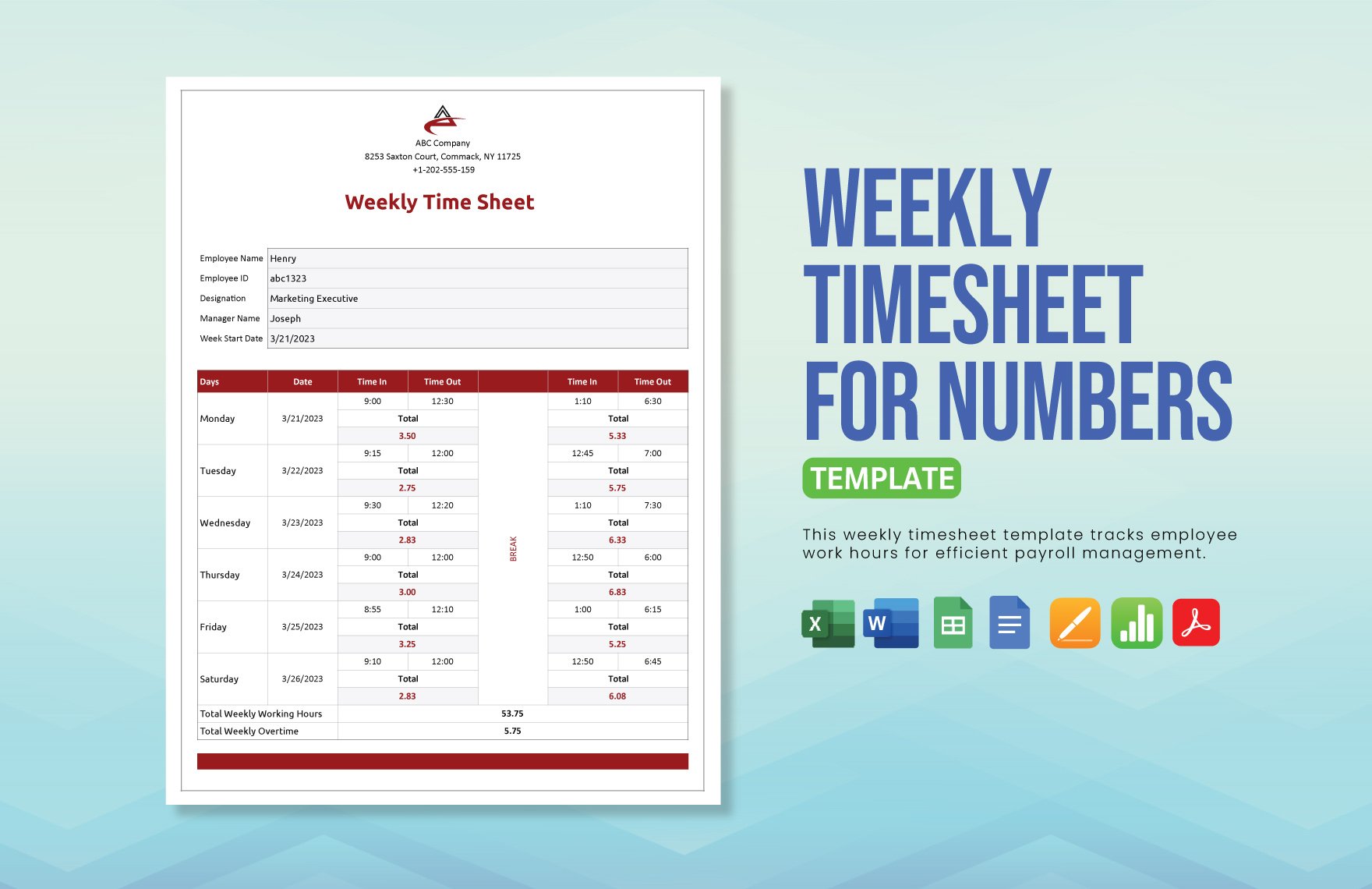
Payroll Template Printable Weekly: Designing a Weekly Workflow
A weekly payroll process works best when time collection has a firm cutoff. Employees and managers should know when hours must be submitted and when corrections are no longer expected without an explicit adjustment process.
The weekly template should make each day easy to identify. For hourly employees, useful fields can include start time, end time, unpaid break, regular hours, overtime hours, and daily total. The exact fields depend on the organization’s timekeeping method.
At the end of the week, the employee-level totals should flow into a payroll summary. This reduces the risk of entering the same number manually in several places and makes it easier to reconcile the detailed time record with the payroll register.
Weekly processing also benefits from a short exception checklist. Examples include missing time entries, unusually high hours, changes in pay rate, new hires, terminations, approved leave, manual adjustments, and one-time payments.
A weekly printable report should be treated as a review document, not as the only evidence supporting payroll. Supporting records should remain organized so a reviewer can trace a total back to the underlying time or compensation information.
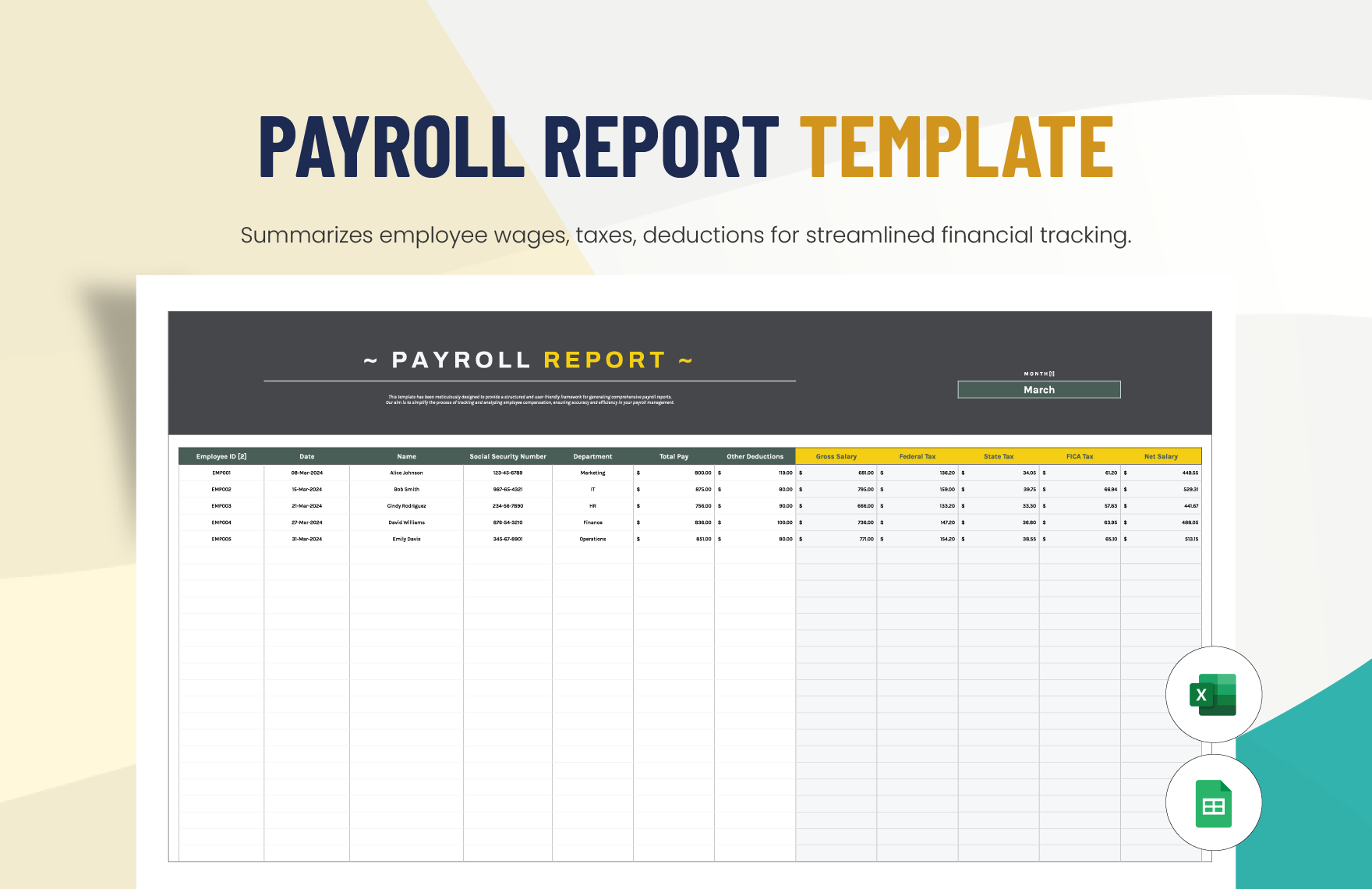
Payroll Template Printable Weekly Schedule: Coordinating Deadlines
A payroll schedule is different from a payroll register. The schedule answers when payroll activities happen, while the register documents what was actually paid. Combining both concepts can make a document confusing.
A useful weekly schedule can identify the timekeeping cutoff, manager approval deadline, payroll preparation date, review deadline, payment date, and any related accounting tasks. The goal is to make dependencies visible.
For example, if employees submit time on Monday morning and managers approve it Monday afternoon, payroll preparation might occur Tuesday. A payment date later in the week then gives the organization a clear sequence of events rather than a vague “run payroll” task.
Scheduling also helps with holidays. A payment date that normally falls on a bank holiday may require an earlier processing deadline depending on the employer’s payment method and applicable rules. The schedule should therefore be reviewed against the organization’s actual banking and payroll procedures.
A printable schedule works especially well as a one-page operational checklist. It can be posted where payroll responsibilities are visible without exposing employee-level compensation information.
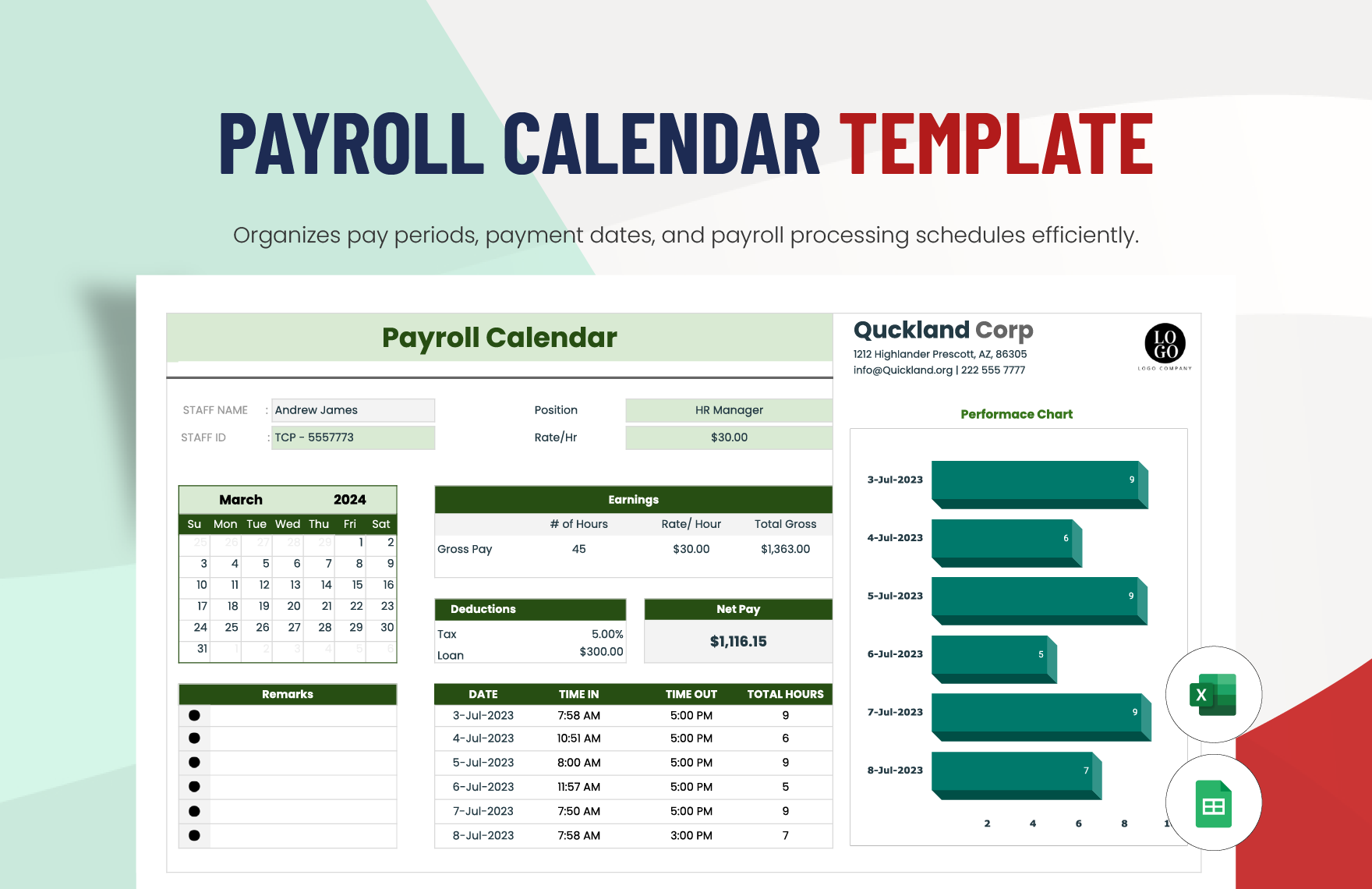
Monthly Payroll Templates and Longer Reporting Cycles
Monthly payroll often requires a different visual structure because there may be fewer payroll runs but more cumulative information. A monthly worksheet can emphasize salary, allowances, recurring benefits, deductions, adjustments, and month-to-date totals.
Monthly records are useful for management reporting because payroll costs can be compared with budgets, departments, locations, or prior periods. However, the management report should not replace the detailed records used to support the payroll calculation.
For salaried employees, a monthly format may be straightforward. For employees whose hours fluctuate, the template should preserve enough detail to explain how variable compensation was determined.
Monthly templates should also be careful with year-to-date information. A year-to-date figure should come from a controlled cumulative process rather than from manually adding values each month. One incorrect historical entry can otherwise propagate into later reports.
A printable monthly report is most useful when it presents both detail and a concise summary. The summary can show totals, while the underlying worksheet or payroll register provides the supporting employee-level information.
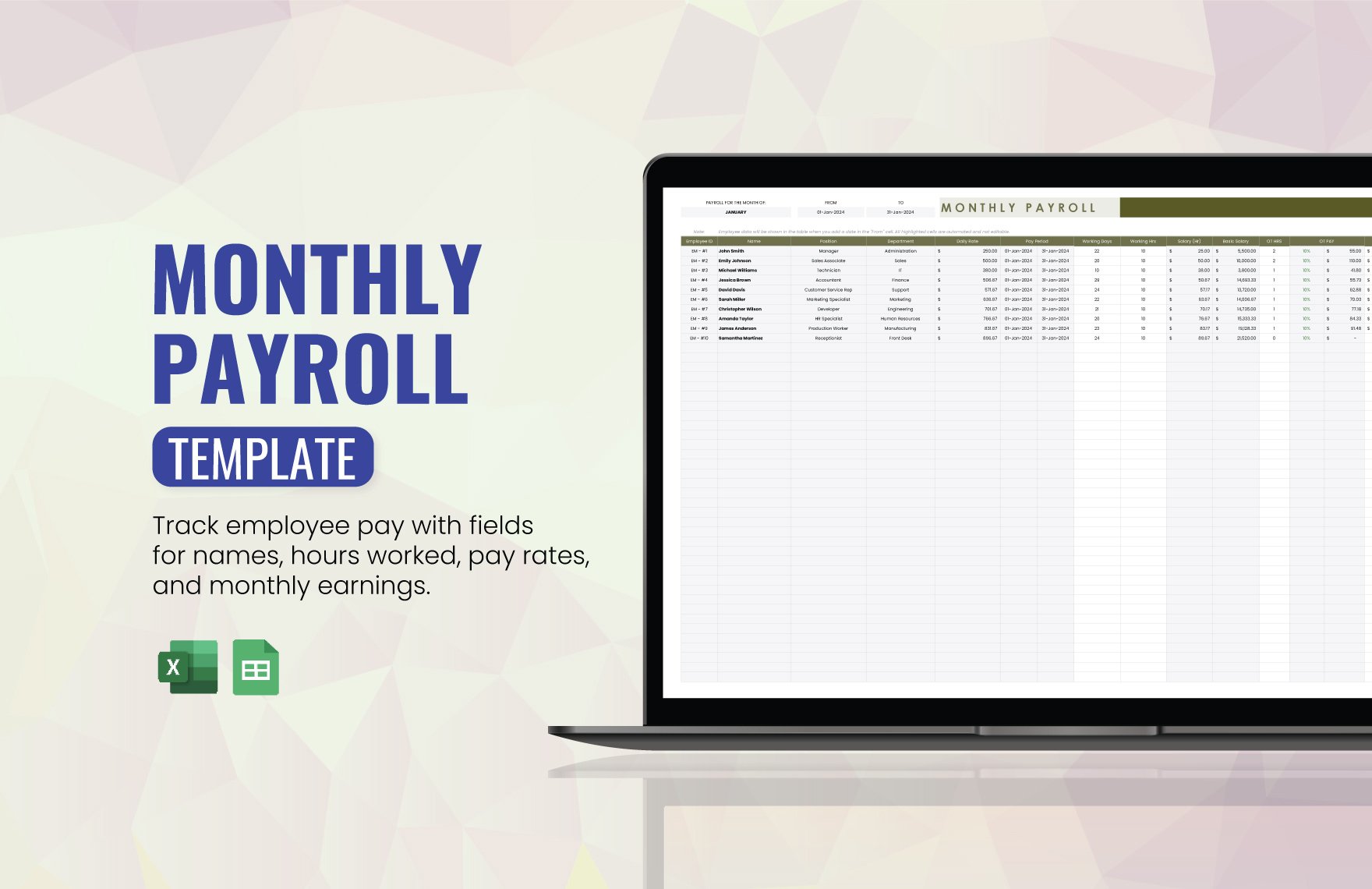
Payroll Template Printable Monthly: What to Include
A monthly template can begin with the company name, payroll month, processing date, and responsible preparer. A department or location field may be appropriate when payroll is separated across business units.
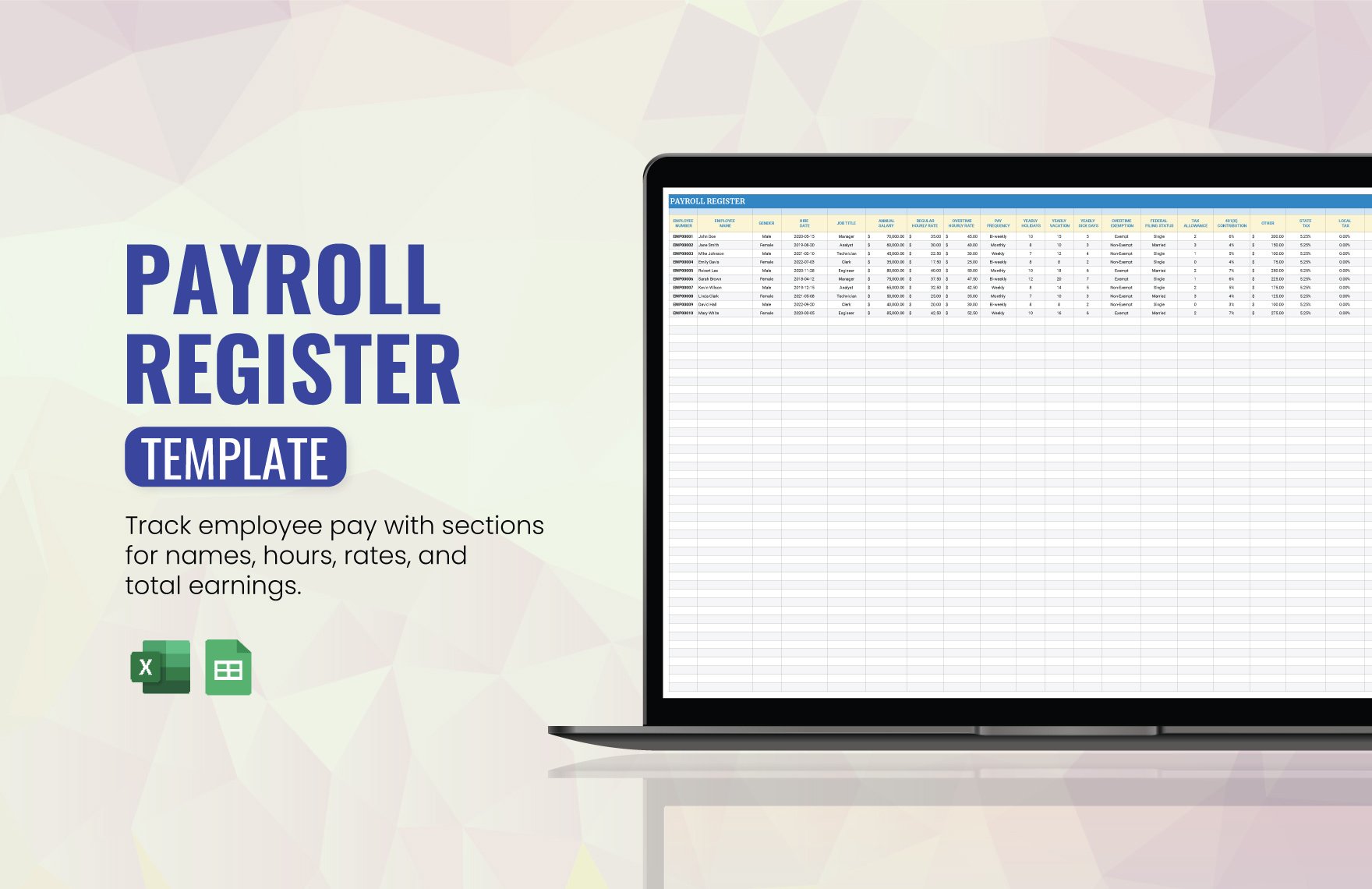
The employee table can include employee ID, employee name, classification, salary or hourly rate, regular earnings, overtime, bonuses, benefits, taxes, other deductions, and net pay. Only include columns that are actually used.
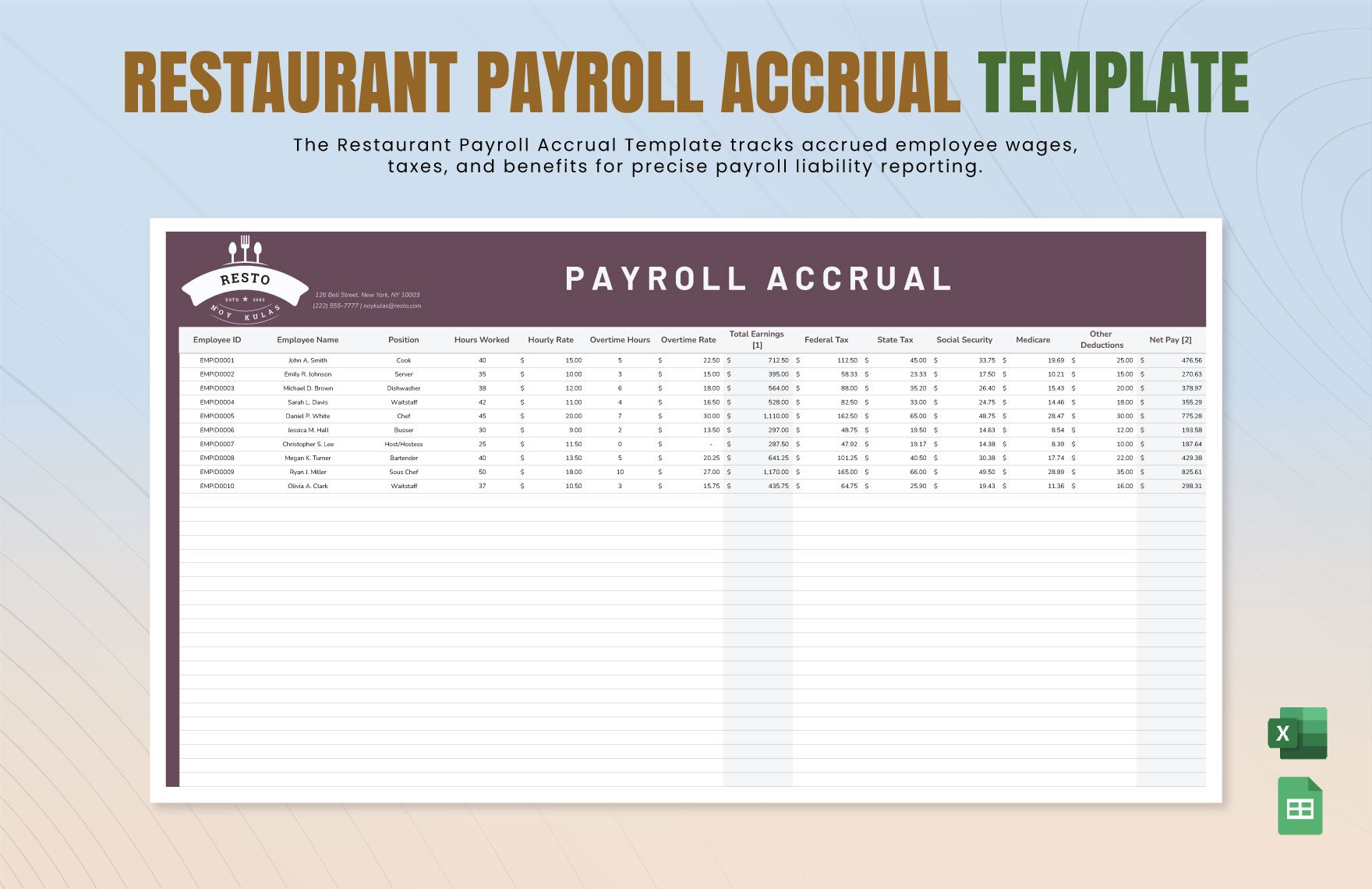
If the organization tracks payroll accruals, the monthly worksheet can include a separate section for amounts earned but not yet paid. Accrual accounting should be handled carefully because the accounting treatment may differ from the way the payroll register presents cash payments.
A monthly review should compare the current total with the expected payroll budget and investigate material differences. Differences are not automatically errors; they may result from hiring, departures, overtime, bonuses, raises, or changes in benefits.
Keep the reporting purpose clear. A payroll template is a recordkeeping and calculation aid, while a financial statement or management report may require additional accounting classifications and controls.
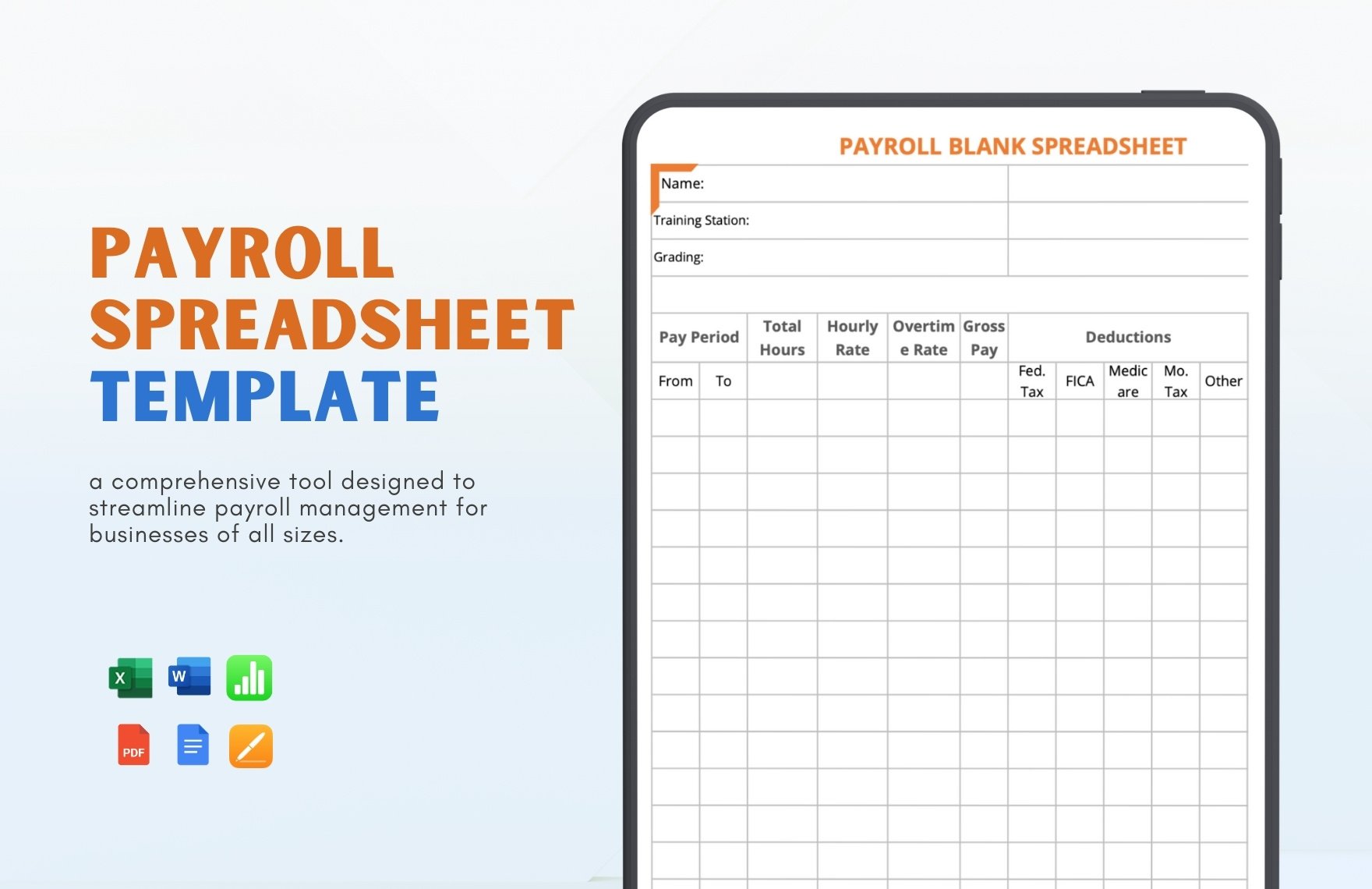
Payroll Records, Taxes, and Retention
Payroll documentation should support the figures used in tax reporting and financial records. The IRS states that employment-tax records should generally be retained for at least four years, with specific information such as wage payments, employee information, withholding certificates, tax deposits, and filed returns included in the recordkeeping system. :contentReference[oaicite:1]{index=1}
Federal wage-and-hour recordkeeping is a separate consideration. The Department of Labor says covered employers must maintain certain employee, wage, and hours information and generally preserve payroll records for at least three years, while records used for wage computations, such as time cards and wage-rate tables, generally have a two-year retention requirement under the cited FLSA guidance. :contentReference[oaicite:2]{index=2}
These periods illustrate why a payroll template should be part of a broader records system. A worksheet alone may not contain every document needed to substantiate a payroll calculation. Supporting time records, wage-rate documentation, approved adjustments, and relevant tax records may also matter.
Retention requirements can differ by jurisdiction, record type, employee classification, and circumstances. A business should therefore avoid applying one generic retention period to every payroll document without checking the rules that apply to its workforce.
The safest operational approach is to define a records policy, name the types of documents retained, establish retention periods, restrict access to sensitive information, and maintain a consistent naming and filing convention. The printable payroll report then becomes one controlled component of that system.
Payroll Template Printable California: Important State-Specific Considerations
California deserves special attention because payroll documentation can involve detailed wage-statement and recordkeeping requirements. California’s Department of Industrial Relations explains that employers must maintain comprehensive payroll records and provide employees with itemized wage statements containing required information. :contentReference[oaicite:3]{index=3}
California Labor Code section 226 addresses information such as gross wages, applicable hours, deductions, net wages, pay-period dates, employee identification information, employer information, and applicable hourly rates. The statute also addresses record retention for deductions and itemized statements. :contentReference[oaicite:4]{index=4}
For that reason, a generic payroll worksheet should not automatically be described as “California compliant.” Compliance depends on the facts, the employee’s compensation arrangement, the applicable law, and the way the document is used.
A California-focused workflow should distinguish between an internal payroll register and the wage statement delivered to an employee. They can contain overlapping information, but they are not necessarily the same document or subject to the same presentation requirements.
California employers should also review current official guidance when updating a template. Labor rules can change, and a template created several years ago may not reflect current requirements. The California Department of Industrial Relations is the appropriate starting point for verifying state requirements. :contentReference[oaicite:5]{index=5}
How to Handle Payroll Data Collection
Payroll accuracy begins before the payroll template is opened. Time, compensation, employee status, and deduction information should come from defined sources. If employees enter hours manually, the business should establish a process for review and approval.
Do not mix unapproved estimates with final payroll figures. If an adjustment is necessary because a time record is missing, identify the adjustment rather than quietly replacing the original value. This preserves a clearer history of what happened.
Use consistent employee identifiers. Names can be entered differently by different people, especially when employees share similar names. An internal ID can make reconciliation more reliable while reducing dependence on personally identifying information.
Separate current-period data from historical data whenever possible. A template that contains years of manually overwritten rows can become difficult to audit and more vulnerable to accidental changes.
Finally, establish a cutoff for changes. If payroll is already in review, changes should be documented and approved rather than made silently. The objective is not to prevent corrections; it is to make corrections traceable.
Payroll Calculation and Analysis
The basic calculation for an hourly employee can be expressed as regular hours multiplied by the regular rate, plus applicable overtime or other earnings. A payroll template may automate the arithmetic, but the business remains responsible for determining which hours and rates should be used.
For example, a hypothetical employee working 38 regular hours at $20 per hour would have $760 in regular gross wages before considering any other earnings or deductions. If the employee had approved additional compensation, that amount would be added according to the applicable payroll rules.
The example is intentionally simple because real payroll calculations can involve multiple rates, different classifications, bonuses, benefits, leave, taxes, and jurisdiction-specific requirements. A template should not be designed around one simplified formula if the organization’s actual payroll is more complex.
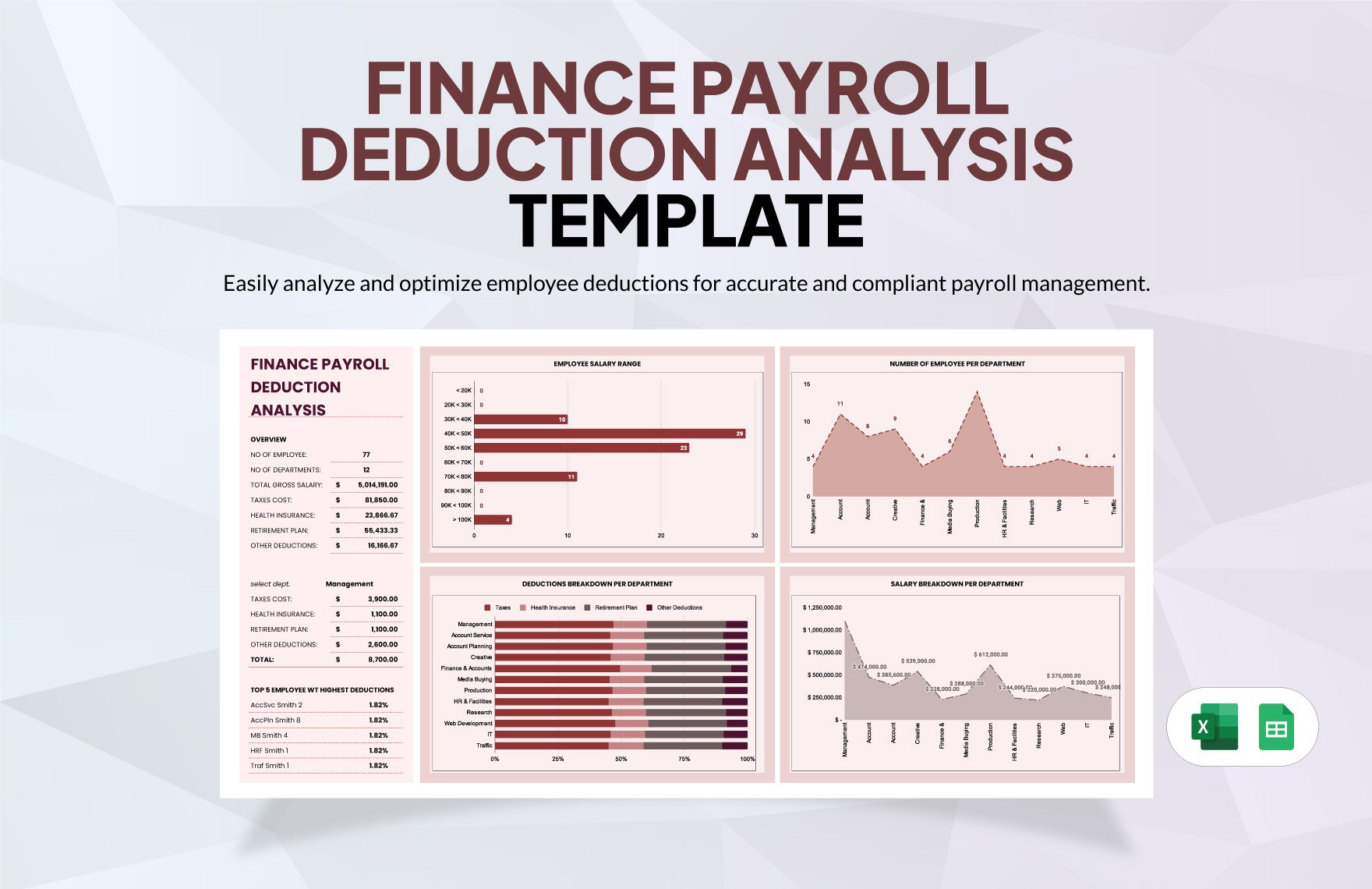
Analysis becomes more valuable after the payroll is calculated. Management may compare total payroll with budget, examine overtime trends, identify unusual changes, or compare departments. These are management uses rather than substitutes for statutory payroll calculations.
When analyzing payroll, avoid treating a change as an error merely because it differs from the previous period. Investigate the cause first. A new hire, seasonal demand, approved overtime, a bonus, or a change in headcount can all create legitimate differences.
Payroll Reports and Reconciliation
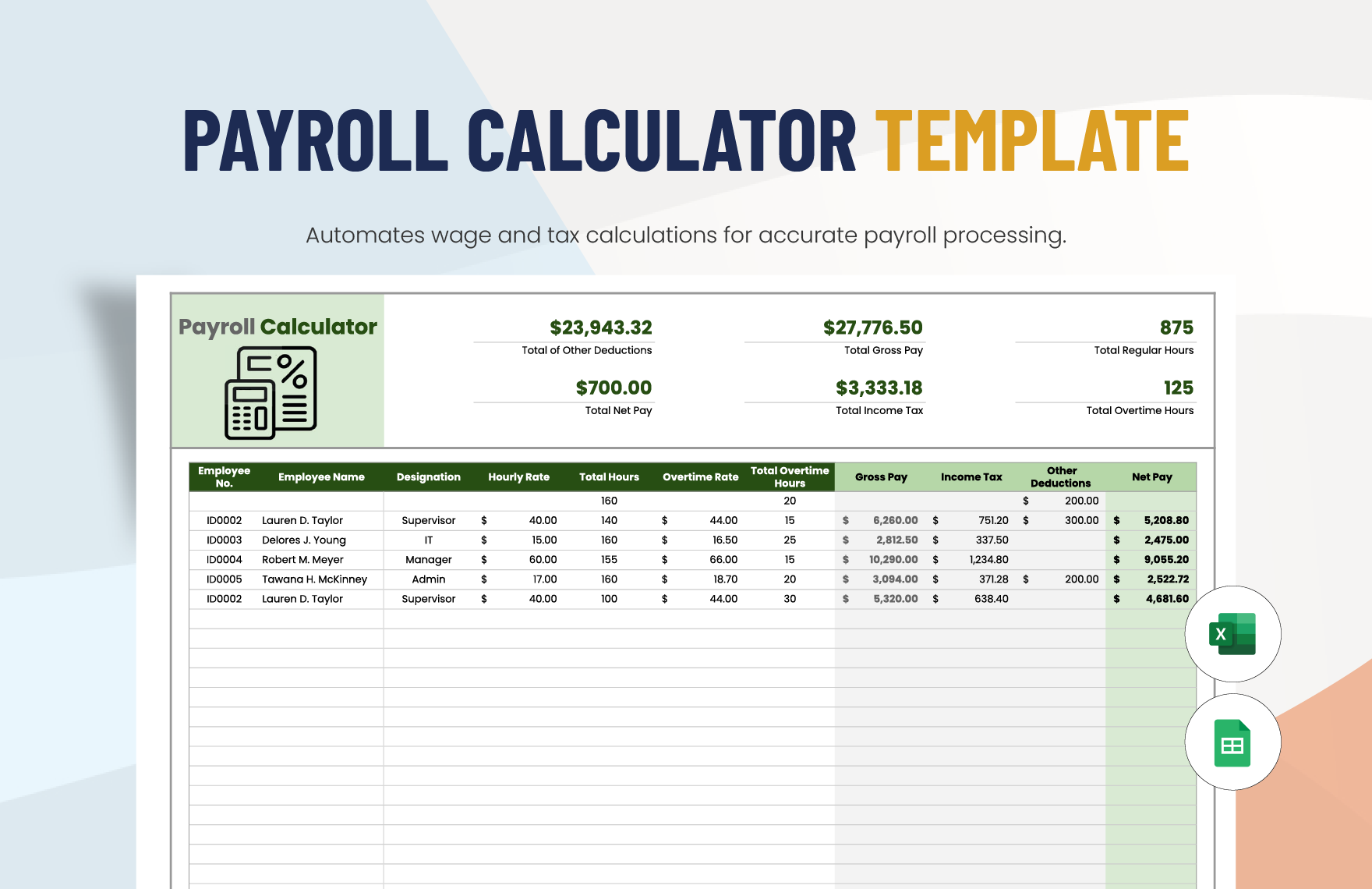
A payroll report should answer a specific question. A payroll register answers what was paid and to whom. A payroll summary answers how much the organization paid in total. A variance report explains differences between expected and actual costs.
Reconciliation connects those reports to other records. A useful reconciliation can compare the payroll register’s net-pay total with the amount scheduled for payment, while gross wages and employer costs can be compared with the accounting entry.
Differences should be investigated systematically. Start by confirming the pay period, employee count, payment date, and total gross wages. Then examine deductions, manual adjustments, reimbursements, and other unusual entries.
A printable reconciliation sheet can include checkboxes for each review stage and a small area for documenting exceptions. This can be more useful than a visually complex dashboard when the primary objective is proving that a payroll run was reviewed.
Once reconciliation is complete, retain the approved report according to the organization’s recordkeeping policy. The reviewer should be identifiable, and significant adjustments should have supporting documentation.
Practical Example: A Small Business Weekly Payroll Workflow
Imagine a hypothetical small service business with ten hourly employees. Employees record their hours throughout the week, managers review those hours, and the payroll administrator transfers approved figures into a spreadsheet.
The first worksheet contains the employee list and current rates. The second captures daily hours and approved corrections. The third calculates regular earnings, overtime where applicable, deductions, and net pay. A fourth sheet creates a printable payroll register.
On the review day, the administrator checks that every employee expected to be paid appears on the register. Missing employees, unexpected employees, and unusual hour totals are investigated before the payroll is finalized.
The manager then reviews the payroll summary and confirms that the total aligns with the expected cash requirement. If a bonus or correction was added, the reason is documented rather than hidden in a manually changed total.
After approval, the working spreadsheet remains controlled, while a fixed review copy can be saved according to the organization’s document-retention procedure. This creates a straightforward audit trail without requiring an unnecessarily complicated payroll system.
Common Payroll Template Mistakes
One common mistake is creating a worksheet that is too wide. A spreadsheet can contain dozens of useful fields, but if printing requires extreme shrinking, the document becomes difficult to read and review.
Another mistake is mixing input fields and formulas without visual distinction. Users may accidentally overwrite a calculated cell because it looks identical to a field intended for manual entry.
A third mistake is relying on hidden formulas without documenting their assumptions. If a template uses a particular overtime multiplier, deduction method, or rounding rule, the responsible users should understand the logic and know when it must be reviewed.
A fourth mistake is copying a template from one jurisdiction and assuming it applies everywhere. Payroll requirements can vary by country, state, locality, employee classification, and compensation arrangement.
The fifth mistake is treating the template as the payroll system itself. A template can organize information and perform calculations, but it does not automatically establish approval controls, tax compliance, secure document handling, or accurate source data.
Best Practices for a Professional Printable Payroll Record
Keep the visual hierarchy simple. Use a clear title, a compact header, distinct column headings, and consistent number formatting. The document should make the most important totals easy to find without overwhelming the reviewer with decorative elements.
Design for the paper size actually used by the business. If the report will normally be printed on standard letter or A4 paper, test that exact output. Landscape orientation may be appropriate for wide payroll registers, while portrait orientation may work better for individual pay records.
Use page breaks intentionally. If a table continues across pages, repeat the header row and avoid splitting an employee’s information in a confusing way. If a summary appears on a separate page, label it clearly.
Keep sensitive data to the minimum needed for the purpose. Payroll documents can contain information that should not be exposed to employees who are reviewing another employee’s records. Access controls should be considered alongside document design.
Review the template periodically. A template should evolve when the business changes, when payroll software changes, when compensation structures change, or when applicable legal requirements change. A template that has not been reviewed for years should not be assumed to remain appropriate.
How to Print a Payroll Template Correctly
Before printing, open the print preview rather than sending the worksheet directly to the printer. Confirm that every employee row is visible and that no essential column has been pushed outside the printable area.
Check the scaling percentage carefully. “Fit to one page” can sometimes make a wide payroll register unreadably small. If the document is too wide, it may be better to reorganize the columns or use landscape orientation.
Repeat header rows on subsequent pages so the reader knows what each column represents. This is especially important for longer payroll registers with many employees.
Make sure totals are visually distinct. A reviewer should be able to find total gross wages, total deductions, and total net pay without searching through the entire document.
Finally, print a test page before adopting the layout for regular use. A test can reveal problems with margins, font size, page breaks, clipped cells, or unexpected blank pages that are not obvious in the spreadsheet view.
Practical Solution
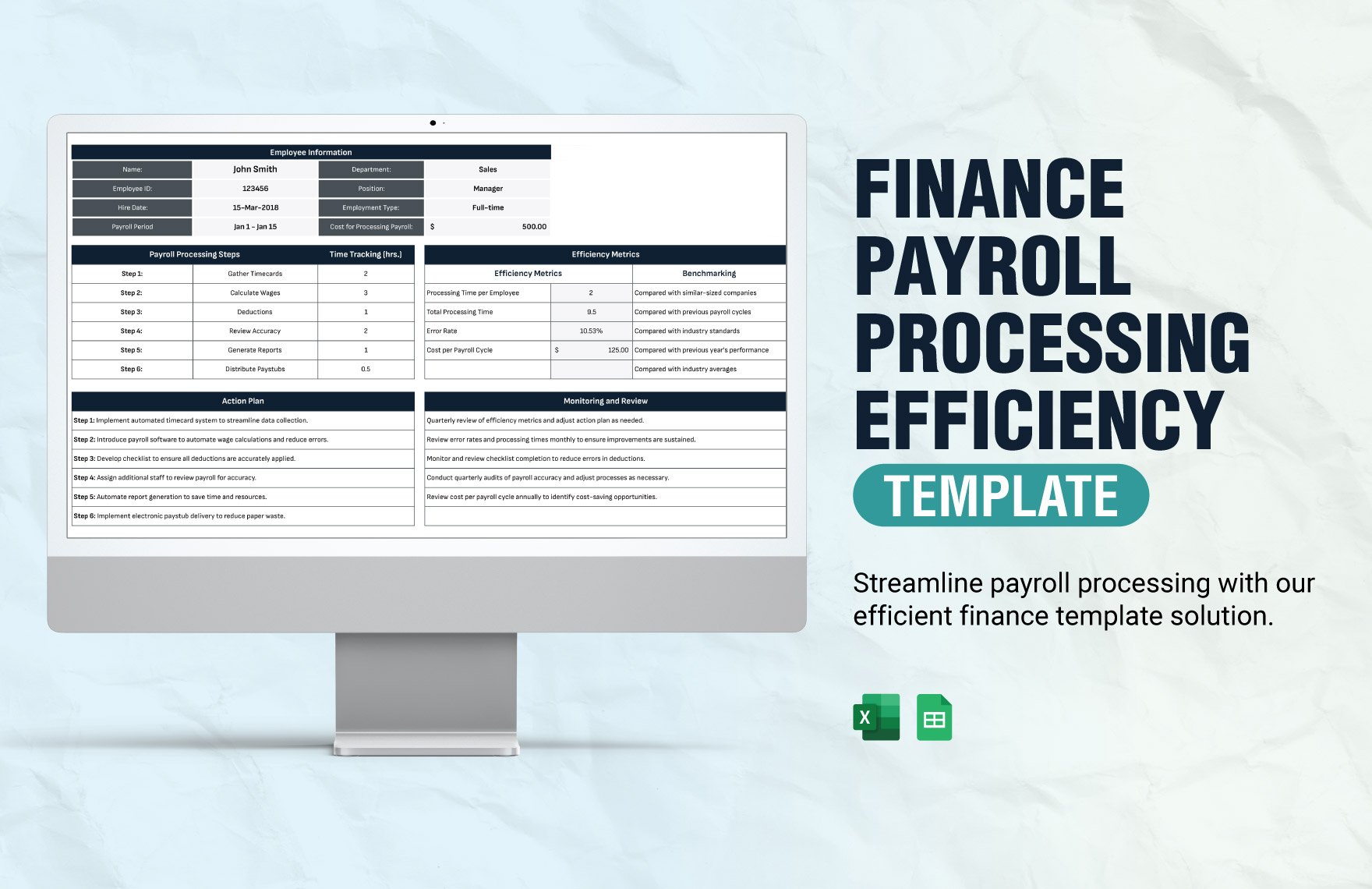
The most practical approach is to create one controlled payroll workbook and one standardized printable report rather than maintaining many unrelated templates. Start by defining the pay frequency, employee categories, required data, approval process, and reporting needs.
Build the employee and pay-period fields first. Add only the inputs required to calculate the payroll. Keep formulas in dedicated columns and make their logic consistent across all employee rows.
Create a review checklist beside or above the payroll summary. Confirm employee completeness, hours, rates, overtime, adjustments, deductions, gross wages, net pay, and payment totals. Where a field does not apply, use a consistent convention rather than leaving users to guess.
Next, establish the print layout. Use a readable page size, repeat column headings, choose an appropriate orientation, and create a clear summary. Save a fixed copy after approval if the organization’s records policy calls for one.
Finally, connect the template to a broader payroll process. Keep source time records, approvals, tax documentation, and other supporting records organized. Review the template periodically and verify jurisdiction-specific requirements rather than assuming a generic printable form is automatically compliant.
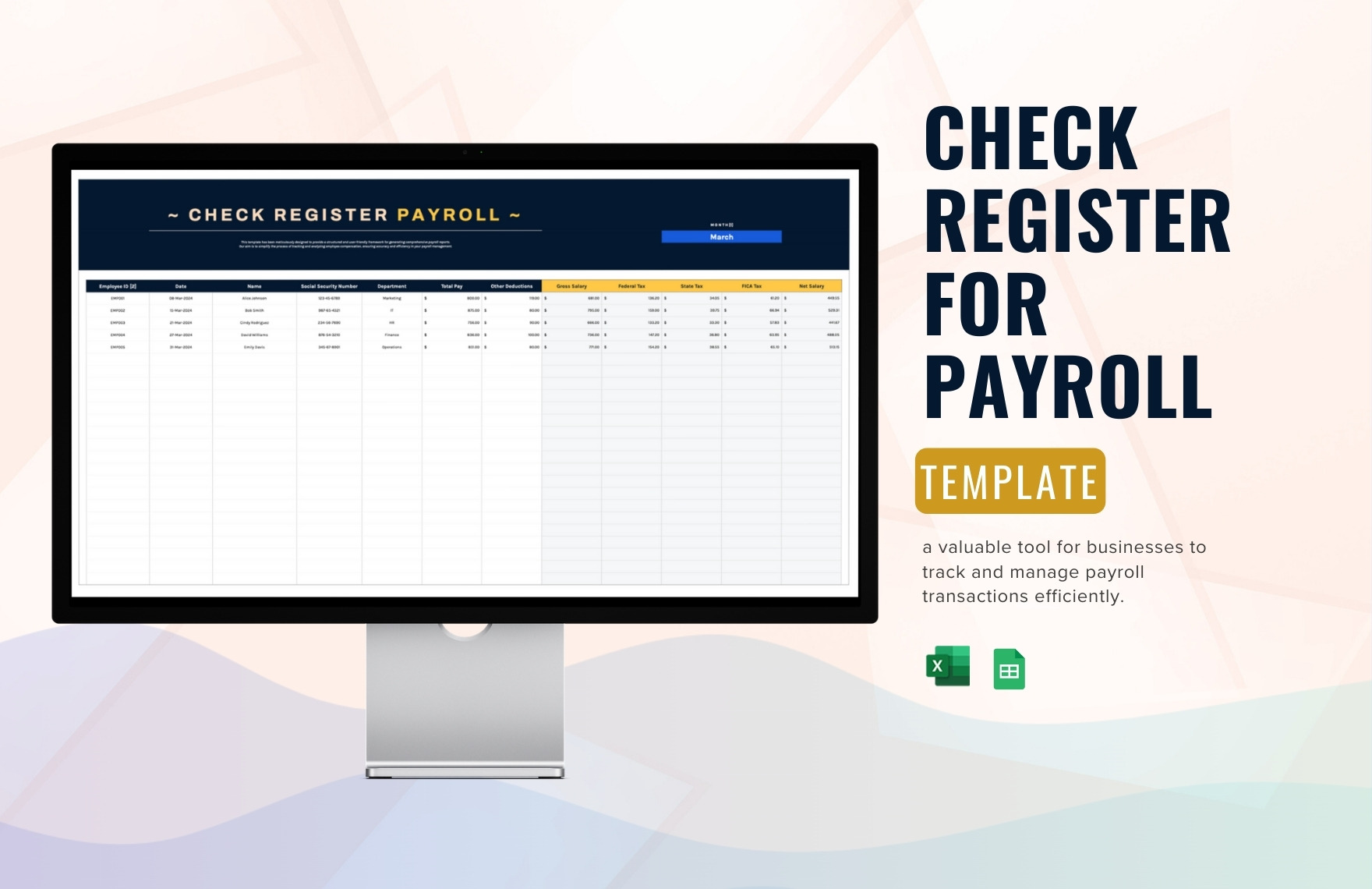
Reference Examples
The following examples illustrate the kinds of documents and visual formats associated with the exact search phrases in this guide. They are reference visuals rather than claims that every pictured template satisfies every employer’s legal or operational requirements.
payroll template printable pdf
Source: Template.net
payroll template printable free
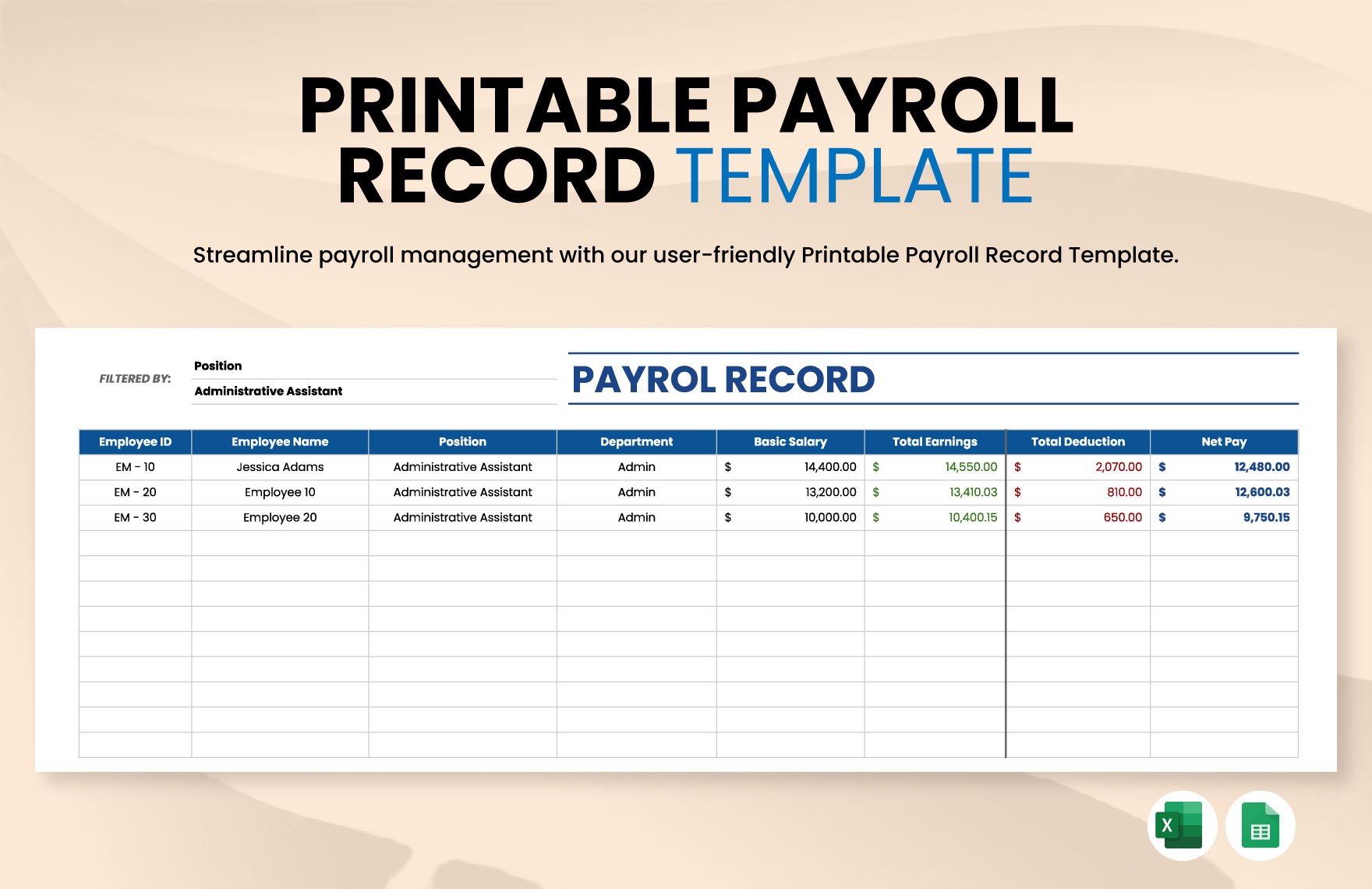
Source: Template.net
payroll template printable weekly
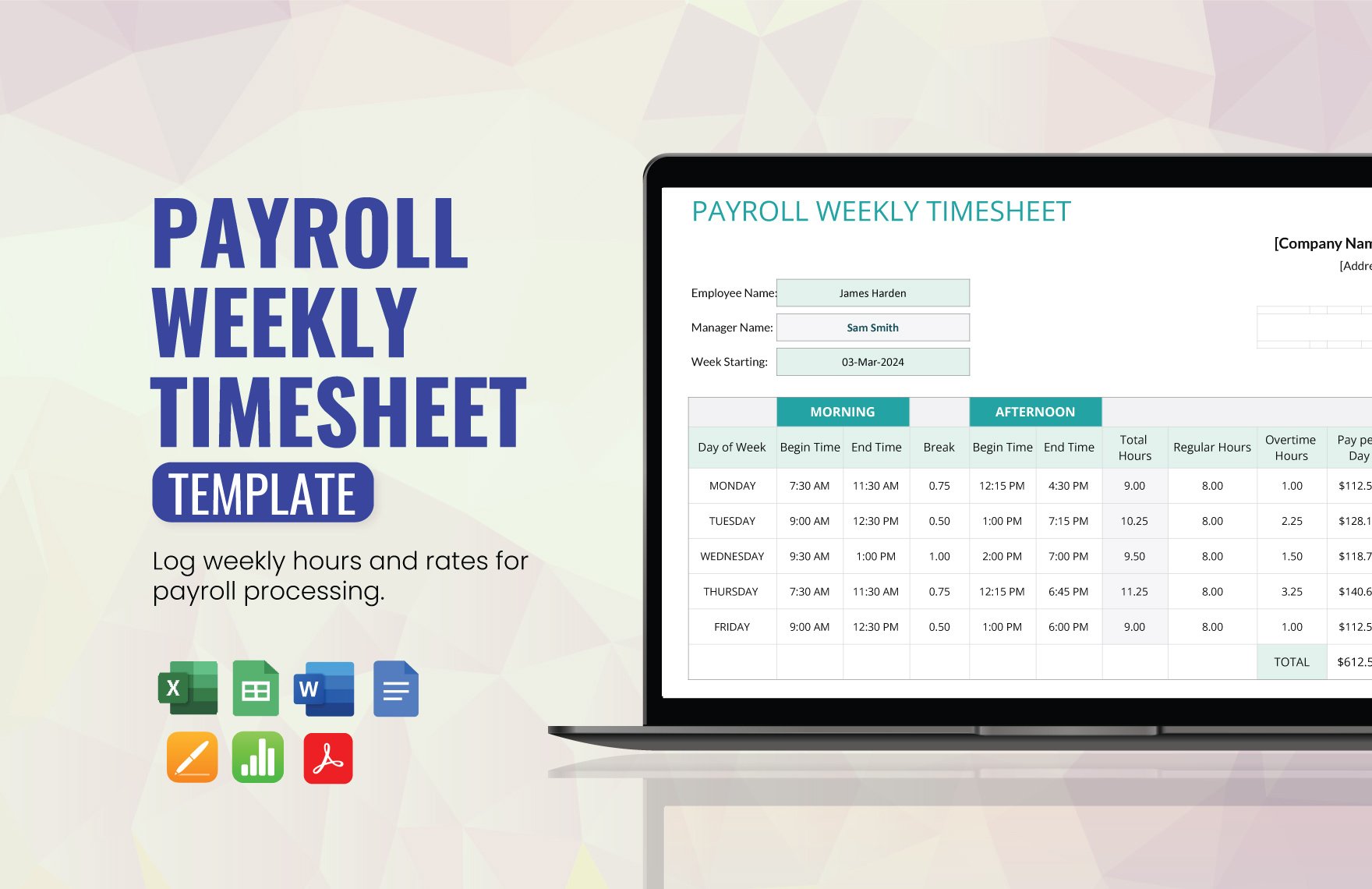
Source: Template.net
payroll template printable weekly schedule
Source: Template.net
payroll template printable excel
Source: Template.net
payroll template printable monthly
Source: Template.net
payroll template printable california
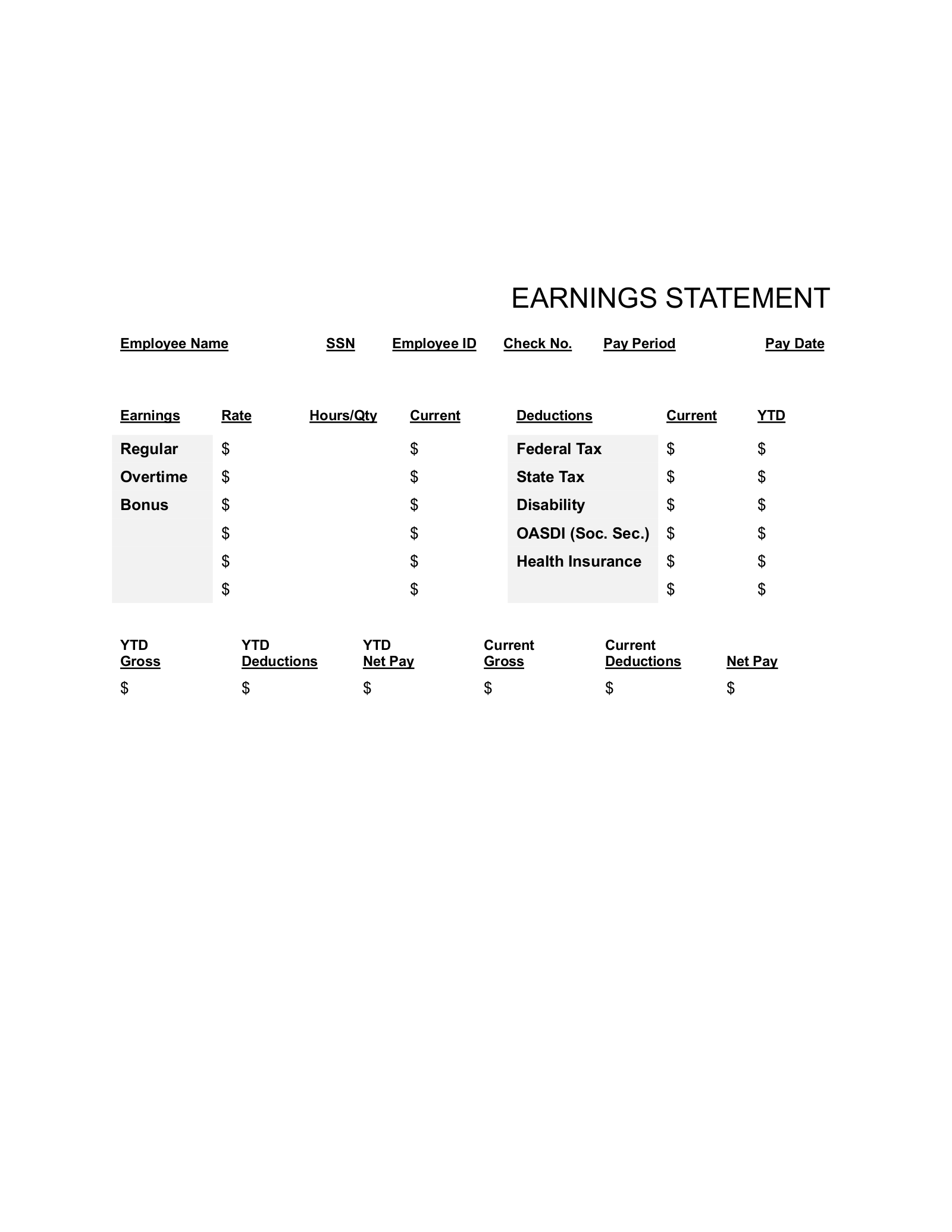
Source: eForms
payroll template printable weekly report
Source: Template.net
printable 2026 payroll calendar template
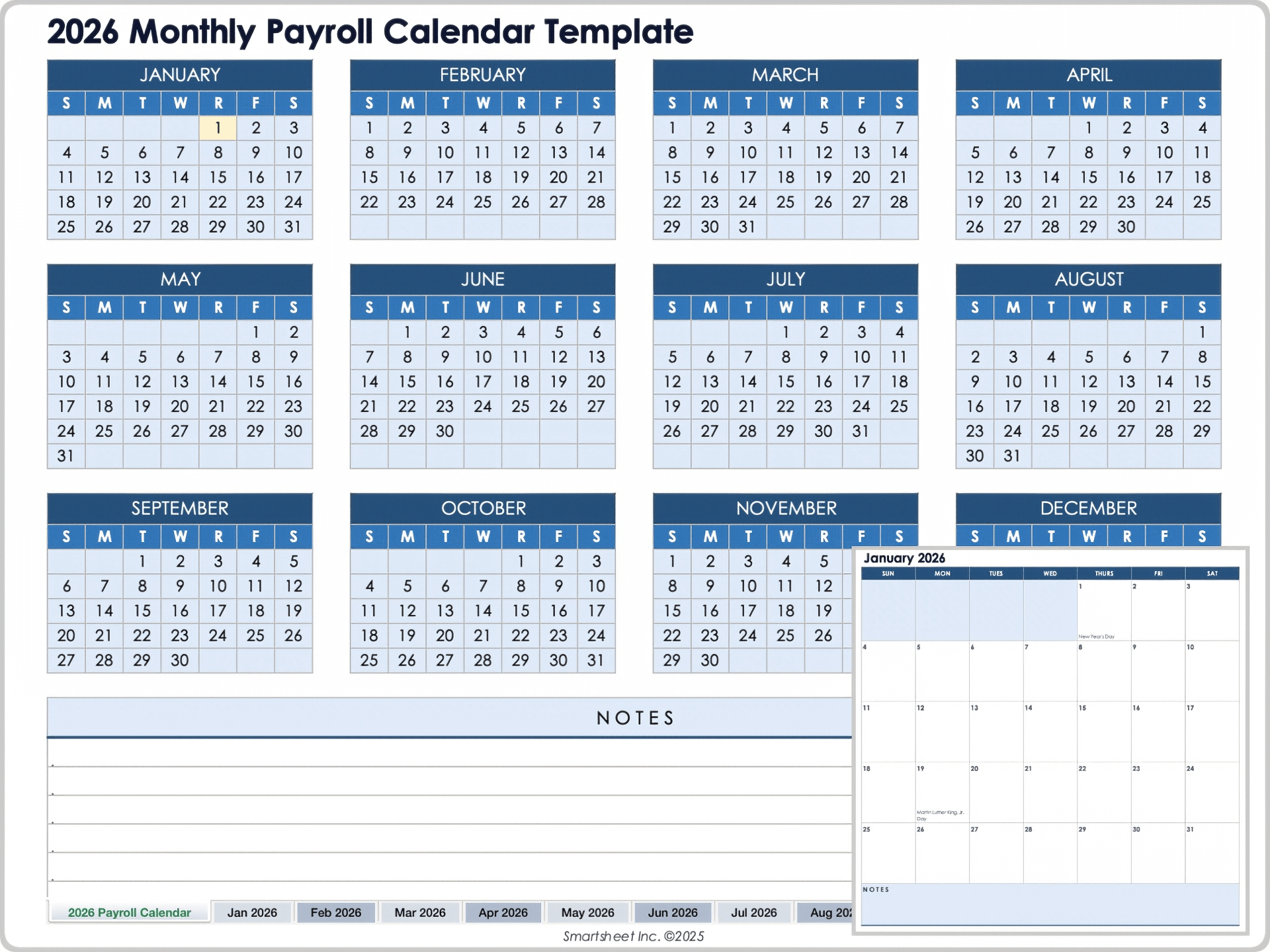
Source: Smartsheet
Frequently Asked Questions
What should a basic payroll template include?
A basic payroll template should normally identify the employee, pay period, payment date, compensation basis, earnings, deductions, and resulting net pay. For hourly employees, it should also provide a clear way to record hours and applicable rates. The exact fields depend on the business and applicable requirements.
Is a printable payroll template enough for payroll compliance?
No. A template is a recordkeeping and workflow tool. Compliance depends on accurate source data, correct calculations, required tax filings, wage-and-hour rules, record retention, employee classifications, and applicable jurisdictional requirements. A well-designed document can support compliance, but it cannot guarantee it.
Should I use Excel or PDF for payroll?
Use Excel or another spreadsheet for calculations and data management, then use PDF or print output when you need a fixed version for review or filing. Keeping the editable source separate from the final reviewed copy can reduce accidental changes and improve document control.
Can I use the same payroll template every week?
Yes, provided the template remains appropriate for the business and the pay frequency. A reusable weekly template is often preferable to creating a new format each week. Update the pay-period dates and source data while preserving a consistent structure.
Can a monthly template be used for salaried employees?
Yes. A monthly template can work well for salaried employees when it clearly records the relevant salary amount, deductions, benefits, adjustments, and pay-period information. If the business also has hourly employees, the template may need additional fields for hours and rates.
Does California require a specific payroll spreadsheet?
California requirements concern payroll records and itemized wage statements rather than a universal spreadsheet design. California employers should review current requirements from the Department of Industrial Relations and ensure that the documents they use contain the information required for their circumstances. :contentReference[oaicite:6]{index=6}
How long should payroll records be kept?
There is not one universal retention period for every payroll document. Federal employment-tax records generally have a four-year retention guideline from the IRS, while FLSA payroll records generally have a three-year retention period and certain supporting wage-computation records generally have a two-year period. State and other requirements may differ. :contentReference[oaicite:7]{index=7}
What makes a payroll template easy to print?
Readable fonts, sensible column widths, repeated headers, deliberate page breaks, appropriate page orientation, clear totals, and restrained formatting all improve printability. The final test should always be the actual print preview or exported PDF rather than the spreadsheet screen alone.
Conclusion
A payroll template printable can be a simple but valuable part of a well-organized payroll process. Its real purpose is not decoration or convenience alone; it is to provide a repeatable structure for collecting, checking, calculating, reviewing, and preserving payroll information.
The strongest templates separate inputs from calculations, distinguish regular earnings from other compensation, show deductions clearly, identify pay periods accurately, and produce a readable report. They also work with the organization’s approval and recordkeeping process rather than operating as an isolated spreadsheet.
Weekly, monthly, Excel, PDF, and state-specific formats can all be useful when matched to the actual workflow. For California payroll in particular, businesses should verify current official requirements rather than assuming a generic template is sufficient. Federal guidance likewise emphasizes accurate records and appropriate retention rather than prescribing one universal document design. :contentReference[oaicite:8]{index=8}
For most small businesses, the practical goal is a template that is accurate, understandable, secure, easy to review, and easy to print. Once those qualities are established, the payroll template printable becomes more than a form: it becomes a consistent control that helps turn payroll data into a record that people can actually understand and verify.
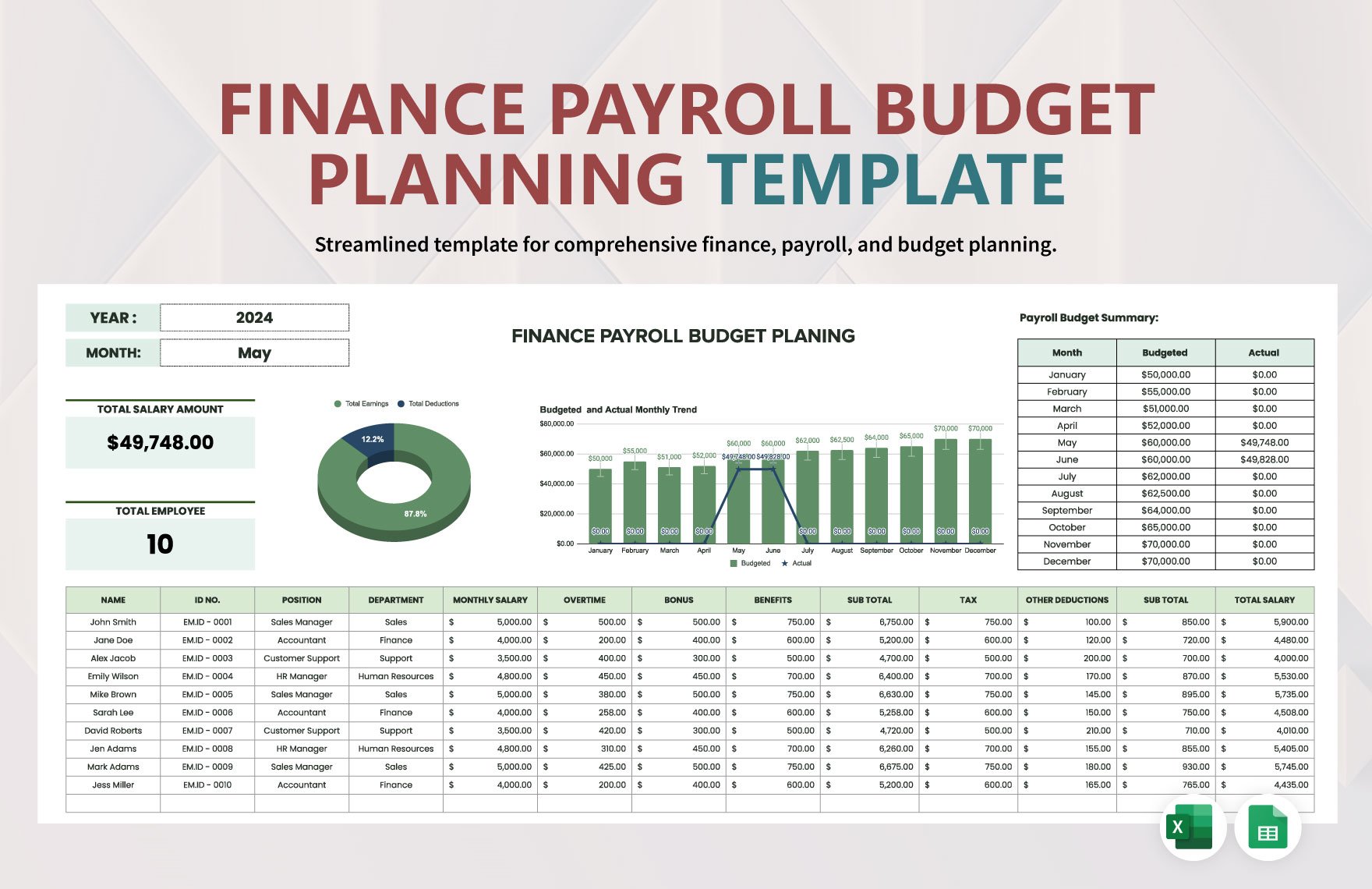
A dependable payroll template printable should therefore be treated as part of a complete payroll workflow: collect reliable source data, apply the correct calculations, review exceptions, reconcile totals, preserve supporting records, and update the template whenever the underlying business or applicable requirements change.
