The search phrase and marketing agency Template points to a practical need: a repeatable structure for organizing agency work rather than a single document with one fixed purpose. A useful marketing agency template connects strategy, scope, tasks, ownership, deadlines, approvals, budgets, and reporting. The strongest systems are modular, so an agency can use one structure for a campaign, another for a content program, and another for a client report without rebuilding the workflow each time.
Current template libraries from major project-management and document platforms show a consistent pattern. Marketing work is commonly organized around briefs, project plans, timelines, campaign trackers, content calendars, client reporting, budgets, and performance dashboards. Asana describes marketing project plans as roadmaps covering scope, timeline, tasks, responsibilities, and goals, while Airtable and Notion emphasize connected records, project views, client communication, and reusable workflows. These patterns are useful because they reflect recurring agency work rather than a particular brand style.
A good template should therefore do more than make a page look polished. It should reduce ambiguity at the point where work changes hands. The person receiving a task should know what the deliverable is, why it matters, who approves it, when it is due, what evidence defines completion, and what happens if the scope changes. This article explains how to design that system, how to choose the right format, and how to adapt it to real agency workflows without creating unnecessary administration.

What a marketing agency template should actually solve
A template is most valuable when it captures a decision that would otherwise have to be made repeatedly. For example, a project brief can establish the definition of done, the approval owner, the number of planned deliverables, and the information required before production starts. Once those fields are standardized, a project manager does not need to reconstruct the same questions from email threads for every new client engagement.
The central design principle is clarity at handoff. Marketing agencies routinely move work between account management, strategy, copywriting, design, media, development, analytics, and client stakeholders. A template should make those transitions visible. If a design task is marked ready for review, the reviewer should be able to find the brief, required dimensions, source copy, brand guidance, due date, and decision owner without opening several unrelated records.
Templates also create a shared vocabulary. Terms such as draft, review, approved, blocked, live, out of scope, and complete mean little when every team member interprets them differently. A strong template defines the states and the evidence required to move between them. This is especially important for agencies with multiple clients, because consistency prevents one account from developing a completely different operating method from another.
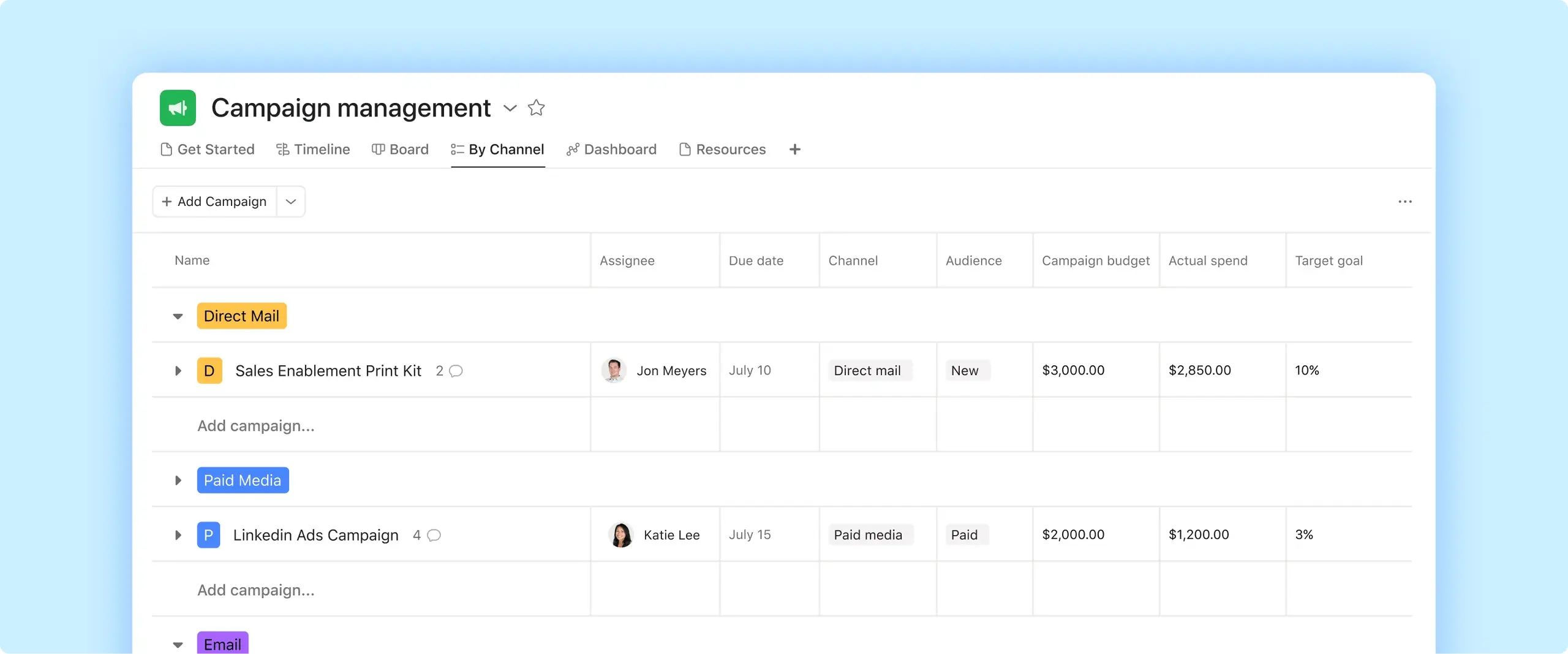
That does not mean every agency needs one enormous master template. A giant document can become harder to maintain than a small collection of focused templates. A better approach is a connected set of reusable structures: intake, brief, project plan, production tracker, approval record, status report, and performance report. Each has a narrow job, while shared identifiers such as client, project, campaign, owner, and deadline connect the system.
Core sections every agency project structure needs
The first section is the project brief. It should identify the client, business problem, objective, audience, core message, deliverables, channels, dependencies, budget, timing, and approval authority. A useful brief avoids vague language such as “create social content” and instead specifies the quantity, format, audience, channel, required inputs, and definition of completion. The brief is the reference point against which later requests can be evaluated.
The second section is the work breakdown. Convert the deliverables in the brief into tasks and, where necessary, subtasks. A campaign might move through research, messaging, copy, design, review, revisions, final approval, scheduling, launch, and reporting. Not every project requires every stage, but the template should make the recurring stages visible so omissions are easier to spot.
The third section is ownership and timing. Each meaningful task needs an accountable owner, a due date, and a status. Where dependencies matter, record them explicitly. A launch date by itself does not tell a team whether copy, design, tracking, landing pages, legal review, and media setup are on schedule. A timeline becomes useful when it reflects the relationships between those activities.
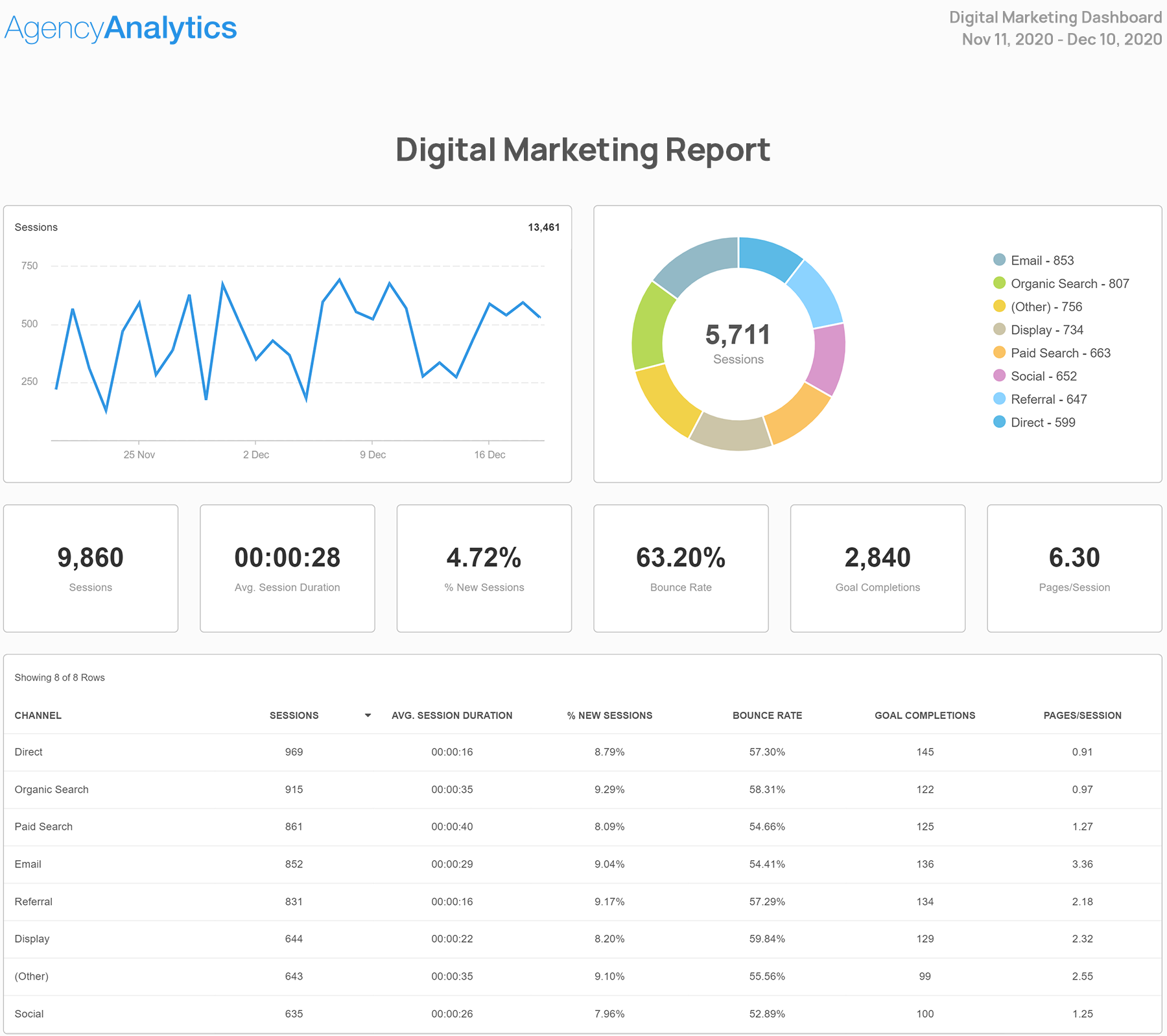
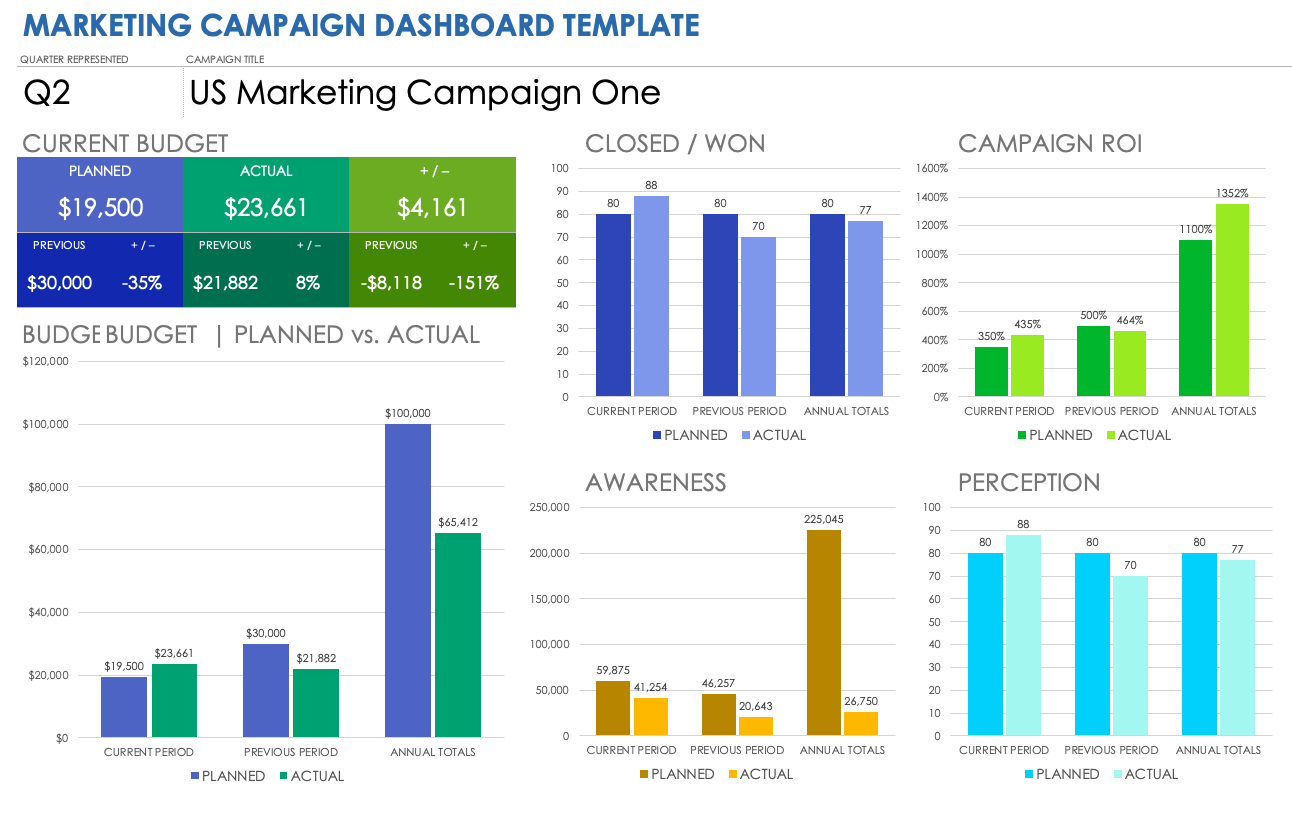
The fourth section is measurement. A project template should distinguish activity metrics from outcome metrics. For a content project, activity might include published pieces and completed reviews, while outcomes might include qualified traffic, leads, revenue, or another client-defined business measure. The template should state which metrics are targets, which are actual results, and which are simply diagnostic indicators.
The fifth section is change control. Client work changes frequently, but not every request should silently alter the original plan. A simple change field can record the request, date, requester, impact on scope, impact on timing, approval decision, and revised estimate. This creates a factual record without turning normal collaboration into bureaucracy.
The sixth section is closeout and learning. When work ends, record what shipped, what remained open, what performed as expected, what did not, and what should change next time. This makes the template a learning system rather than merely a scheduling device. The best agency processes improve because completed projects feed practical lessons into future planning.

Choosing the right format for the work
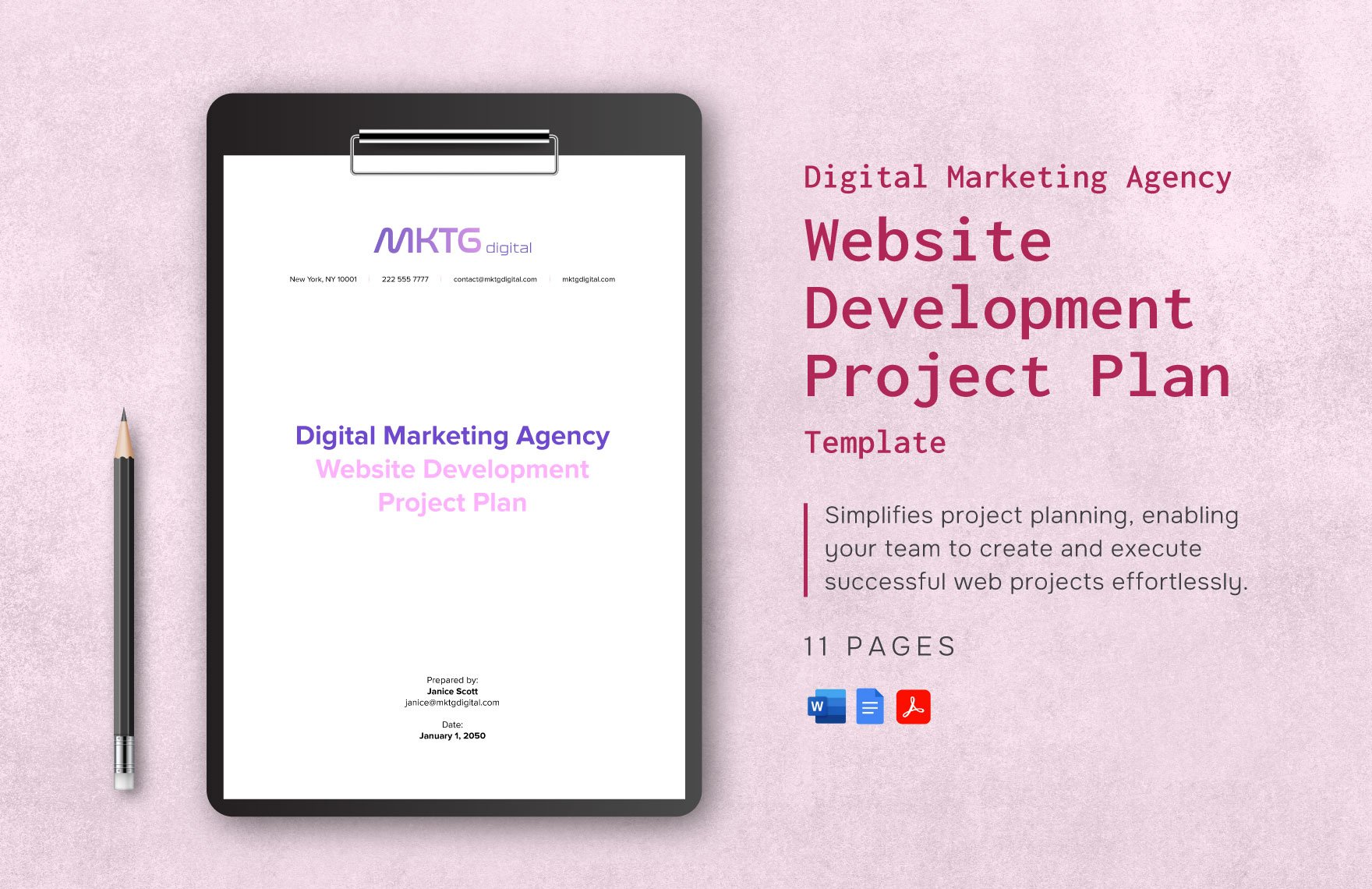
Document-oriented formats work well when the main requirement is structured narrative. A brief, proposal, strategy document, scope description, or client report benefits from headings, explanatory paragraphs, approval fields, and a stable reading order. When readers need to understand context before making a decision, a document is often clearer than a task board.
Spreadsheet-oriented formats are useful when the work depends on rows, columns, formulas, filters, dates, or repeated records. A budget tracker, channel plan, keyword list, media schedule, content calendar, or performance log can be easier to inspect when every record occupies a row and consistent fields occupy columns. The key is to keep the sheet purposeful rather than turning it into a catch-all database.
Collaborative workspace formats are useful when the template must connect multiple records. A marketing agency may need a client record connected to projects, campaigns, deliverables, approvals, reports, and team assignments. Notion’s current marketing agency collection describes connected project, task, client, and content workflows, while Airtable describes agency structures that connect project management, creative work, and client views.
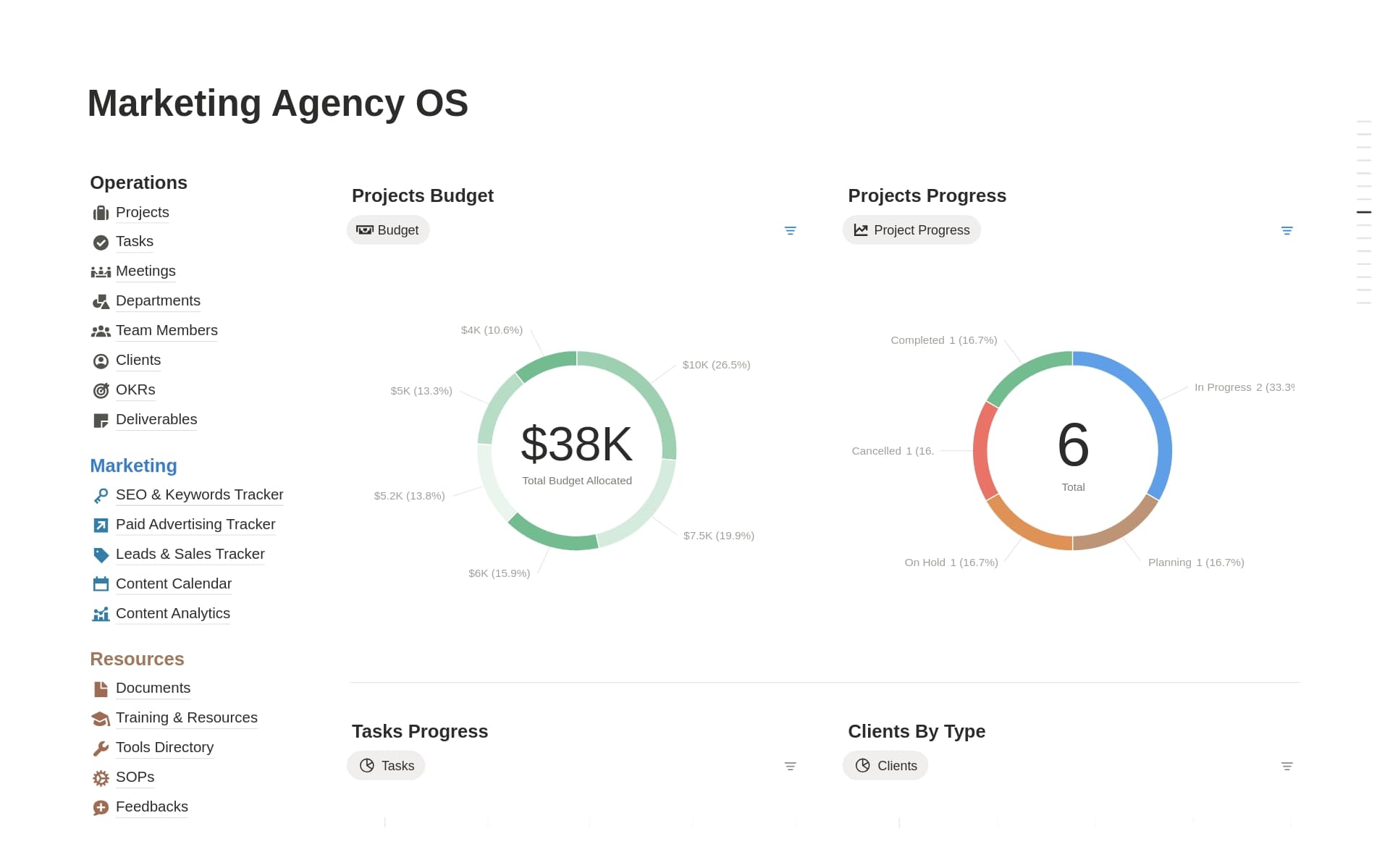
For teams comparing search phrases such as and marketing agency template google docs, and marketing agency template excel, and marketing agency template word, and and marketing agency template pdf, the important question is not which format looks most professional. The better question is what the reader needs to do with the information. Choose a document for explanation, a spreadsheet for structured records and calculations, and a collaborative workspace when multiple linked records need continuous updates.

When a document is the better choice
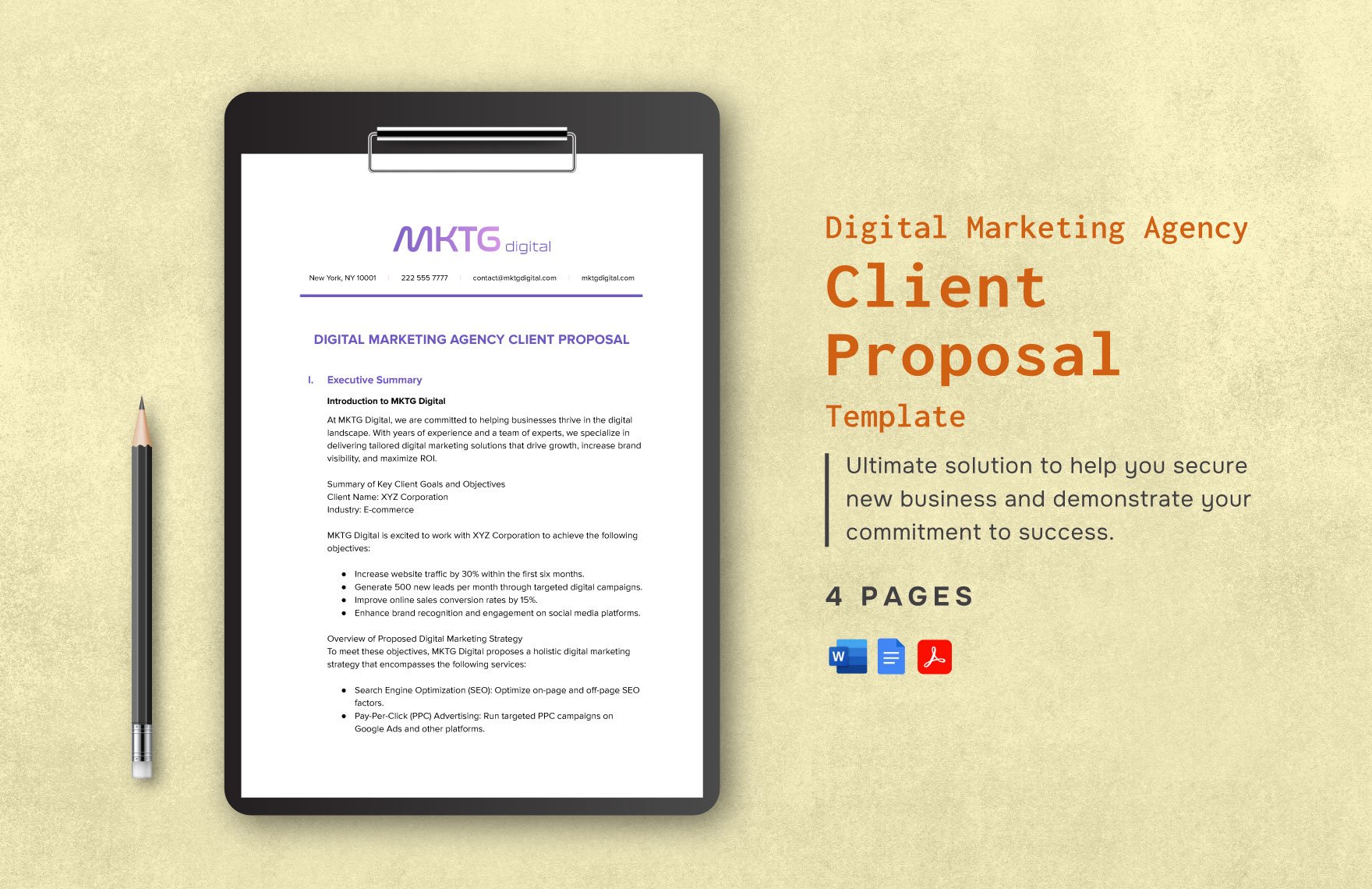
Use a document when the template must communicate decisions, context, or strategy. A client proposal can explain the business situation, recommended approach, deliverables, assumptions, and commercial structure in a sequence that is easy to review. A strategy document can also preserve the reasoning behind a recommendation, which is often lost when everything is reduced to task fields.
A document is also appropriate when the output will be reviewed by people outside the day-to-day delivery team. Executives and clients may not need every production task. They may need a concise summary of objectives, scope, milestones, responsibilities, risks, and decisions. A well-designed document separates that decision layer from operational detail.
For teams specifically evaluating and marketing agency template google sheets, the document-versus-sheet decision should be based on the underlying job rather than familiarity. Google Sheets is useful when the same fields repeat across many records. Google Docs is usually more suitable when each project needs a narrative explanation. Both can coexist in one agency system rather than competing for the same role.
When a spreadsheet is the better choice
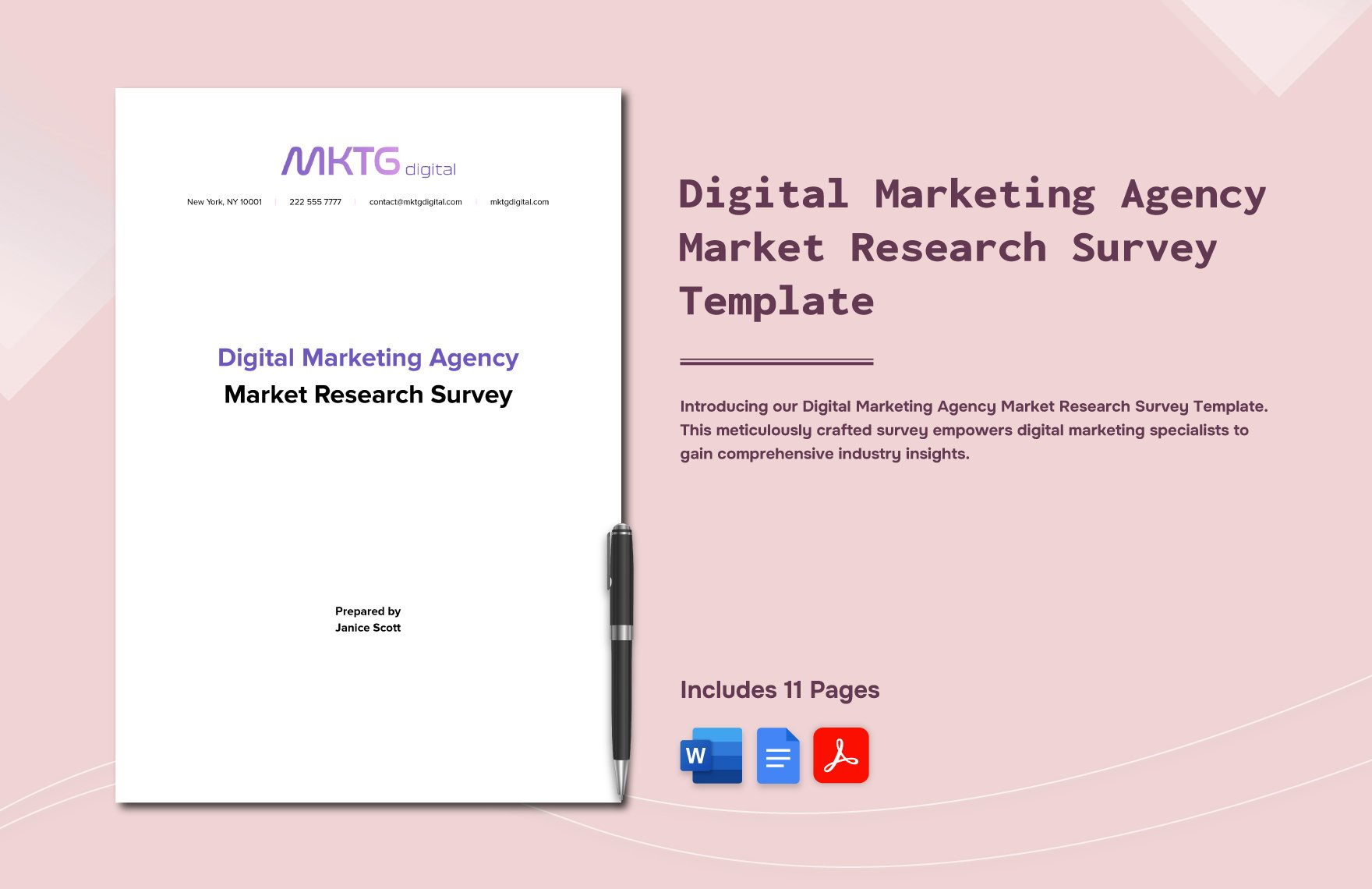
A spreadsheet becomes valuable when the agency needs to compare many items at once. A content calendar can place publication date, channel, format, owner, status, review date, asset location, and live URL into a single row. A budget tracker can separate planned cost, committed cost, actual cost, and variance. A keyword tracker can record search terms, intent, priority, current position, target position, and next action.
Spreadsheet templates should use consistent field types wherever possible. Dates should behave like dates, status values should come from a controlled set, and numerical fields should use one agreed unit. Inconsistent entries make sorting and reporting unreliable. A simple sheet with disciplined fields is usually more useful than a visually elaborate sheet with ambiguous columns.
For agencies searching for a marketing agency project template, a spreadsheet can be an effective starting point when the project is relatively structured and the team needs fast visibility. It becomes less suitable when every client project contains many linked records, complex permissions, or extensive discussion. At that point, a dedicated project workspace may reduce duplication.
How to build the template system step by step
Step one is to map the workflow before designing the page. Write down what happens from the first client request to final reporting. Identify the points where information is collected, decisions are made, work changes hands, approvals happen, and scope changes. This workflow map is more important than typography or color because it determines what the template must capture.
Step two is to identify recurring questions. Look at several recent projects and list questions that repeatedly appear in meetings or messages. Examples include: What exactly is being delivered? Who approves it? What source material is missing? Which revision round are we in? What is blocked? Which requests are outside scope? Which metric determines success? Each recurring question suggests a useful field or rule.
Step three is to define the minimum viable fields. Do not copy every field from a large template library. Include only information that supports a decision, handoff, measurement, or record. A useful project record might contain client, project name, objective, deliverables, owner, priority, start date, due date, status, dependency, approval owner, budget, and next action. Additional fields should earn their place.
Step four is to create controlled statuses. A simple workflow might use Requested, Planned, In Progress, Internal Review, Client Review, Revision, Approved, Scheduled, Live, and Closed. The exact names should reflect the agency’s process. The important point is that everyone understands what each state means and what evidence allows a task to move forward.
Step five is to connect the template to a review cadence. A template that no one reviews will become outdated. Decide who owns the structure, when it is reviewed, and how changes are communicated. A quarterly process review may be enough for a stable agency, while a rapidly changing service line may need more frequent adjustments. The review should focus on friction, missing information, duplicate work, and fields that nobody uses.
Step six is to test the template against real work. Run it on a small number of live projects before making it mandatory across the entire agency. Compare the new workflow with the previous method. If people keep bypassing a field, ask why. The field may be unnecessary, unclear, or located at the wrong stage. Adoption problems are often design problems rather than discipline problems.
Building project management templates around agency handoffs
The phrase marketing agency project management templates usually describes a family of reusable structures rather than one universal file. A mature set might include a project intake form, client onboarding checklist, campaign brief, project plan, creative request, content calendar, approval tracker, change request, risk log, status report, and performance report. Each template supports a specific stage and reduces the amount of information that must be recreated.
The most important connection is between scope and delivery. If the brief says there are six campaign assets, the project tracker should make those six assets visible. If the client later requests two additional assets, the change record should connect that request to the original scope. This creates traceability and makes commercial or scheduling conversations much easier because the facts are recorded in one place.
Approval is another critical handoff. A task should identify what is being approved, who can approve it, what feedback is required, and whether the approval is final. Without these details, “approved” can mean “looks good for now” rather than a clear authorization to proceed. An agency template should make the approval state unambiguous.
Resource planning should also be visible. If several projects depend on the same specialist, the agency needs a way to see overlapping deadlines and workload. The exact mechanism may be a timeline, workload view, calendar, or capacity sheet. What matters is that the project template makes resource constraints visible before they become missed deadlines.
Client communication can be standardized as well. A status update might always contain completed work, current work, upcoming milestones, decisions needed, risks, scope changes, and performance highlights. Consistency makes reports easier to prepare and easier for clients to scan. It also creates a reliable record of what the agency communicated and when.
Turning strategy into a usable project plan
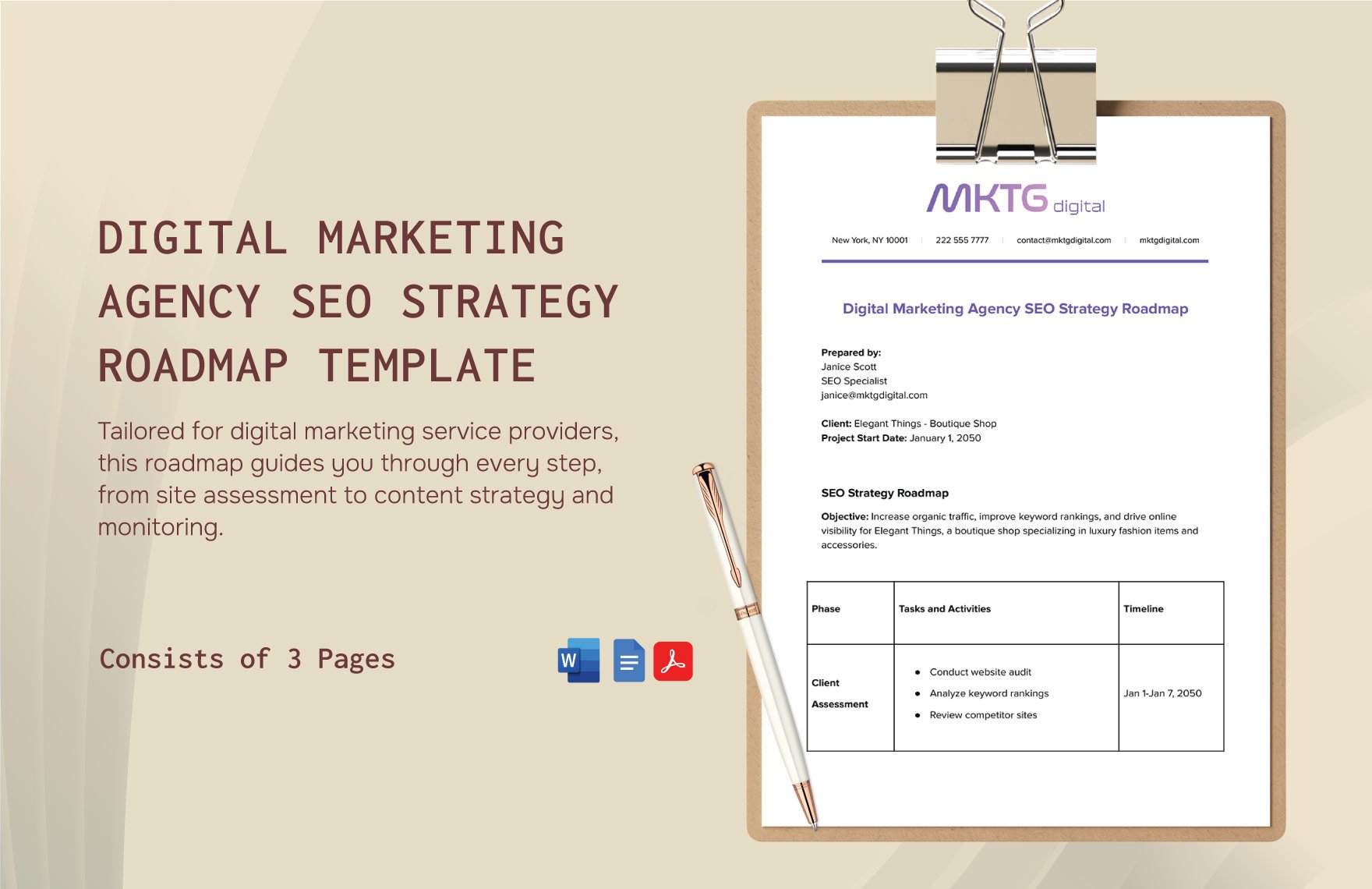
Strategy and execution should be connected but not confused. A strategy document explains the intended direction, while the project plan explains the work required to carry it out. The bridge between them is a set of measurable objectives. Once objectives are clear, the agency can identify tactics, deliverables, owners, dependencies, and milestones that support those objectives.
For example, imagine a hypothetical agency project for a new service launch. The strategic objective might be to establish awareness among a defined audience. The project plan could then contain audience research, message development, landing-page work, paid-media setup, content production, tracking configuration, launch checks, and reporting. Those tasks are not the strategy itself; they are the operational path chosen to execute it.
A strong plan also makes dependencies visible. A landing page may depend on approved messaging. Paid ads may depend on the landing page being ready. Reporting may depend on tracking being configured before launch. By recording those relationships, the agency can identify the tasks that control the schedule instead of treating every task as independent.
Campaign planning benefits from the same logic. A content campaign can be broken into research, editorial planning, production, review, approval, publication, distribution, and measurement. The template should show which tasks repeat and which are one-time setup tasks. This makes recurring campaigns easier to plan without assuming that every cycle will be identical.
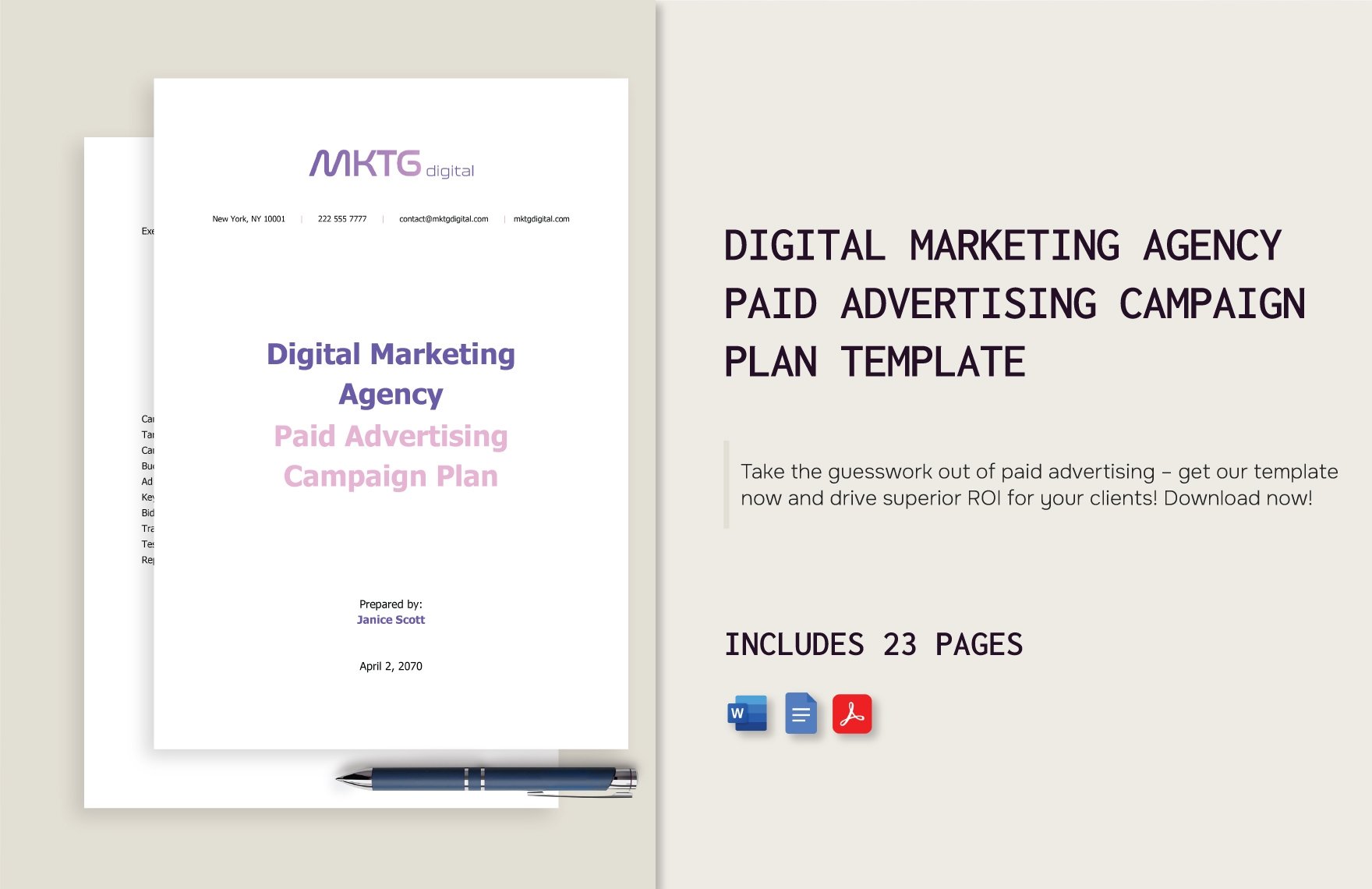
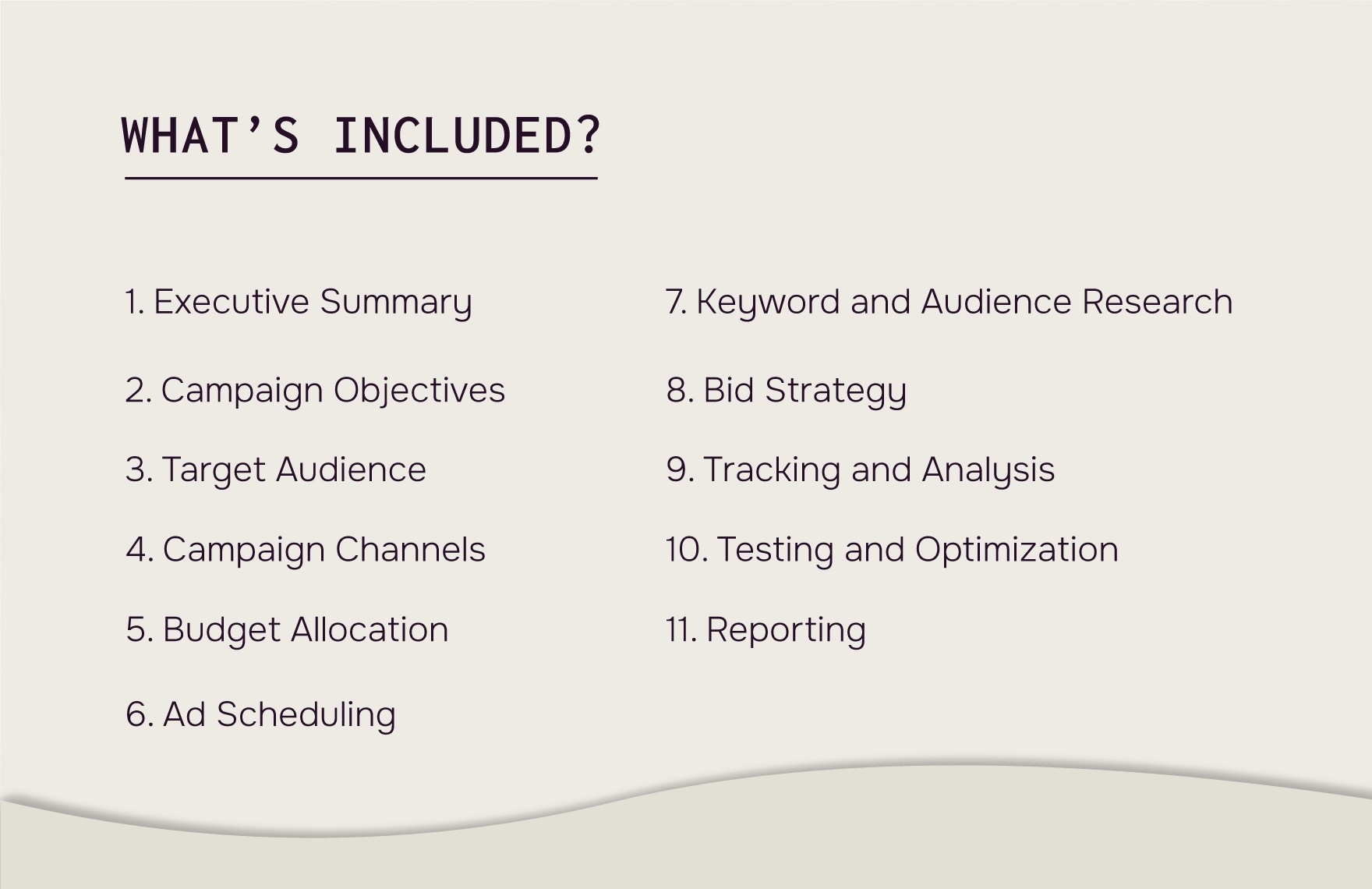
The same principle applies to paid media. A campaign structure may include audience research, channel selection, budget allocation, creative requirements, tracking, launch checks, monitoring, testing, and reporting. A template can prompt the team to cover each stage while still allowing campaign-specific decisions to remain flexible.

Reporting templates that clients can actually use
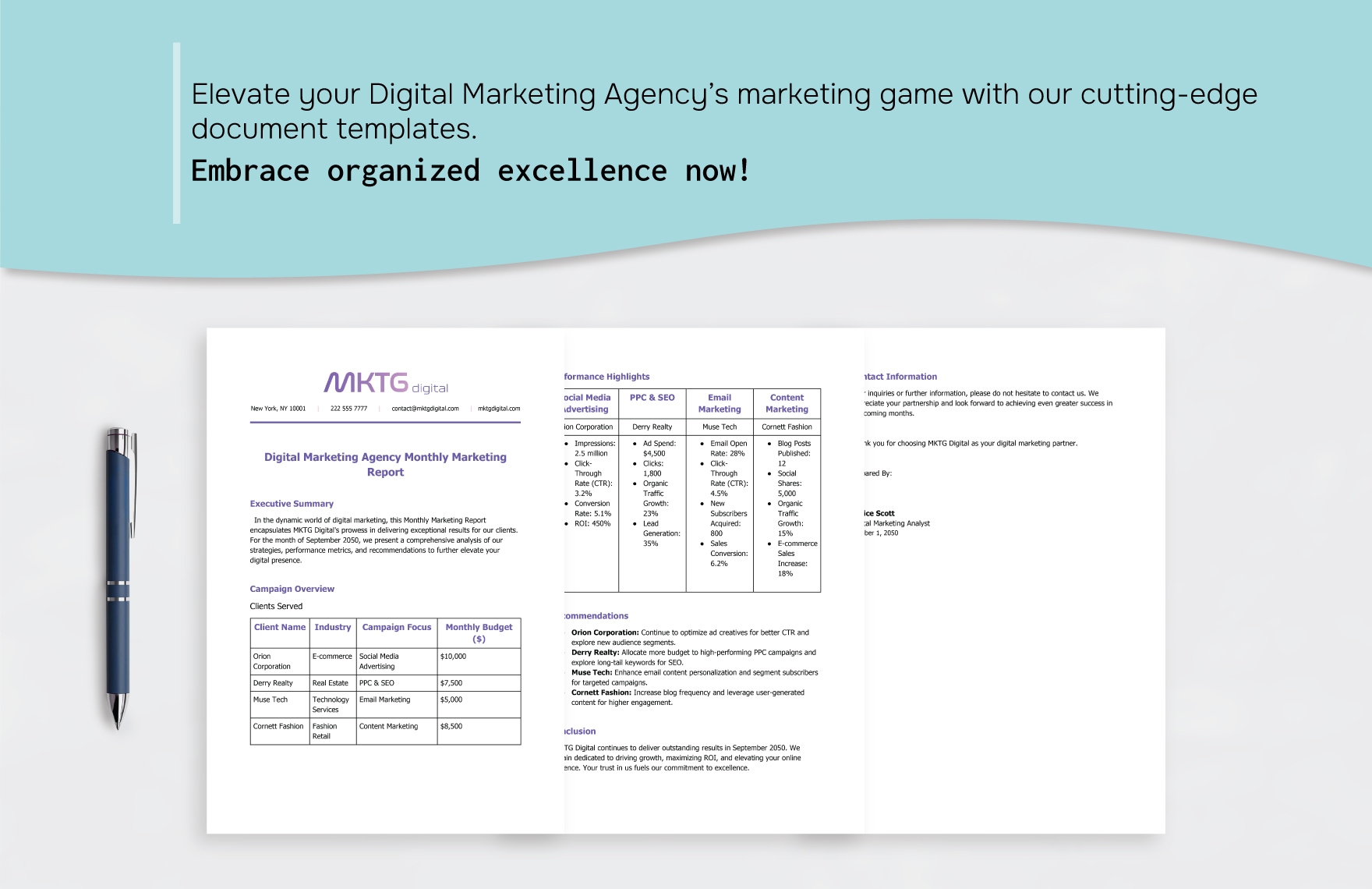
A report should answer three questions: what happened, why it matters, and what should happen next. Listing metrics without interpretation makes the client responsible for doing the analytical work. A stronger template begins with a short executive summary, then presents selected metrics, channel or campaign detail, notable changes, explanations, and recommended actions.
The reporting period should be explicit. State the period covered, the data source, and any material limitations. If a metric changed because the measurement method changed, say so. If a result is preliminary, label it as preliminary. Clear context protects the credibility of the report and prevents readers from treating every number as directly comparable.
Different clients need different levels of detail. An executive audience may need five to eight high-level indicators and a concise narrative. A marketing manager may need channel-level trends, campaign comparisons, creative performance, and next actions. The underlying reporting structure can stay consistent while the visible presentation changes by audience.
Dashboards can complement narrative reports, but they should not replace interpretation. A dashboard is useful for monitoring current conditions, while a report explains a selected period and the decisions arising from it. A good agency system can therefore use a live dashboard for operational visibility and a structured report for client communication.
Performance templates should also separate metrics from targets. A target is a planned reference point; an actual is an observed result. Variance explains the difference. This distinction matters because a result can improve while still missing an aggressive target, or decline while remaining above a conservative target. The template should preserve that context rather than labeling every variance as success or failure.
Budget, risk, and scope control
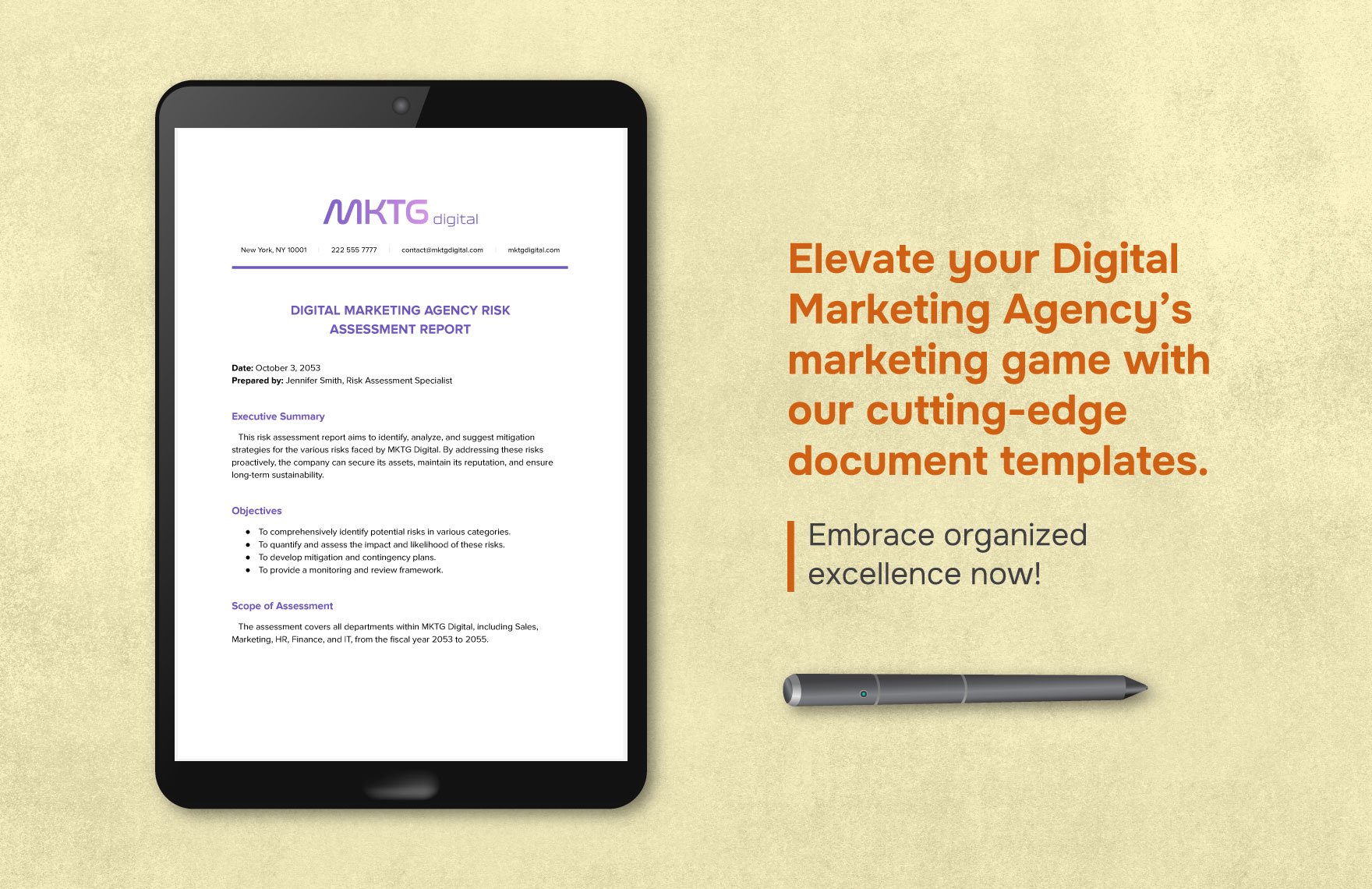
Budget fields should distinguish planned amounts from actual or committed amounts. For an agency project, costs may include internal labor, contractors, media spend, production, software, travel, or third-party services. The exact categories depend on the engagement, but the template should make the cost basis clear so the project manager can identify variance early.
Risk management should be practical rather than ceremonial. Record the risk, cause, potential effect, likelihood, impact, owner, mitigation, trigger, and current status. A risk that has no owner is not really being managed. Likewise, a long risk list that never changes can create the appearance of control without supporting action.
Scope control is closely connected to both budget and risk. A small request can create a large downstream effect if it requires new design, copy, development, review, tracking, and scheduling. A change template should therefore record the full impact rather than only the immediate task. This helps the agency and client make informed decisions about whether to proceed.
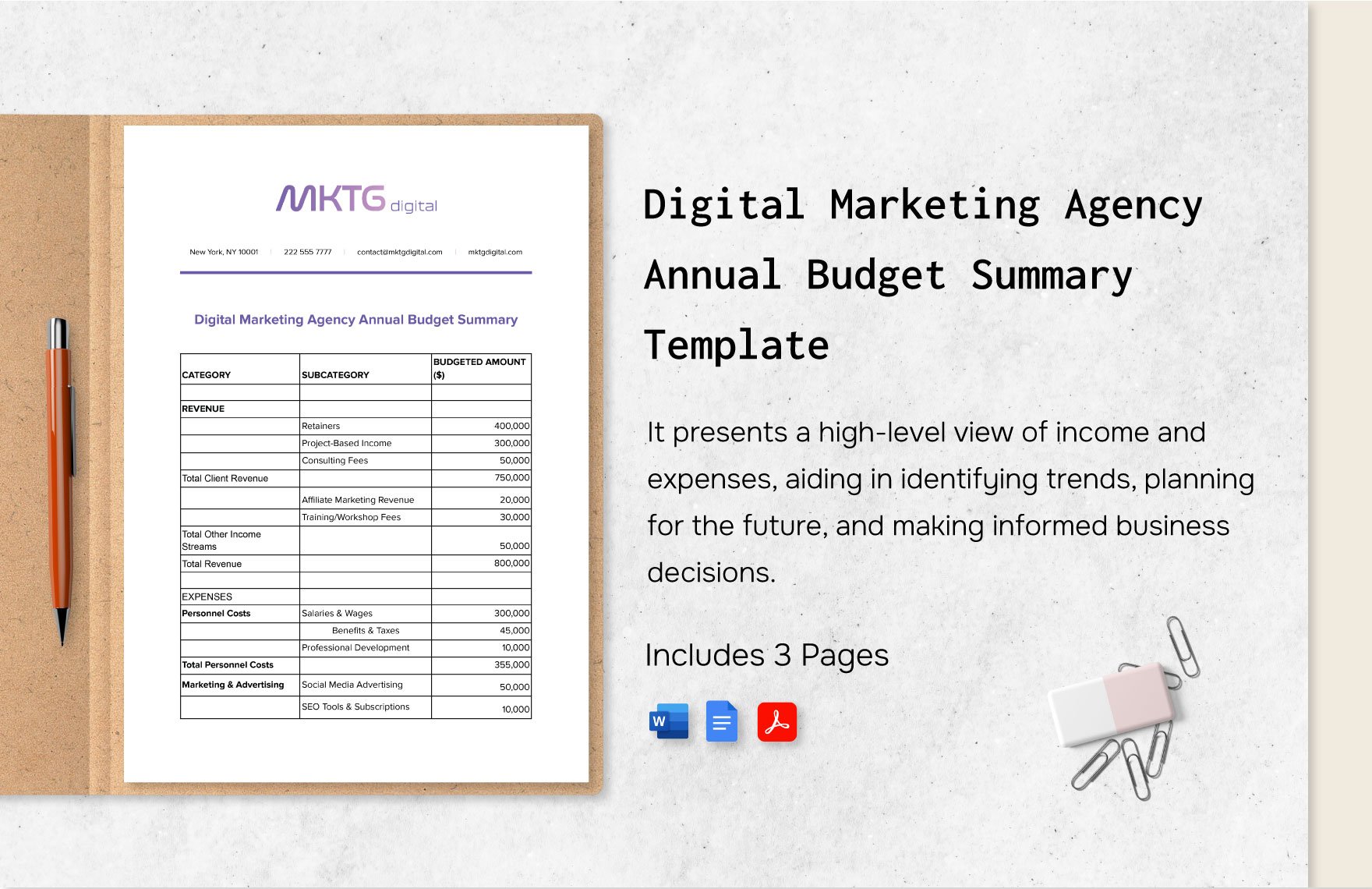
For agencies that want a lightweight financial workflow, the budget section can live beside the project plan. For larger teams, finance data may need a separate system with a project identifier connecting it to delivery records. The template should not duplicate financial information unnecessarily; it should expose the fields that delivery teams actually need to manage the work.
Client onboarding and recurring account work
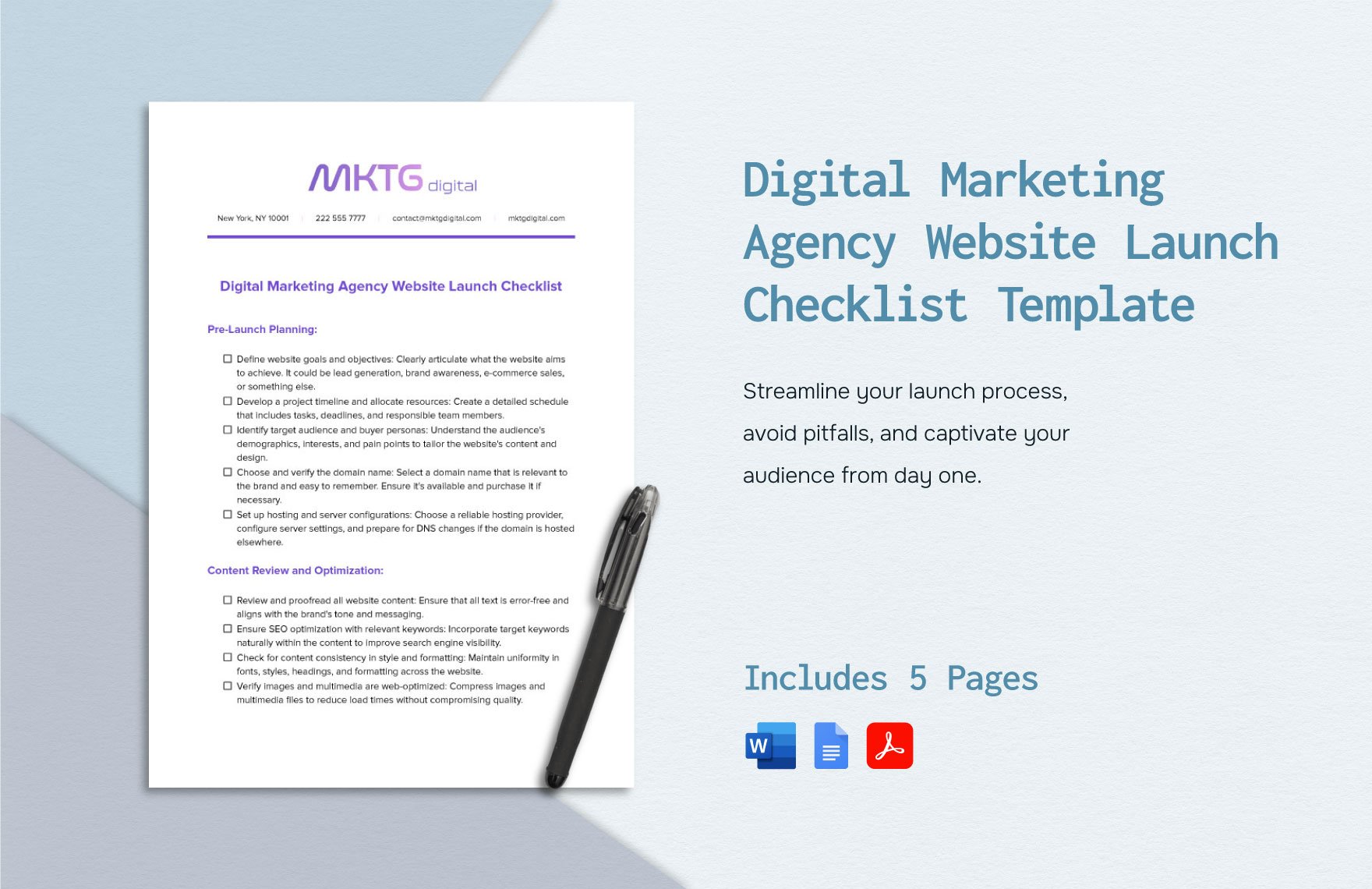
Onboarding is where a template can prevent many downstream problems. The checklist should capture the signed scope, primary contacts, communication preferences, brand materials, access requirements, analytics access, existing assets, reporting expectations, deadlines, and open questions. The goal is not to collect information for its own sake; it is to ensure the team can start delivery without repeatedly chasing basic inputs.
Recurring accounts need another layer: the monthly or weekly operating rhythm. A retainer might have recurring content production, campaign optimization, reporting, meetings, and planning. A reusable structure can show which activities repeat, which are optional, and which are triggered by performance or client requests. This helps the team distinguish planned work from ad hoc work.
Client retention is also supported by clarity. When clients can see what is planned, what has been delivered, what decisions are pending, and what results are being measured, the relationship is less dependent on individual memory. A consistent client-facing status view can reduce the need for repeated clarification and make the agency’s process easier to understand.

For recurring accounts, the template should also preserve historical context. A new account manager should be able to understand the client’s objectives, active projects, recent results, unresolved issues, and upcoming commitments without relying entirely on a verbal handover. This is one reason reusable templates become operational knowledge rather than mere formatting.
How to keep templates useful instead of turning them into paperwork
The first safeguard is ownership. Every important template should have a named owner responsible for maintaining fields, definitions, and instructions. Ownership does not mean that one person fills out every record. It means someone is accountable for keeping the structure aligned with the way the agency actually works.
The second safeguard is review based on evidence. After several projects, examine which fields are consistently empty, which questions still appear in meetings, which handoffs fail, and where people create parallel documents. Those patterns reveal where the template is helping and where it is creating friction. Remove fields that do not support a meaningful decision.
The third safeguard is modularity. Keep the project plan separate from the client report, and the campaign brief separate from the content calendar. Shared identifiers can connect them. This lets the agency improve one part of the system without rebuilding everything else. It also makes training easier because each template has a clear purpose.
The fourth safeguard is version discipline. When a template changes materially, record the revision date and explain what changed. This is especially useful when the structure affects client deliverables, financial tracking, or approval processes. Teams should know which version is current and when the new process takes effect.
The fifth safeguard is training through examples. A blank template explains fields, but a completed example shows how those fields should be used. Create one realistic internal example for each major template. The example should demonstrate good scope language, clear ownership, sensible statuses, and concise reporting rather than simply filling every field with placeholder text.
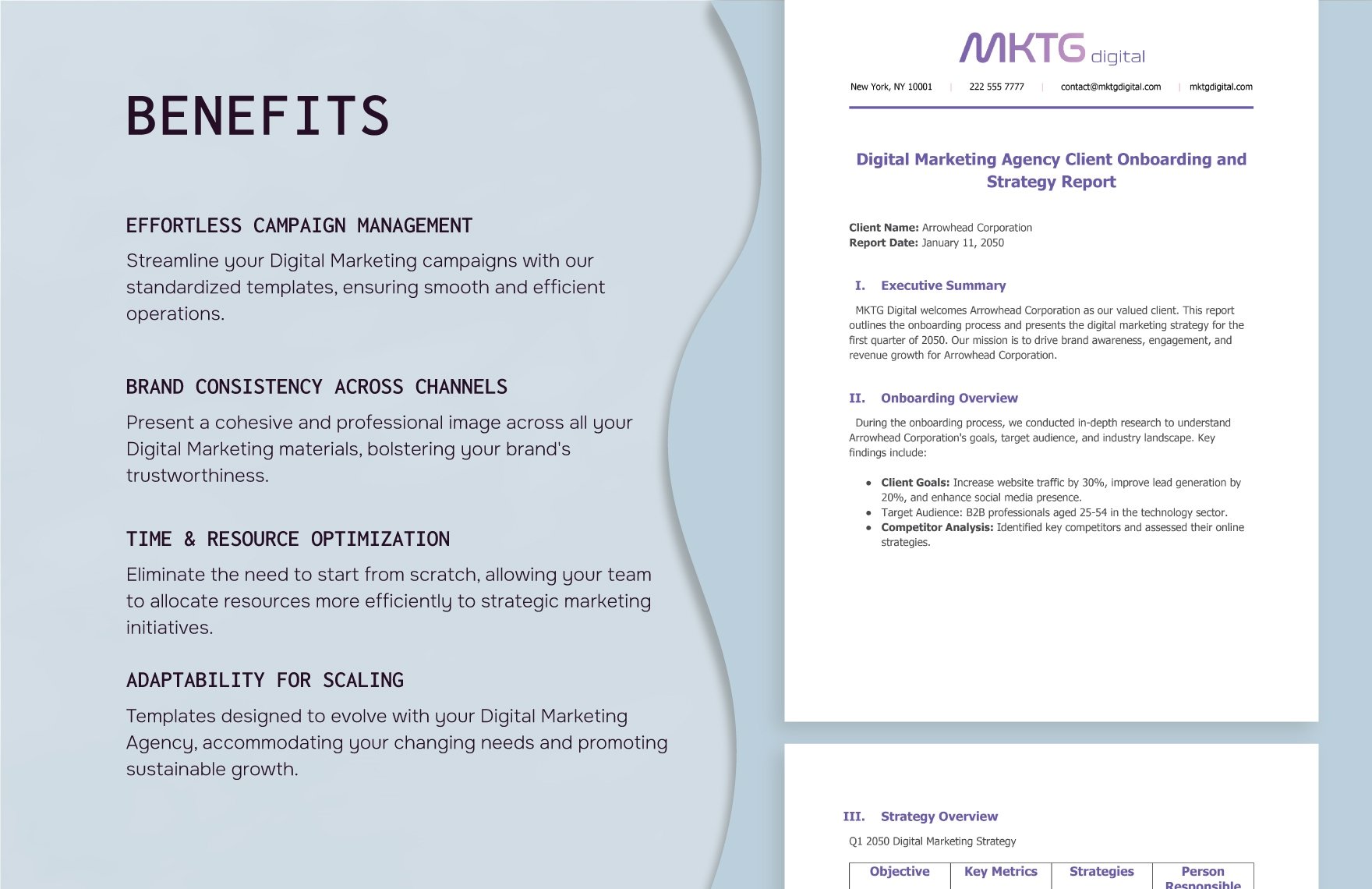
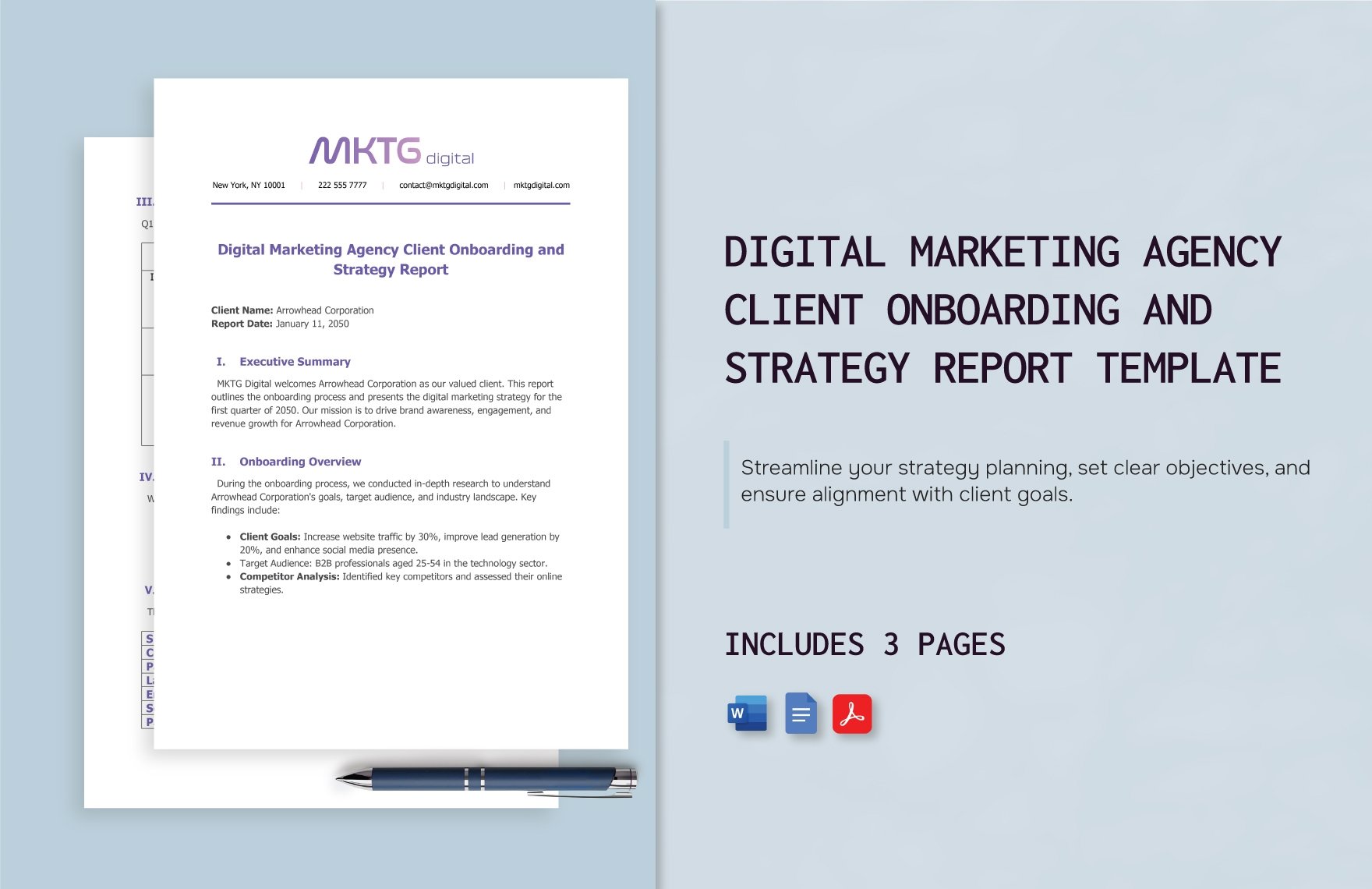
Onboarding templates are especially useful when they combine a short executive view with detailed operational fields. The first page can establish the client, objective, and immediate priorities, while later pages can capture strategy, metrics, budget context, and reporting responsibilities. This layered structure keeps the first read simple without losing the detail required by the delivery team.
A useful onboarding structure should also make the intended workflow visible. The team should be able to tell which information is collected first, which decisions follow, and which records become the source for later planning. When that sequence is clear, the template supports the agency process rather than becoming a static intake document.
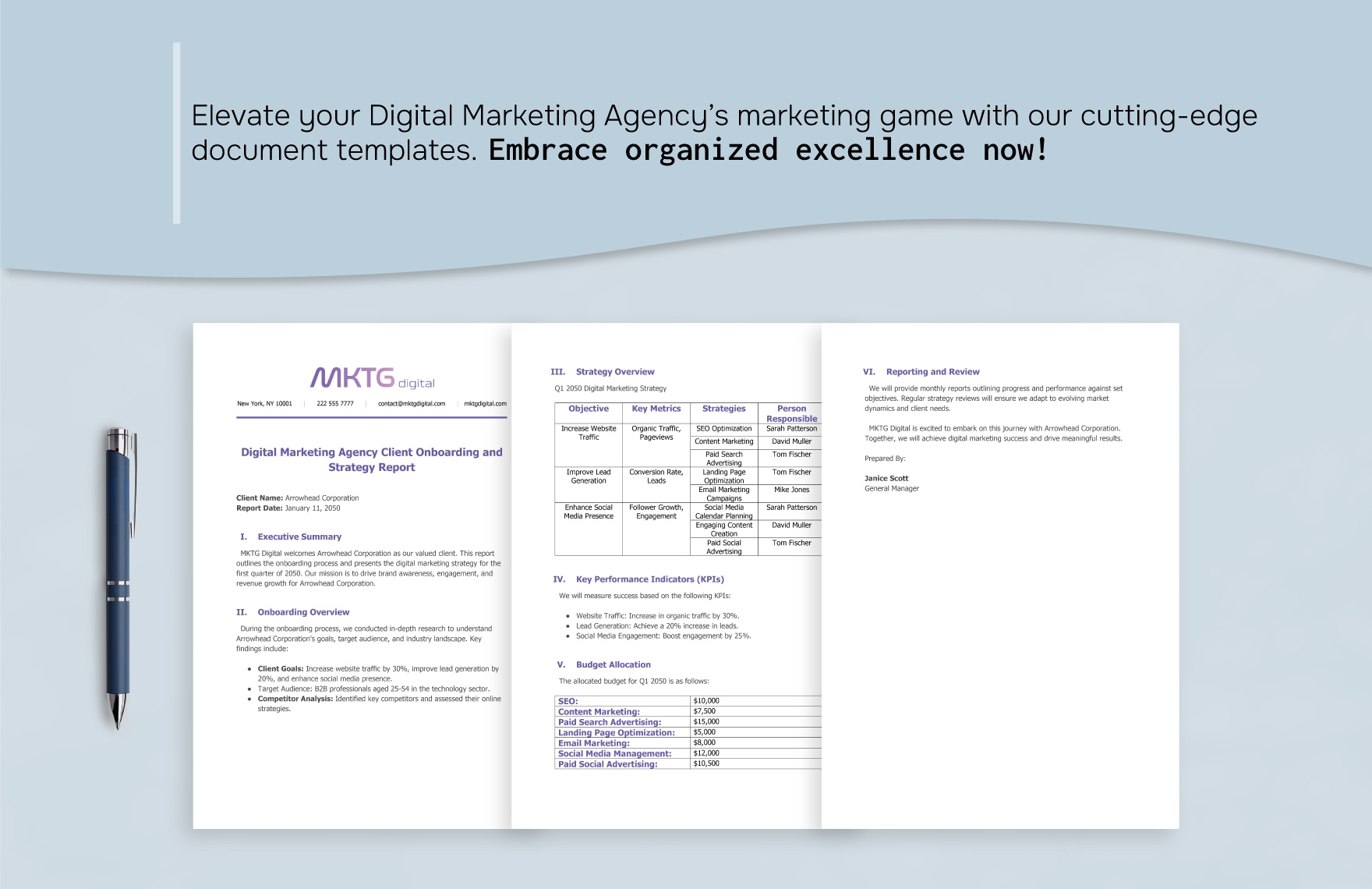
Reporting templates can follow the same layered principle. Start with the account-level view, then expose campaign or channel detail, then record recommendations and next actions. This creates a natural progression from context to evidence to decision, which is usually more useful than presenting a long list of disconnected metrics.
Practical Solution
Start with one project brief and one project tracker rather than trying to redesign the entire agency at once. Build the brief from several recent projects and include only fields that repeatedly mattered: objective, audience, deliverables, success measures, owner, deadline, dependencies, approval owner, budget context, and assumptions. Then turn the brief into a task structure that reflects the actual production sequence.
Next, add a simple approval and change record. Whenever a deliverable enters review, record the reviewer, review date, decision, and required revision. Whenever a client request changes the agreed work, record the request and its effect on scope or timing. This creates a lightweight control layer without requiring a large process framework.
Finally, connect the project tracker to a recurring status report and a performance report. The status report should summarize delivery; the performance report should summarize results. Keep both short enough that the team can maintain them consistently. Review the system after several live projects and remove anything that does not improve a handoff, decision, measurement, or record.
For teams searching for marketing agency project management templates, this staged approach is more sustainable than adopting a large library immediately. A template becomes valuable when the team uses it repeatedly and trusts the information inside it. Start with the workflow that creates the most confusion, make that workflow clear, then expand the system only when a recurring need justifies another template.
The same principle helps when evaluating resources described by the search phrase and marketing agency template word or and marketing agency template pdf. The file type is secondary to the information architecture. If a document can be printed and reviewed but cannot support the actual handoff, it is not solving the operational problem. Choose the structure first and the format second.
Likewise, and marketing agency template google sheets can be a useful route for calendars, trackers, budgets, and structured lists, while and marketing agency template excel may suit teams that rely on spreadsheet formulas, local file workflows, or established reporting models. The best structure is the one the team can maintain accurately and review consistently.
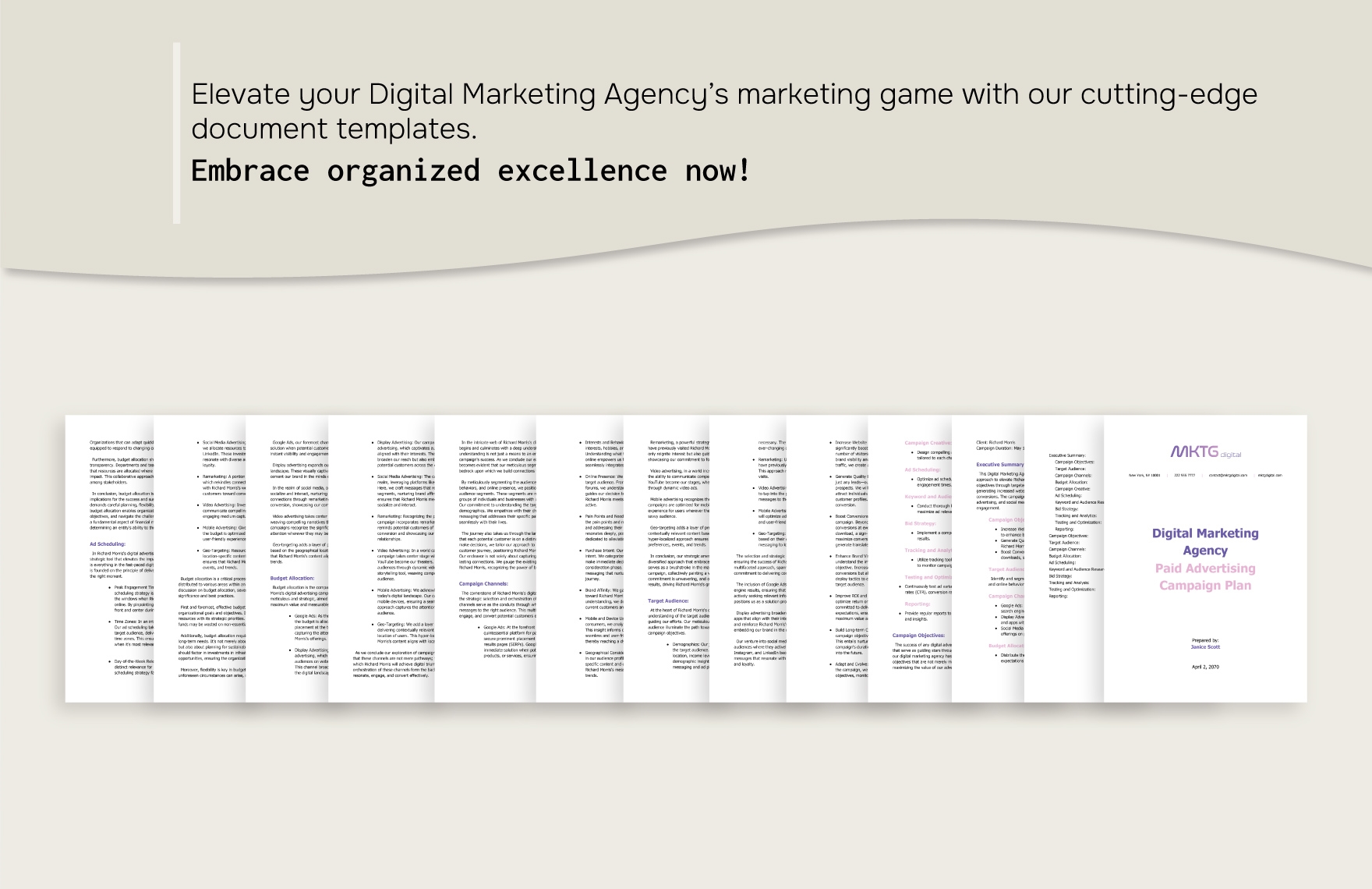
Reference Examples
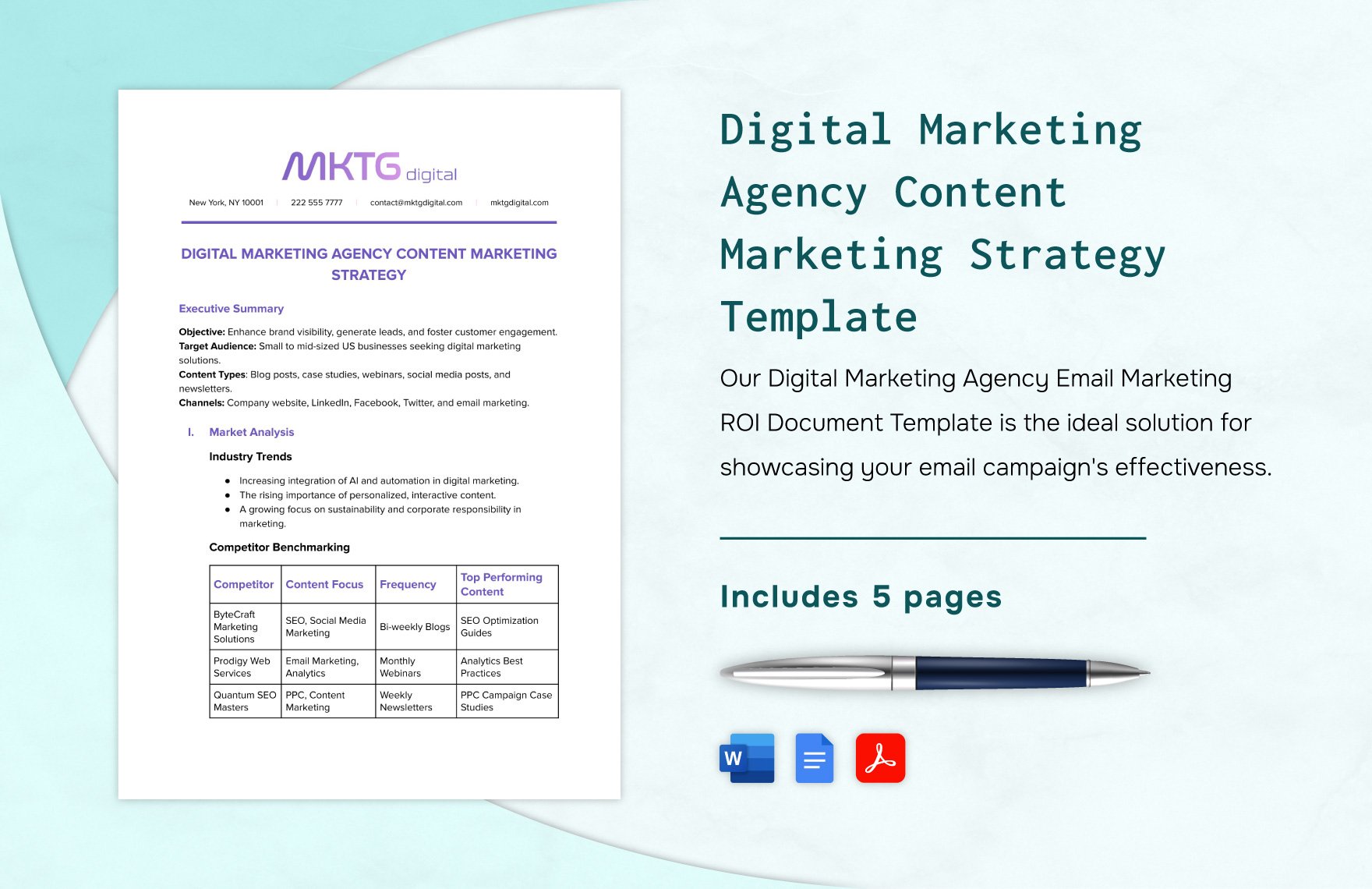
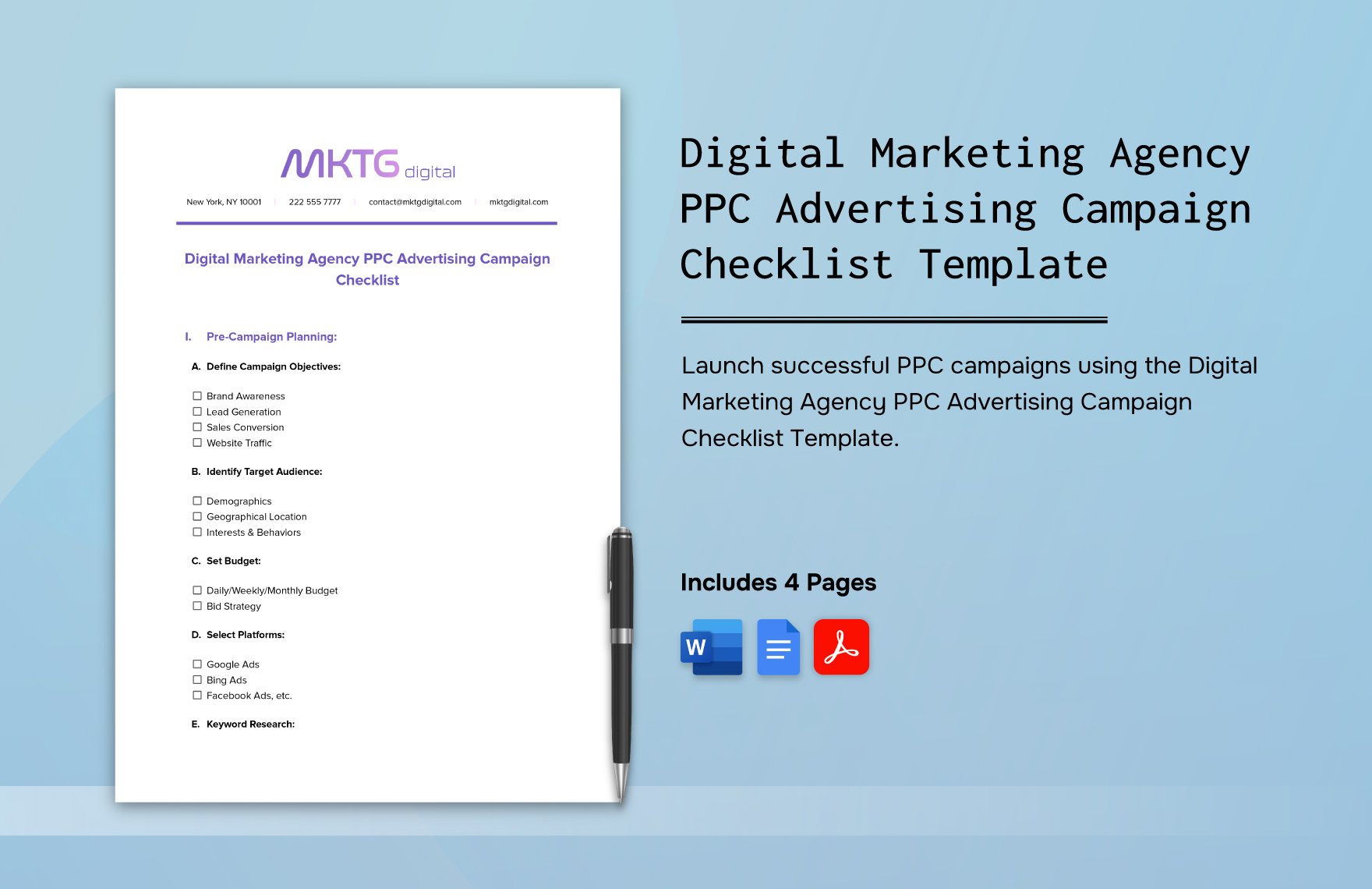
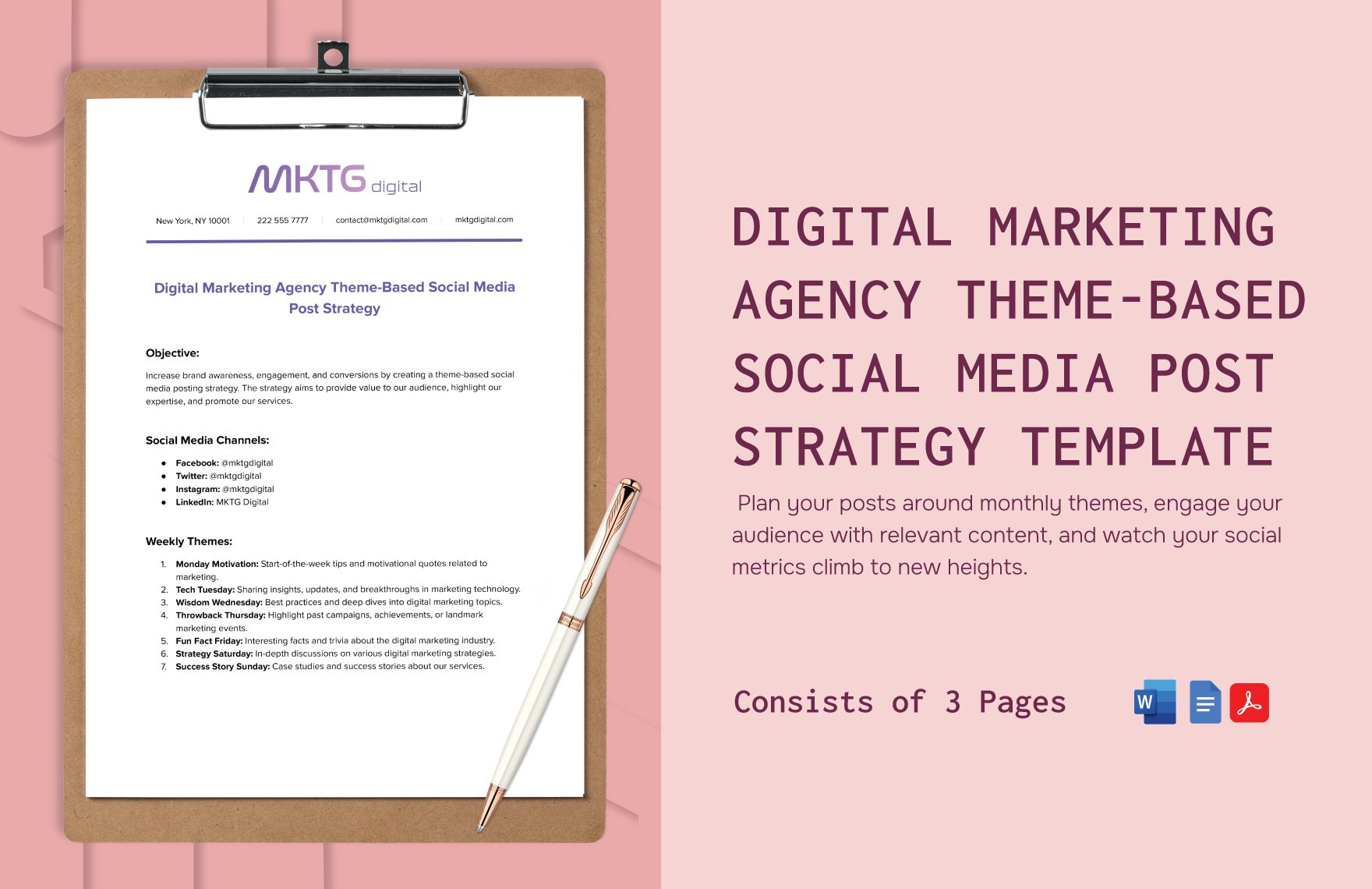
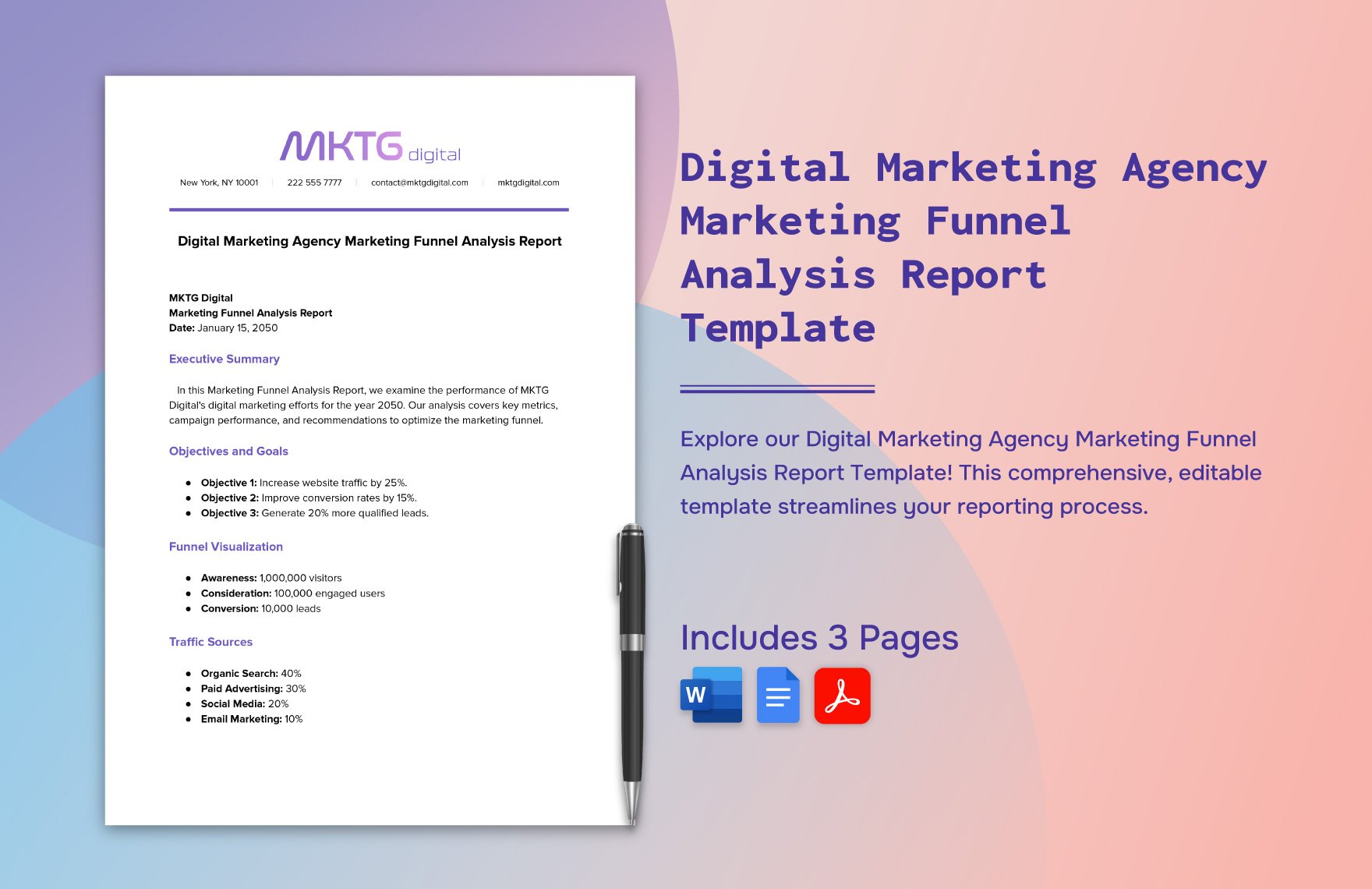
A strong and marketing agency Template is easiest to understand when you can see how different structures represent briefs, campaign plans, reports, budgets, onboarding records, and strategy documents. The examples below are drawn from publicly accessible template previews and are included as visual references rather than as a single prescribed design. They show different ways to organize objectives, fields, metrics, timelines, approvals, and supporting information. When reviewing any reference, focus on the information hierarchy: what appears first, which fields are emphasized, how the reader moves through the document, and whether the structure matches the decision the template is intended to support.
The following visuals also demonstrate why template selection should be driven by workflow rather than appearance. Some examples emphasize project execution, others emphasize reporting, and others organize strategic content or client onboarding. Comparing them can help an agency identify patterns worth adapting while avoiding unnecessary complexity. The useful question is not which visual looks most polished, but which structure would make the agency’s real work easier to understand, hand off, measure, and improve.
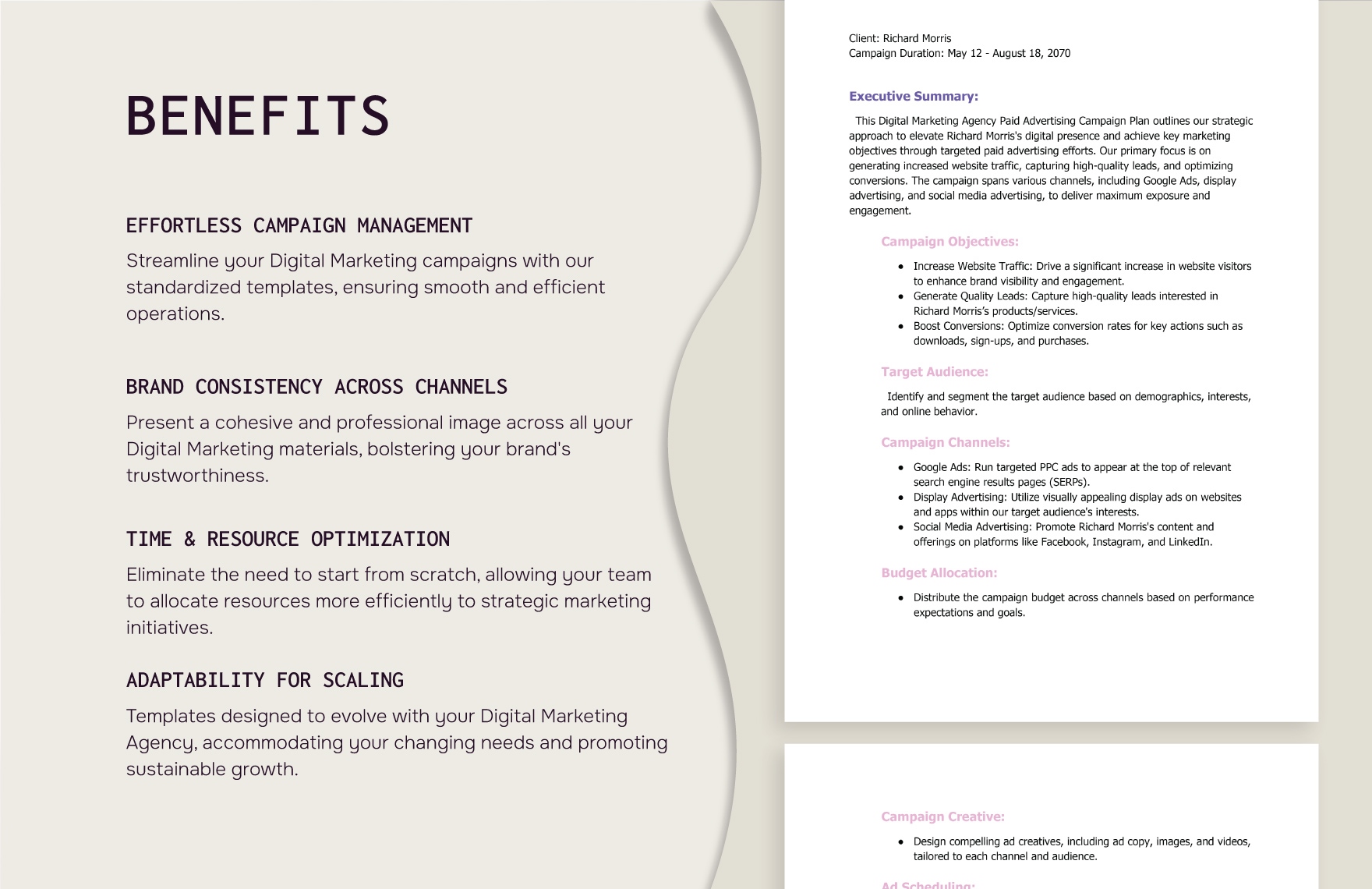
Paid Advertising Campaign Plan
Source: Template.net
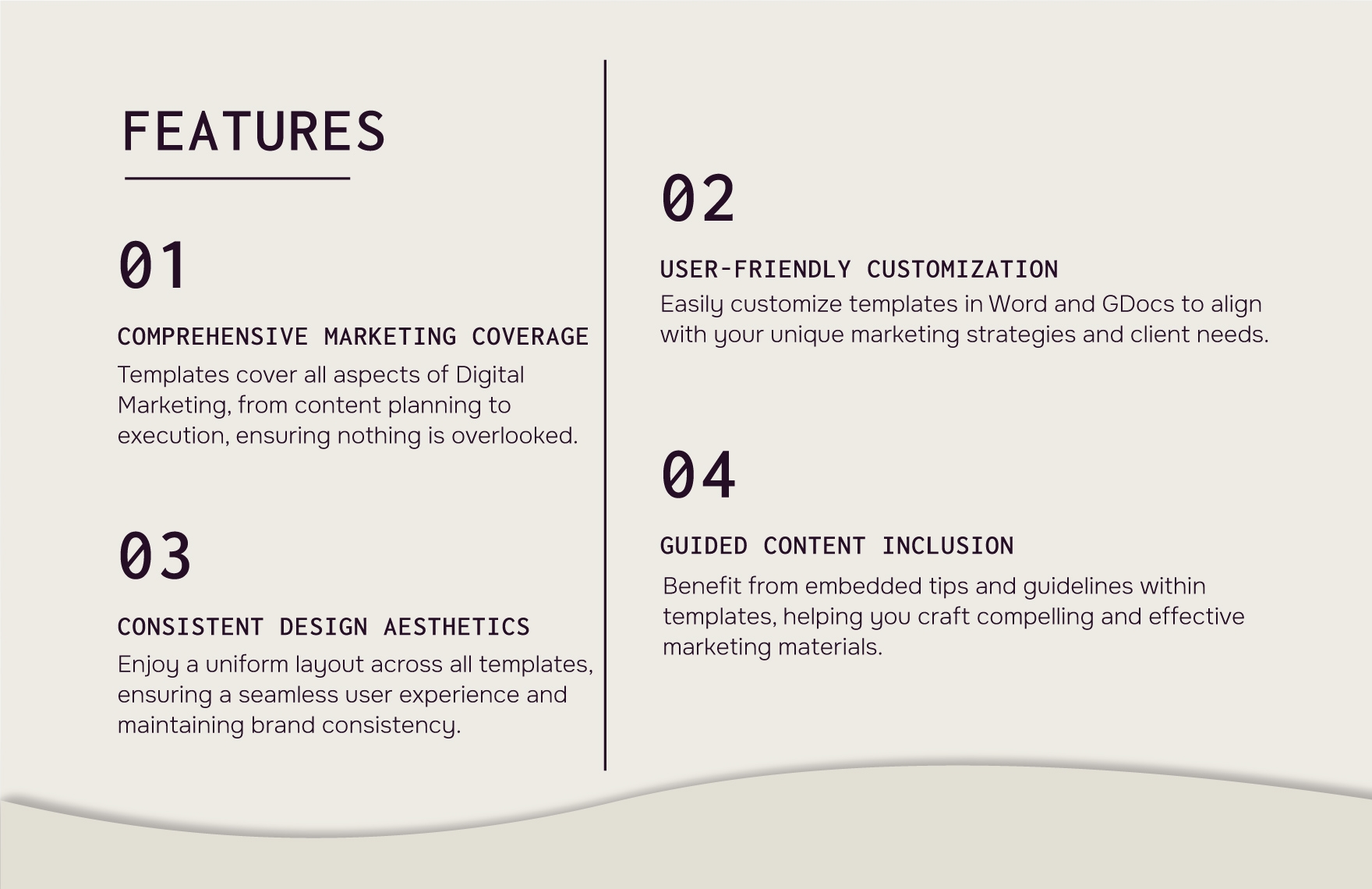
Paid Advertising Campaign Template Features
Source: Template.net
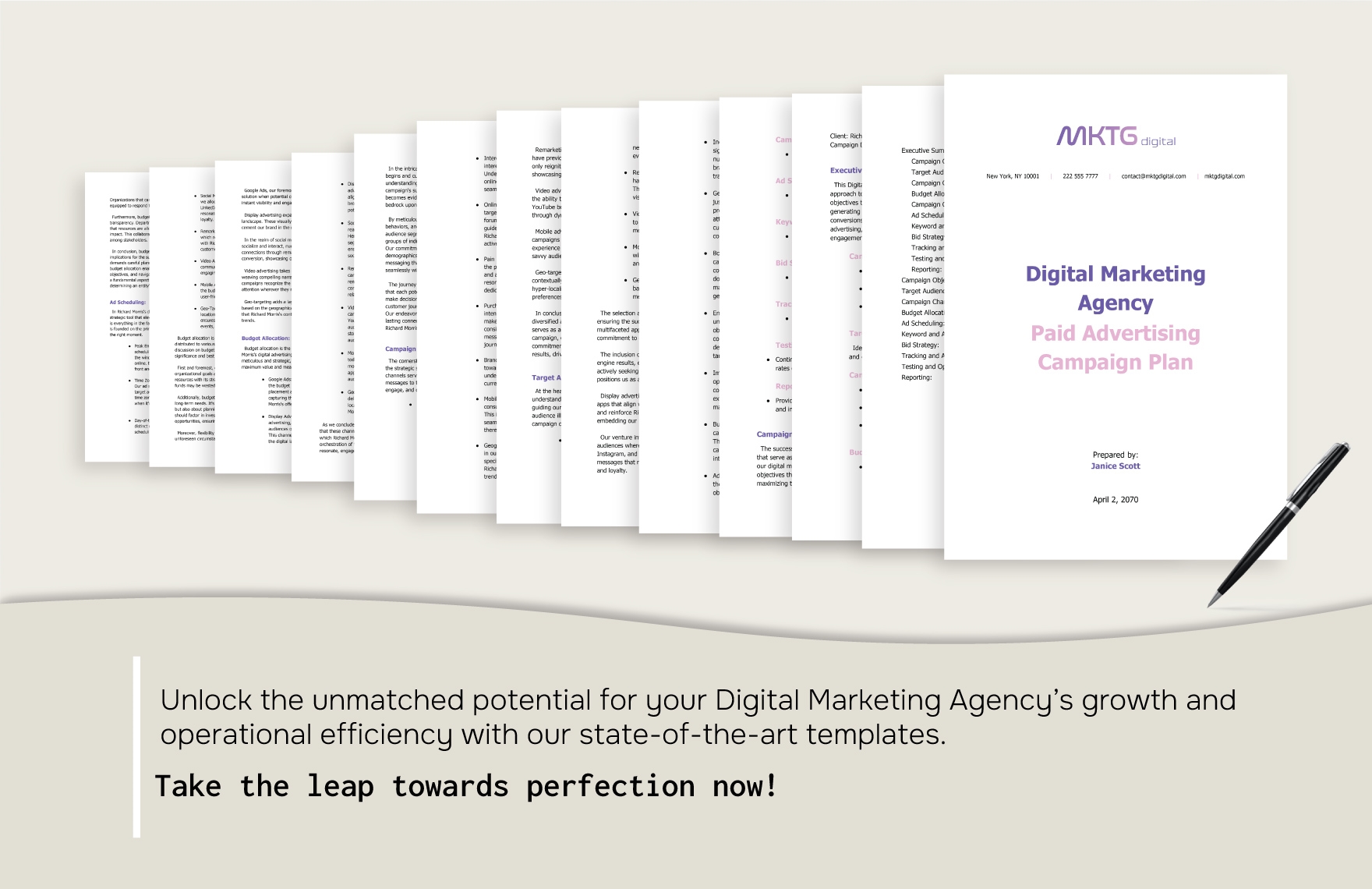
Paid Advertising Campaign Plan Overview
Source: Template.net
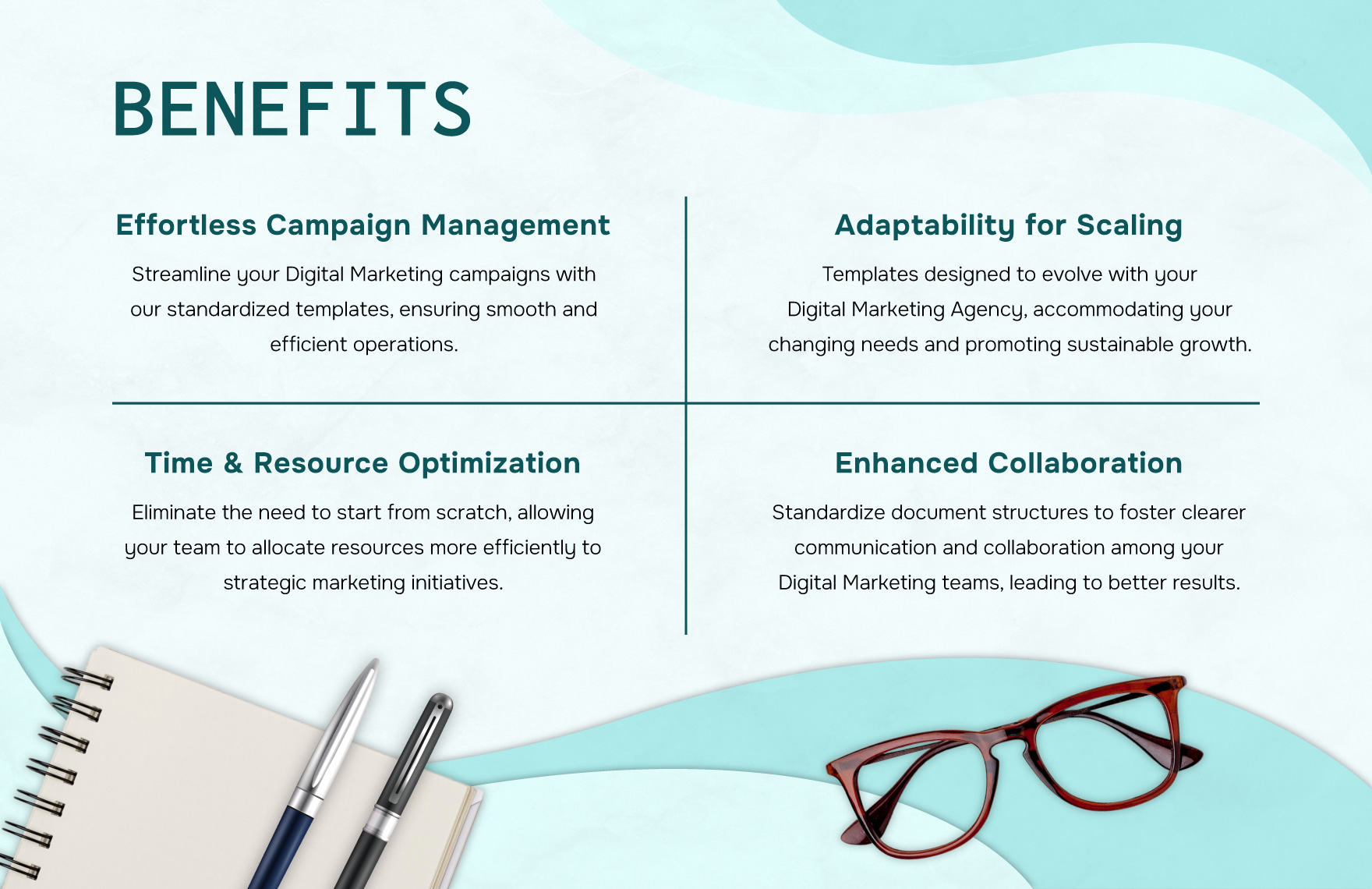
Content Marketing Strategy Benefits
Source: Template.net
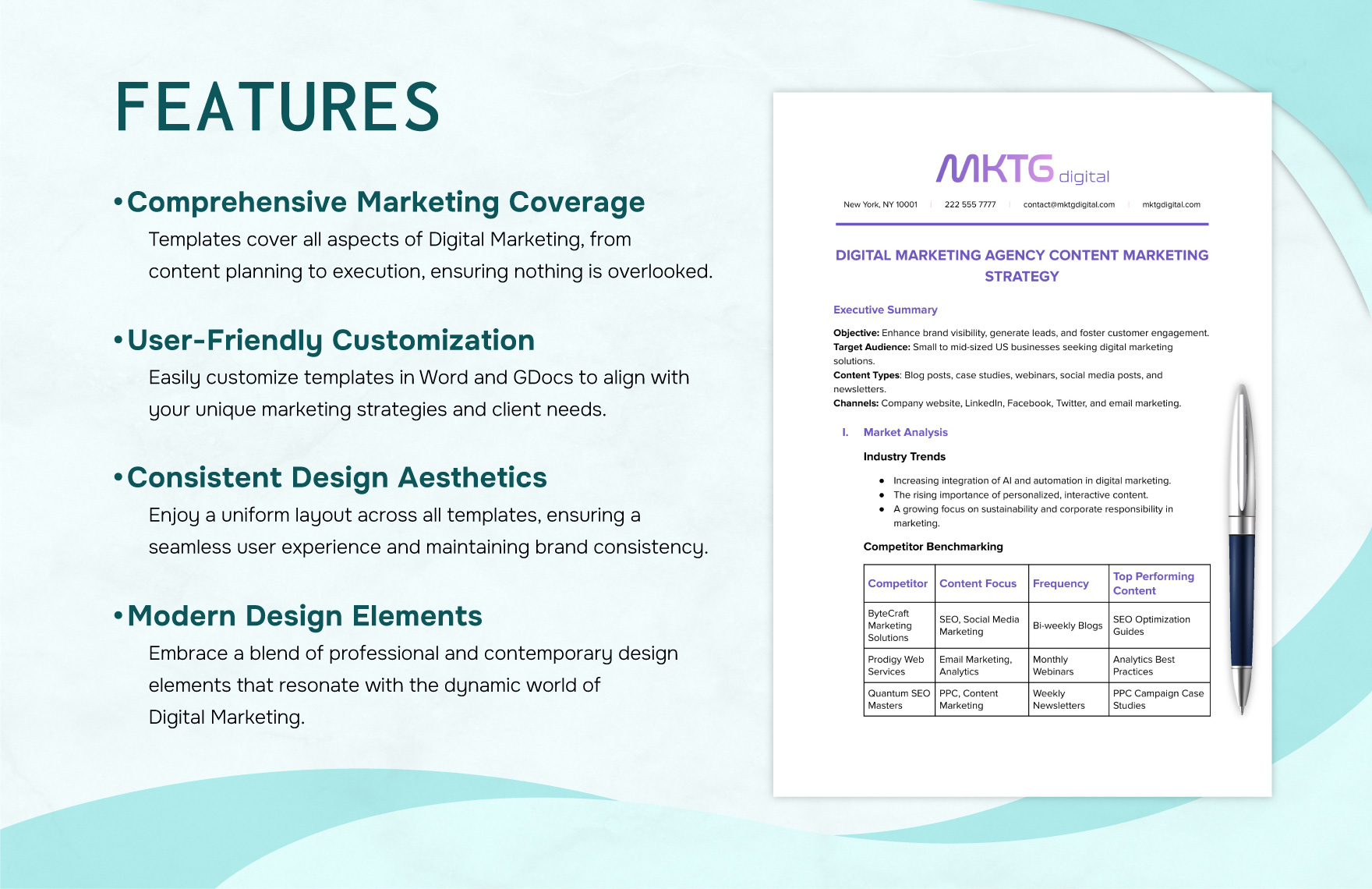
Content Marketing Strategy Features
Source: Template.net
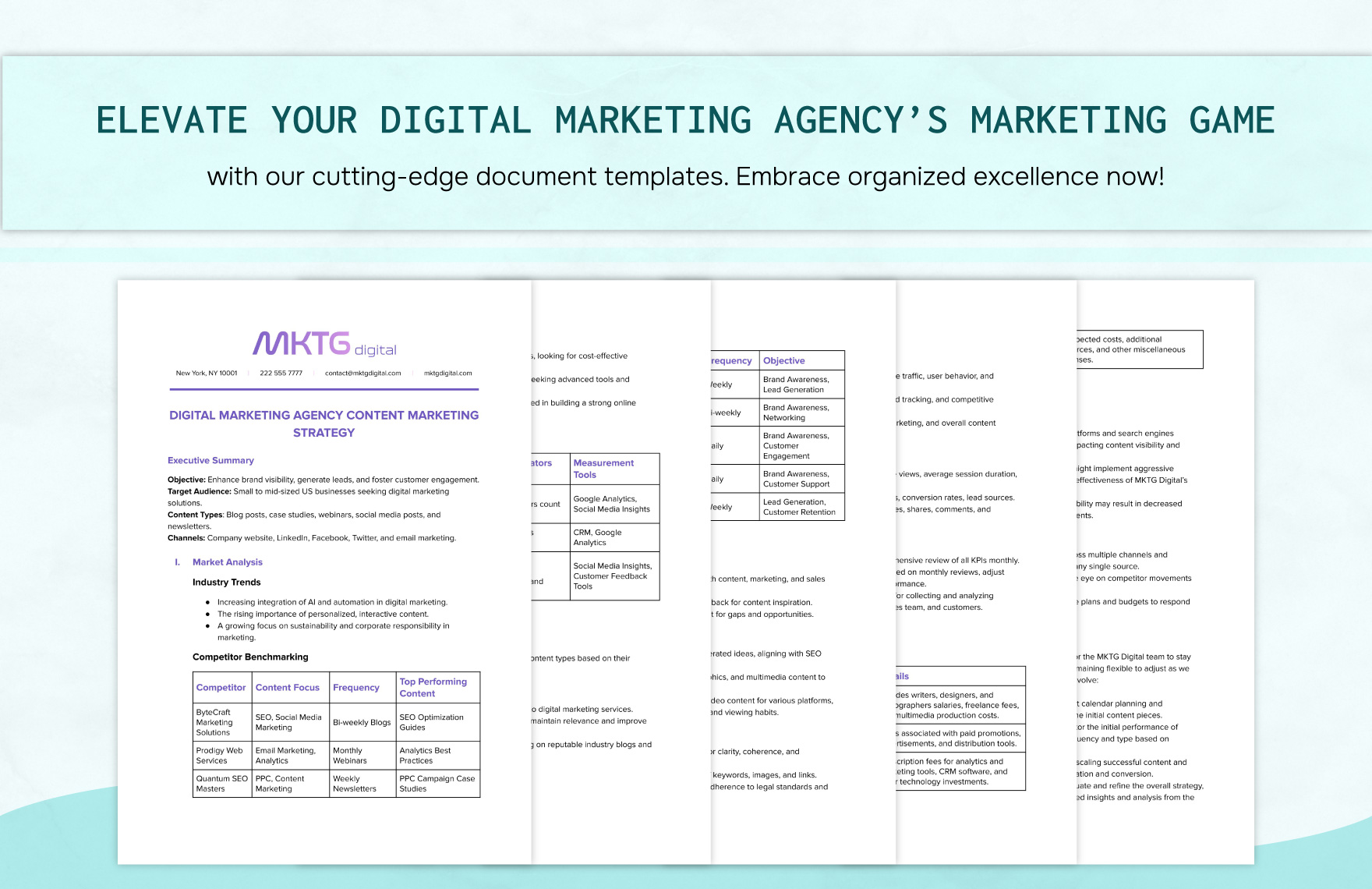
Content Marketing Strategy Document Preview
Source: Template.net
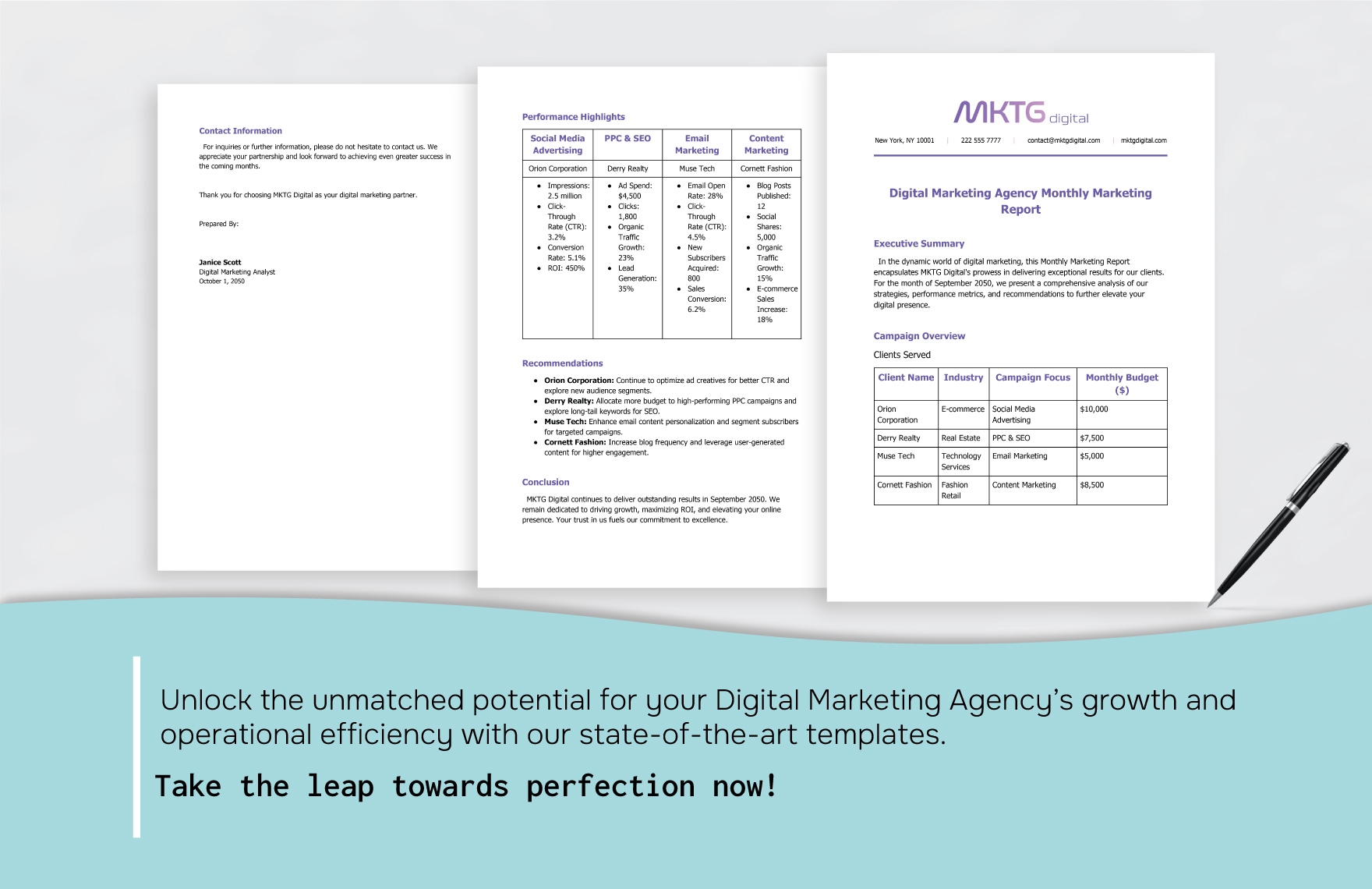
Monthly Marketing Report Performance View
Source: Template.net
Monthly Marketing Report Support Panel
Source: Template.net
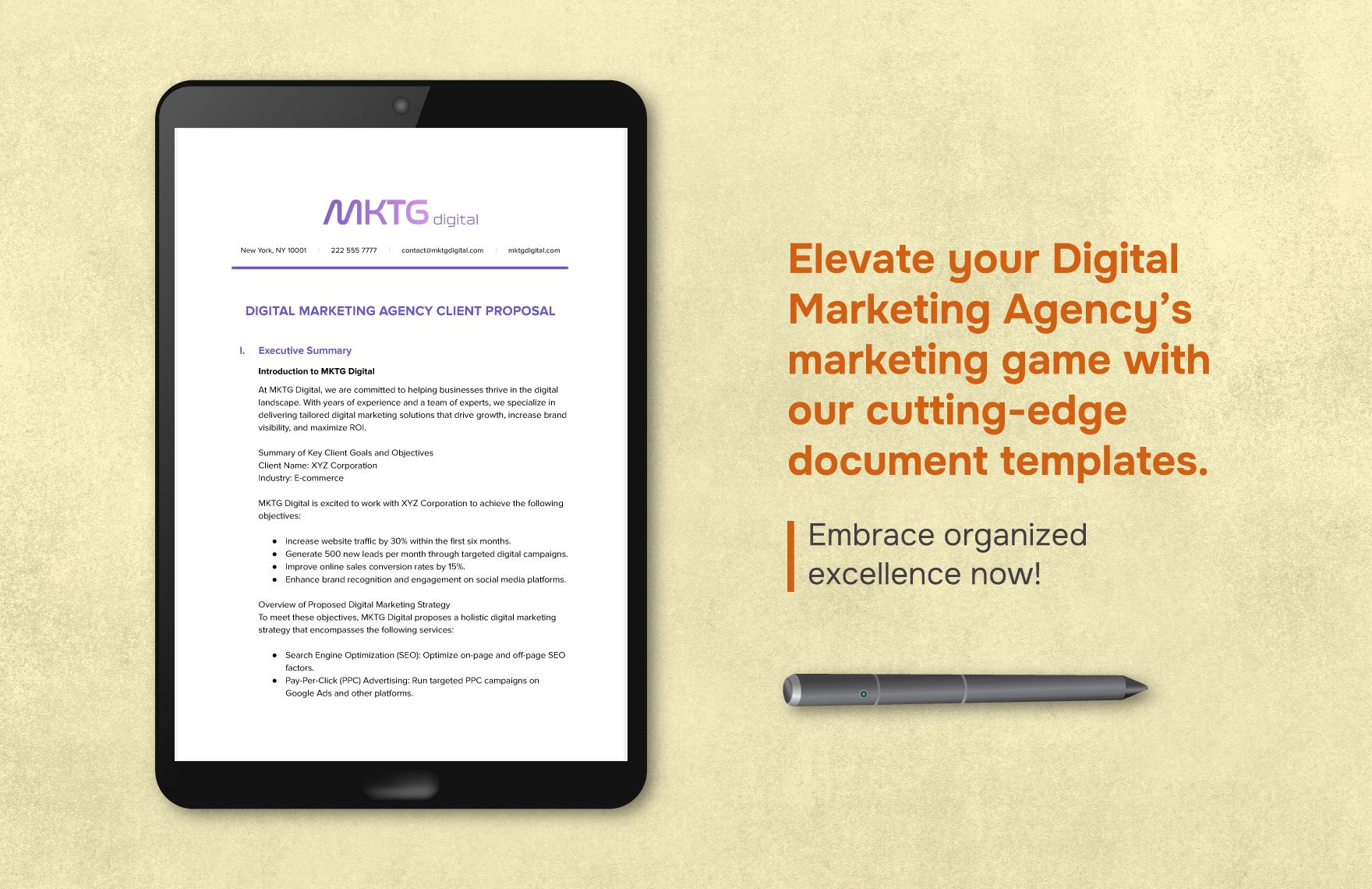
Digital Marketing Agency Client Proposal
Source: Template.net
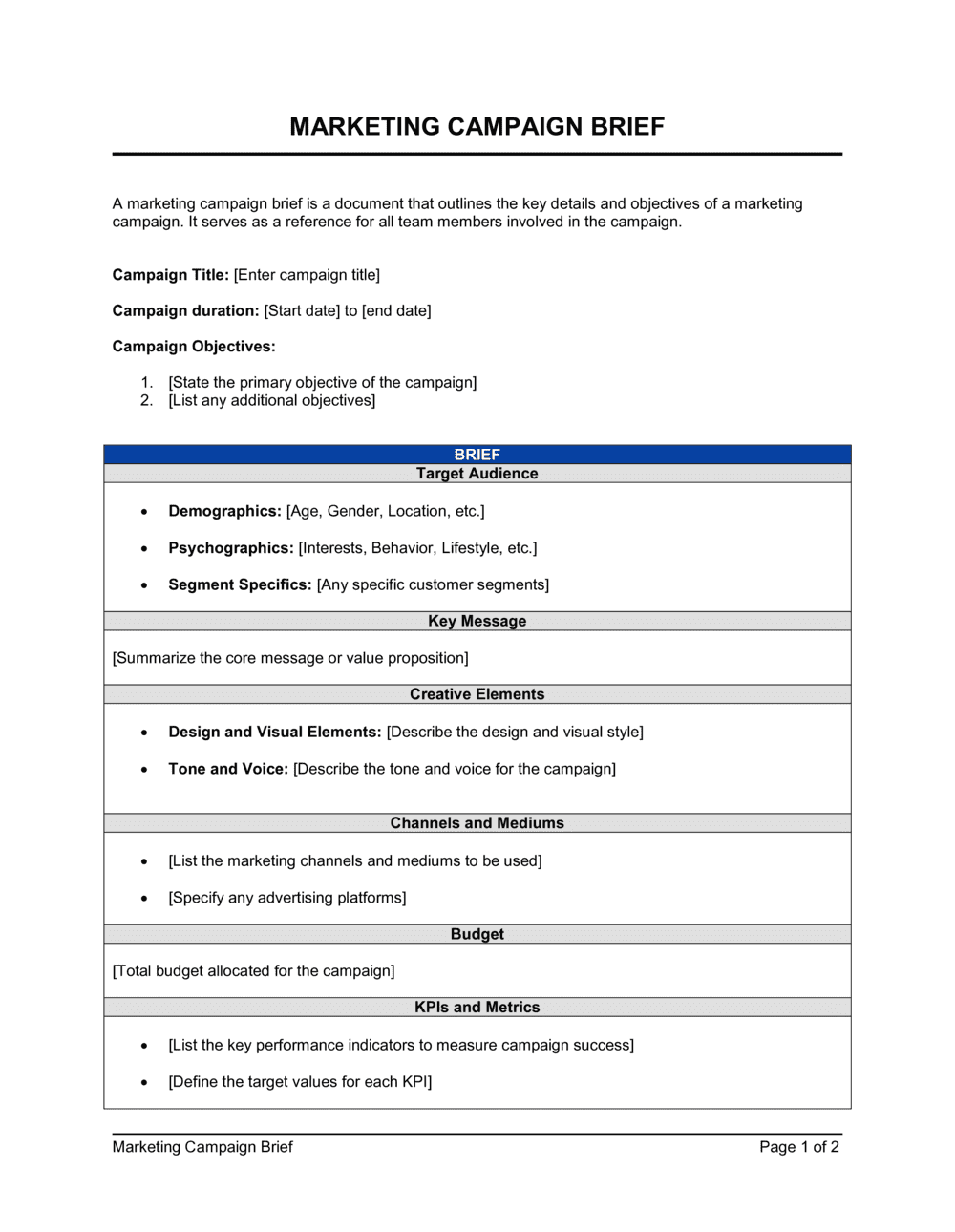
Marketing Campaign Brief
Source: Business-in-a-Box
