A marketing material fax Template is a structured cover sheet designed to accompany brochures, promotional letters, product information, proposals, media kits, campaign materials, sales sheets, or other marketing documents sent by fax. Although faxing is no longer the default communication method for many businesses, it remains relevant in organizations that rely on established document-transmission workflows. A well-designed cover sheet helps the recipient identify the sender, understand the purpose of the transmission, confirm the page count, and determine what action is expected.
The strongest template is not necessarily the most colorful or decorative. Fax transmission can reproduce fine graphics poorly, so clarity, contrast, spacing, and concise wording matter more than elaborate visual effects. Microsoft’s current fax-cover guidance emphasizes sender and recipient information, subject lines, and confidentiality notices, while other established template resources show recurring fields such as date, page count, phone number, fax number, and message area.
For marketing teams, the cover sheet also provides a useful opportunity to establish context before the recipient reads the attached material. Instead of treating the page as an advertisement itself, use it as a routing and communication document. A short subject line, a precise description of the enclosed material, and a direct call to action can make the transmission easier to process without overwhelming the recipient with promotional copy.
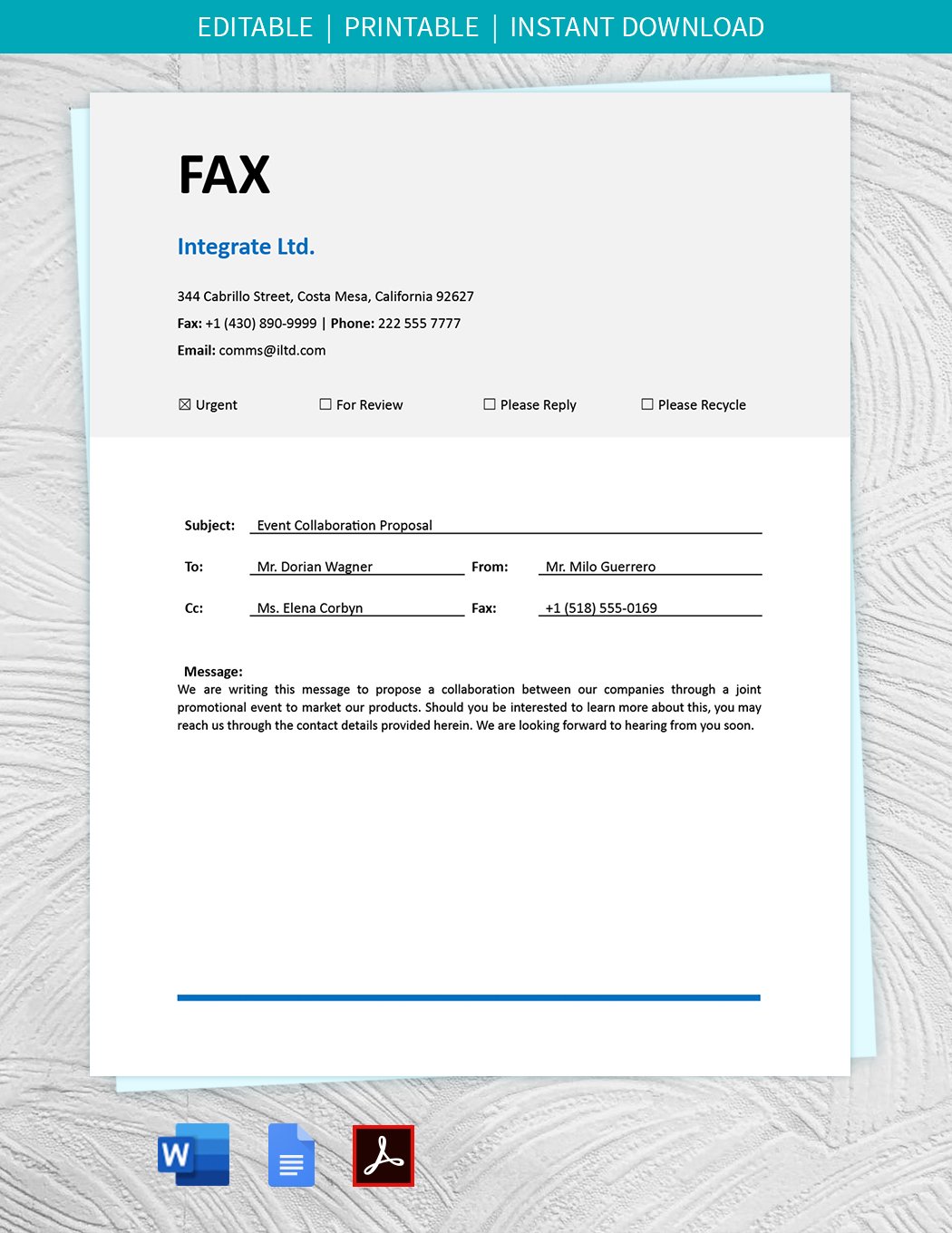
What a Marketing Material Fax Template Is Designed to Do
A marketing material fax cover sheet serves as the first page of a transmission. Its practical purpose is to identify the sender and recipient and provide enough context to distinguish the fax from unrelated documents. A recipient may receive many transmissions during a working day, so a recognizable company name, accurate fax number, date, page count, and concise subject can reduce ambiguity.
For marketing materials, the subject should identify the actual content rather than simply say “Marketing Materials.” For example, a subject such as “Spring Product Brochure — Dealer Pricing Enclosed” gives the recipient useful information immediately. The message can then explain whether the enclosed material is intended for review, distribution, quotation, follow-up, or another defined purpose.
The cover sheet should also separate information that is operational from information that is promotional. The sender and recipient fields are operational. The page count is operational. The message is contextual. A short value statement can be appropriate, but a long sales pitch generally belongs in the attached brochure, proposal, letter, or campaign document instead.
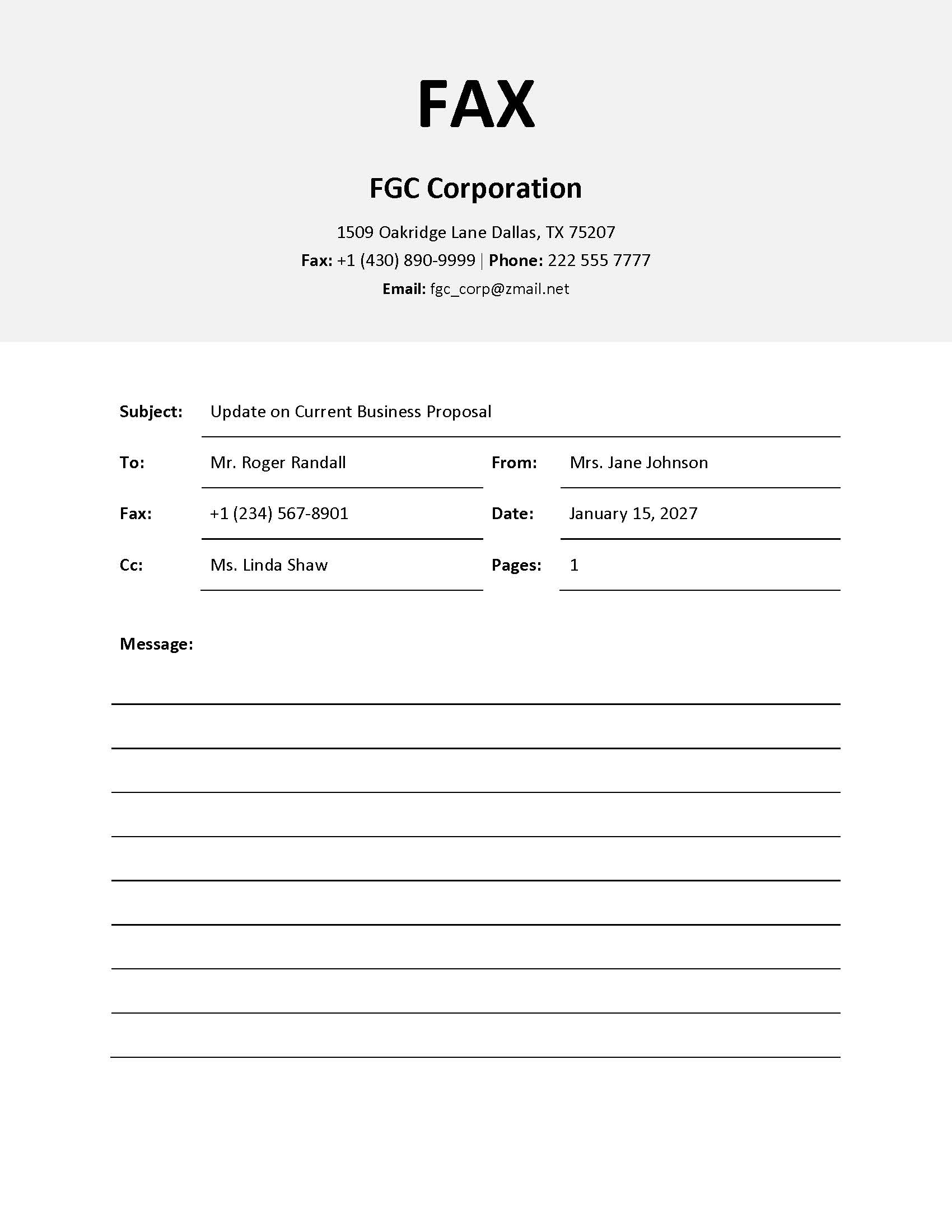
Essential Fields to Include
A practical marketing fax template should begin with the information needed to route the transmission correctly. At minimum, include the recipient name or department, recipient fax number, sender name or department, sender fax number, date, subject, and total number of pages. Adding a phone number or email address can provide another route for resolving delivery questions.
The page count deserves special attention. Established fax-template guidance commonly treats the cover sheet as part of the total transmission count. If the cover sheet is followed by five pages of marketing material, the total should generally be recorded as six pages. Vertex42, for example, explicitly explains that its page count includes the cover sheet as page one.
The message field should remain large enough for a short explanation but not so large that it makes the cover page look unfinished. Useful wording might identify the campaign, product line, account, proposal, or requested action. A concise message such as “Enclosed: updated distributor brochure and product specification sheet. Please review the revised wholesale information and contact the sales team with questions” gives the recipient practical context without duplicating the attached materials.
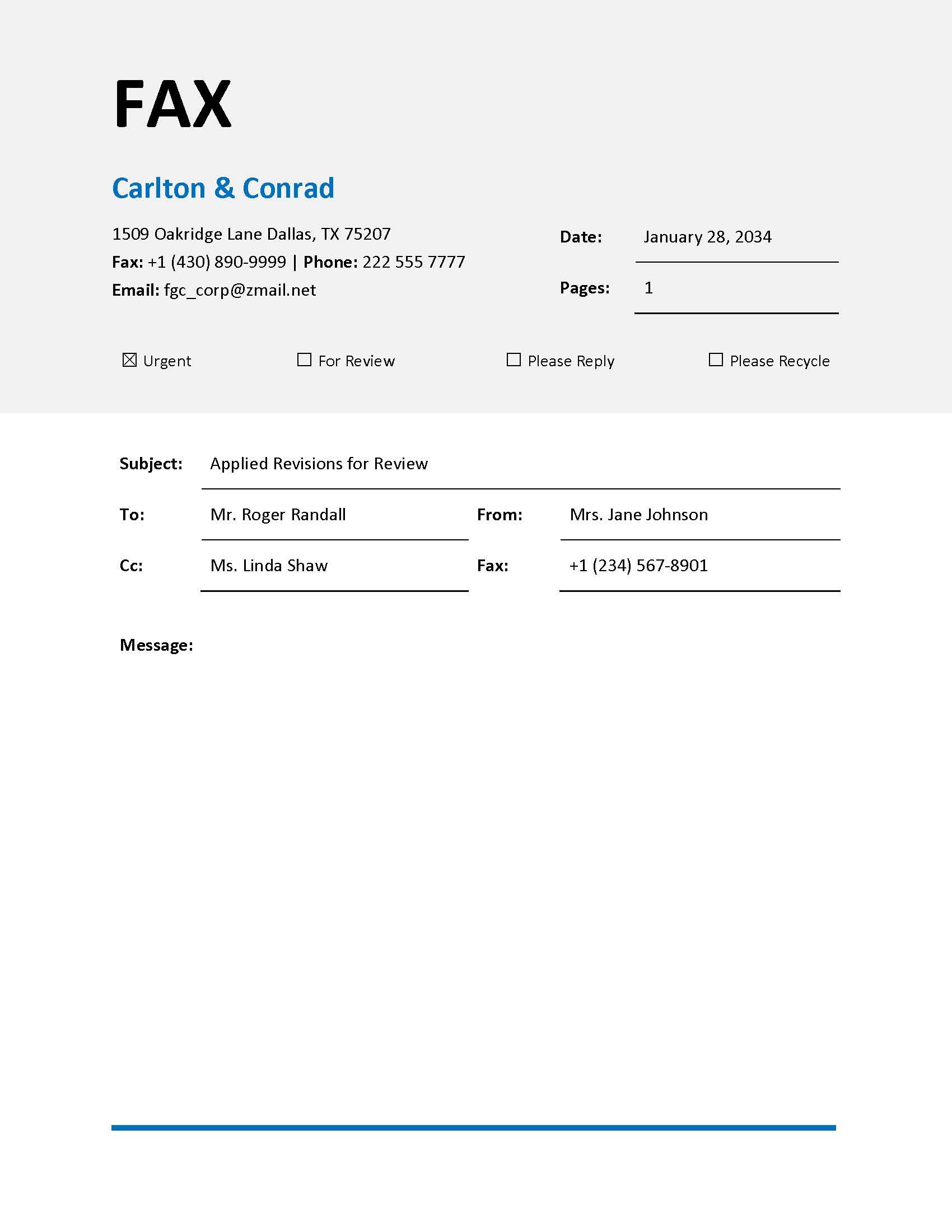
Designing the Header for Marketing Communications
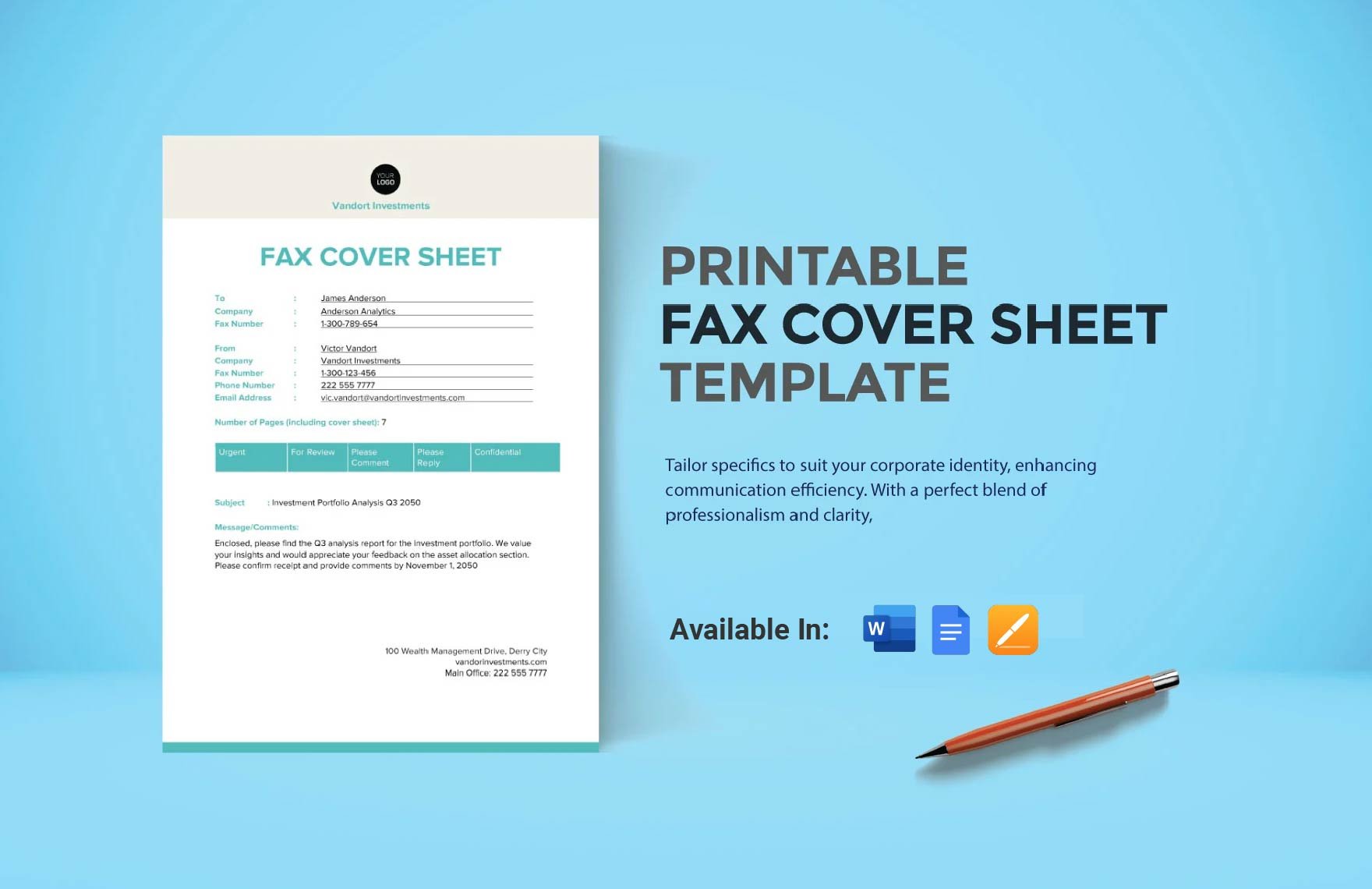
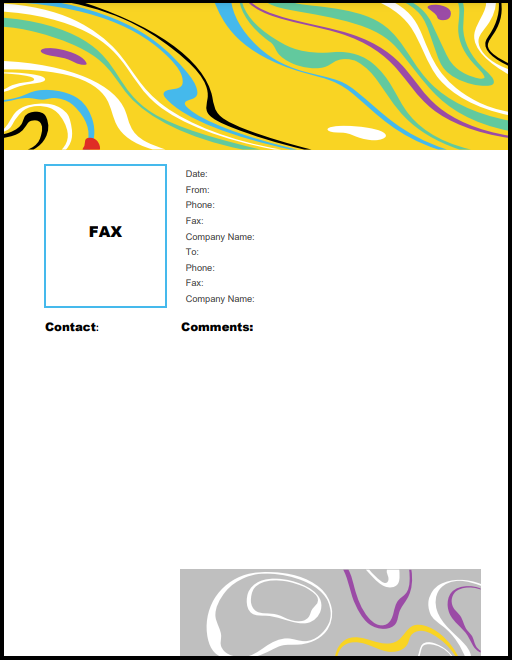
The header is where branding should be concentrated. A company name, logo, website, telephone number, or department identifier can establish who sent the fax without consuming the entire page. A marketing-oriented template can use a restrained brand accent, but the main title should remain immediately recognizable as a fax cover sheet.
High-contrast typography is particularly important because fax systems reproduce documents at relatively low visual fidelity compared with modern digital displays. Thin lines, pale text, intricate backgrounds, and tiny type can become difficult to read. A strong header therefore uses a simple hierarchy: company identity, “FAX” or “FAX COVER SHEET,” and essential contact information.
Marketing departments should also think about consistency. If a company sends brochures, price sheets, campaign announcements, dealer notices, and promotional proposals by fax, the same core cover format can be reused across those transmissions. The recipient then learns where to find the sender, subject, page count, and message instead of encountering a completely different layout each time.
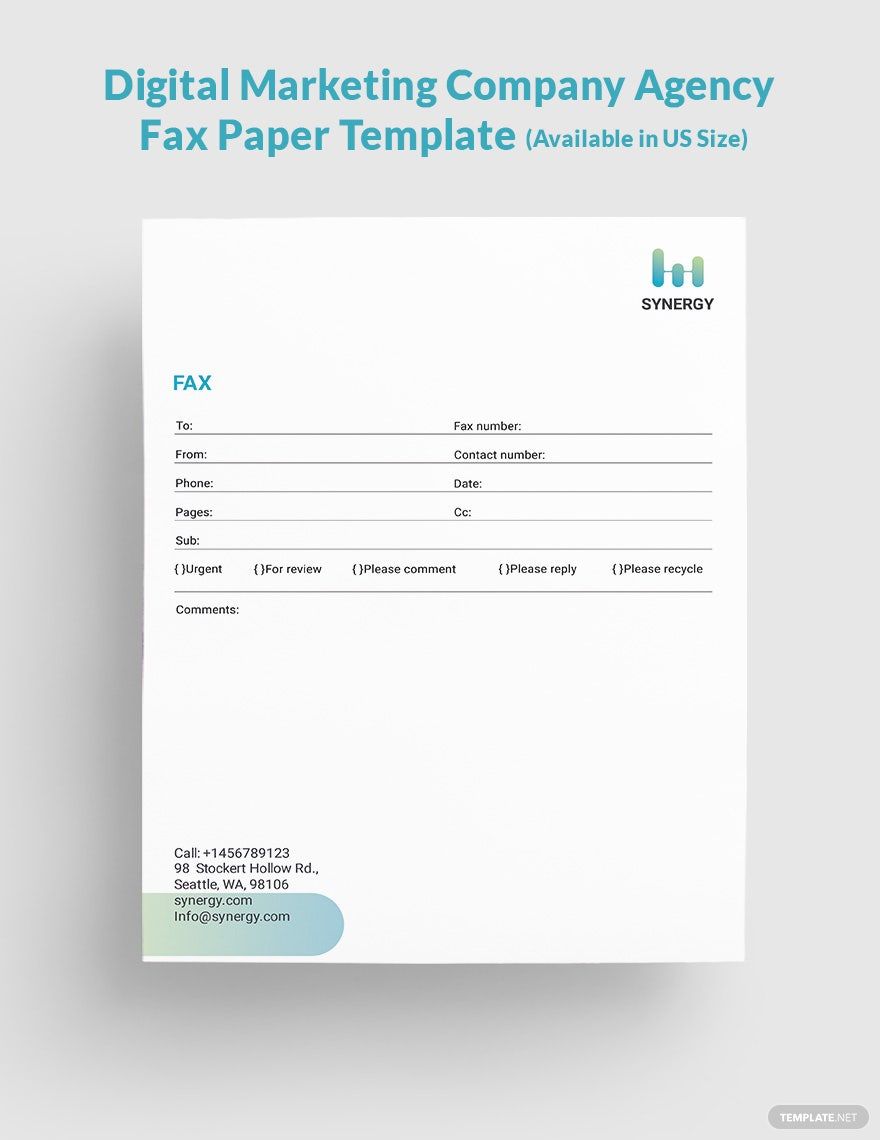
Choosing Between PDF, Word, and Google Docs Formats
The phrase marketing material fax template pdf reflects a practical need: a fixed document layout that is easy to print or transmit. PDF is useful when the cover sheet is already finalized because its visual structure is less likely to shift between computers. This makes it appropriate when a marketing team wants a standardized cover that should look the same for every recipient.
A marketing material fax template word format is more useful when staff members need to change fields, update branding, revise standard wording, or save a reusable company version. Microsoft currently provides fax cover templates through Word, including standard, bold, geometric, and other layouts. Its guidance describes opening a fax cover template, replacing the text, and saving or sharing the finished document.
For teams working collaboratively, a marketing material fax template google docs workflow can make sense when several people need access to the same master structure. The important point is to preserve a controlled master copy and avoid accidental changes to permanent company details. A marketing coordinator can keep sender information, logo placement, department wording, and standard instructions fixed while updating only the recipient, date, page count, subject, and message.
How Marketing Teams Can Adapt the Message Area
The message area is where a generic fax cover sheet becomes a marketing-specific communication tool. It should answer three questions: what is being sent, why is it being sent, and what should the recipient do next. If the answer to one of these questions is unnecessary, omit it rather than adding filler.
For a brochure transmission, the message might state that the latest brochure is enclosed for review. For a distributor communication, it might identify updated pricing or product information. For an event promotion, it might identify the event dates and request confirmation. For a sales proposal, it might state that the attached proposal is being sent following a previous discussion.
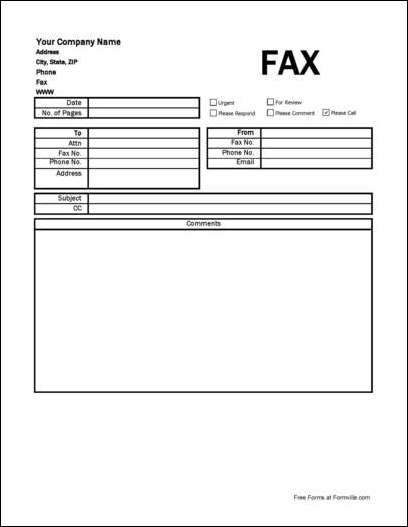
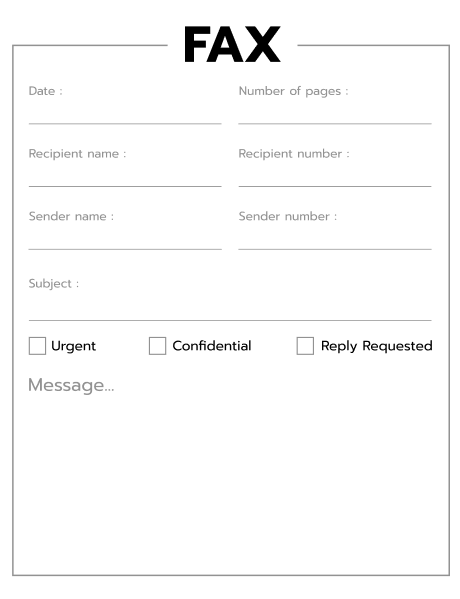
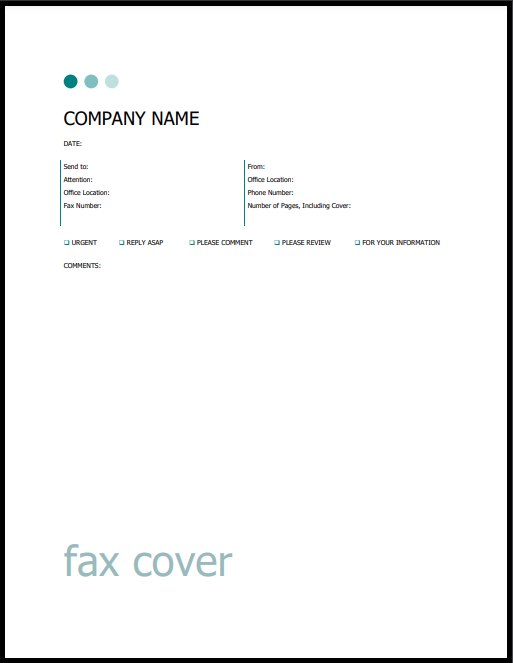
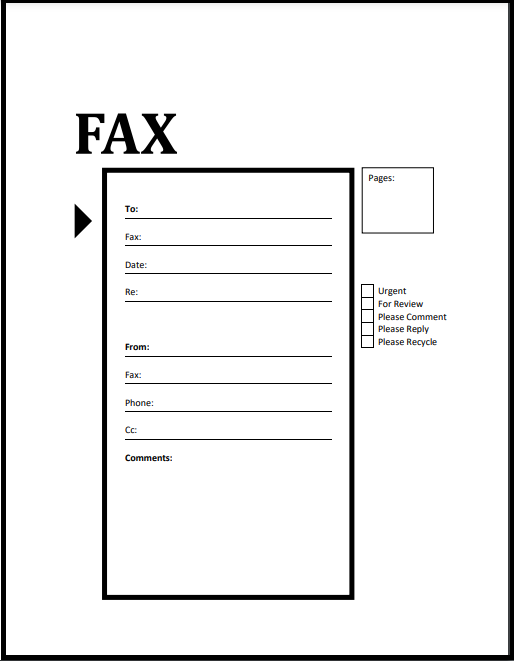
A useful template can also include optional checkboxes such as “Urgent,” “For Review,” “Please Reply,” or “Confidential.” These fields appear in several established fax-cover designs and provide quick visual signals without requiring a lengthy message.

Creating a Fax Form That Prints Clearly
A fax form template free search often reflects the desire for a ready-made starting point rather than a need for elaborate design. The practical objective should be a clean page that can be completed quickly. A good form uses consistent labels, generous writing space, and a logical reading order.
When preparing a printable version, keep important information away from crowded edges and avoid decorative backgrounds behind form fields. A black-and-white version is worth testing even if the master document contains brand colors. If the form remains legible after conversion to monochrome, it is more likely to survive different printing and faxing conditions.
A fax template free printable design can also be useful when a business keeps physical blank copies near a fax machine. In that situation, the fields should be large enough to complete by hand. Vertex42 notes that offices may keep blank cover sheets near a fax machine and therefore provides substantial writing space in its layouts.

Using a Simple Layout for Business Marketing
A simple layout can be more effective than a highly decorated marketing cover. The recipient needs to identify the transmission quickly, and a clean page gives priority to information rather than visual noise. A simple structure might place company branding at the top, sender and recipient information beneath it, a subject line next, action indicators after that, and a message field at the bottom.
The template can still reflect brand identity through typography, logo placement, a single accent line, or a restrained color block. The marketing content itself should generally remain in the attached document. This distinction makes the fax cover sheet functional while allowing the brochure, sales letter, catalog, or proposal to carry the visual storytelling.
If a marketing department uses several variants, keep the field structure consistent. A campaign version can add a campaign reference field; a distributor version can add account information; a product version can add a product code. These variations should extend the core template rather than completely redesigning it.
Confidentiality and Sensitive Marketing Material
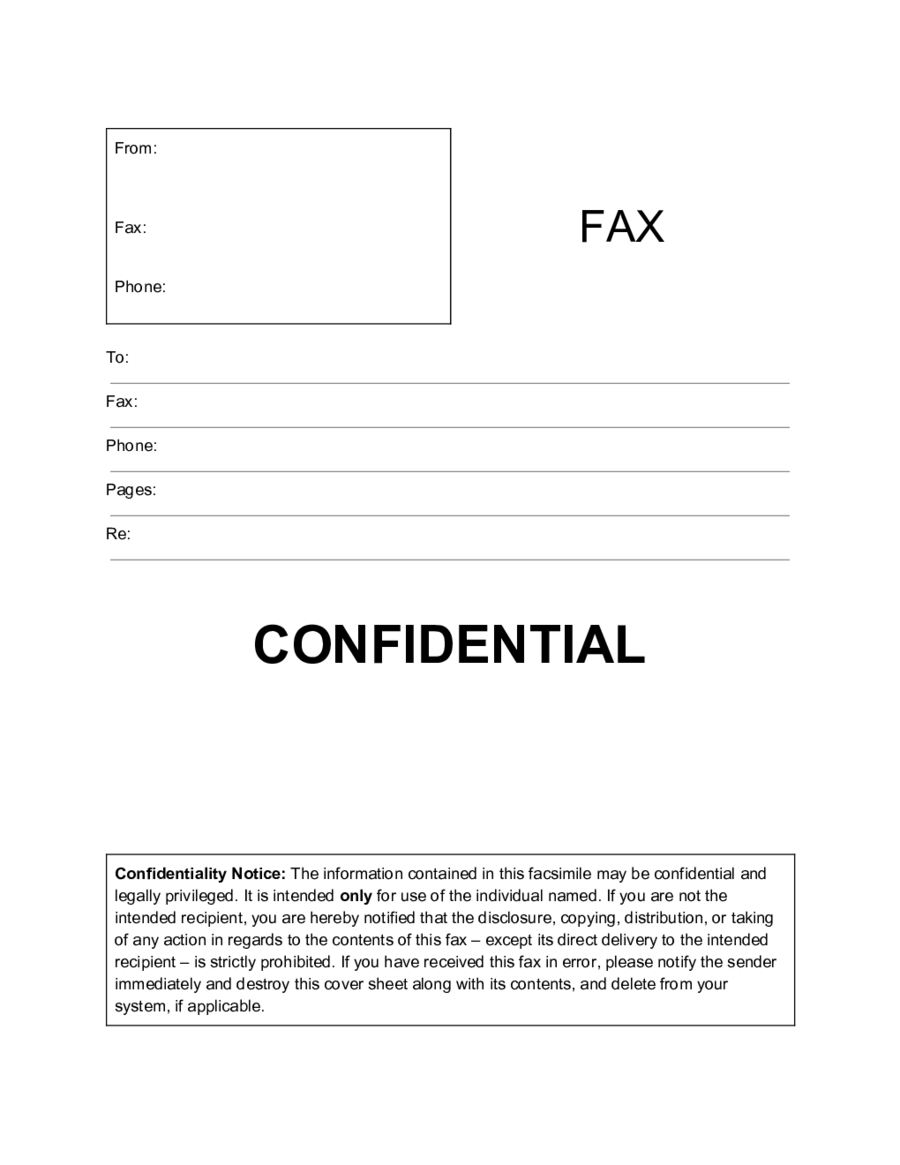
Marketing documents are not always public. A campaign proposal may contain unreleased product information, dealer pricing, launch dates, customer-specific offers, acquisition materials, or internal strategy. A cover sheet can identify a transmission as confidential, but the label itself does not encrypt the fax or guarantee secure delivery.
When confidentiality matters, use the wording and procedures required by the organization sending the material. A generic notice can explain that the transmission is intended for the named recipient and should be handled appropriately if received in error. For regulated information, follow the relevant organizational and legal procedures rather than assuming that a generic cover sheet provides sufficient protection.
Templates used for healthcare, legal, financial, or other sensitive communications often include confidentiality language. Microsoft notes that fax cover templates may include confidentiality notices, while specialized template examples also provide designated areas for such statements.
Marketing Use Cases
One common use case is sending a product brochure to a distributor, retailer, reseller, or business prospect. The cover sheet can identify the specific brochure version and indicate whether the recipient is being asked to review, circulate, or respond to the material. A campaign reference can make later follow-up easier.
Another use case is a sales proposal. The cover should identify the recipient, sender, proposal subject, date, and total pages, while the message can reference a previous conversation. The proposal itself should contain the detailed commercial information. Keeping the cover concise makes it easier for the recipient to route the transmission internally.
A third use case is an event or partnership communication. A marketing department may send an invitation, sponsorship proposal, media kit, event schedule, or partnership overview. The cover sheet can identify the material and requested action without reproducing the entire invitation or proposal.
Marketing Material Fax Template Free Options and What to Check
The phrase marketing material fax template free is commonly used to find a starting layout without paying for a custom design. When evaluating such a template, check more than appearance. Look for clearly labeled recipient and sender fields, page-count space, a subject field, a message area, sufficient margins, and a structure that remains readable when printed.
For teams seeking a marketing material fax template free download, verify the terms associated with the source before using the file commercially. A page that permits personal use may not necessarily grant the same rights for business redistribution or modification. Template licensing can vary, so the relevant source terms should be reviewed rather than assumed.
A marketing material fax template word free resource can be especially useful for a small marketing department that wants to add a logo and standard contact details. Microsoft also provides Word-based fax cover templates, while Vertex42 provides editable Word versions alongside other formats. :contentReference[oaicite:6]{index=6}
How to Evaluate Printable and Reusable Templates
A fax template free printable layout should be tested on the actual paper size and printer used by the organization. A document that looks balanced on screen can produce different margins when printed. Test the header, field alignment, logo size, and writing areas before adopting the design as a standard.
A fax form template free should also be easy to complete under time pressure. If users must search through several sections to locate the recipient fax number or page count, the design creates unnecessary friction. Place high-frequency fields near the top and keep labels short.
For teams looking for a template for fax sheet creation, the best starting point is often a conventional cover sheet rather than a marketing flyer. Once the basic routing structure works, branding can be added carefully. This approach reduces the chance that design elements will interfere with the practical purpose of the document.
What Readers Searching Reddit May Want to Know
People searching for a marketing material fax template reddit may be looking for practical opinions about whether a cover sheet is necessary, how much information to include, or how other businesses structure fax transmissions. Community discussions can be useful for discovering common workflows, but individual comments should not be treated as formal requirements.
The reliable baseline remains straightforward: identify the sender, recipient, fax numbers, date, page count, subject, and relevant instructions. Established template providers consistently use variations of these fields.
If a Reddit discussion suggests that a particular industry, customer, or organization requires a specific format, verify that claim against the actual organization’s current instructions before adopting it. This is especially important when transmitting sensitive documents, because internal procedures may differ from general faxing conventions.
Common Mistakes to Avoid
The first common mistake is putting too much marketing copy on the cover. A fax cover sheet is not normally the right place for a full product pitch. A concise explanation is easier to scan and leaves the attached marketing material to perform the persuasive work.
The second mistake is leaving the page count ambiguous. If a recipient expects six pages and receives only five, they may not know whether the transmission is incomplete or the sender entered the wrong count. Including the cover sheet in the stated total can help recipients reconcile the packet.
The third mistake is using a visually complicated design. Large background graphics, tiny type, thin lines, and excessive color can reduce clarity. A marketing material fax Template should express the brand while retaining the straightforward structure expected of a business fax.
Practical Solution
Start by creating one master cover sheet with permanent company information already positioned. Include the company name, department, phone number, fax number, website if useful, and logo. Keep the recipient, date, subject, page count, and message fields editable. This gives the marketing team a reusable foundation while minimizing the amount of information that must be changed for every transmission.
Next, create a short set of approved message patterns for common situations. One can cover product brochures, another can cover proposals, another can cover event materials, and another can cover distributor communications. Each pattern should explain the material and requested action in one or two concise sentences. Avoid claims that are not supported by the attached material.
Finally, test the finished cover sheet in the actual workflow. Print it, inspect the typography, verify that the recipient fields are easy to locate, and confirm that the page count is obvious. If the organization uses digital fax transmission, inspect the resulting PDF or fax preview as well. Keep a controlled master version and update the permanent contact information whenever the company changes its details.
For teams that need a free template for fax, a conventional business cover sheet can serve as the starting point. Customize only the elements that improve routing or brand recognition. A useful marketing cover sheet should make the transmission easier to understand, not compete with the marketing material itself.
Building a Reusable Workflow
A reusable workflow begins with a master document and clear ownership. One person or team should maintain the standard company information, while staff members use copies for individual transmissions. This reduces the risk of accidentally changing the permanent fax number, department name, or standard confidentiality language.
Before each transmission, verify the recipient name, recipient fax number, date, subject, and total page count. Review the message for accuracy and remove information that does not need to appear on the cover. If the material is confidential, confirm that the recipient and number have been checked according to the organization’s normal procedures.
After sending, retain the appropriate record according to the company’s document-retention process. A marketing department may need to know which version of a brochure or proposal was transmitted and when. The cover sheet can provide a useful reference because it records the subject, date, recipient, and page count in one place.
When a Minimal Design Is the Better Choice
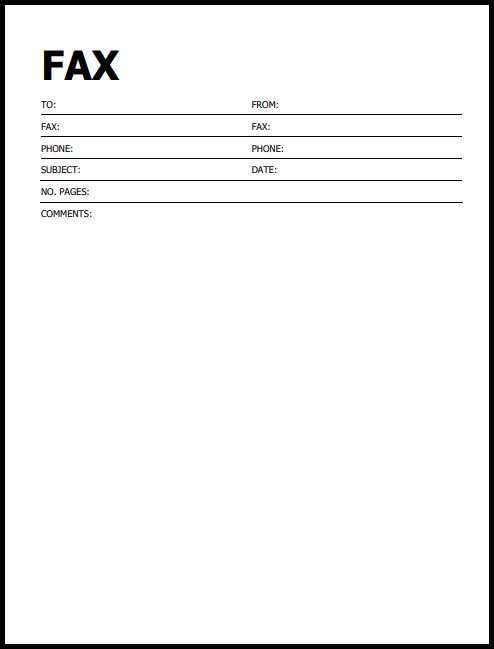
A minimalist fax cover is particularly useful when the attached material already contains substantial branding. If a glossy brochure, campaign presentation, or product catalog follows the cover sheet, adding another heavily designed page can create unnecessary visual repetition. The cover should establish identity and routing information, then let the primary document carry the campaign message.
Minimal designs are also easier to adapt for multiple departments. A sales team, marketing team, customer service team, and operations team can use the same basic structure while changing only the department identifier and message style. This creates consistency without forcing every communication into identical wording.
For organizations that print large quantities of blank cover sheets, minimal layouts can also be easier to reproduce. Strong black text, clear rules, and generous writing space remain practical when a sheet is printed repeatedly or completed by hand.
Using Action Labels Effectively
Action labels can make a marketing fax easier to process. “For Review” is appropriate when the recipient needs to examine the material. “Please Reply” is useful when a response is genuinely expected. “Urgent” should be reserved for material where timing matters, because marking routine communications urgent can reduce the usefulness of the signal.
“Confidential” should be used when the material actually requires restricted handling. The presence of a confidentiality label does not itself create a legal protection or technical security mechanism. The receiving organization should still follow its normal handling procedures.
If none of the standard action labels fits the transmission, the message field can provide the required instruction. A short sentence such as “Please confirm receipt with the marketing coordinator” is usually more useful than a collection of unnecessary checkboxes.
Matching the Template to the Marketing Material
A brochure transmission can use a short product-focused subject. A proposal can use the prospect or project name. A media kit can identify the campaign or event. A distributor package can reference the product line and requested action. The cover design remains essentially the same, while the contextual information changes.
This is why a strong marketing material fax Template should be modular. Permanent branding belongs in the header. Variable routing information belongs in clearly separated fields. The message should be adaptable to the specific material. This structure makes the template useful across campaigns without requiring a new design for every fax.
For example, a hypothetical cover could state “Subject: 2026 Product Catalog — Distributor Review” and then say that the enclosed catalog contains the current product range and specifications. The example is illustrative rather than a statement about any particular real company or campaign.
Final Quality Check Before Sending
Before sending marketing materials, verify the recipient name and fax number against the intended destination. Check that the sender information is current and that the date is correct. Confirm the page count, including the cover sheet if that is how the receiving workflow counts pages.
Read the subject and message as though you were the recipient. The first page should make the purpose of the transmission obvious within a few seconds. If the recipient cannot determine what the attached documents are or what action is expected, revise the message before sending.
Finally, inspect the document visually. Look for clipped text, crowded fields, unreadable logos, inconsistent spacing, or excessive decoration. A polished cover sheet is one that performs its communication task quickly and reliably while allowing the attached marketing material to remain the focus.
Reference Examples
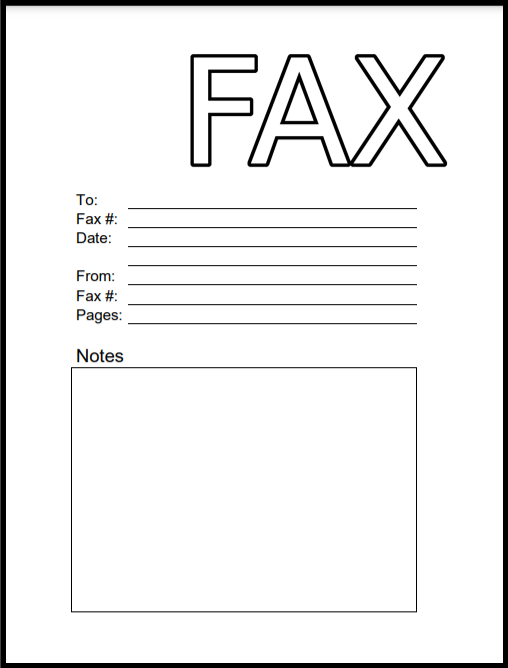
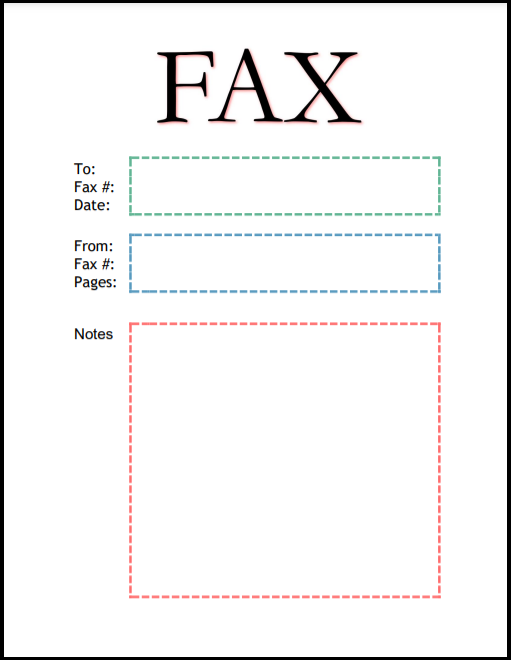
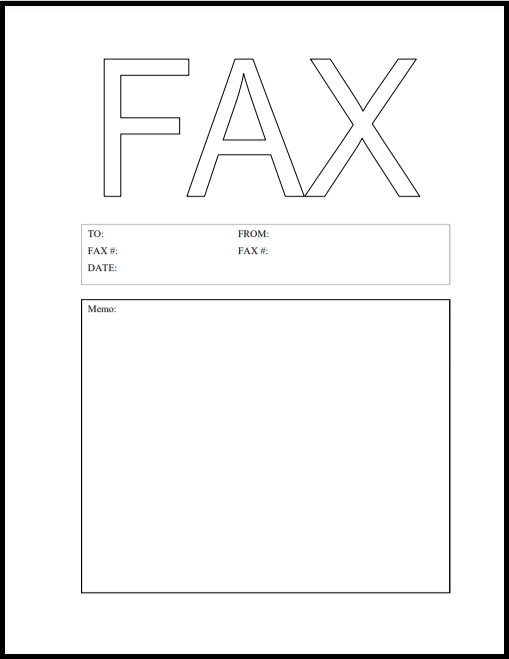
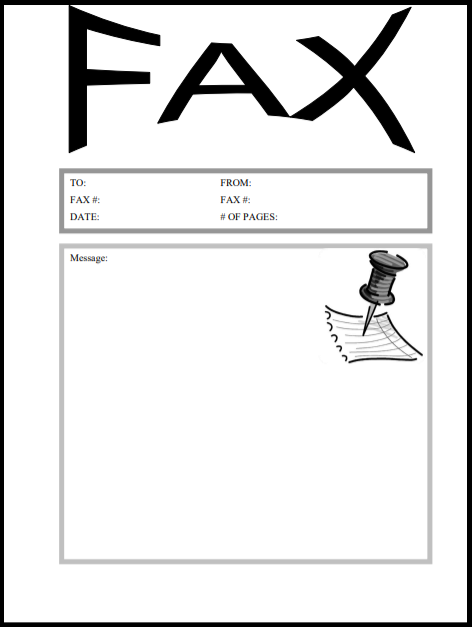
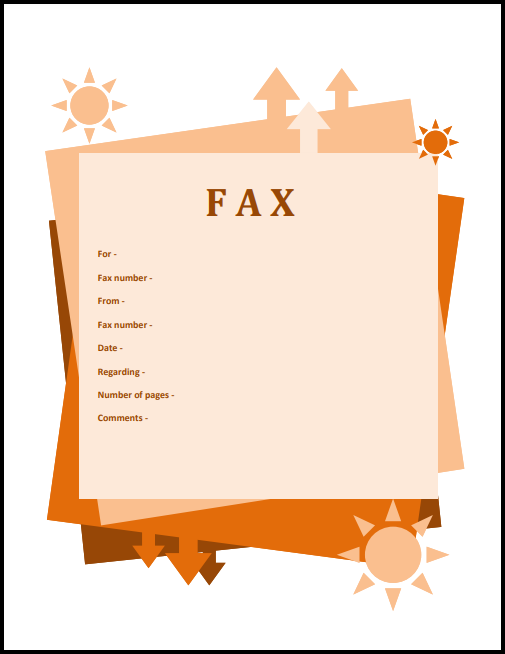
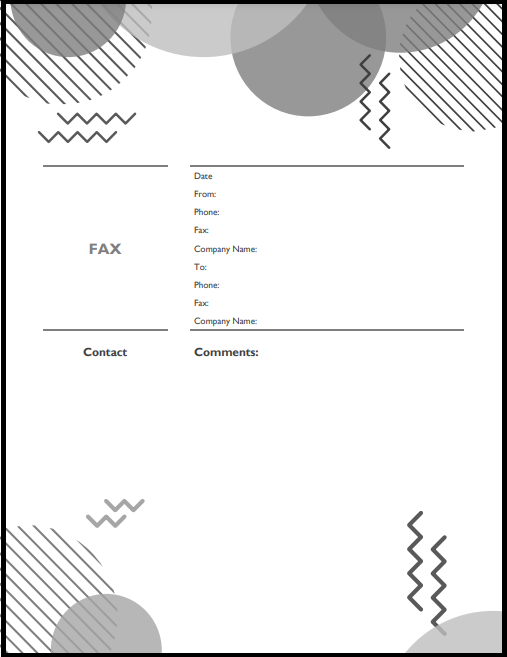
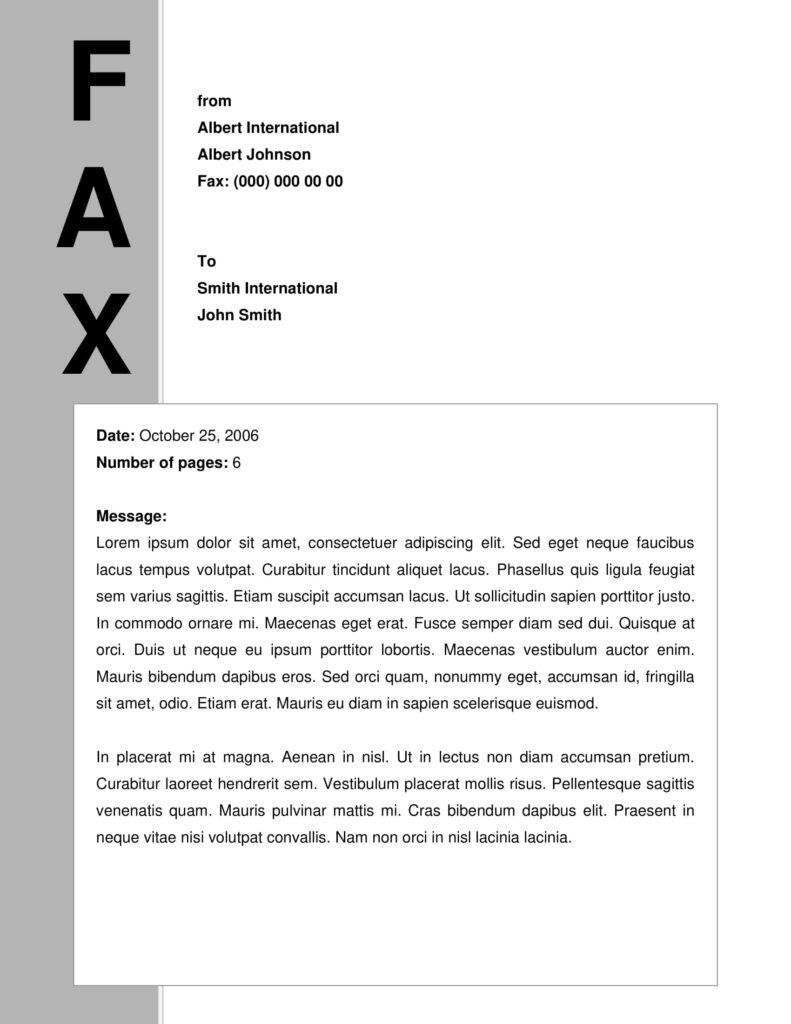
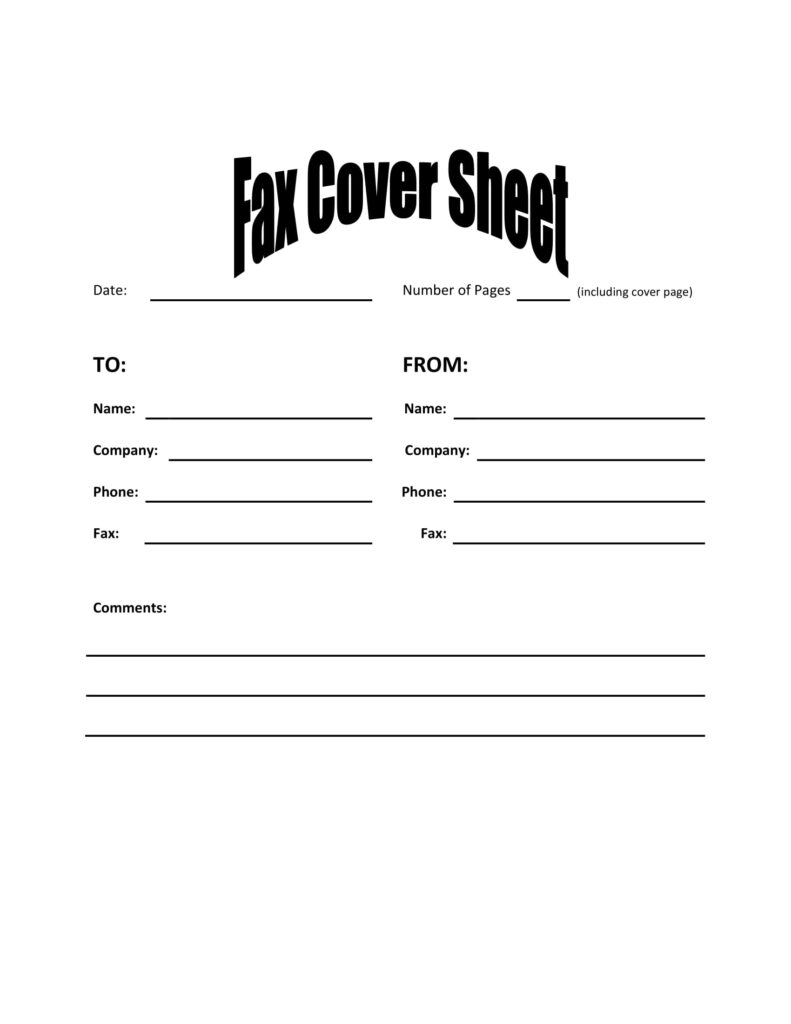
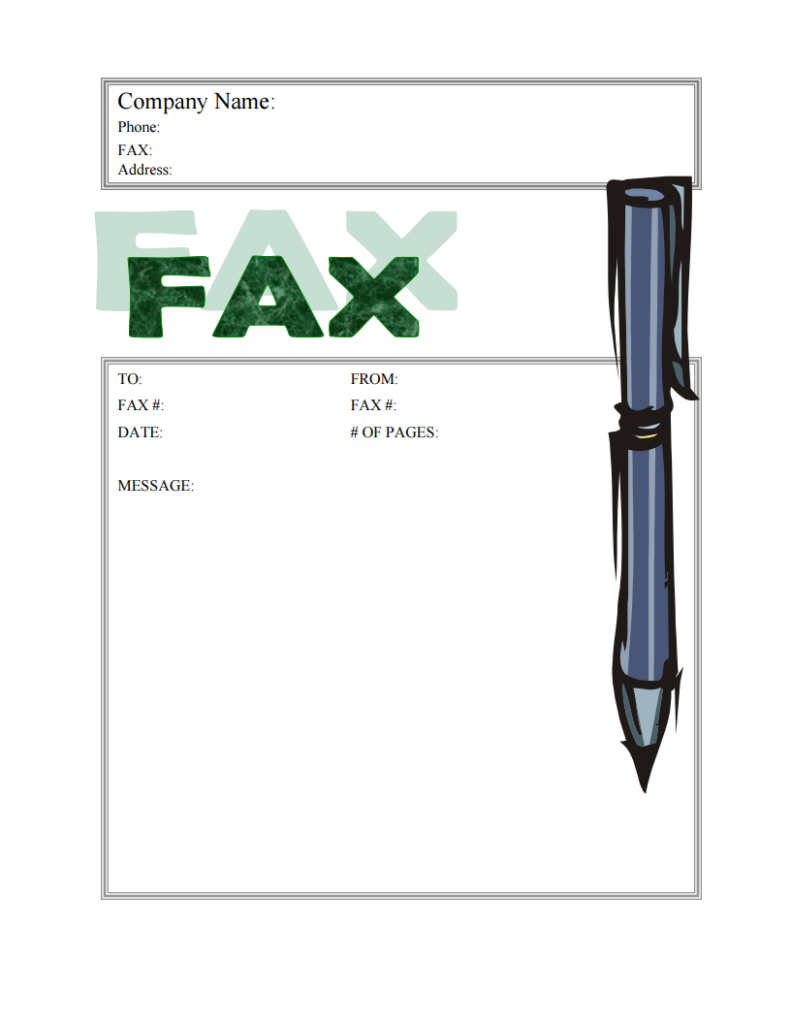
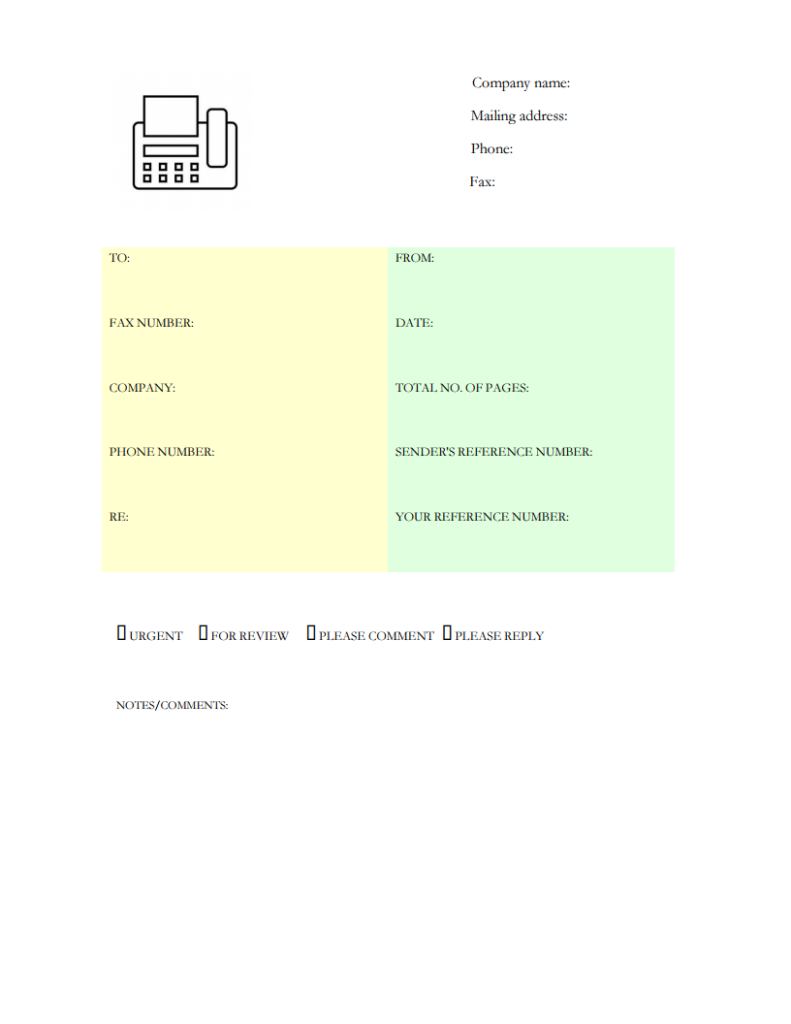
A marketing material fax Template is easiest to understand when its structure can be compared with real fax-cover layouts. Across established examples, the recurring visual pattern is straightforward: sender and recipient information appears near the top, fax numbers and contact details are clearly separated, the date and page count have dedicated fields, and a subject or message area provides context. Marketing-oriented designs may add branding, campaign references, or action indicators, but they still benefit from the same basic hierarchy. These examples demonstrate how different layouts can organize the same practical information while varying typography, spacing, branding, and the amount of writing space available.
The following visual references are useful for evaluating a marketing material fax Template because they show different approaches to hierarchy and document structure. Some emphasize a large message area, while others prioritize compact routing fields or corporate branding. Comparing them can help a marketing team decide how much space to give the subject, whether action checkboxes are useful, how prominent the company identity should be, and how much visual decoration can be removed without reducing recognition. The examples should be treated as design references rather than universal requirements, because organizations may have their own formatting and handling procedures.
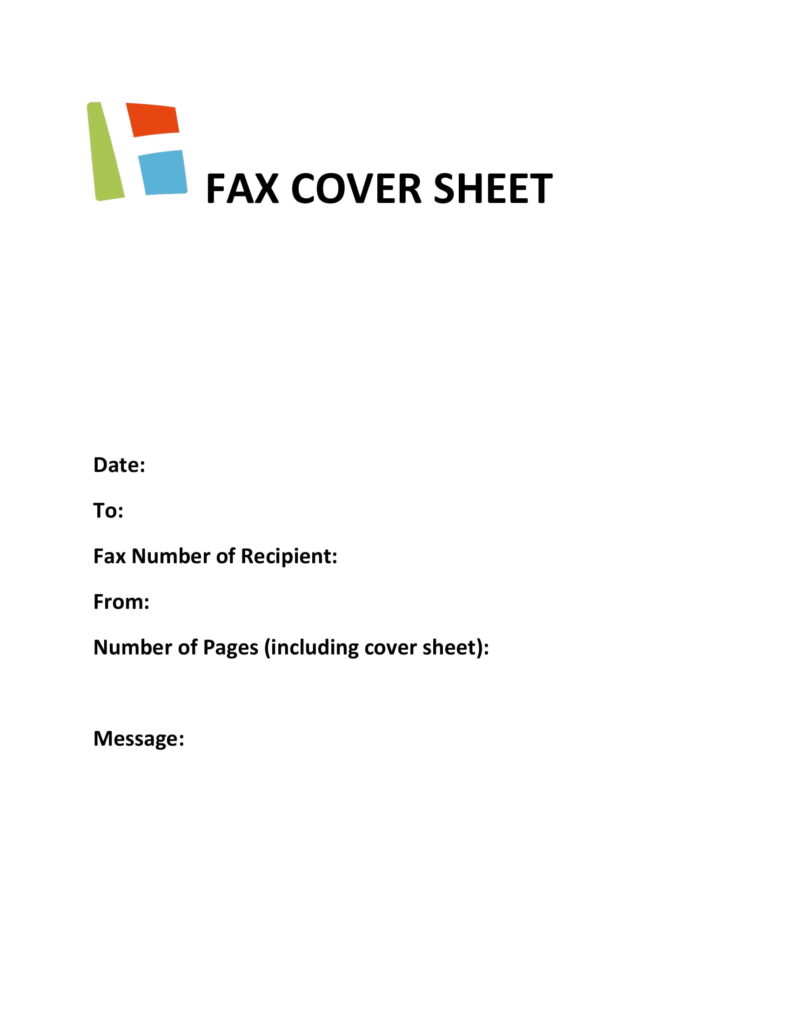
Fax Cover Sheet
Source: MyFaxCoverSheet.com
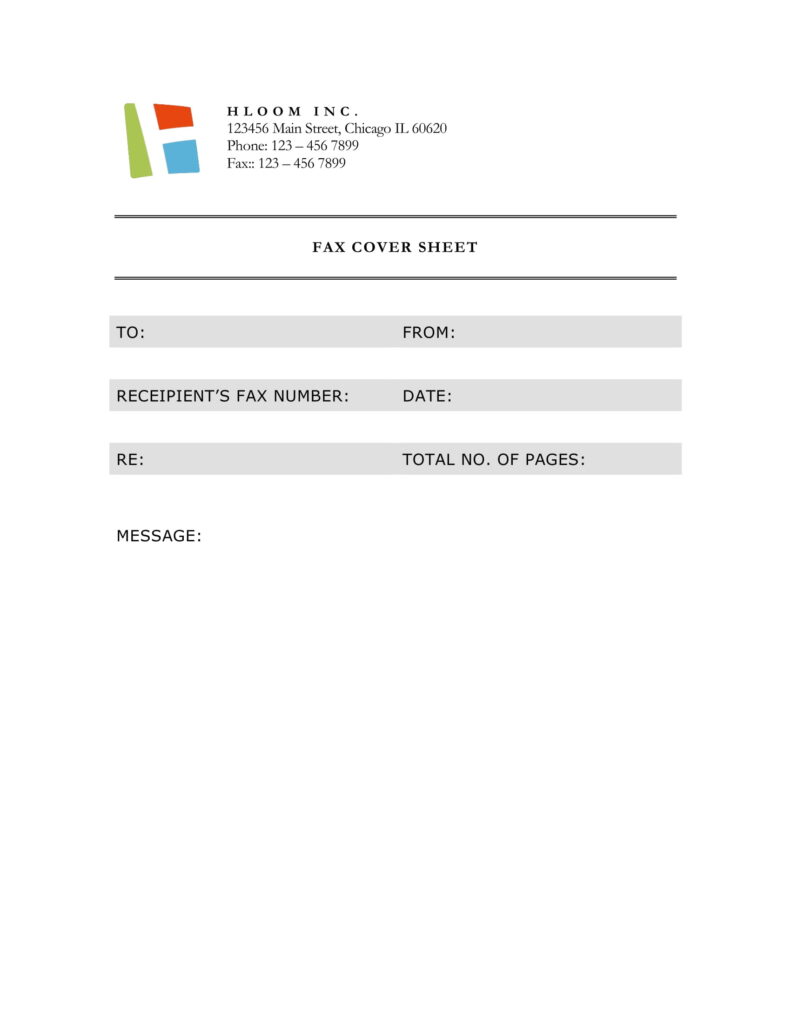
Fax Cover Sheet
Source: MyFaxCoverSheet.com
Fax Cover Sheet
Source: MyFaxCoverSheet.com
Fax Cover Sheet
Source: MyFaxCoverSheet.com
MS Word Template 1
Source: MyFaxCoverSheet.com
MS Word Template 2
Source: MyFaxCoverSheet.com
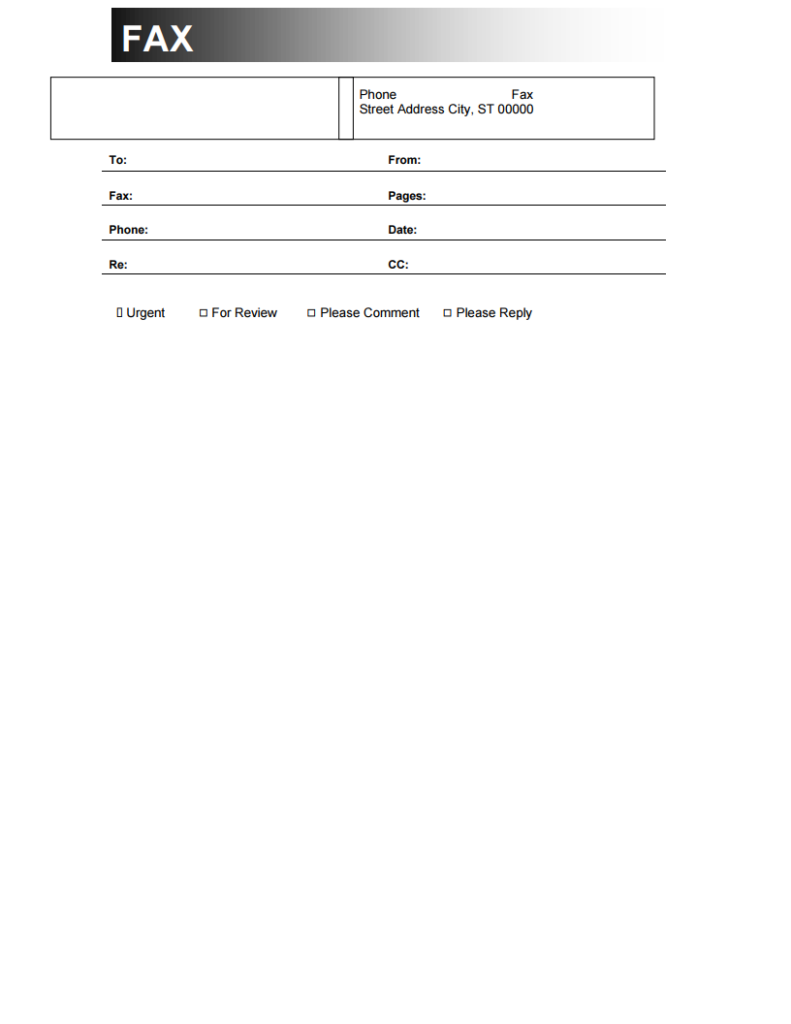
MS Word Template 4
Source: MyFaxCoverSheet.com
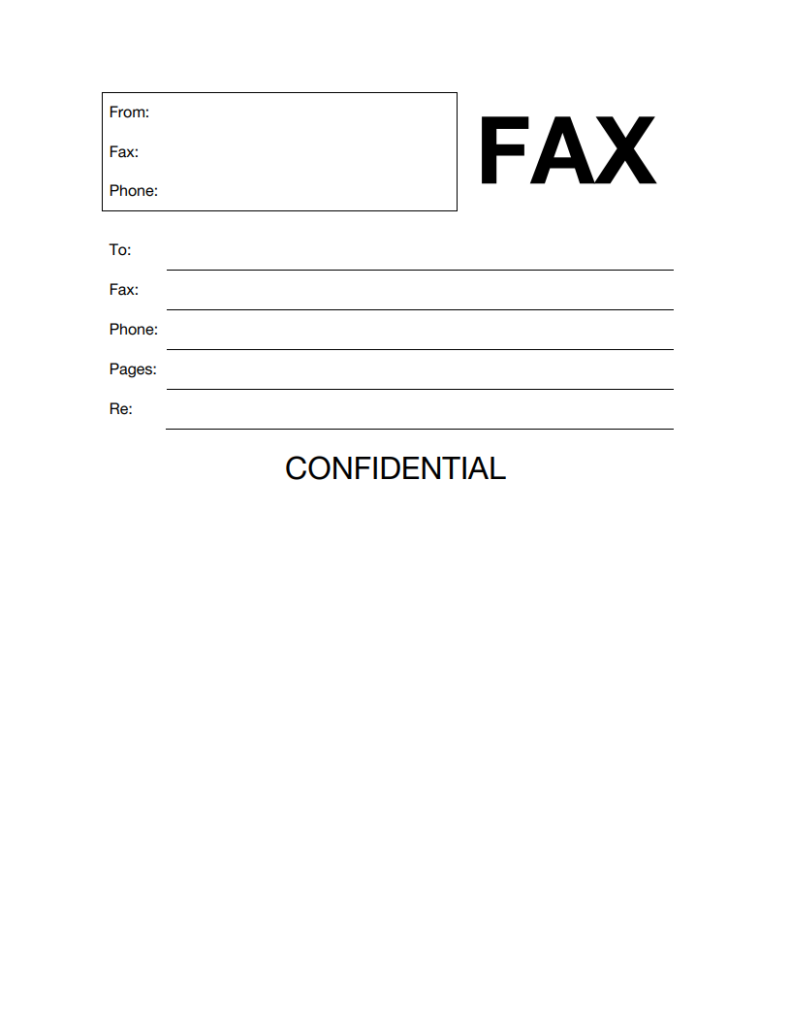
MS Word Template 5
Source: MyFaxCoverSheet.com
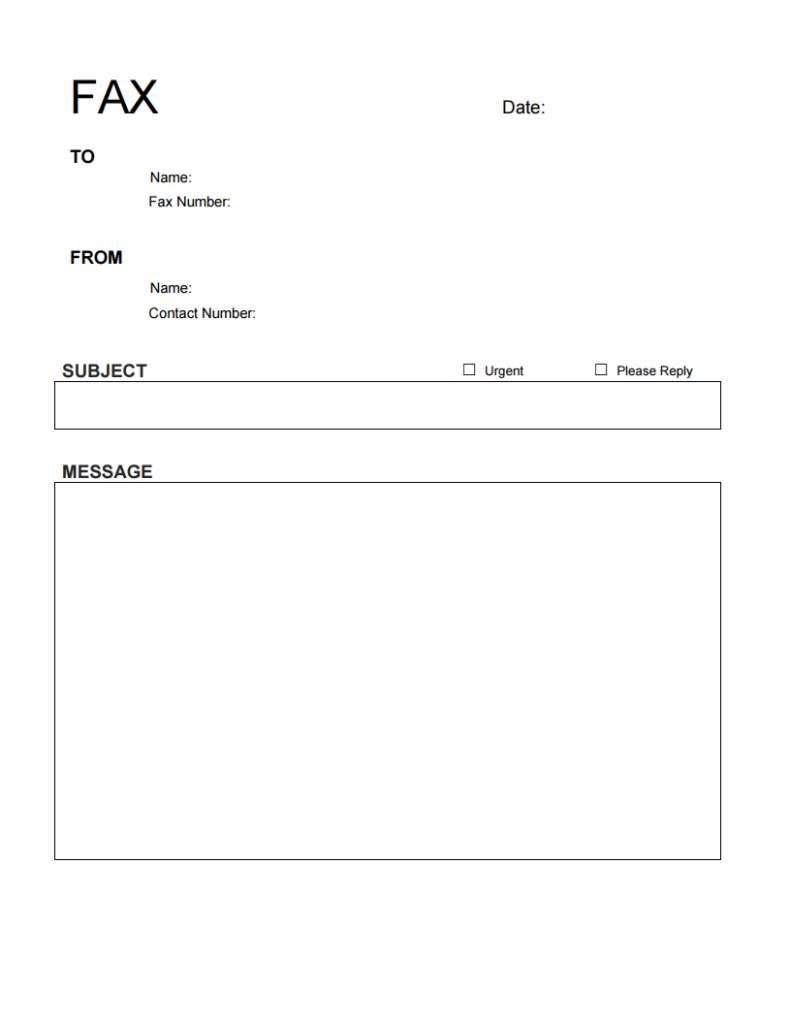
MS Word Template 6
Source: MyFaxCoverSheet.com
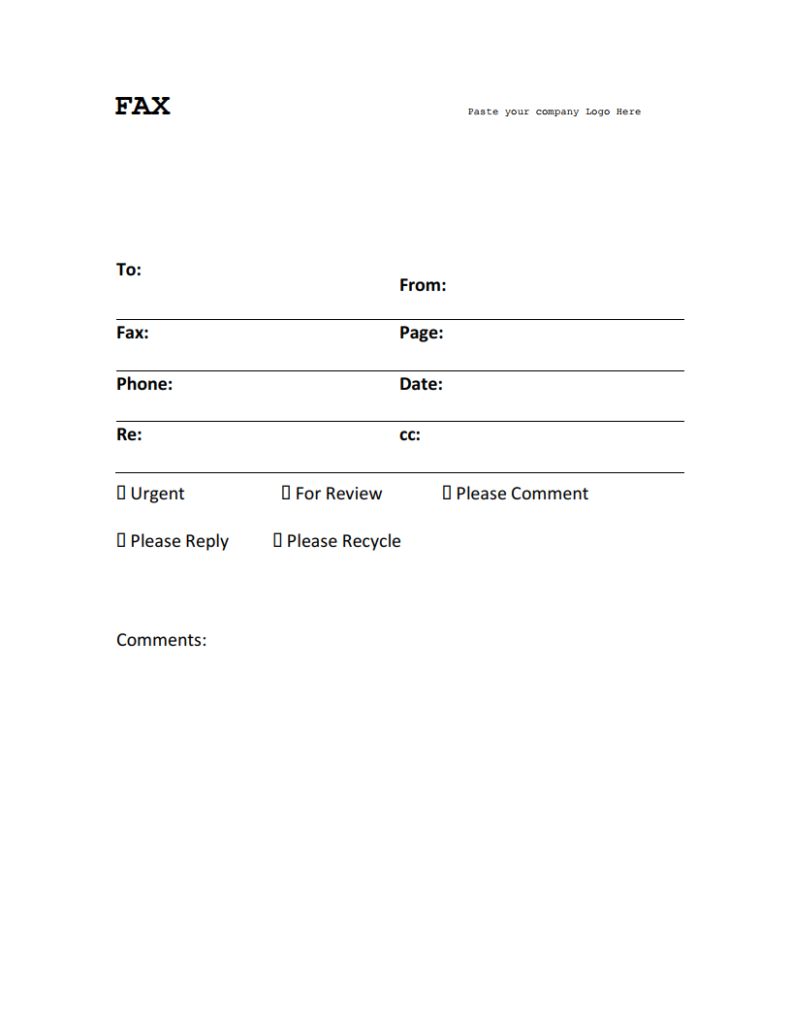
MS Word Template 7
Source: MyFaxCoverSheet.com
