A well-structured legal employment labor benefits administration Template can give HR teams a consistent way to organize benefit eligibility, enrollment, leave, payroll coordination, employee communications, and compliance reviews. The important point is that a template is a management framework, not a substitute for legislation, plan documents, collective agreements, employment contracts, or professional legal advice. The strongest structure separates factual employee data from policy decisions and makes it clear which fields must be reviewed for the relevant jurisdiction.
Benefits administration sits at the intersection of employment records, payroll, insurance, retirement arrangements, statutory leave, employee communications, and recordkeeping. In the United States, for example, ERISA-covered plans have information and reporting responsibilities, while COBRA can create continuation-coverage duties for qualifying group health plans. Applicable large employers can also have federal reporting responsibilities relating to health coverage.
The practical purpose of a template is therefore broader than collecting signatures. It should help an organization identify who is eligible, what benefit applies, when a change becomes effective, which evidence is required, who owns the next action, and where the completed record belongs. A carefully designed record can also make audits and internal reviews easier because the same categories are handled consistently from one employee event to another.
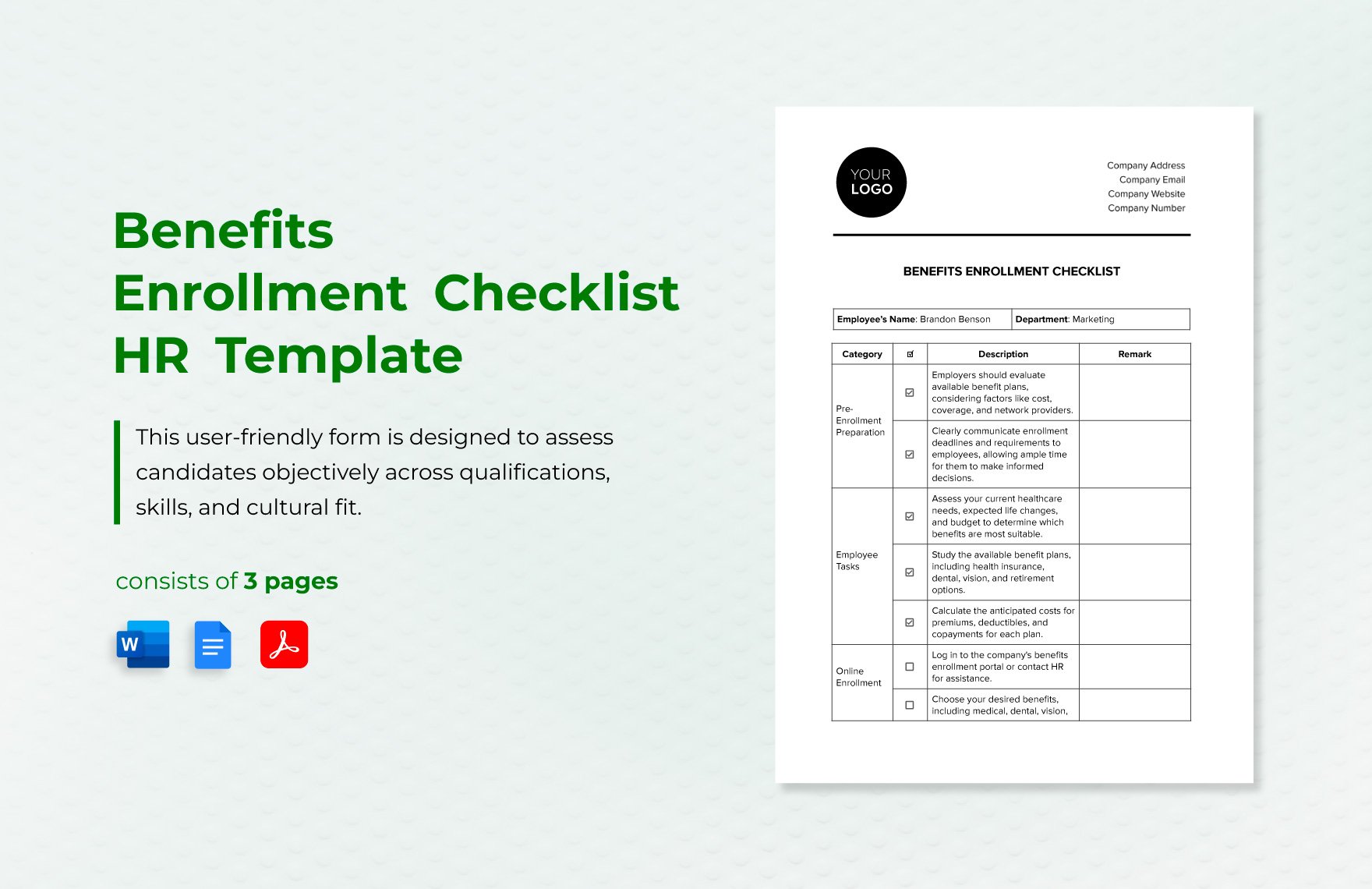
What a benefits administration template should accomplish
The best template begins with a clear purpose statement. It might cover new-hire enrollment, annual enrollment, qualifying-life-event changes, leave-related benefit continuation, termination processing, retirement contributions, or a recurring compliance review. Trying to make one sheet perform every function can create ambiguity, so a broader administration template is usually divided into modules that can be used together or separately.
A useful record normally identifies the employee, employment status, work location, eligibility category, relevant plan or benefit, effective date, employee contribution, employer contribution where relevant, documentation received, action owner, completion date, and review status. Sensitive personal information should be collected only when genuinely necessary and handled according to applicable privacy and employment rules. Australian privacy guidance, for example, distinguishes employee-record treatment under the Privacy Act and emphasizes that personal information can include health and other sensitive information.
Another important feature is version control. Benefits rules and plan terms change, and a form that was accurate last year can become misleading later. The template should therefore include a version date, jurisdiction, plan year, responsible department, and review date. If a legal change affects eligibility or leave, the organization should update the underlying policy and related records rather than silently changing a field in an old form.
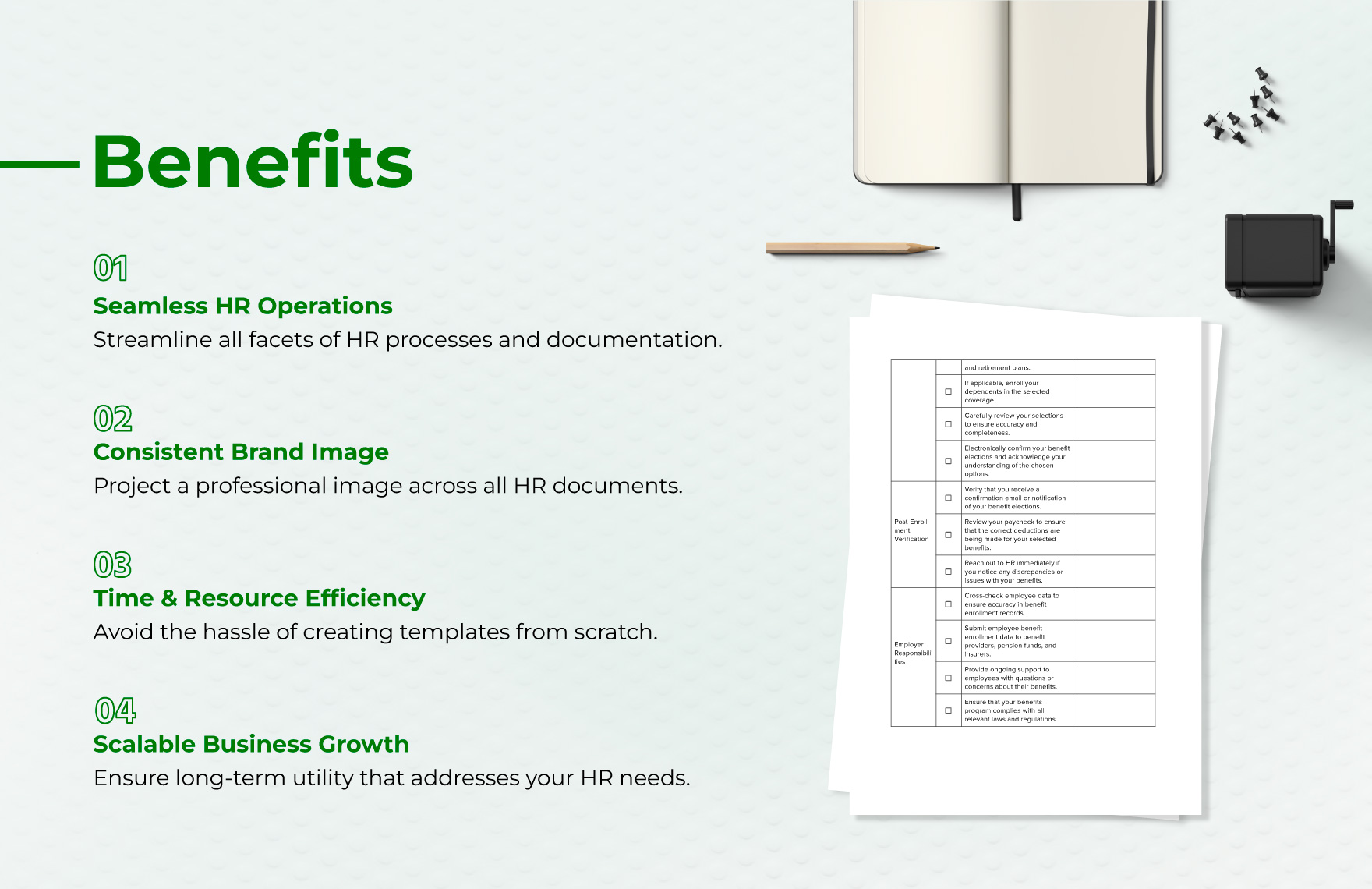
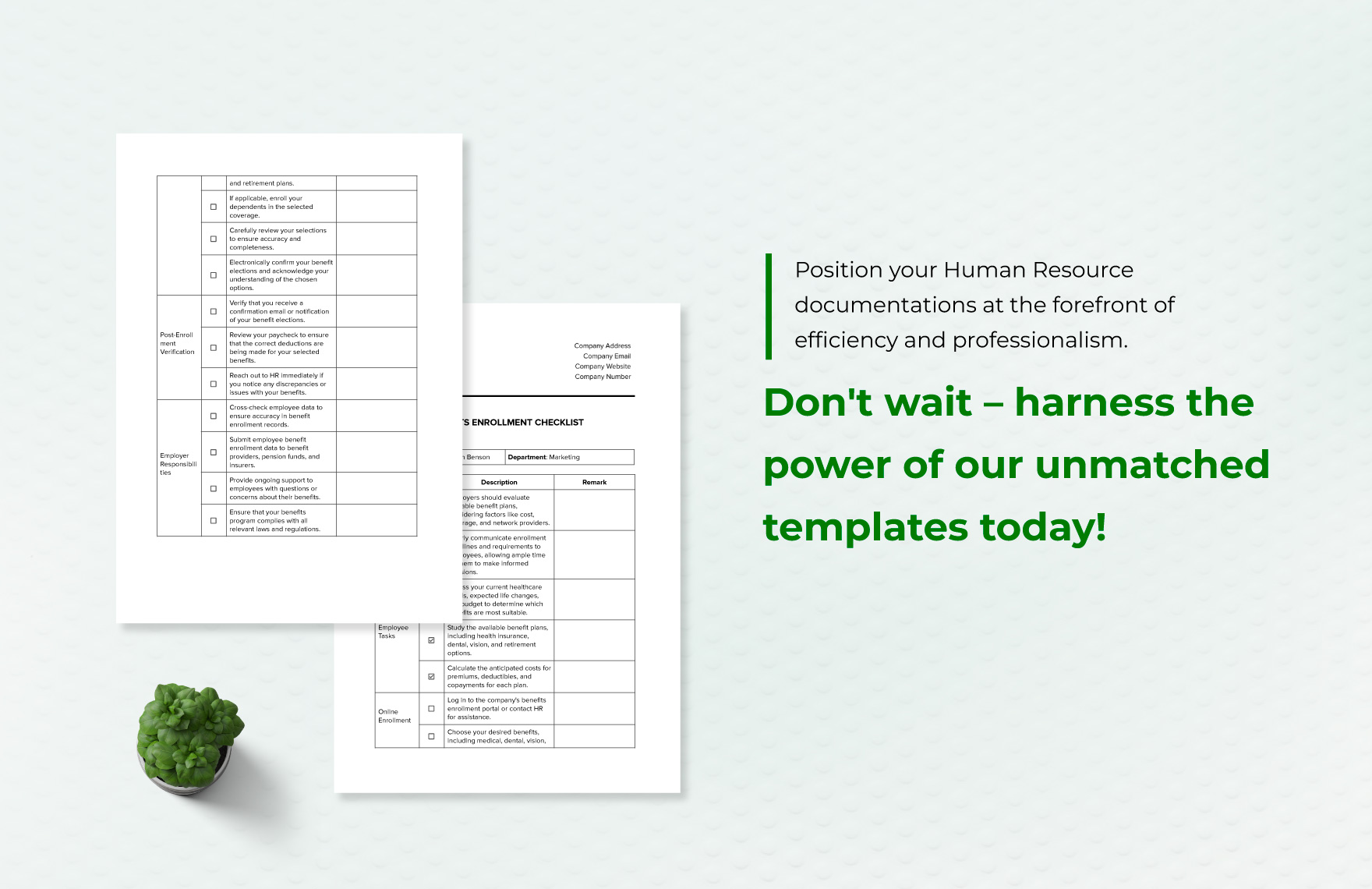
A checklist format is particularly useful because benefits administration contains dependencies. An employee cannot be marked fully enrolled merely because a selection was received if eligibility has not been confirmed, supporting documentation is missing, the carrier has not accepted the transaction, or payroll deductions have not been reconciled. A status field such as “received,” “verified,” “submitted,” “confirmed,” and “closed” gives each case a clear progression.
Core sections to include
An effective template can begin with an employee and employment profile. Typical fields include employee identifier, department, job classification, employment type, hire date, work location, eligibility group, and relevant employment status. Avoid collecting unnecessary personal details simply because a legacy form contains them. A leaner record is easier to maintain and reduces the amount of sensitive information circulating through HR workflows.
The next section should describe the benefit itself. Instead of a vague field called “Benefits,” identify the category and plan clearly: medical coverage, dental coverage, vision coverage, retirement or pension, life insurance, disability coverage, paid leave, statutory leave, flexible spending arrangements, or another employer-sponsored benefit. Each category can then have its own eligibility rule, effective date, contribution method, and documentation requirements.
A third section should record the administrative action. This is where the template becomes a workflow tool rather than merely an information sheet. Useful fields include action requested, date received, eligibility verified by, evidence reviewed, provider or carrier notified, payroll notified, employee communication sent, effective date confirmed, exception noted, and closure date. This structure makes it easier to identify exactly where a case is waiting.
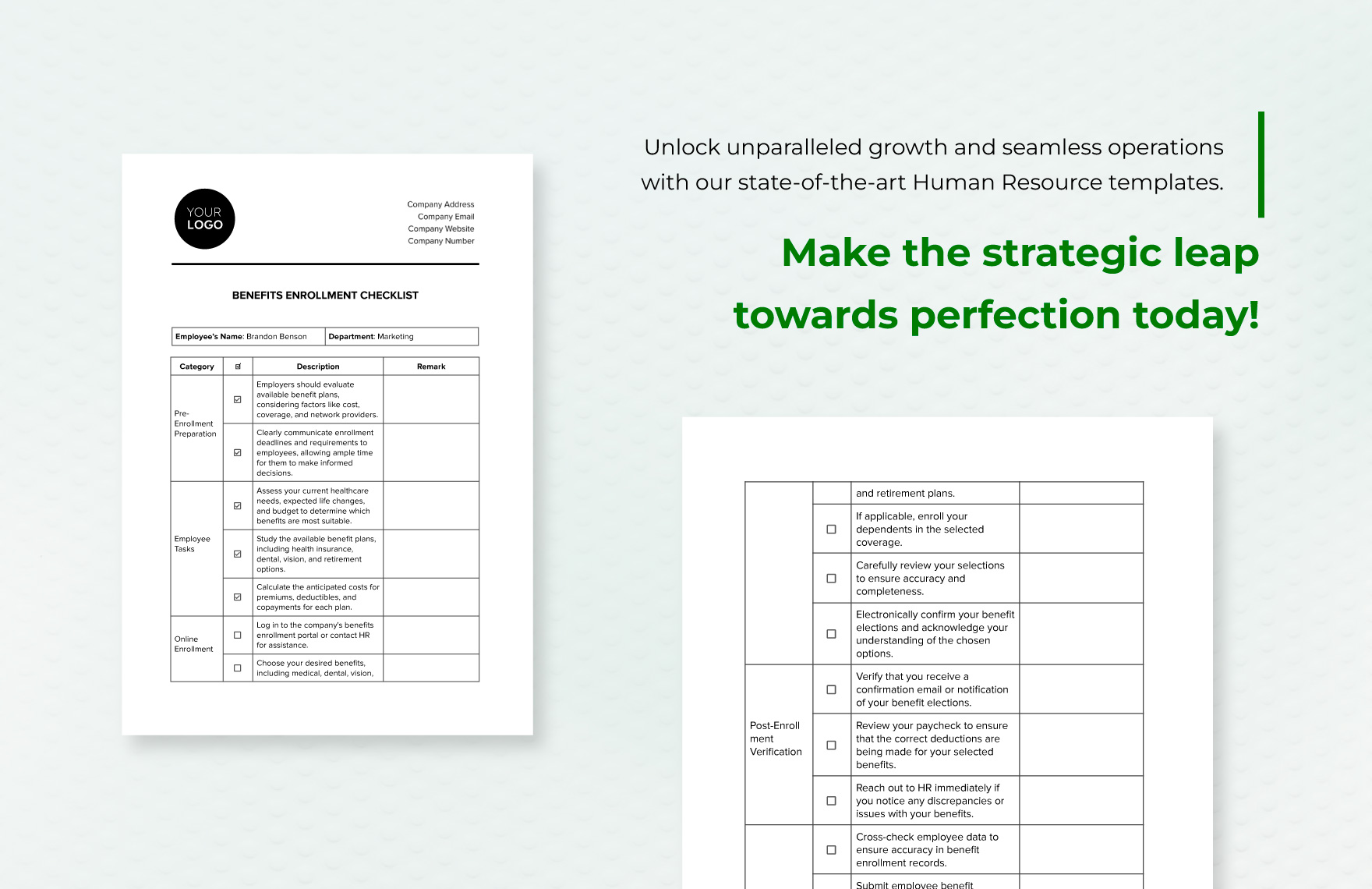
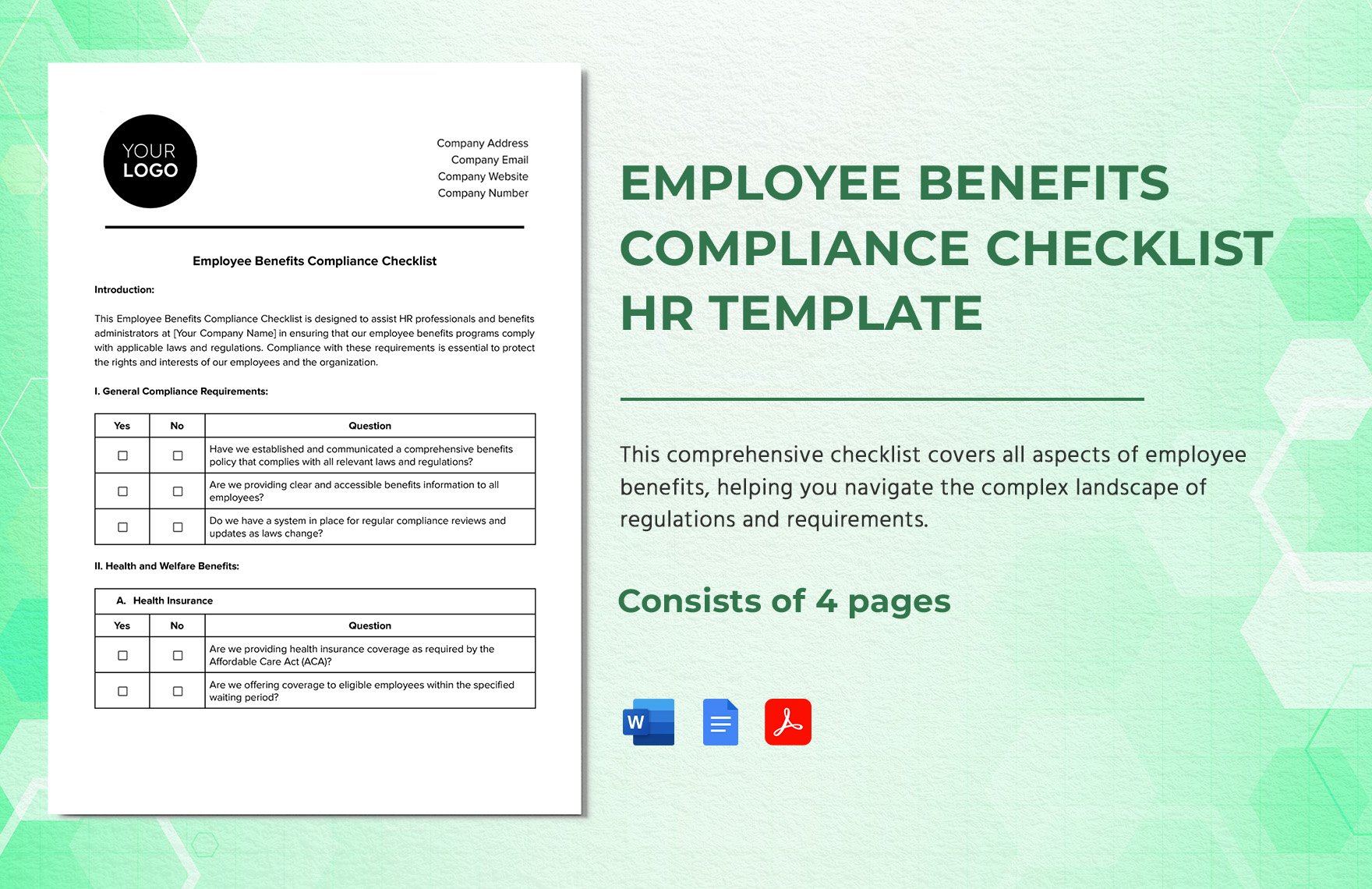
For recurring administration, add a review section. The reviewer can confirm that plan documentation is current, employee records agree with payroll, contribution amounts are correct, eligibility rules have been applied consistently, and required communications have been issued. A compliance checklist should not merely ask whether a rule exists; it should capture the evidence supporting the review.
Designing the enrollment workflow
Enrollment is easiest to manage when the template follows the actual employee journey. Start with eligibility, then selection, evidence collection, review, submission, confirmation, payroll coordination, and final record storage. This sequence prevents a common administrative problem in which HR records show that an employee selected a benefit even though the carrier or payroll system never received the corresponding change.
The template should distinguish employee decisions from employer decisions. An employee may choose among available plans, but the employer determines which plans are offered and which eligibility rules apply, subject to applicable law, contracts, plan terms, and other governing documents. Keeping those responsibilities separate makes the record more defensible and reduces confusion during disputes.
Deadlines deserve their own fields. A template can record the date of the triggering event, the enrollment deadline, the date documents were received, and the intended effective date. For recurring annual enrollment, a calendar can connect preparation, employee communication, selection, verification, payroll testing, and post-enrollment reconciliation.
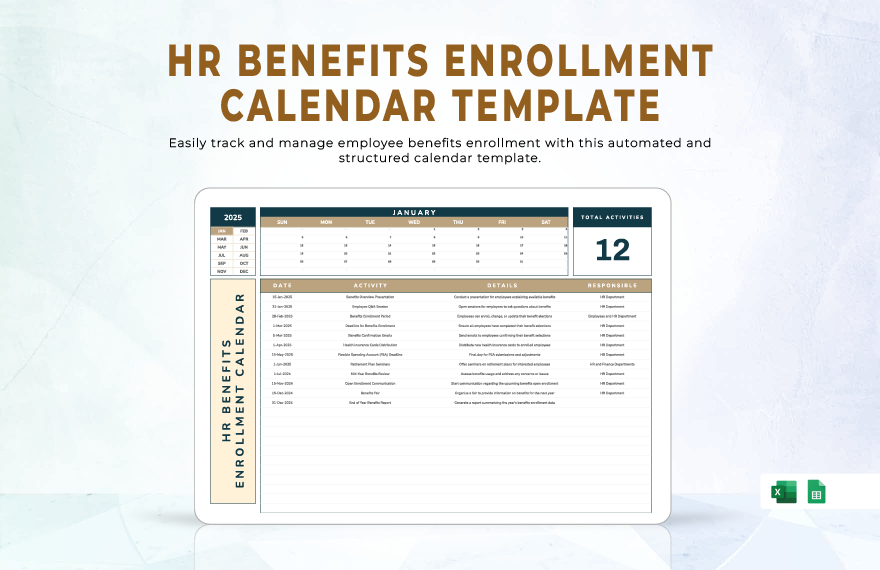
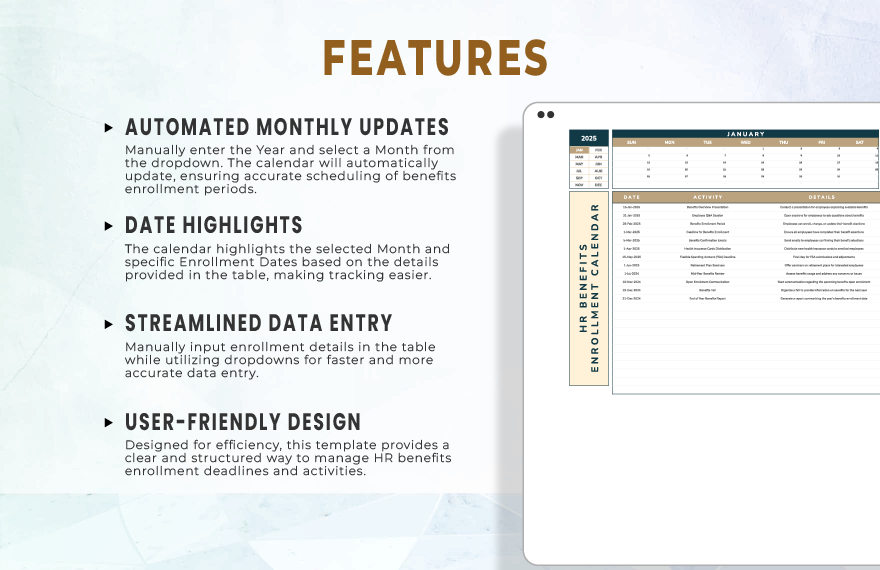
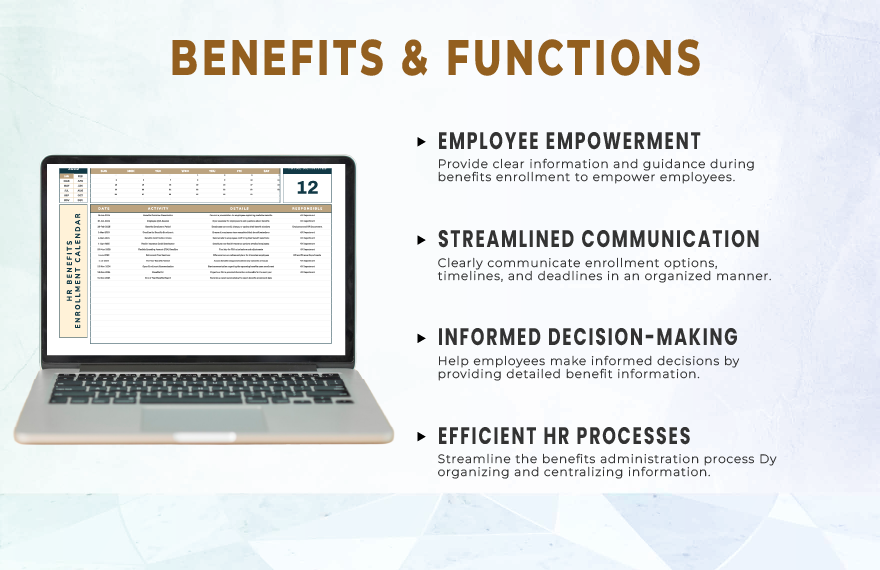
A calendar-based view can complement the individual employee record. It is especially useful for open enrollment because several tasks occur simultaneously. The calendar should identify responsible roles rather than relying on personal memory, and it should distinguish fixed legal or plan deadlines from internal target dates.
Where multiple systems are involved, reconciliation should be explicit. Compare the HR record, benefits record, carrier confirmation, and payroll deduction record. Any mismatch should create an exception rather than being corrected informally without documentation. A simple exception log can include the discrepancy, date identified, responsible owner, correction, evidence, and closure date.
Legal and compliance considerations
A benefits administration template should never imply that one universal checklist satisfies every employer. Legal obligations vary by country, state or territory, workforce classification, benefit type, employer size, plan structure, and contractual arrangements. In the United States, for example, ERISA responsibilities can include furnishing plan information to participants and beneficiaries, while COBRA can impose continuation-coverage requirements on qualifying group health plans. :contentReference[oaicite:2]{index=2}
Health-plan administration also requires careful attention to reporting. The IRS states that applicable large employers generally have Form 1094-C and 1095-C reporting responsibilities connected with employer-sponsored health coverage, with the applicable-large-employer threshold generally based on 50 or more full-time employees, including full-time equivalents, during the preceding year. A template should therefore identify the responsible reporting role and relevant reporting period instead of embedding an unsupported universal rule. :contentReference[oaicite:3]{index=3}
Equal treatment is another important control. The U.S. Equal Employment Opportunity Commission states that discrimination in employee benefits is prohibited on specified protected bases, and its examples of benefits include sick and vacation leave, insurance, overtime access, and retirement programs. A template can support consistent administration by recording eligibility criteria and approval reasons, but it should not be used to create discriminatory eligibility rules. :contentReference[oaicite:4]{index=4}
California requires particular care because state employment rules can add requirements beyond federal rules. California’s Civil Rights Department states that the Fair Employment and Housing Act applies to employment practices including compensation and that employers with five or more employees are subject to specified anti-discrimination protections. California also has distinct family, medical, and pregnancy-related leave rules.
Paid sick leave is another field that should be jurisdiction-specific. California’s Labor Commissioner’s Office states that, generally, beginning January 1, 2024, employers must provide at least 40 hours or five days of paid sick leave per year, subject to the applicable rules and exceptions. A California-specific template should therefore include a jurisdiction field and a review date rather than treating a generic leave balance as sufficient.
For pregnancy disability leave, California guidance states that qualifying employees of covered employers can receive up to four months of pregnancy disability leave, with rules governing health coverage continuation and other employment protections. This illustrates why leave and benefits administration should be connected: a leave event can affect benefits without necessarily ending benefit eligibility.
For a searcher looking specifically for a legal employment labor benefits administration template california, the safest approach is to treat California as a jurisdictional module rather than copying a general U.S. template and assuming it covers state requirements. The template should identify applicable California leave, wage, privacy, notice, and discrimination considerations and point administrators toward current official guidance before each annual review.
United Kingdom considerations
A legal employment labor benefits administration template uk should reflect the distinction between contractual benefits and statutory employment rights. Workplace pensions, annual leave, sick-related arrangements, parental rights, and other employment conditions can have different legal sources and administrative processes. A template should therefore identify whether each item is statutory, contractual, discretionary, or governed by a separate pension or insurance arrangement.
UK workplace pension administration is a strong example of why timing and communication belong in the record. Official guidance states that eligible workers can be automatically enrolled into a workplace pension and that employers have duties concerning written information, contributions, joining rights, and re-enrolment.
Holiday administration also needs careful treatment. GOV.UK guidance describes a statutory minimum of 5.6 weeks of paid holiday for qualifying workers and explains that reforms introduced from January 1, 2024 affect holiday entitlement and holiday-pay calculations, including special rules for irregular-hours and part-year workers. A UK template should therefore record the worker classification and calculation method instead of relying on one generic holiday formula.
Australia considerations
A legal employment labor benefits administration template australia should account for the National Employment Standards, awards or agreements where applicable, superannuation, leave, public holidays, termination-related entitlements, and information obligations. Fair Work Ombudsman guidance identifies the National Employment Standards as minimum entitlements covering areas such as annual leave, personal and carer’s leave, parental leave, family and domestic violence leave, community service leave, superannuation contributions, notice, and redundancy pay.
Superannuation deserves a dedicated field because the contribution rate is time-sensitive. The Australian Taxation Office states that the general super guarantee rate is 12% from July 1, 2025 onward, including the 2026–27 financial year, and that contributions are generally required at least quarterly. A template should contain a rate-review field rather than hard-coding a percentage indefinitely.
Privacy also matters when benefit records contain health, financial, or dependent information. Australian privacy guidance explains that personal information can include employee records and sensitive information such as health information, while the employee-record exemption has specific boundaries. An Australia-focused template should therefore minimize unnecessary collection and clearly define who can access the completed record.
Choosing the right document format
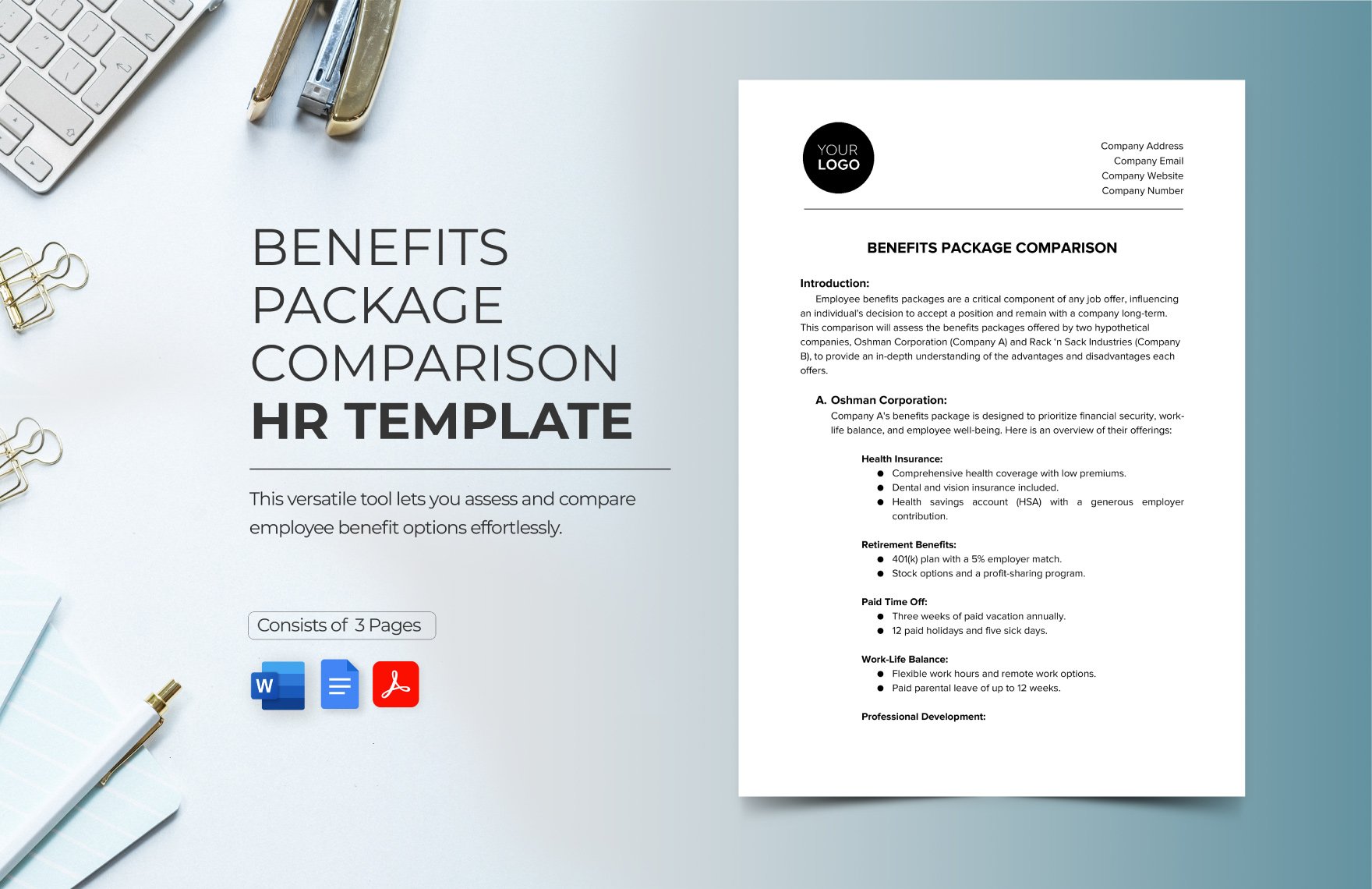
People searching for a legal employment labor benefits administration template pdf are often looking for a stable layout that can be circulated, reviewed, printed, or stored as a formal record. A PDF-style format works well for completed records and controlled versions, but it is less convenient for calculations, recurring updates, or large employee datasets. The underlying design should therefore be created with the intended workflow in mind rather than choosing a format solely because it looks formal.
A legal employment labor benefits administration template word can be useful when the primary need is narrative policy text, employee instructions, acknowledgment language, or a controlled document that needs editorial review. A word-processing format is particularly suitable for a benefits guide or policy appendix where explanatory text matters as much as data fields.
A legal employment labor benefits administration template excel is more appropriate when administrators need structured rows, filters, date calculations, reconciliation fields, status tracking, or recurring administrative logs. Spreadsheet records should still use controlled access, validation rules, clear column definitions, and protected formulas where appropriate. They should not become an uncontrolled substitute for the authoritative plan or employment record.
For a paper-oriented workflow, a legal employment labor benefits administration template printable format should have clear labels, adequate writing space, unambiguous checkboxes, signature fields where genuinely necessary, and a visible document version. Avoid dense layouts that force users to write critical information in tiny spaces or make dates difficult to interpret.
What the 101-level structure looks like
A reader looking for legal employment labor benefits administration template 101 usually needs the basic architecture before worrying about sophisticated workflows. At minimum, think in five layers: employee identity, eligibility, benefit selection, administration, and evidence. These layers can be represented in one form or divided into linked records depending on the size and complexity of the organization.
The identity layer answers who the record concerns. Eligibility answers why the employee qualifies or does not qualify. Selection records the employee’s choice or the benefit assigned under the applicable arrangement. Administration records the actions taken by HR, payroll, the provider, or another responsible party. Evidence identifies the documents or confirmations supporting the transaction.
This structure also makes training easier. A new benefits administrator can learn to follow the same sequence for each case instead of relying on informal knowledge. If an exception occurs, the administrator can record it separately without changing the basic structure used for ordinary transactions.
How to handle forms, records and employee communications
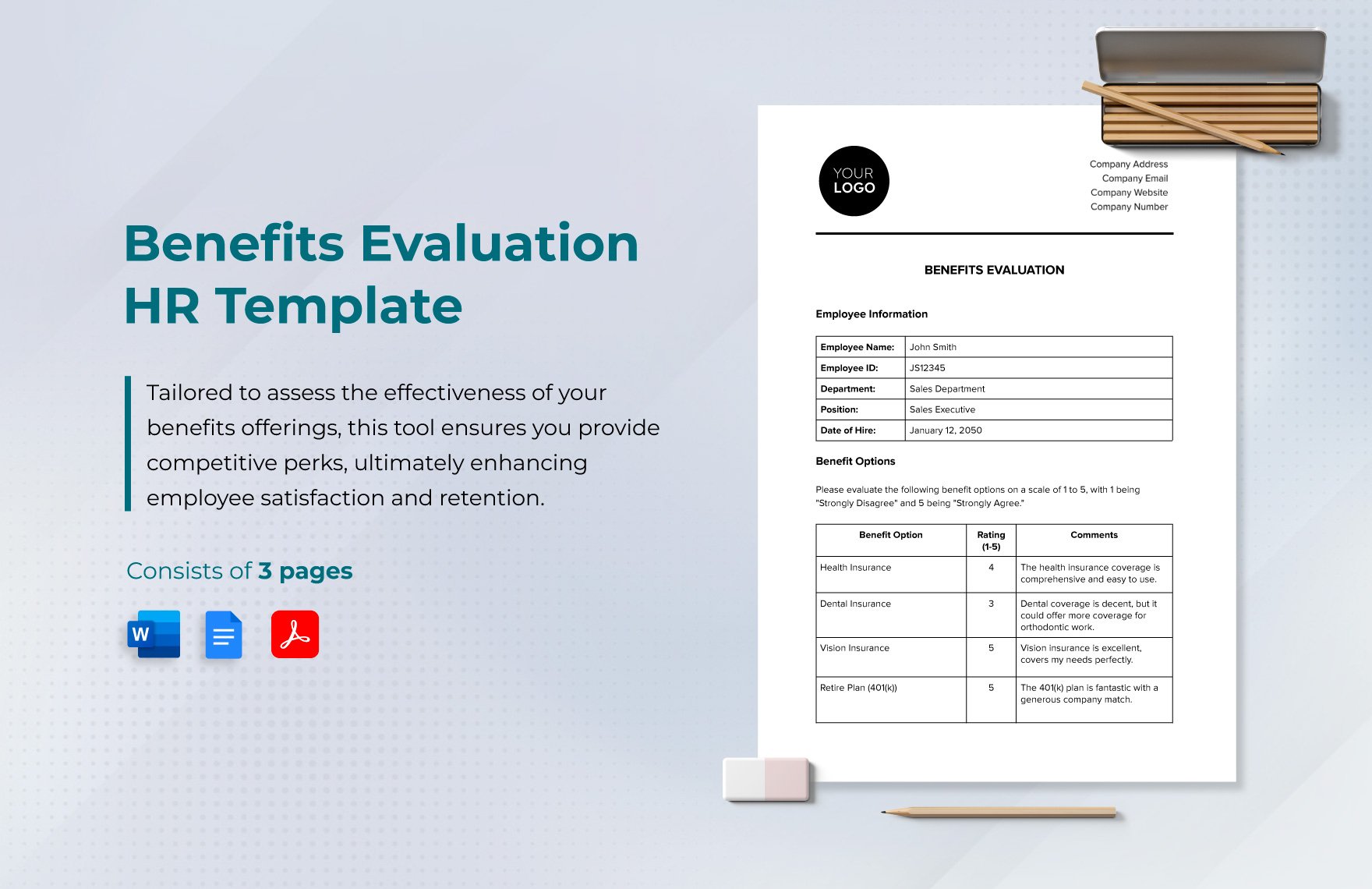
A legal employment labor benefits administration template form should clearly state whether it is a request form, an enrollment record, an internal checklist, an acknowledgment, or a review document. Those functions are not interchangeable. For example, an enrollment election can capture a choice, while an internal checklist can document that HR verified eligibility and completed downstream actions.
Employee-facing documents should use plain language and explain important deadlines without overstating legal rights. Internal records can be more detailed because their purpose is to support administration and auditability. Separating the two improves clarity and prevents employees from mistaking an internal checklist for the actual terms of a benefit plan.
Communication fields can include date sent, communication type, recipient, delivery method, and confirmation status. This is particularly useful when the organization needs to demonstrate that employees received required information or were given a reasonable opportunity to make a benefits decision.
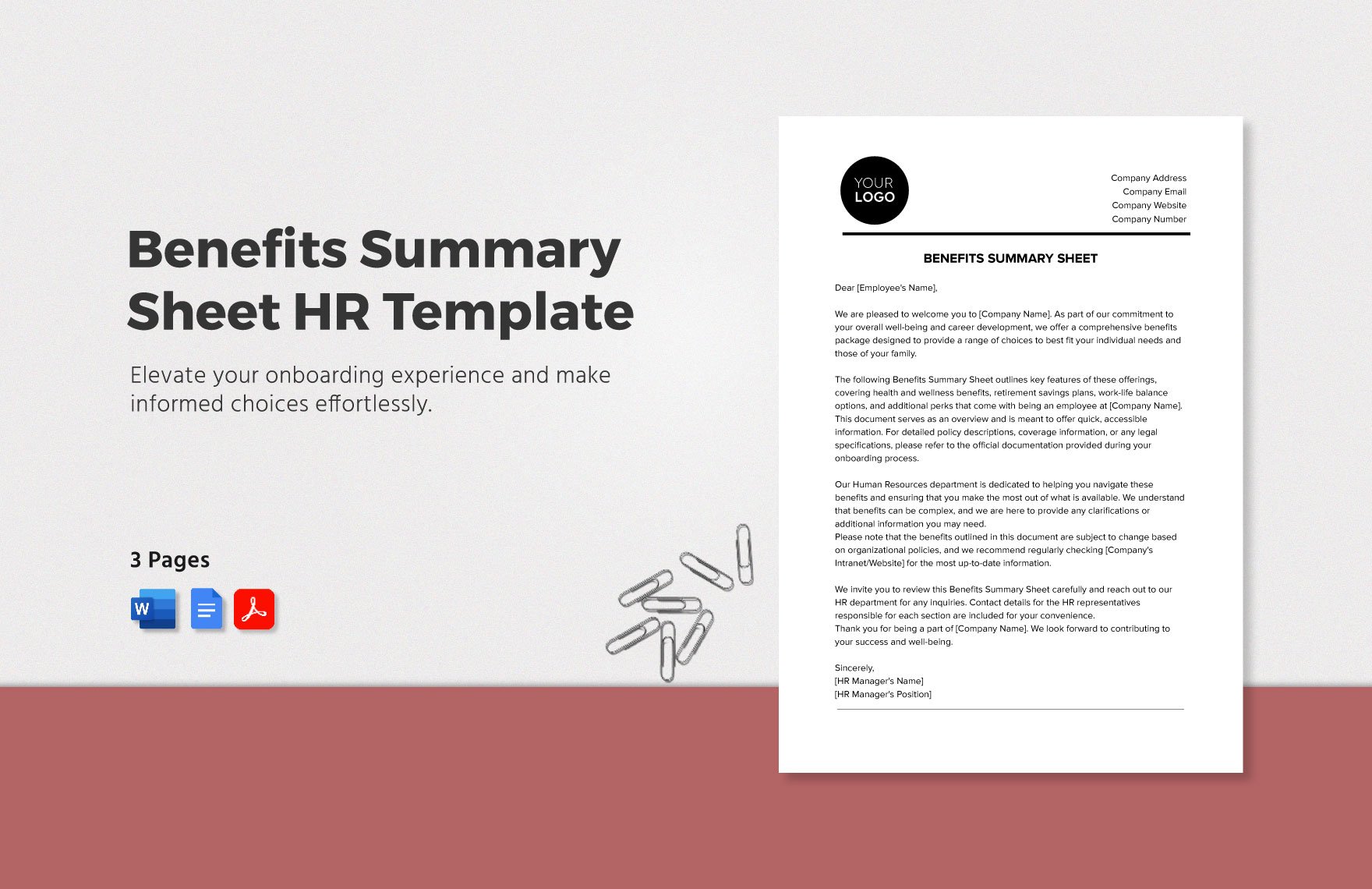
A template can also include a short “employee questions” field, but it should not turn into an informal legal advice log. A record can state that a question was received, identify the responsible HR or benefits contact, record the date of response, and reference the governing document used to answer it. This is more reliable than recording unsupported interpretations.
Practical Solution
Start by defining the exact administrative event the template will control. Write a one-sentence purpose such as “record and verify employee benefit changes from eligibility through payroll confirmation.” Then list the jurisdictions covered, the benefit categories included, and the roles responsible for each step. This prevents the document from becoming an oversized collection of fields with no clear workflow.
Next, build the template around evidence. For every important status, ask what proves that the status is correct. Eligibility may be supported by employment status and plan rules. Enrollment may be supported by an employee election. A carrier change may require provider confirmation. Payroll reconciliation may require a deduction comparison. The template should provide a place to record that evidence without storing more sensitive information than necessary.
Then create exception controls. If a record does not follow the normal path, the administrator should be able to select an exception category, explain the reason, assign an owner, set a due date, and record the resolution. This is especially valuable when eligibility changes, documentation is late, a carrier rejects a transaction, a payroll deduction differs from the expected amount, or a jurisdictional rule requires special handling.
For recurring use, establish a review cadence. At each review, verify the template against current laws, plan documents, provider instructions, payroll rules, and internal policies. Record the reviewer, review date, sources considered, changes made, and next review date. This turns a static document into part of a governance process.
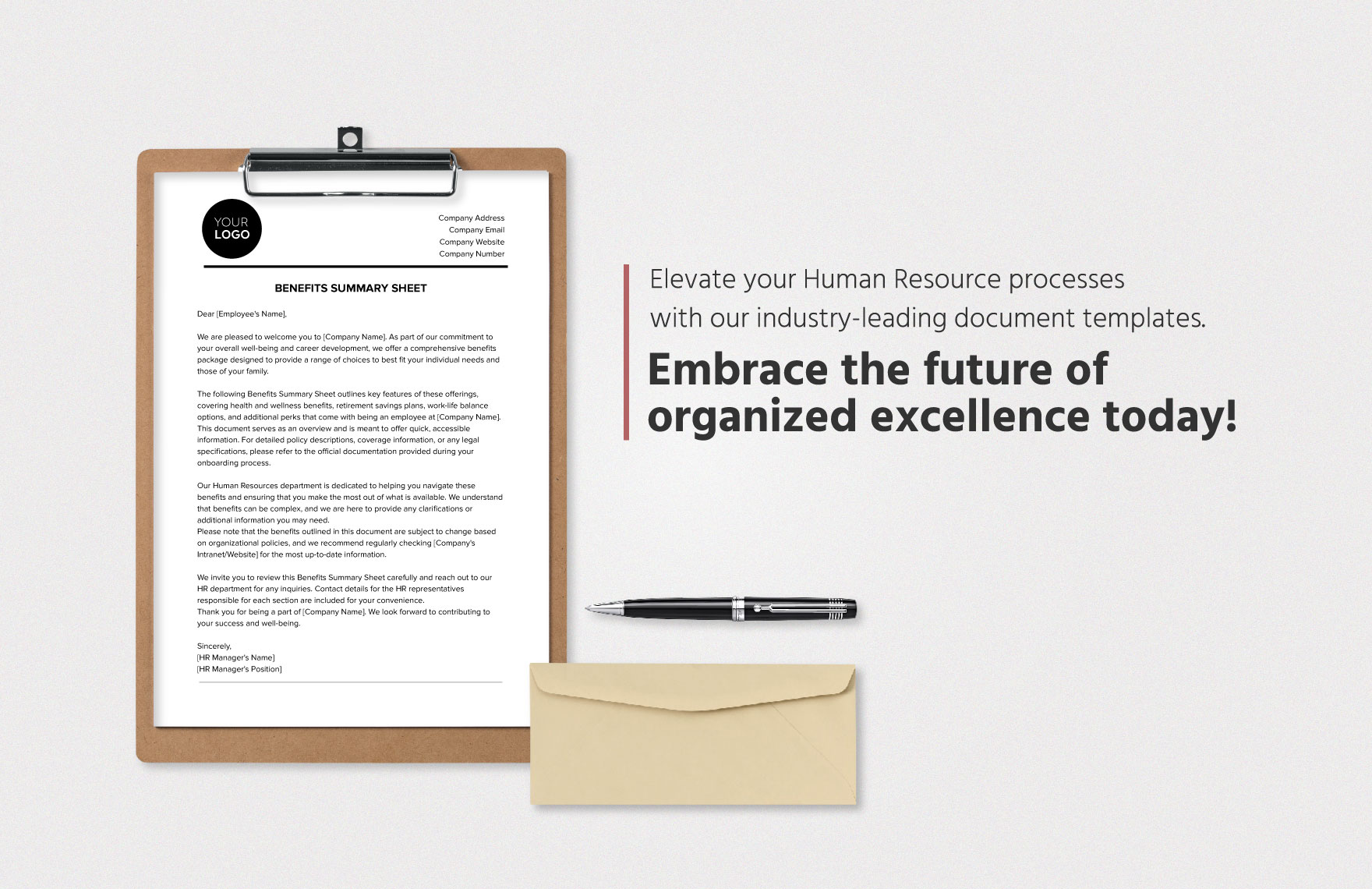
If the organization wants a legal employment labor benefits administration template free download, legal employment labor benefits administration template free, or another no-cost starting point, the safest practice is to evaluate the structure before relying on the content. A no-cost template can be a useful starting framework, but its fields, legal references, deadlines, and sample language should be checked against the employer’s actual jurisdiction and benefit plans.
Likewise, a search for legal employment labor benefits administration template talk may indicate that the user wants to discuss how a template should work rather than simply obtain a document. In that situation, the practical objective is to identify the workflow first: what event starts the process, who verifies eligibility, what information is required, what evidence is retained, who updates payroll or the provider, and how completion is confirmed.
Finally, do not allow the template to become the only source of truth. The governing plan document, employment agreement, collective agreement, statute, regulation, official guidance, provider contract, or other authoritative record should control where there is a conflict. The template should point administrators toward those sources and capture the outcome of the review, not silently replace them.
Common mistakes to avoid
One frequent mistake is using the same template for every country without jurisdictional controls. A U.S. benefits record, UK pension workflow, and Australian employment record can share administrative concepts, but their legal requirements are not identical. A jurisdiction field, country-specific module, and review date are simple ways to reduce this risk.
Another mistake is mixing policy text with employee-specific data so heavily that nobody knows which part can change. Keep stable instructions separate from variable records where possible. If a contribution rate, statutory entitlement, or eligibility rule changes, administrators should be able to identify exactly which controlled document needs review.
A third mistake is treating completion as proof of correctness. A completed checkbox only proves that somebody marked it. Stronger controls identify the reviewer, date, evidence, and outcome. Periodic reconciliation against payroll and provider records is therefore more valuable than adding ever more checkboxes.
Finally, avoid excessive collection of sensitive information. Benefits records can contain health, dependent, financial, and other personal details. The Australian privacy guidance illustrates why organizations should consider necessity, access, purpose, and handling controls when collecting personal information.
Building an auditable administration record
An auditable record should allow another qualified administrator to reconstruct what happened without relying on memory. That means the record should show the triggering event, applicable eligibility rule, action taken, date, responsible person or team, supporting evidence, and final status. The level of detail should match the risk and sensitivity of the benefit involved.
Use controlled terminology wherever possible. Instead of allowing administrators to enter arbitrary statuses, define a small set such as pending, received, verified, submitted, confirmed, exception, and closed. Consistent terminology makes reporting more reliable and helps identify bottlenecks across a large employee population.
Document retention should also be deliberate. The appropriate retention period can depend on the record type, jurisdiction, plan, tax rule, litigation requirements, privacy obligations, and organizational policy. A general template should therefore include a retention-policy reference rather than asserting one universal period for every benefits record.
Using the template as a management control
The most valuable templates create visibility across the entire benefits lifecycle. Managers can see which records are waiting for employee information, HR review, provider confirmation, or payroll reconciliation. Benefits specialists can identify recurring exceptions. Payroll teams can compare expected and actual deductions. Compliance reviewers can inspect whether required checks were completed.
For larger organizations, the template can also support reporting by benefit category, location, employee status, effective date, exception type, and completion time. Reporting should use only the fields genuinely needed for the management objective. A benefits dashboard should summarize administration without exposing sensitive employee details to people who do not need them.
The final design should be tested with realistic scenarios before adoption. Walk through a new hire, a qualifying-life-event change, an annual enrollment election, a leave event, a termination, and a correction to an earlier transaction. If the administrator cannot tell what to do next from the template, the workflow needs clarification.
A well-designed legal employment labor benefits administration Template is ultimately a control framework: it organizes information, assigns responsibility, records evidence, highlights exceptions, and creates a repeatable process for reviewing employee benefits. Whether the final record is maintained as a PDF, Word document, spreadsheet, or printed form, its value comes from accurate content, controlled updates, jurisdictional awareness, privacy safeguards, and alignment with the authoritative documents that govern the employment relationship.
Reference Examples
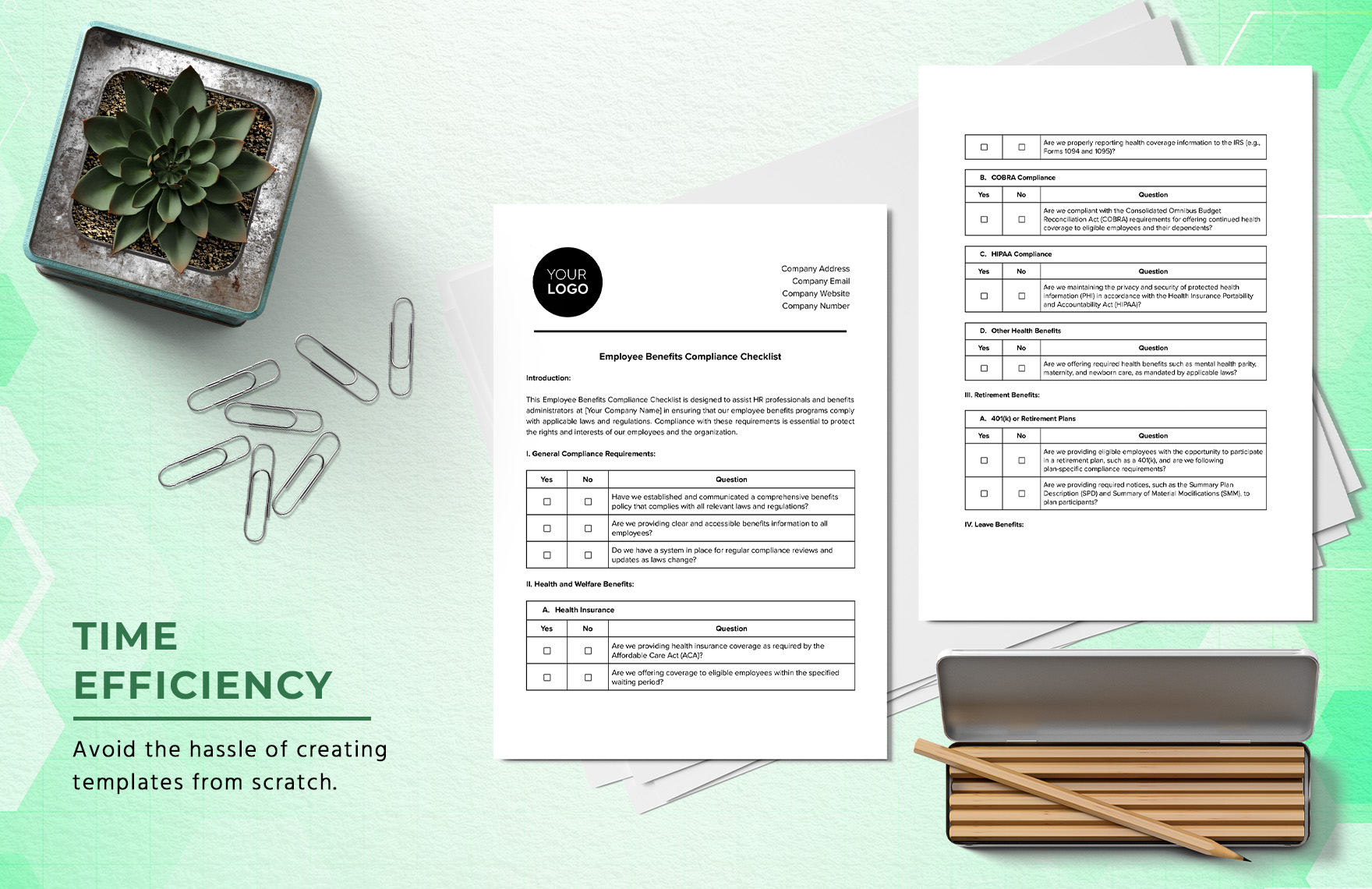
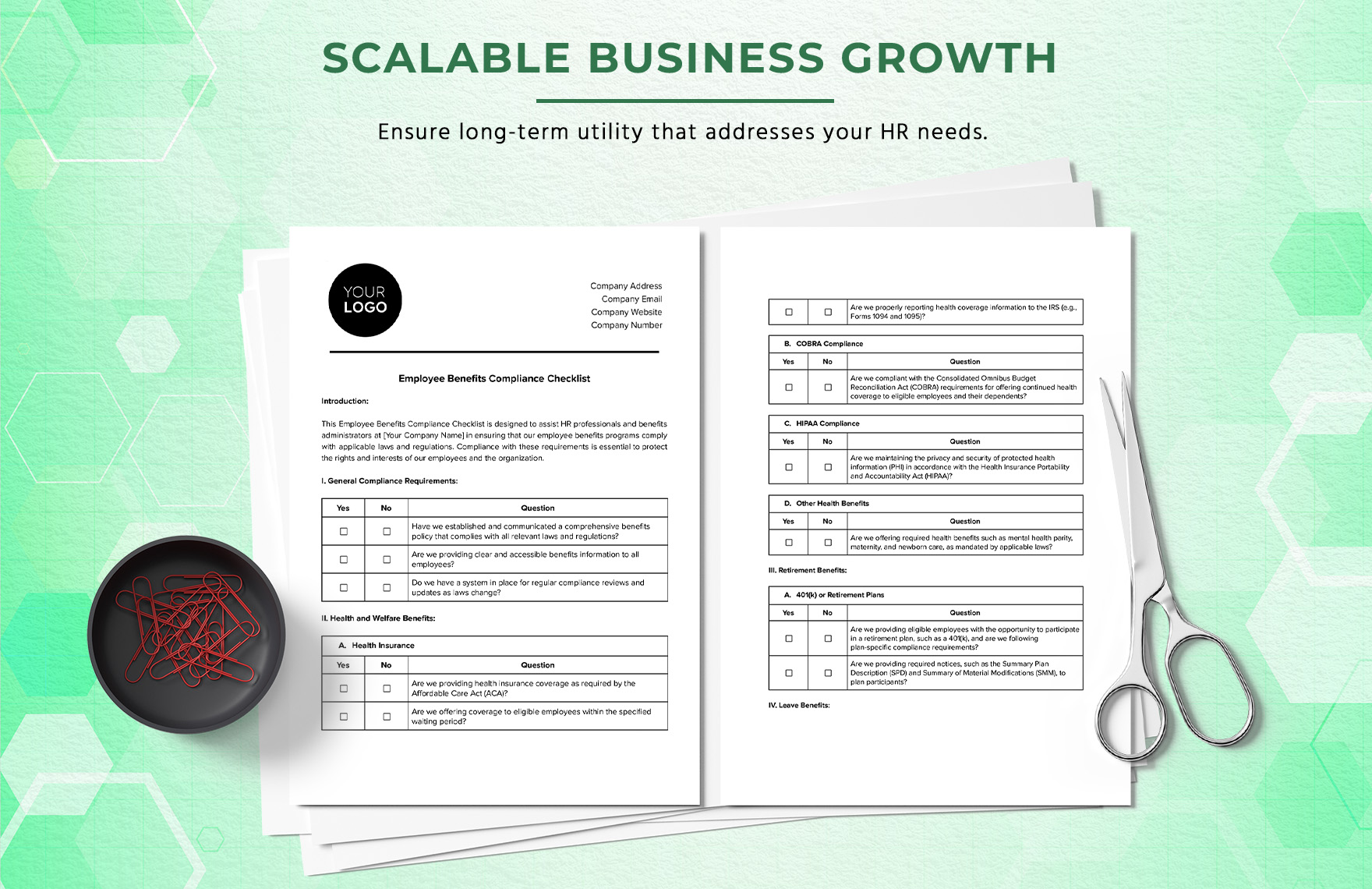
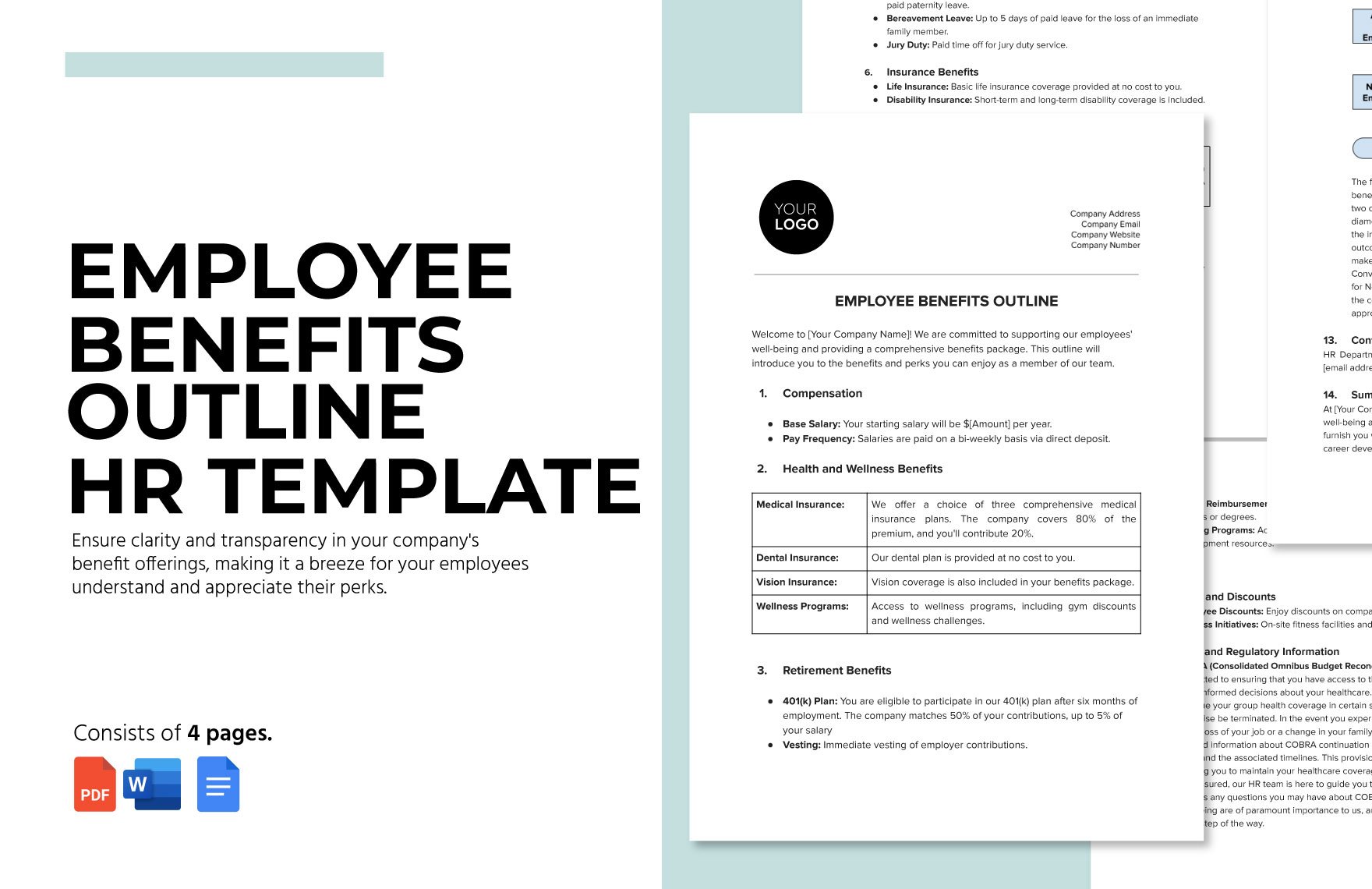
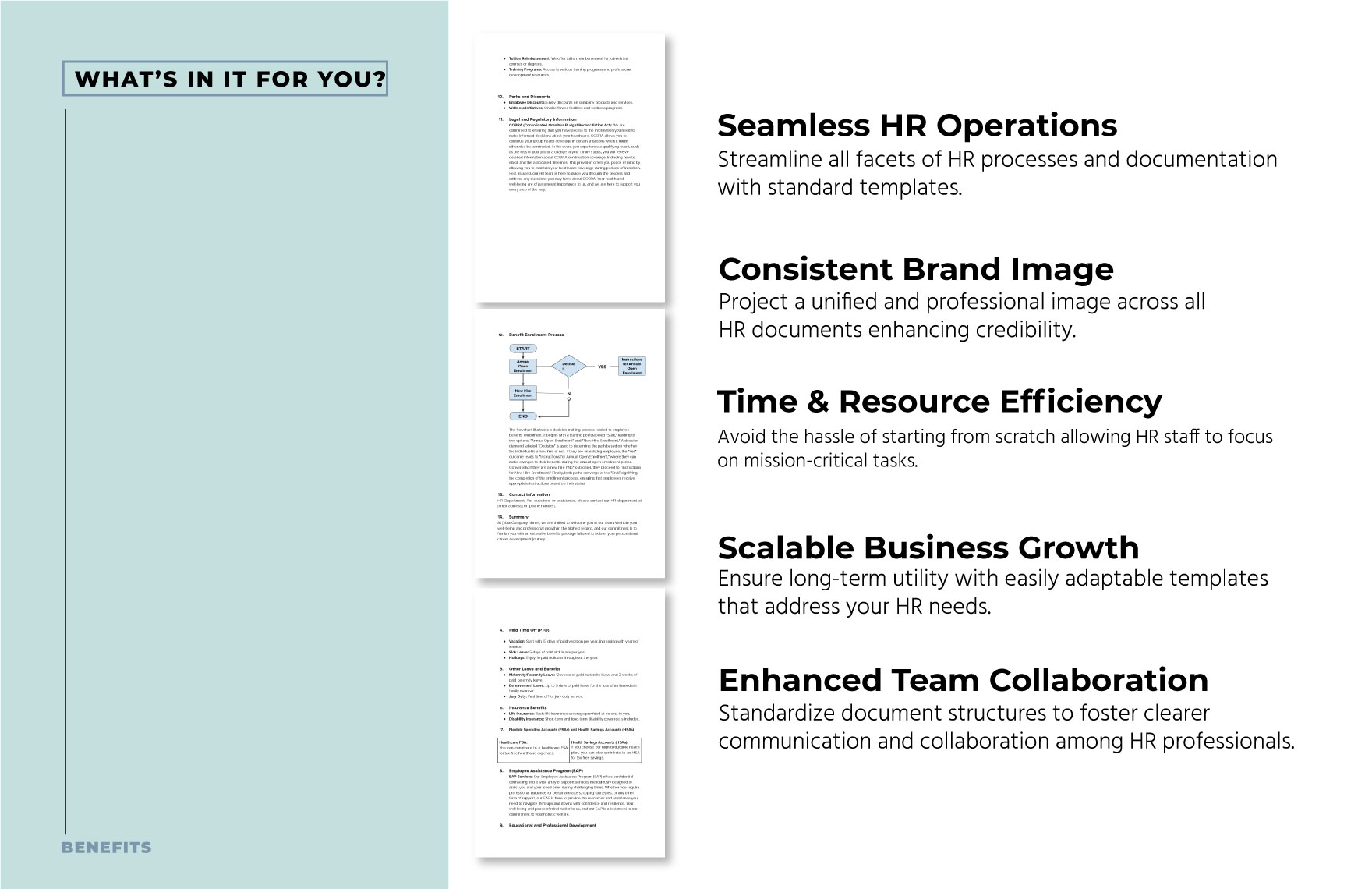
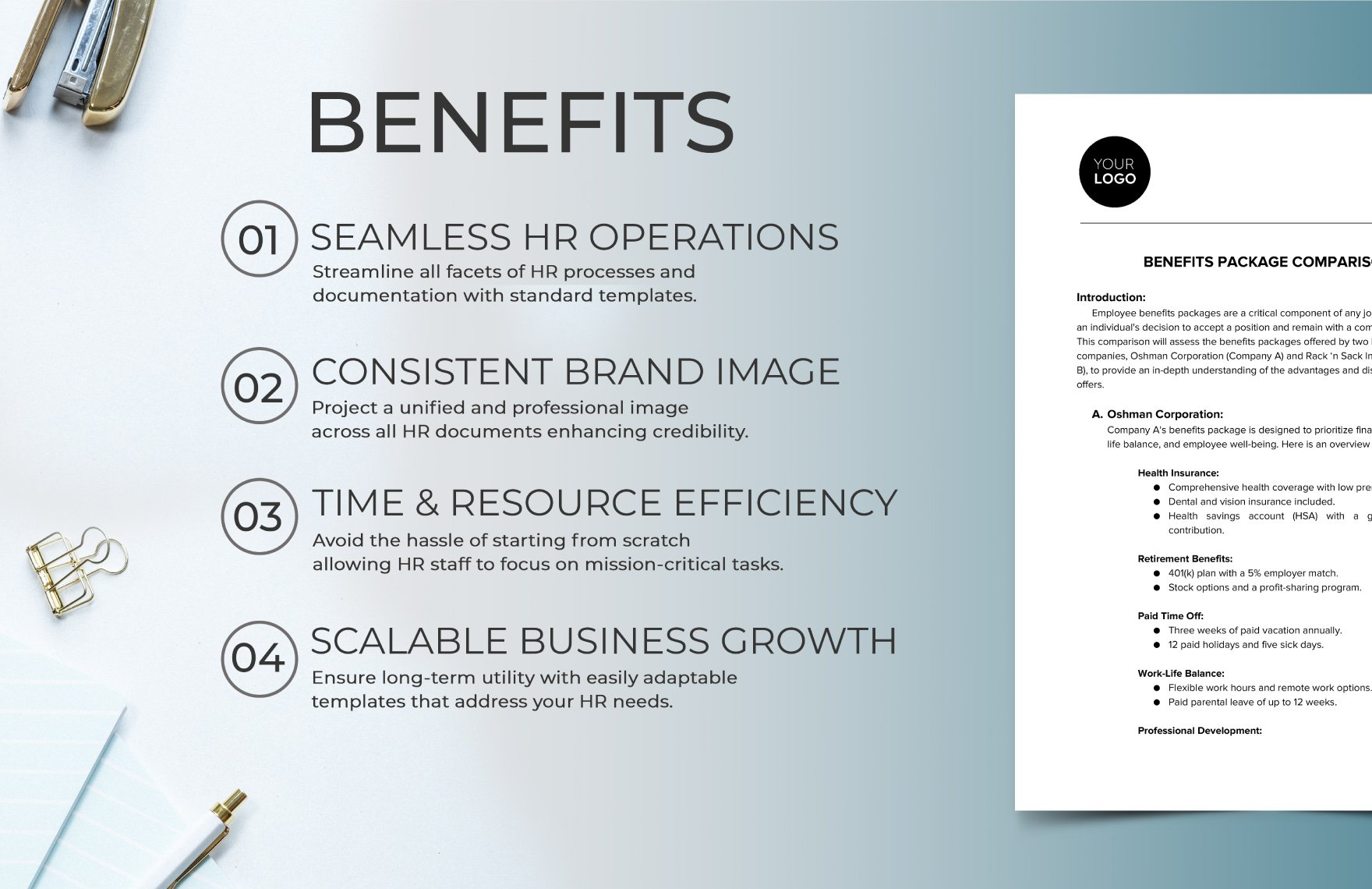
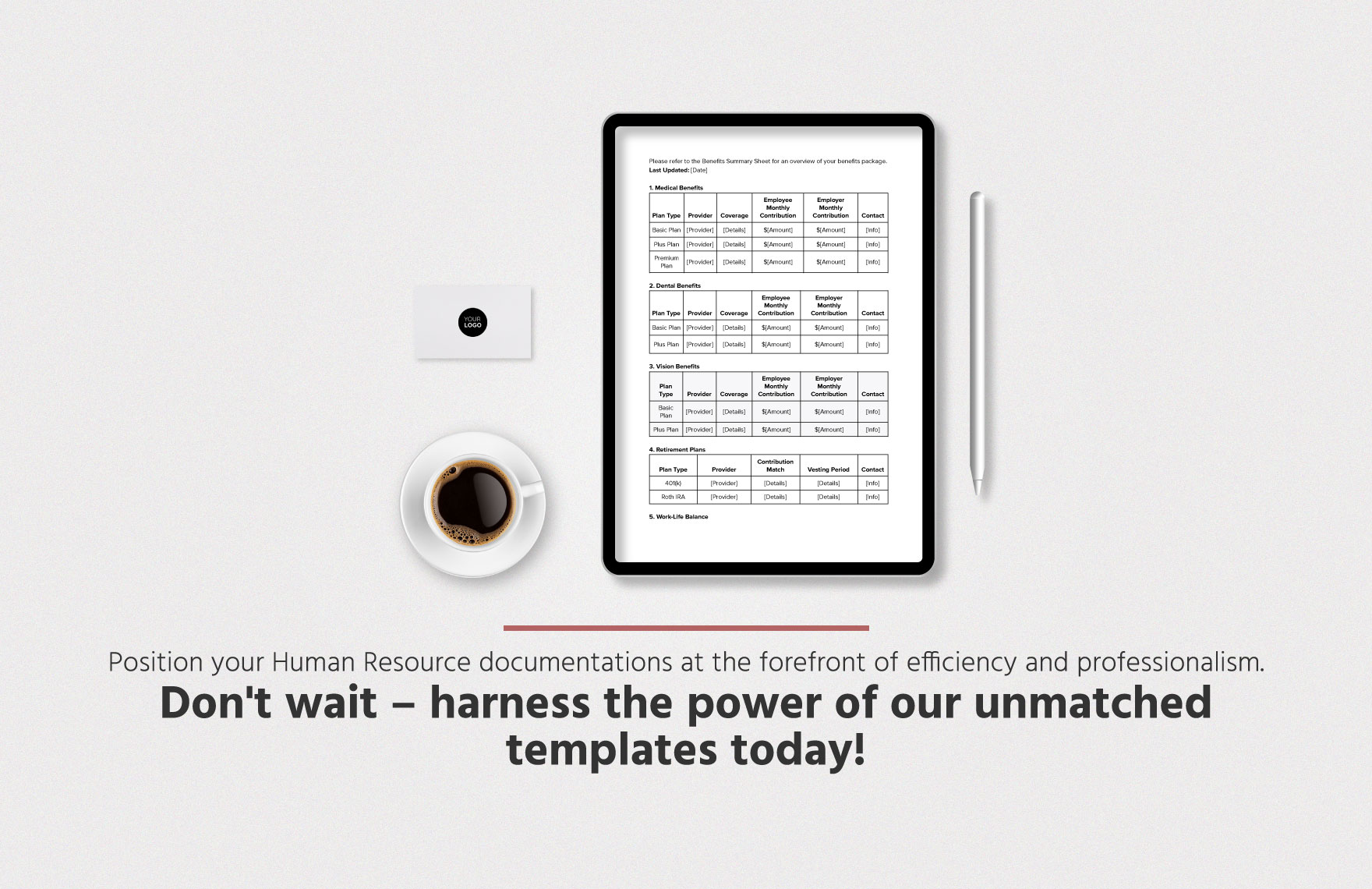
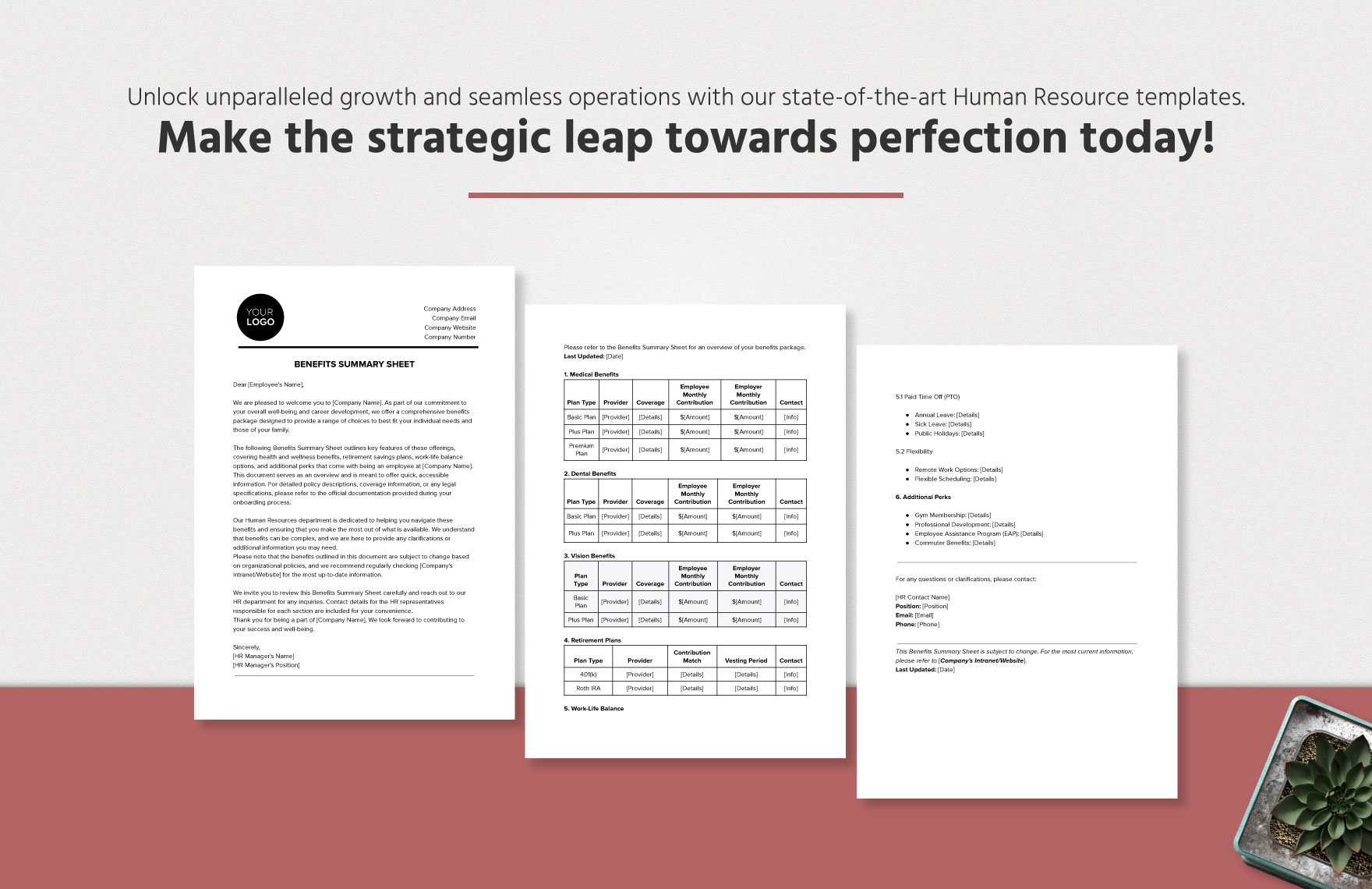
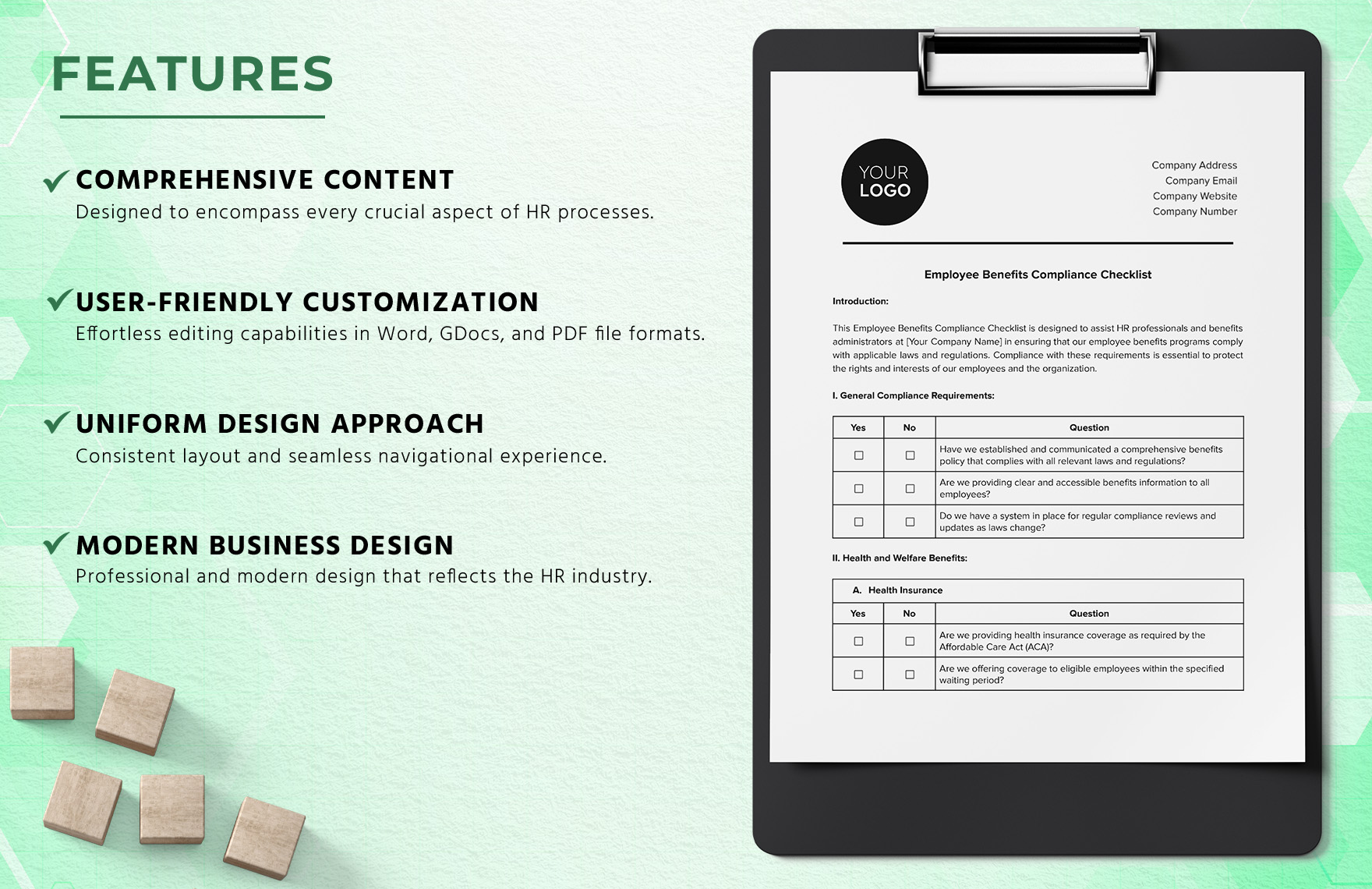
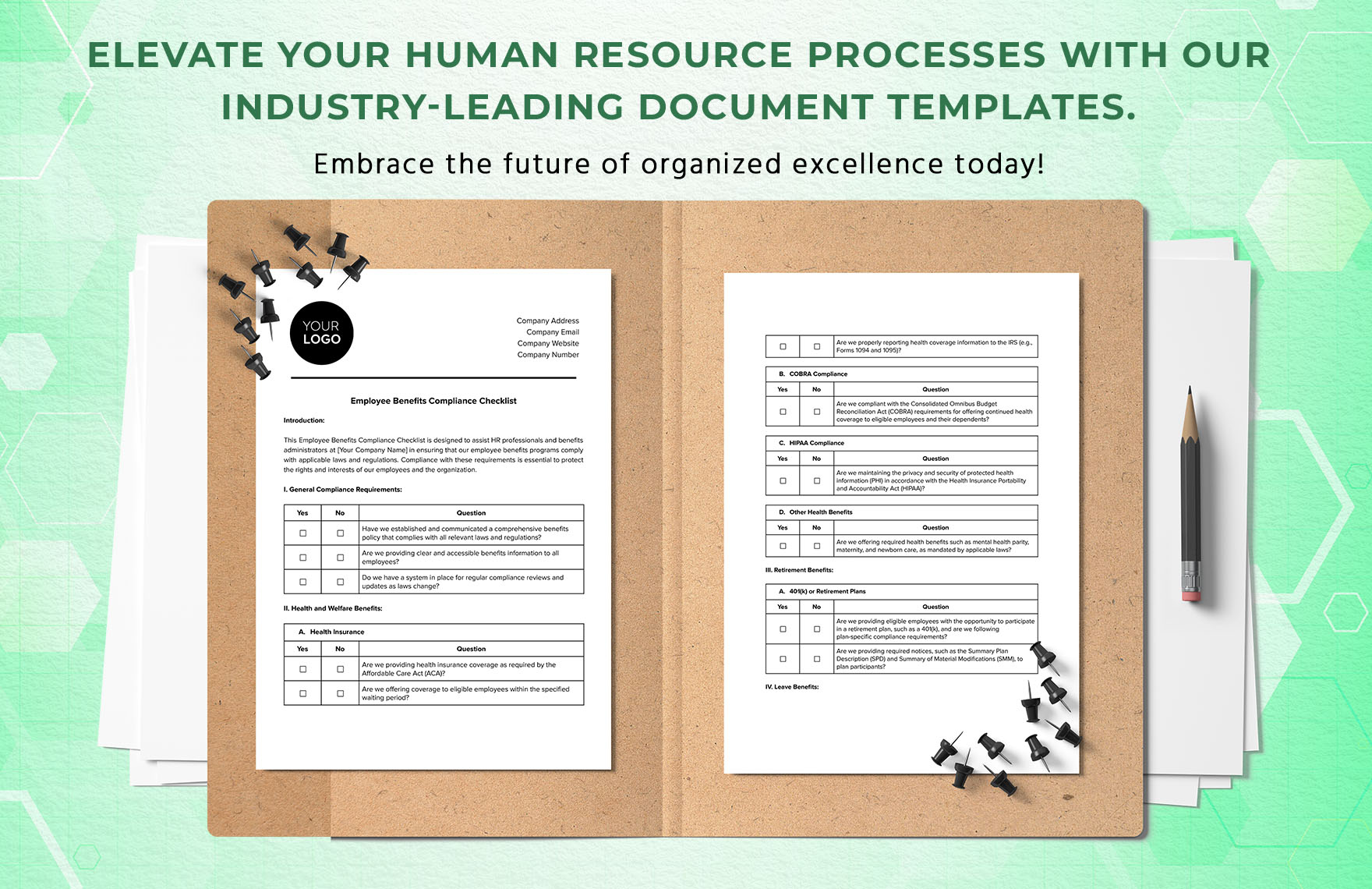
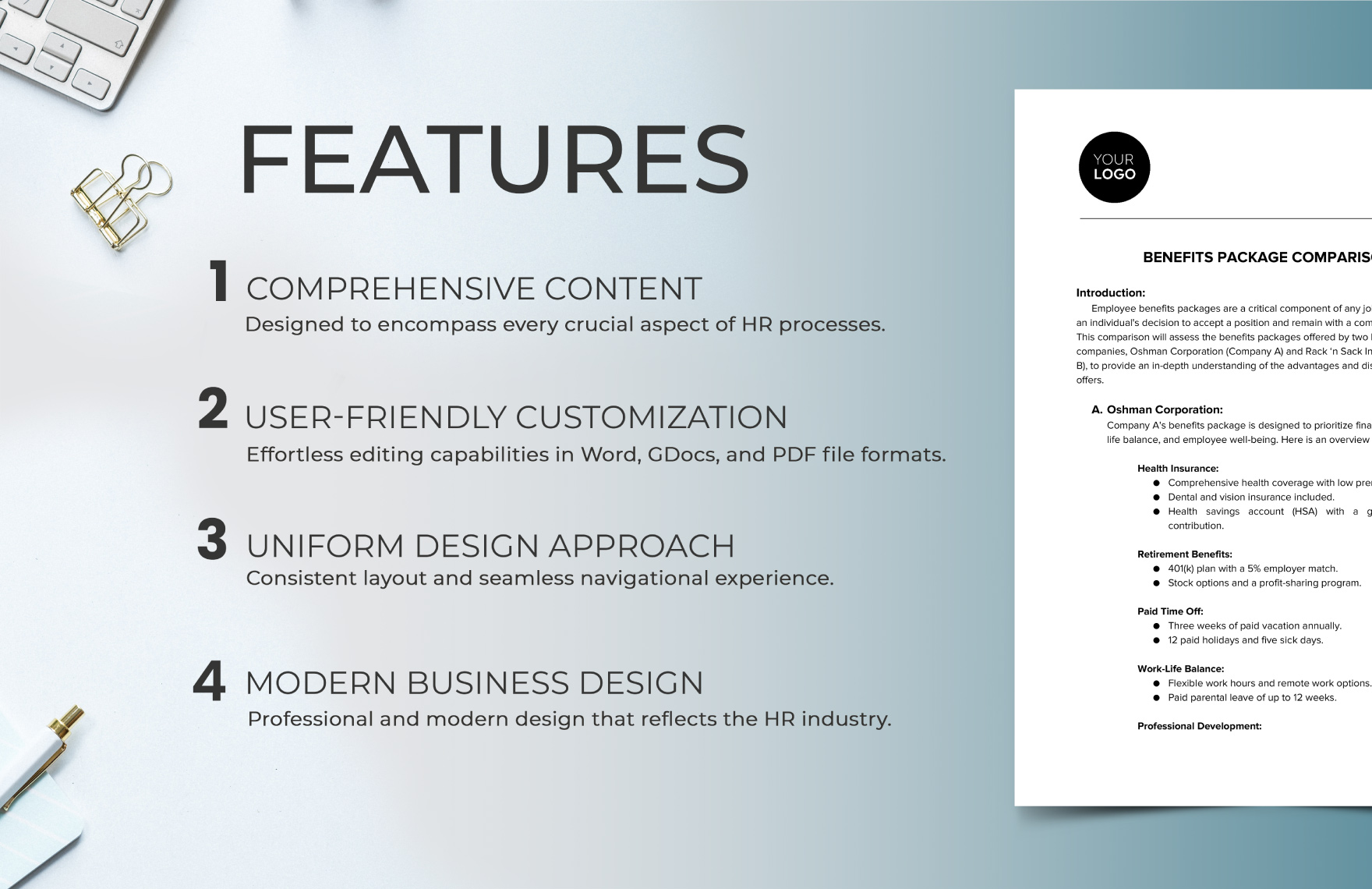
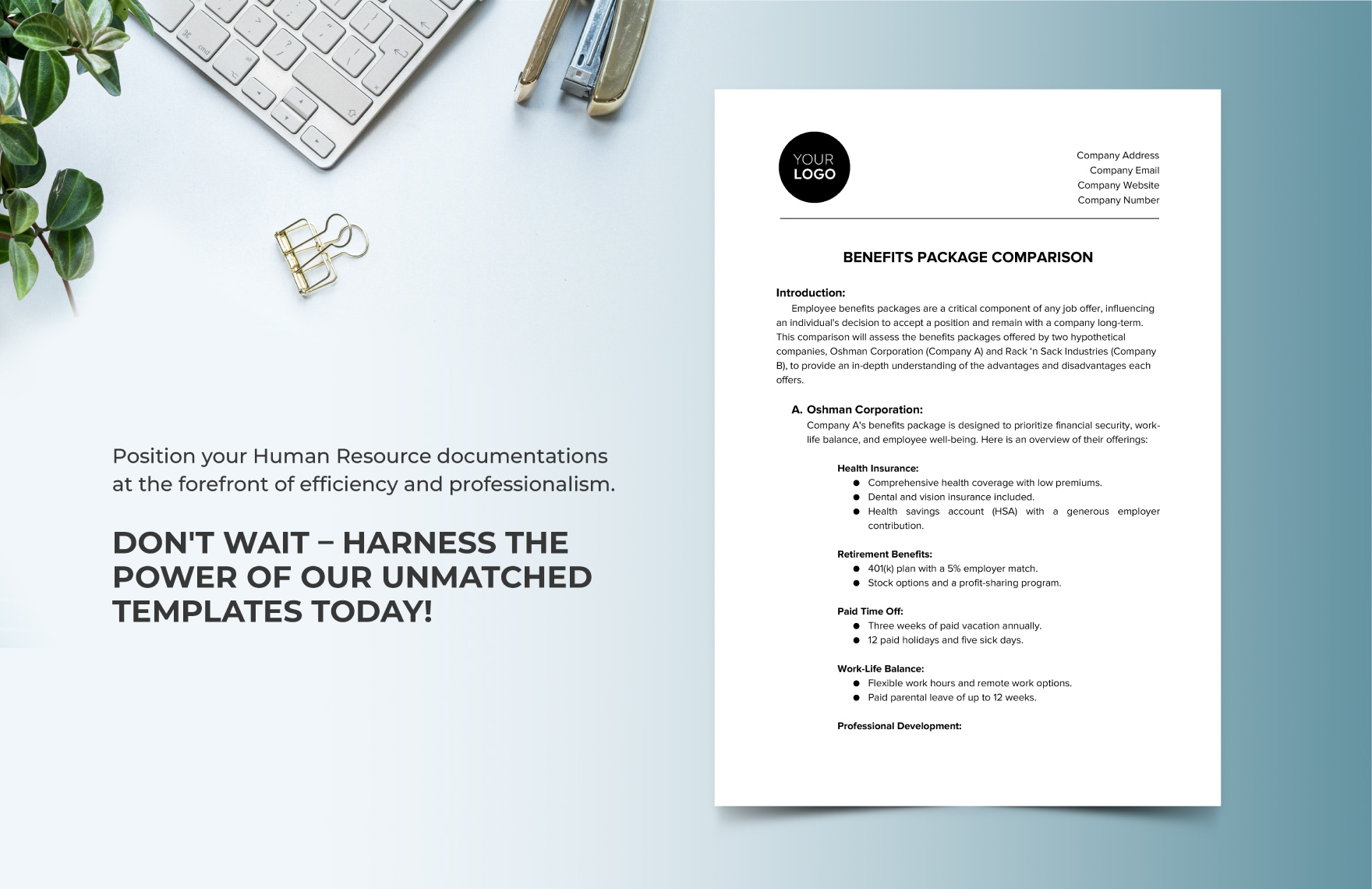
Reference examples for a legal employment labor benefits administration Template are most useful when they demonstrate recognizable structures rather than merely attractive page designs. Useful visual patterns include enrollment checklists, employee information sections, benefit-selection fields, compliance questions, plan summaries, deadlines, review signatures, and evidence-tracking areas. These examples show how an administration record can move from a simple employee event to a documented workflow. They also illustrate why a good template separates employee information, benefit details, administrative actions, and review controls instead of placing every field into one undifferentiated form.
The following references provide different ways to visualize the same core concept. Some emphasize enrollment, some compliance review, some benefit summaries, and others policy communication. They should be treated as visual references rather than universal legal forms. The correct structure depends on the employer’s jurisdiction, workforce, benefit plans, contractual obligations, privacy requirements, and current official guidance. Used that way, the examples can help an HR team evaluate layout, sequencing, evidence fields, and document clarity when developing its own benefits administration workflow.
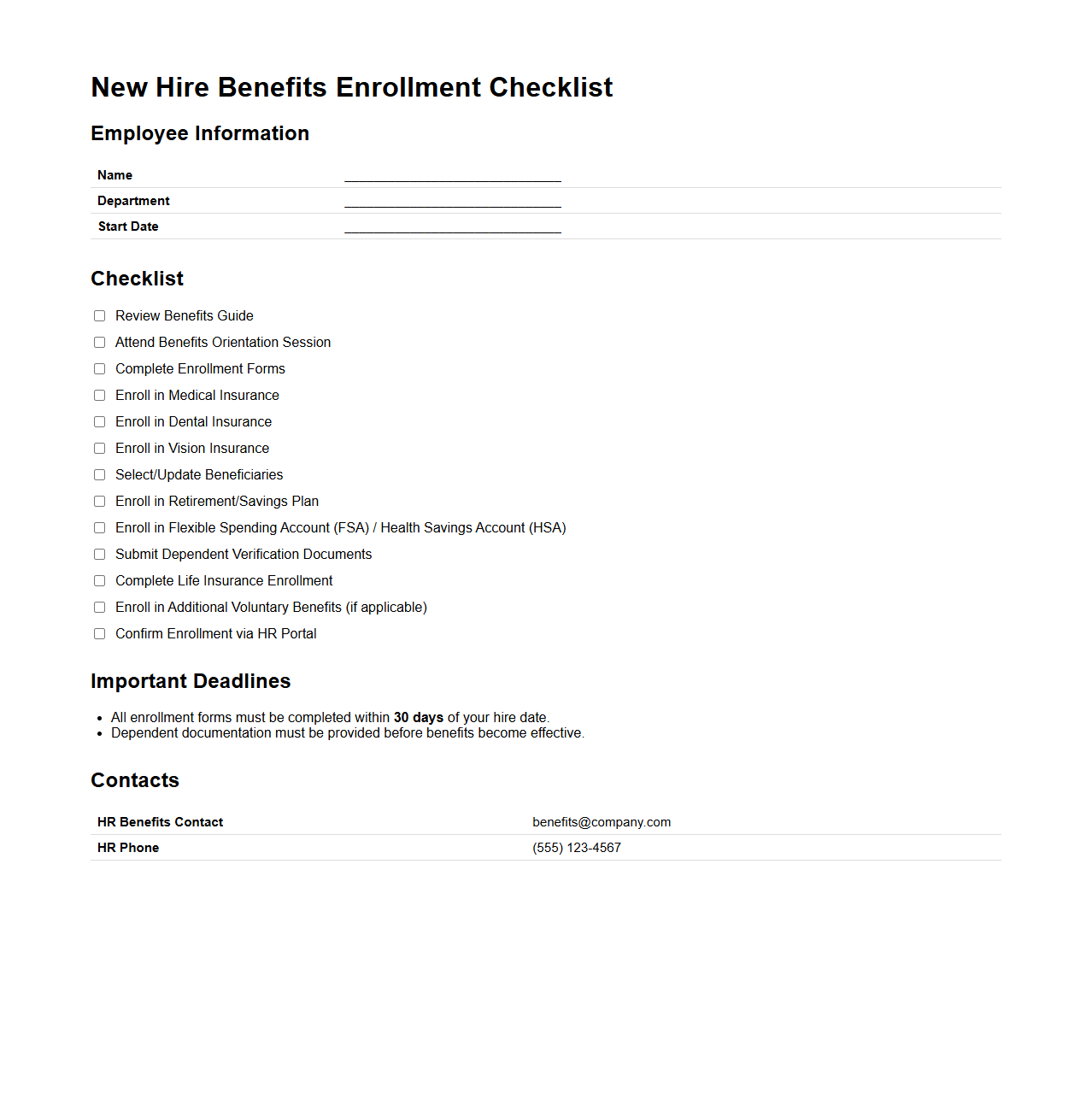
New Hire Benefits Enrollment Checklist
Source: documentof.com
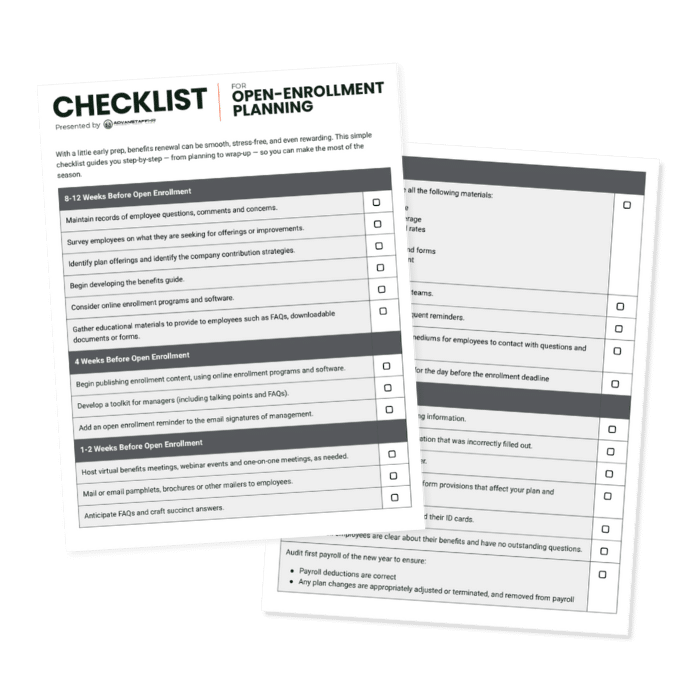
Open-Enrollment Planning Checklist
Source: ADVANSTAFF
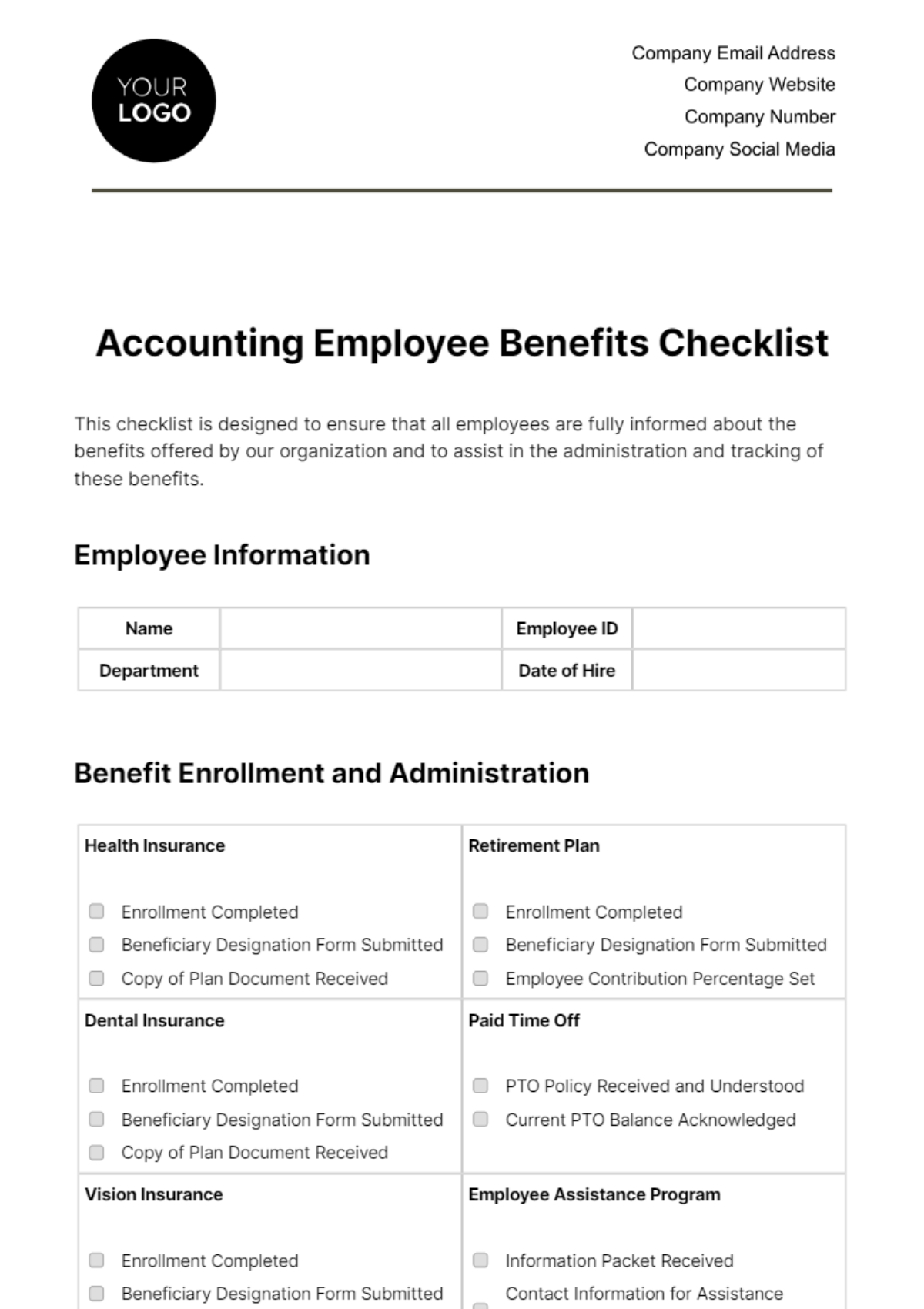
Accounting Employee Benefits Checklist Template
Source: Template.net
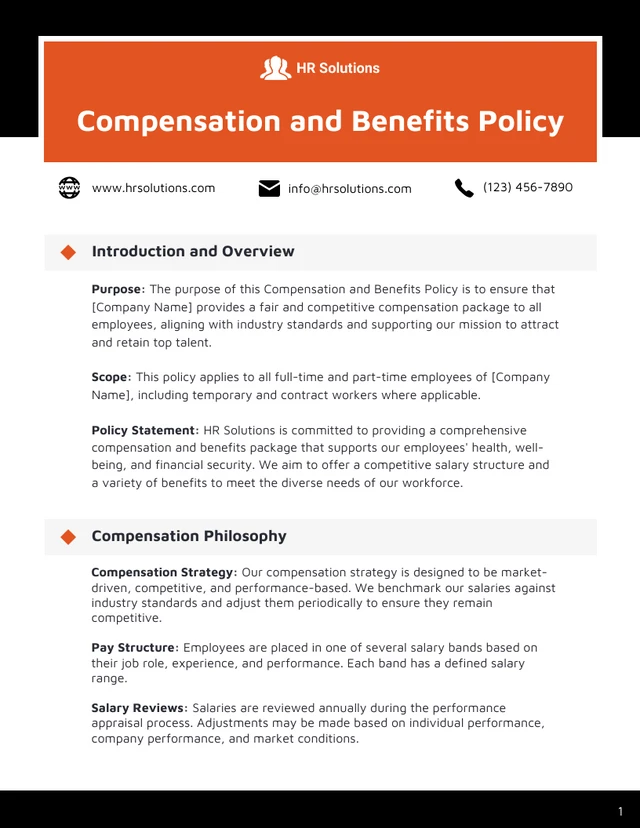
Compensation and Benefits Policy Template
Source: Venngage
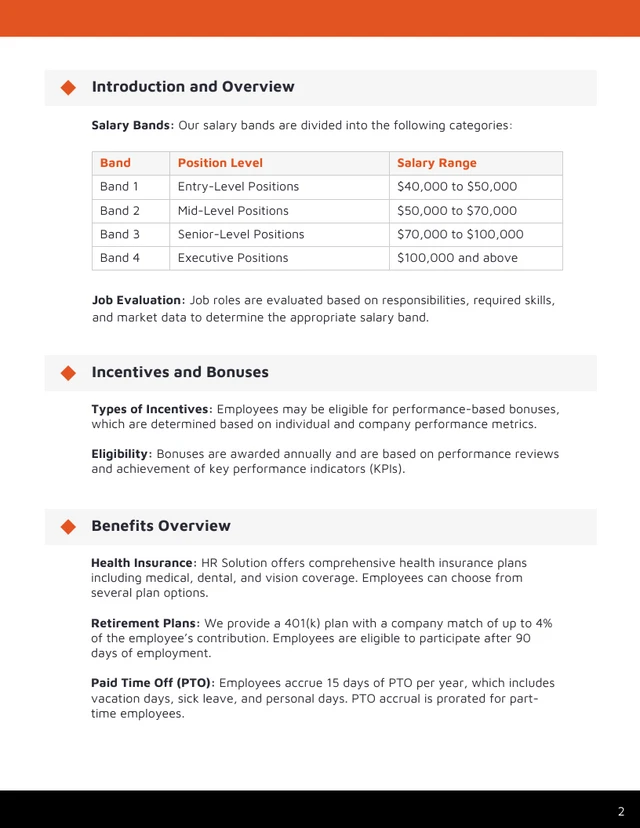
Compensation and Benefits Policy Template — Benefits Overview
Source: Venngage
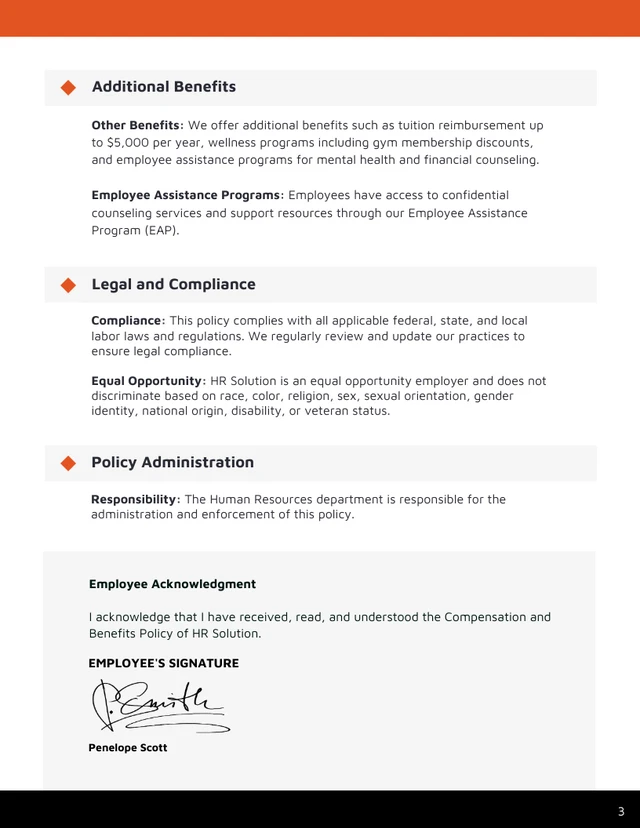
Compensation and Benefits Policy Template — Legal and Compliance
Source: Venngage
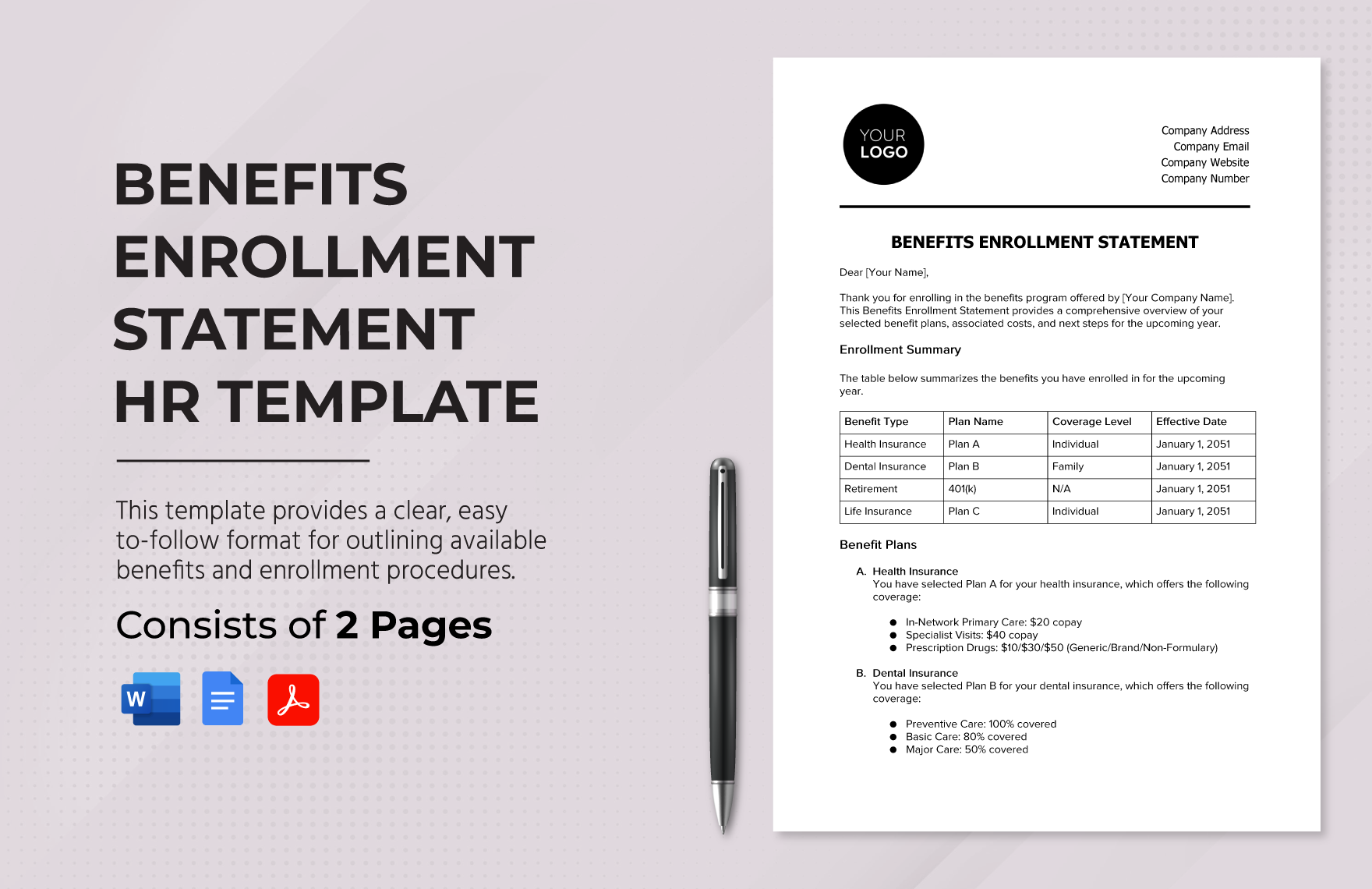
Benefits Enrollment Statement HR Template
Source: Template.net
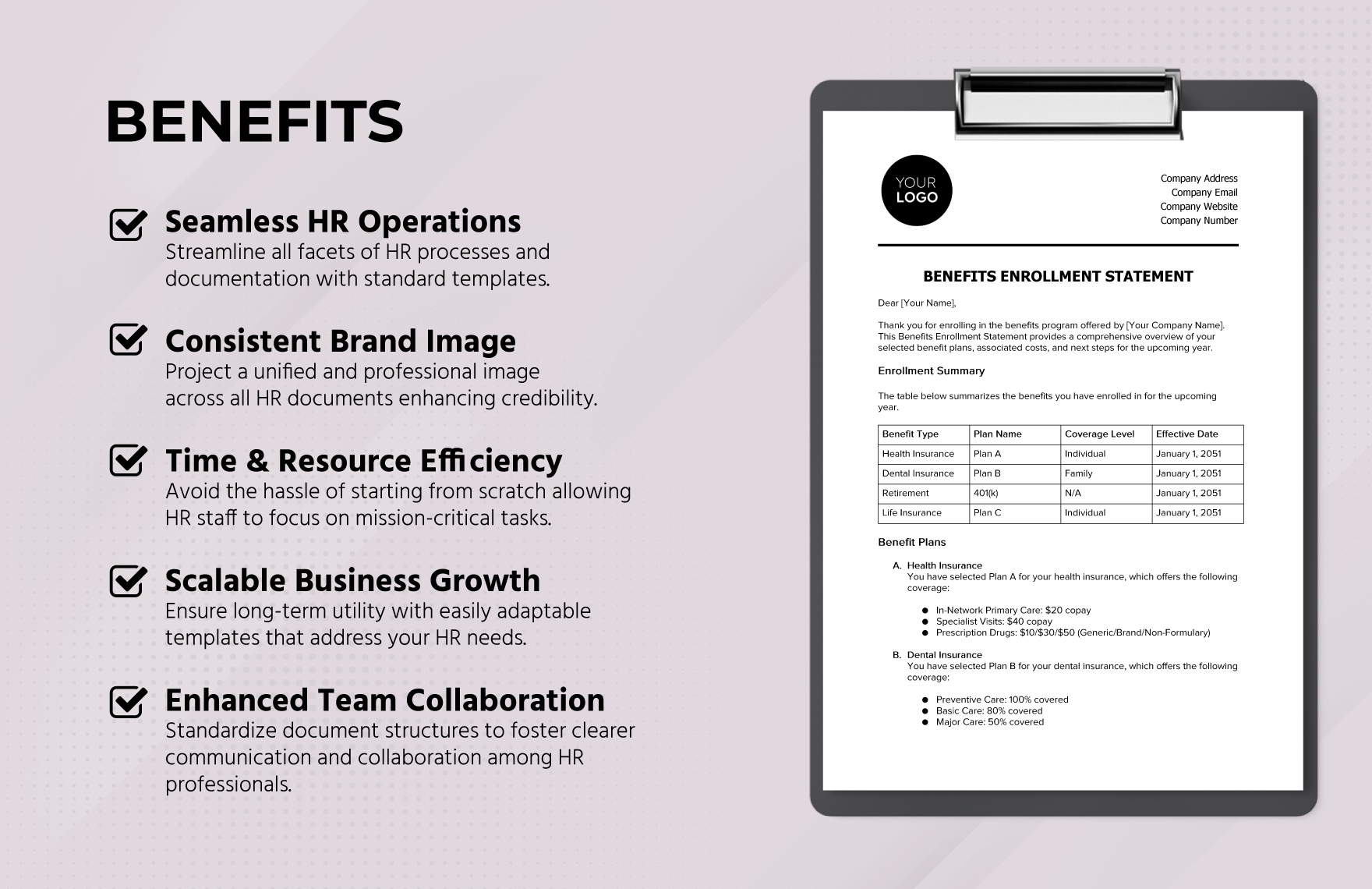
Benefits Enrollment Statement — HR Operations View
Source: Template.net
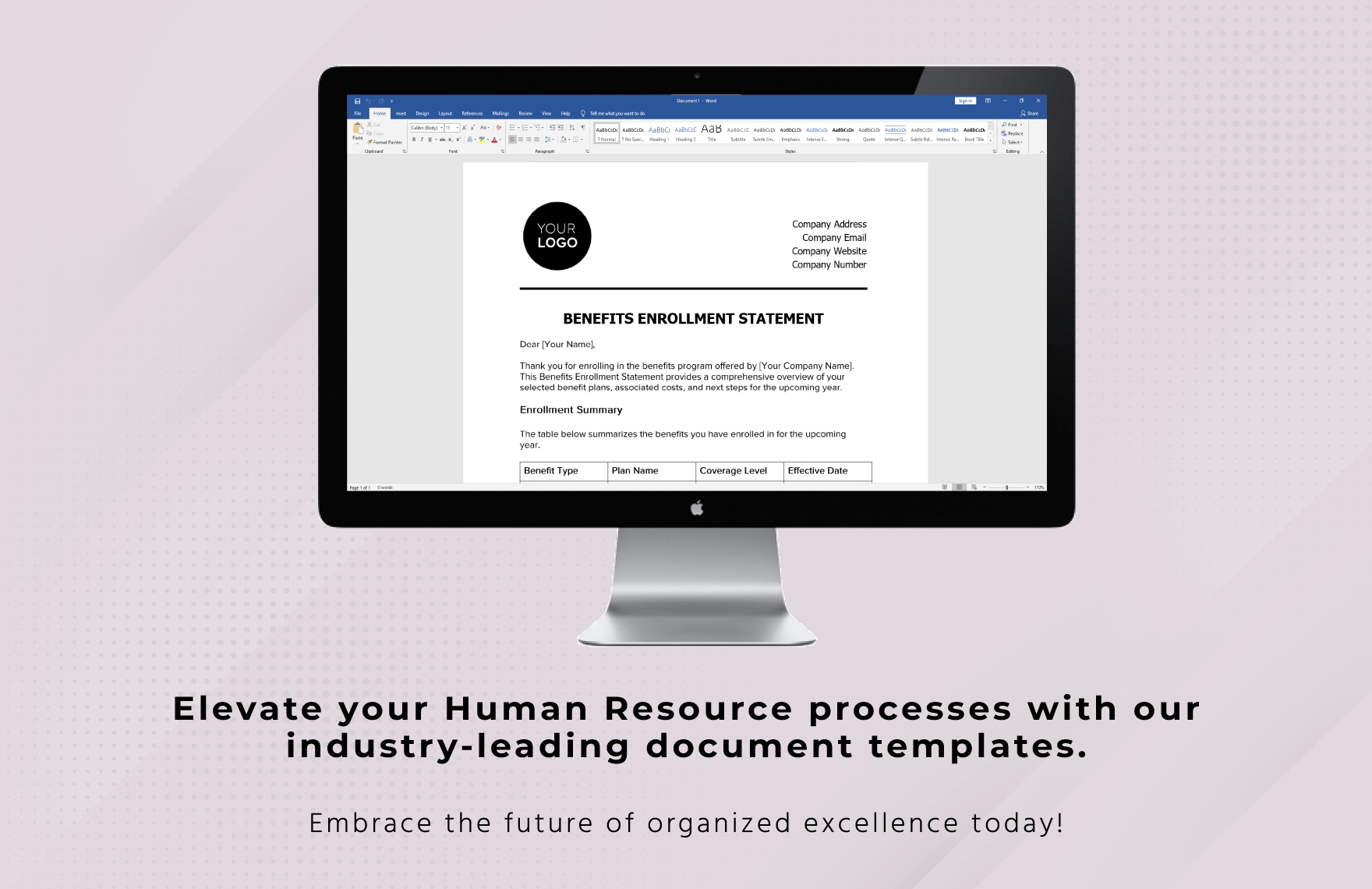
Benefits Enrollment Statement — Digital Document View
Source: Template.net
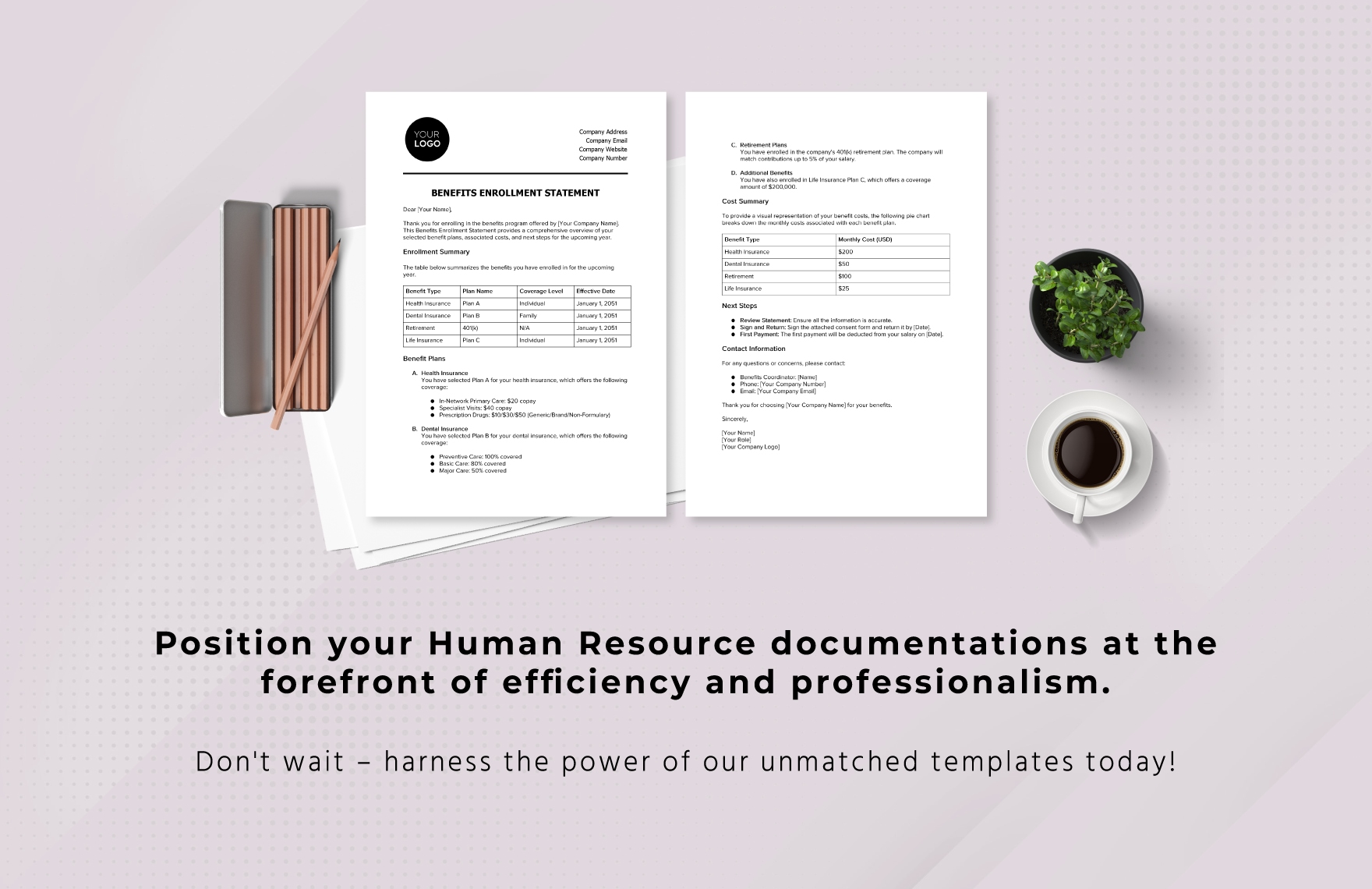
Benefits Enrollment Statement — Two-Page Record
Source: Template.net
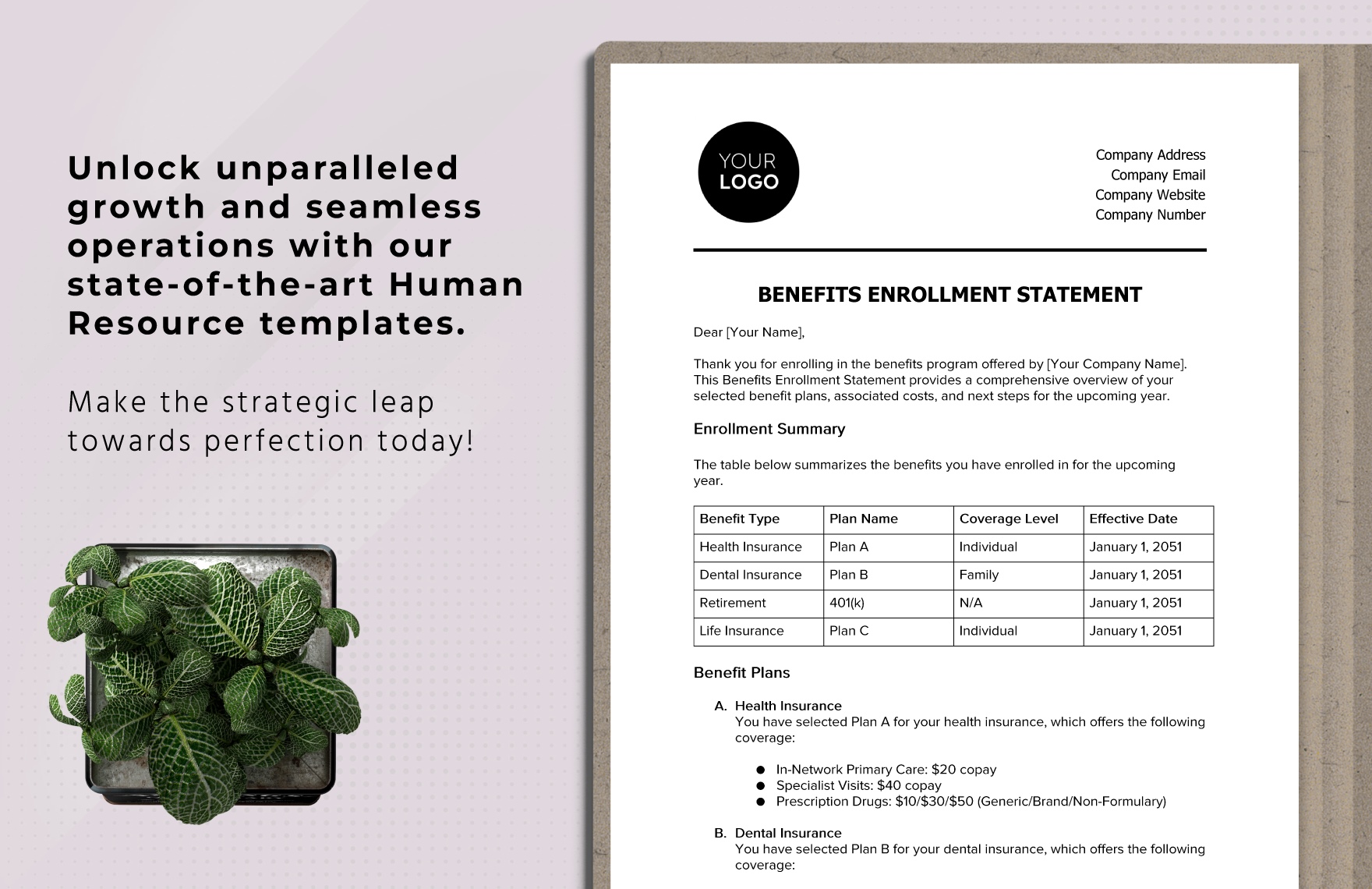
Benefits Enrollment Statement — Plan Summary
Source: Template.net
